A project planning engineer builds and tracks the schedule that keeps a construction or engineering project on time. This roadmap covers Excel, reading drawings, MS Project, Primavera P6 basics and advanced, and 4D planning.
Learn formulas, tables, charts and formatting in Excel, used for progress tracking, quantity sheets and management reports alongside the schedule.
Learn enough AutoCAD to open, read and measure drawings, so you can understand the scope of work and break it into realistic activities.
Create tasks, durations, dependencies, resources and Gantt charts, set baselines and update progress. Widely used for building, interior and smaller projects.
Build an EPS, WBS and activity network, apply calendars and relationships, calculate the critical path and assign resources in Primavera P6.
Update schedules, compare with baselines, analyse delays, use earned value and prepare the layouts and reports that clients and management ask for.
Use Navisworks to connect schedule activities to a BIM model and simulate the construction sequence, a skill increasingly requested on BIM projects.
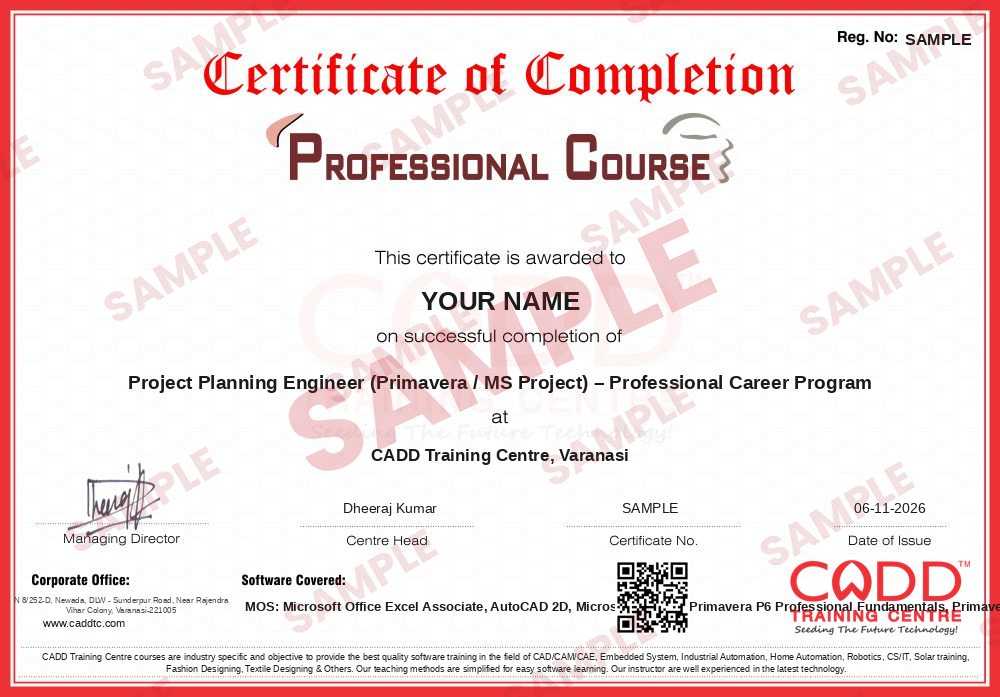
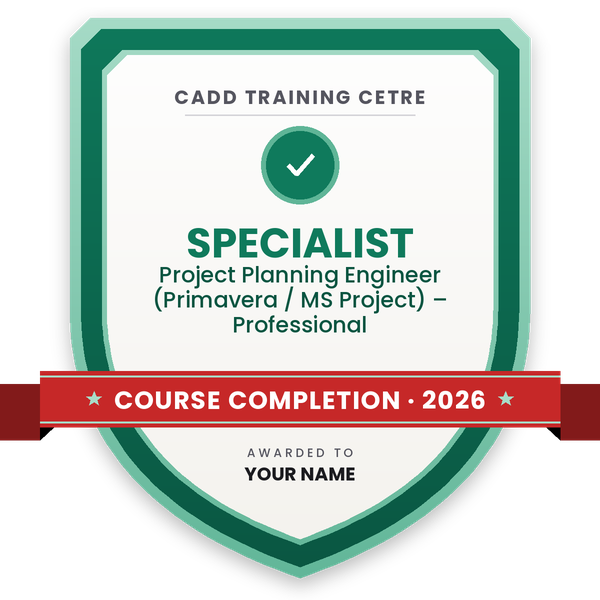
Finish the program and its project — you get the course-completion certificate and a digital completion badge with your name.
Take the certification exam: a theory test on the software of the program and a practical task of the job — at the centre or online.
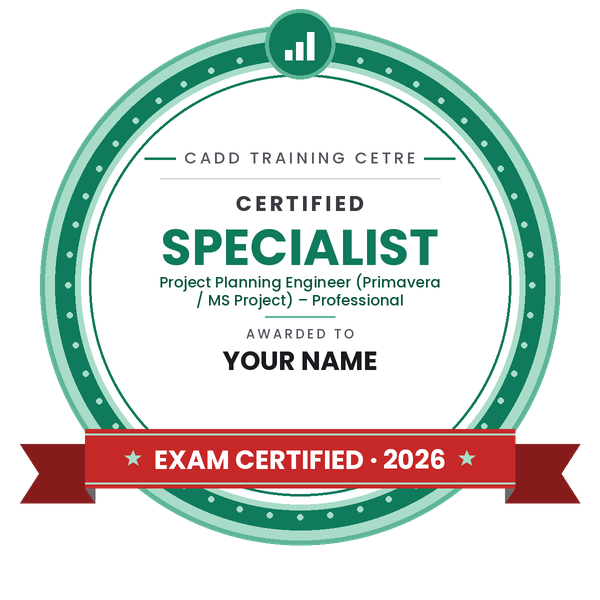
Pass the exam and get the certified certificate with your marksheet. Anyone can check it online with its QR code.
Your certified badge — add it to LinkedIn and share it anywhere; it opens its own verify page.
Make your CV in your student panel (Career → My CV) — your program, certificates and projects are added for you. Send it as a link with a preview picture, apply to jobs and answer Hire Me requests from companies.
The counsellor can shorten or extend this plan for your qualification and the time you have. Ask for your personal plan →
Join at the level that suits you — each level is a complete course you can enrol in.
Entry job — the first steps of the roadmap
The whole roadmap — every software of the job
A project planning engineer breaks a project into activities, works out how long each one takes and in what order, assigns resources and builds a schedule that everyone works to. After that the job is tracking: collecting progress from site, updating the schedule, comparing it with the baseline, finding delays and preparing weekly and monthly progress reports and recovery plans for management and the client.
Planning engineers work in construction and EPC companies, real-estate developers, infrastructure contractors, project management consultancies, oil and gas, power and industrial plant projects, and owner organisations that monitor their contractors. The same skills apply to mechanical and electrical projects as well as civil ones.
Large projects involve thousands of activities, many contractors and strict deadlines, and clients often ask for schedules in Primavera P6 or MS Project format. Companies therefore need engineers who understand how work happens on site and can turn that into a realistic, updated schedule. Site experience combined with planning software is a strong profile.
Get some site exposure so you understand how work is done, then learn Excel, MS Project and Primavera P6. Practise by building a complete schedule for a real building or road project, and apply for planning roles in contractors and consultancies.
Primavera P6 is common on large construction, infrastructure and EPC projects, while MS Project is often used on smaller and building projects. Learning both lets you work with any client format.
The full roadmap above adds up to about 194 hours of training. Most students complete it in four to six months alongside a job or studies.
Some companies hire freshers as planning assistants, but most prefer some site experience. Freshers can improve their chances by combining planning software skills with an internship or site job.
No. Mechanical, electrical and industrial projects also use Primavera P6 for planning and control. Any engineer who understands the work sequence in their field can become a planning engineer.
Yes. CADD Training Centre offers live online and classroom batches for Primavera P6 and MS Project, with practice on complete sample project schedules.
More questions? Ask our counsellor or see all career roadmaps.
 Civil Draughtsman (AutoCAD)A civil draughtsman turns engineers' sketches and site data into accurate building and site drawings. This roadmap takes you from drawing basics to AutoCAD, Civil 3D site plans and an introduction to Revit.
 Structural Design EngineerA structural design engineer analyses and designs the frames, slabs, beams, columns and foundations that keep buildings safe. This roadmap builds your skills in STAAD Pro, ETABS, RCDC, foundation design and Revit Structure.
 BIM ModelerA BIM modeler builds intelligent 3D building models that carry the data needed for drawings, quantities and coordination. This roadmap takes you through Revit Architecture, Structure and MEP, Navisworks, Dynamo and cloud collaboration.
 Road & Highway Design EngineerA road and highway design engineer plans the alignment, levels and cross-sections of roads using survey data. This roadmap takes you from AutoCAD to Civil 3D corridor design, survey processing, MXROAD and project visualisation.
 Land Surveyor (CAD)A land surveyor measures land and buildings in the field and turns the data into accurate CAD maps and plans. This roadmap covers field surveying, AutoCAD, Civil 3D surfaces, survey data processing and GIS mapping in Map 3D.
 Accountant (Tally & GST)An accountant records business transactions, manages GST and prepares reports for owners and auditors. This roadmap covers Tally from basics to expert level, GST in Tally and Excel for MIS reports.