
Learn Microsoft Excel for everyday work: formulas, functions, tables, charts and formatting.
Talk to our counsellor — choose the right course, batch time and mode.
Join at a CADD centre near you or online. You get your student login and ID card.
24 Hours of hands-on MOS: Microsoft Office Excel Associate classes — in the classroom or live online.
Exercises in every class and a final project, checked by your trainer.
Finish the course and get your course-completion certificate and a digital completion badge with your name.
Take the certification exam: a theory test and a practical task — at the centre or online.
Pass the exam and get the certified certificate with your marksheet. Anyone can check it online with its QR code.
Your certified badge — add it to LinkedIn and share it anywhere; it opens its own verify page.
Make your CV in your student panel (Career → My CV) — your course, certificates and projects are added for you. Send it as a link with a preview picture, and apply to jobs and Hire Me requests from companies.
Microsoft Excel is the spreadsheet program found on nearly every office computer, used to record data, calculate totals, compare figures and present results as charts. Accounts departments, sales teams, stores, schools, banks and engineering firms all rely on it, and the Microsoft Office Specialist (MOS) Excel Associate skill set describes the core abilities an everyday Excel user is expected to have.
This 24-hour MOS Excel Associate course follows those skill areas step by step. You learn to create, navigate and format workbooks; enter data quickly with AutoFill, Flash Fill, named ranges and Paste Special; and organise records in Excel tables with sorting, filtering and total rows. Formula work covers relative, absolute and mixed references and functions such as SUM, AVERAGE, COUNTIF, IF, LEFT, RIGHT, MID and TEXTJOIN. You then build and format charts, apply conditional formatting and sparklines, and prepare workbooks for printing and sharing. Every topic comes with practice files drawn from real office tasks, taught in the classroom at CADD centres or in live online classes.
Excel skills support jobs such as accounts assistant, MIS executive, data entry operator and office administrator. Your counsellor can advise on the Microsoft Office Specialist exam and on further courses like Advanced Excel.
and 13 more — see all courses
Students rate the course after they finish it — their ratings appear here.
The course covers worksheet and workbook management, data entry tools, Excel tables, formulas and common functions, charts, conditional formatting and print settings, following the MOS Excel Associate skill areas.
No earlier Excel experience is needed. Basic computer skills and comfort with simple calculations are enough to start.
The MOS Excel Associate course is 24 hours long, with practice worksheets for each topic so the formulas become second nature.
Both are available. In live online MOS Excel Associate classes you use the same practice files and assignments as classroom students, and classroom batches at CADD centres follow the same plan.
Yes. MOS Excel Associate learners receive a CADD Training Centre certificate at the end. Show it to an accounts or office employer, who can confirm it online through the QR code. The counsellor can also guide you on the Microsoft Office Specialist exam.
Excel is needed for accounts assistant, data entry operator, MIS executive, office administrator, sales coordinator, store keeper and many analyst roles.
Excel is easy to begin with: typing data and simple formulas take minutes. Functions and charts need practice, which is why the course is built around exercises from real office tasks.
More questions? Ask our counsellor or read the general FAQ.
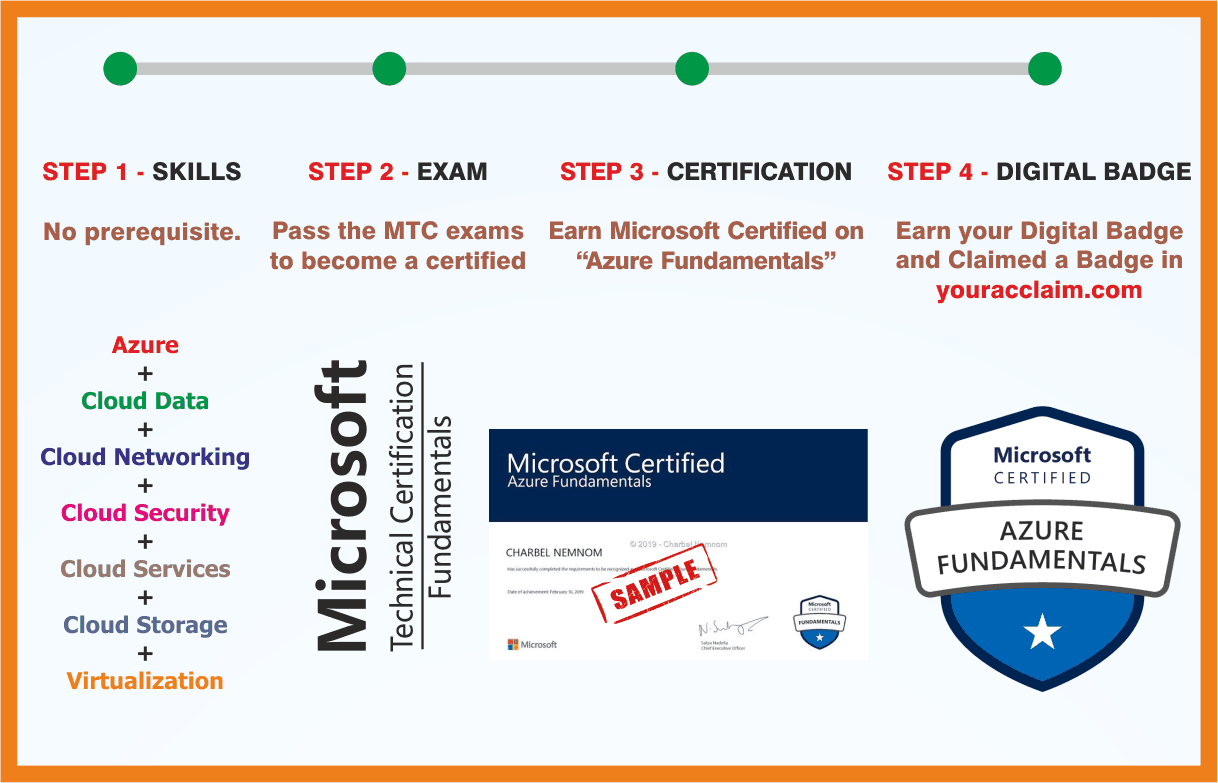 Azure Fundamentals
 MCE: Microsoft Certified Educator
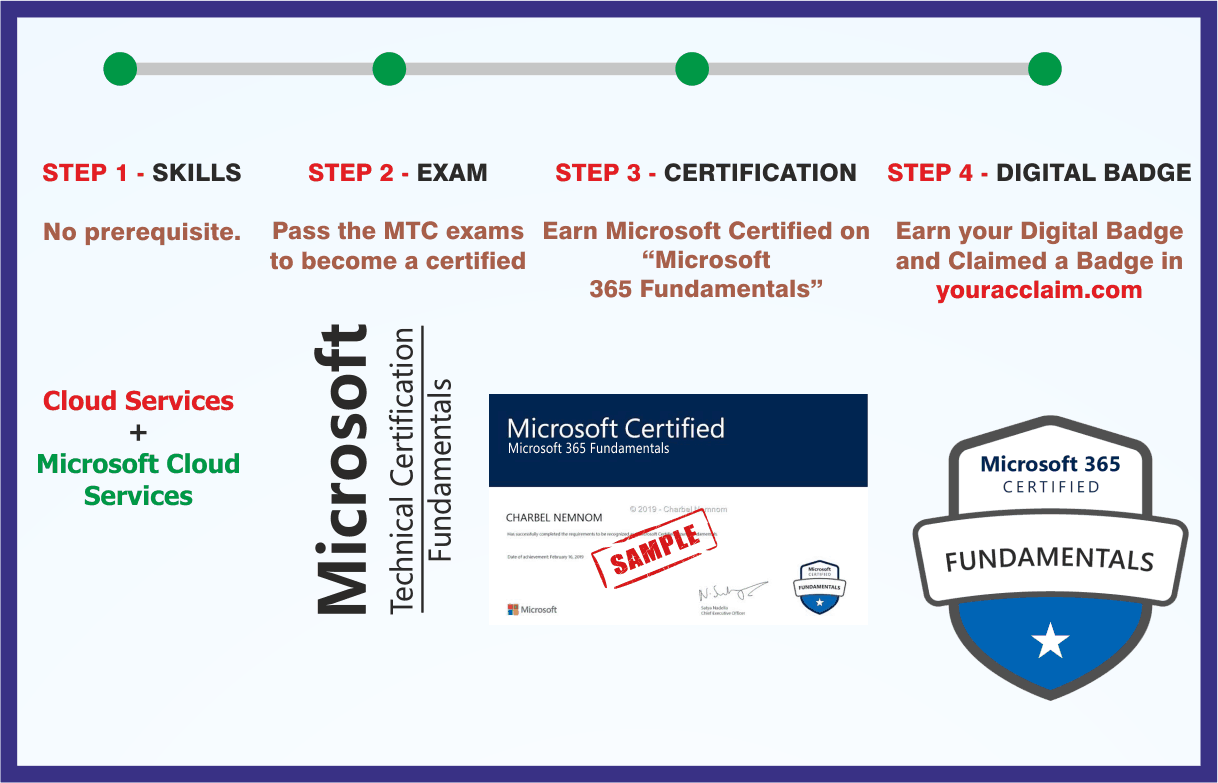 Microsoft 365 Fundamentals
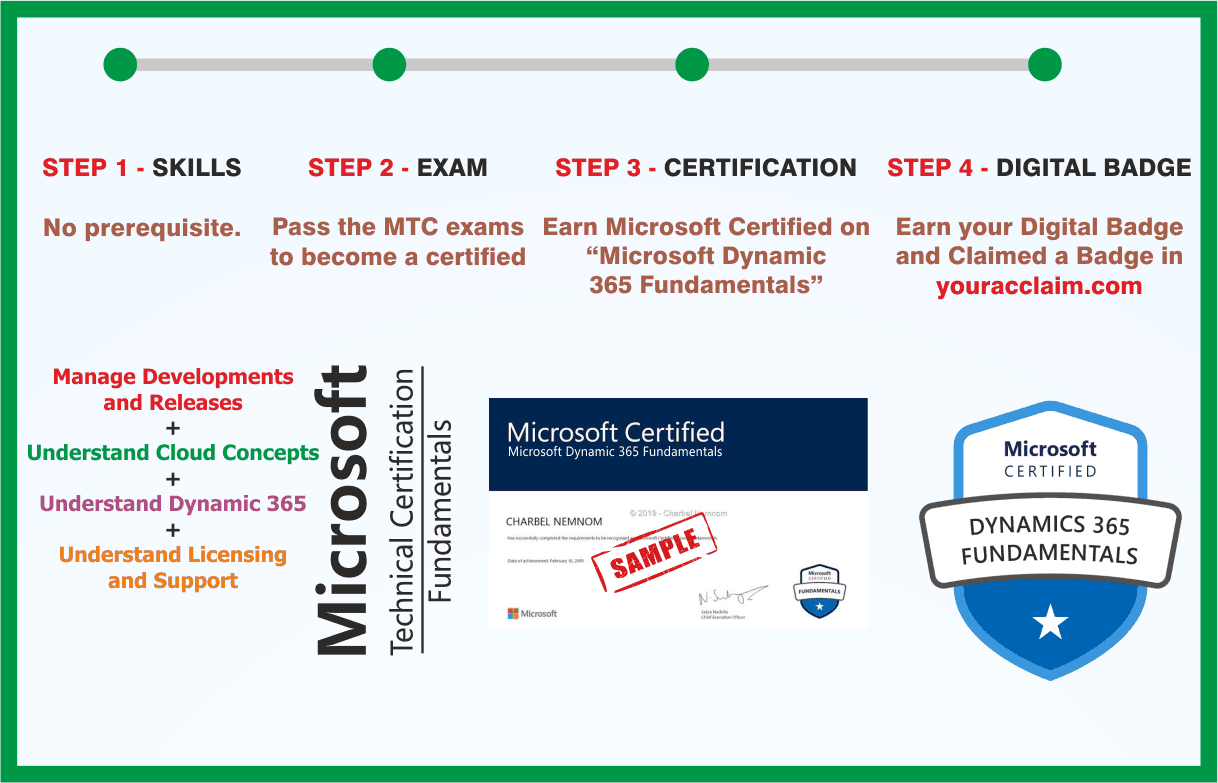 Microsoft Dynamics 365 Fundamentals
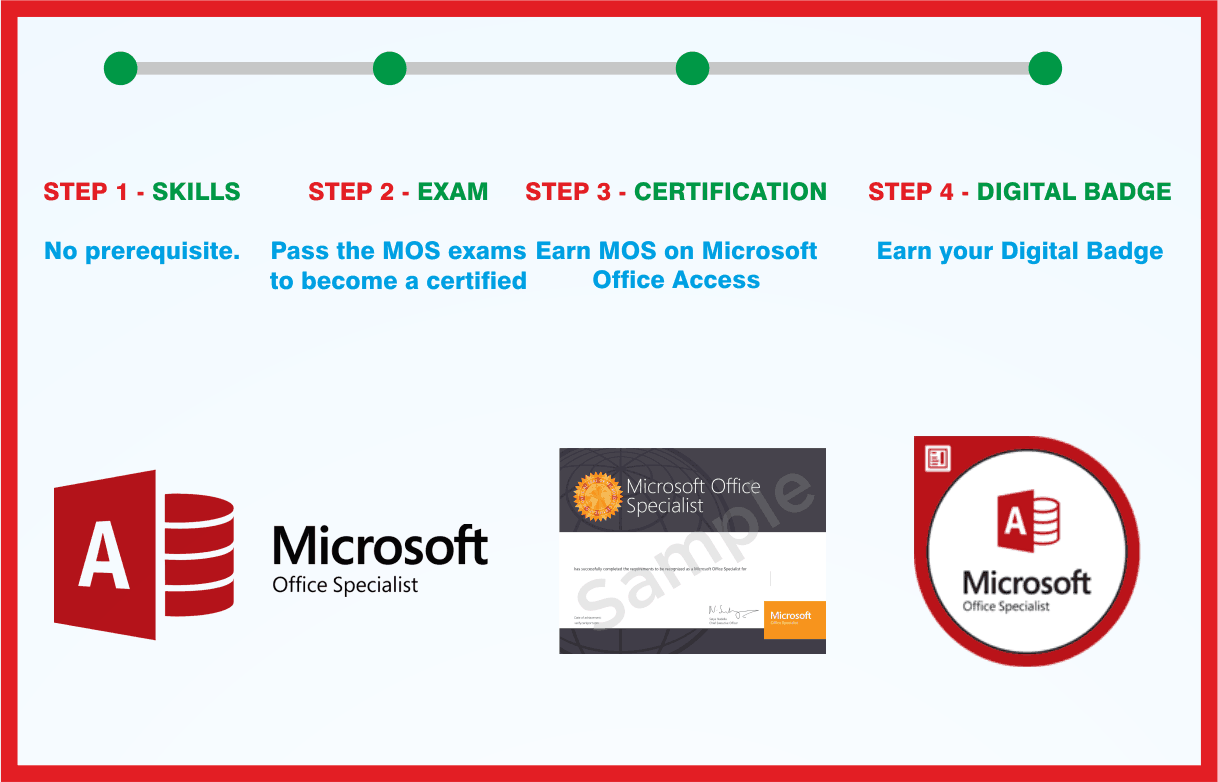 MOS: Microsoft Office Access Associate
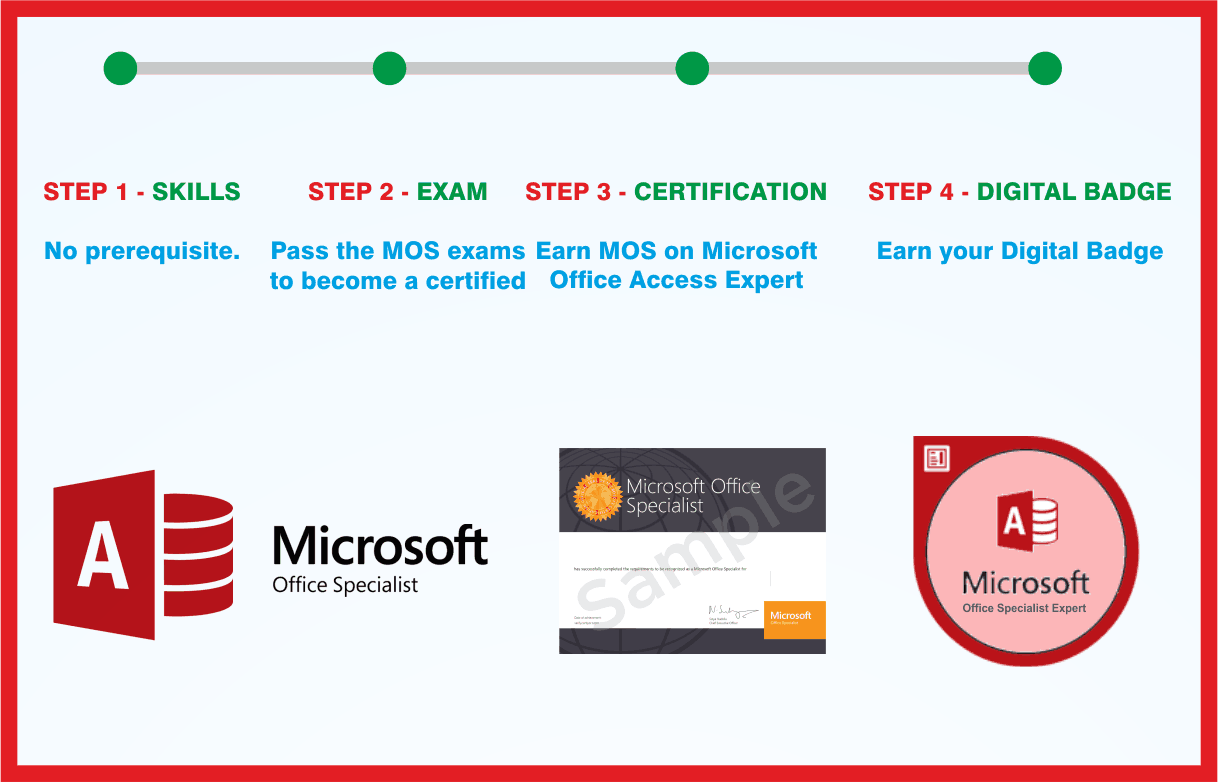 MOS: Microsoft Office Access Expert
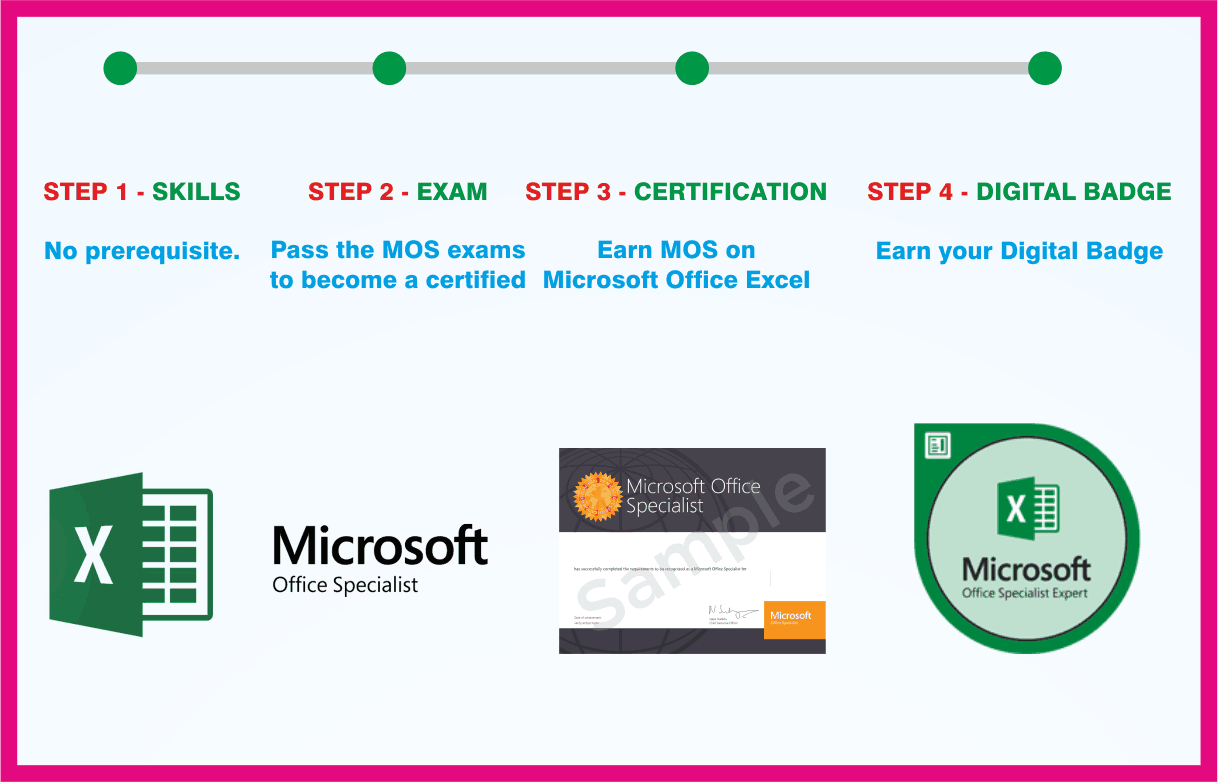 MOS: Microsoft Office Excel Expert
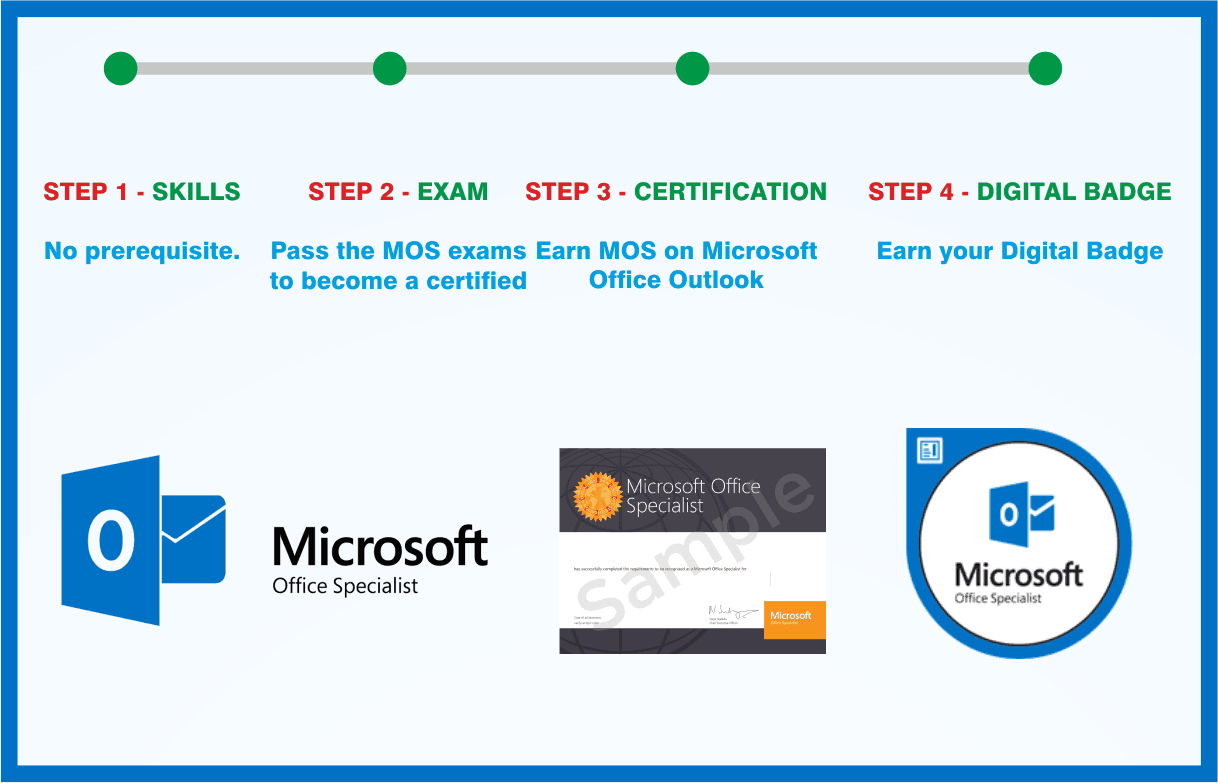 MOS: Microsoft Office Outlook Associate

