
Learn advanced Word: custom styles, templates, mail merge, building blocks, forms and macros.
Talk to our counsellor — choose the right course, batch time and mode.
Join at a CADD centre near you or online. You get your student login and ID card.
24 Hours of hands-on MOS: Microsoft Office Word Expert classes — in the classroom or live online.
Exercises in every class and a final project, checked by your trainer.
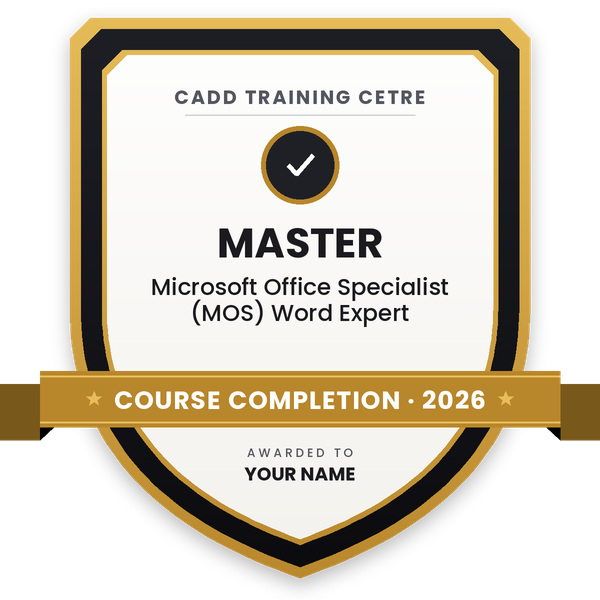
Finish the course and get your course-completion certificate and a digital completion badge with your name.
Take the certification exam: a theory test and a practical task — at the centre or online.
Pass the exam and get the certified certificate with your marksheet. Anyone can check it online with its QR code.
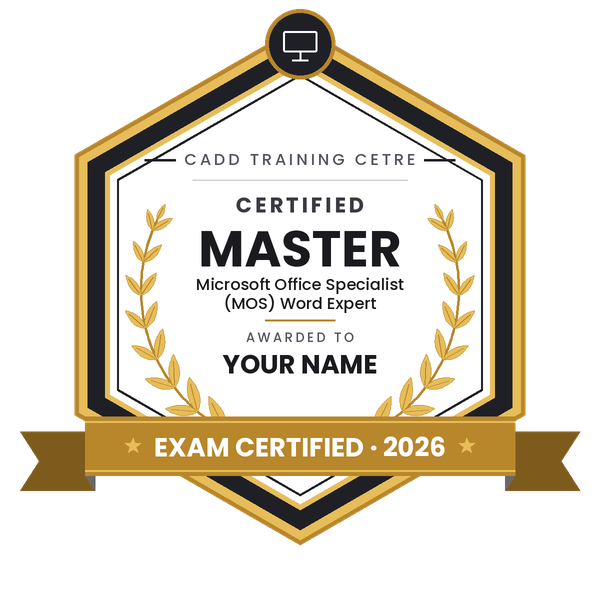
Your certified badge — add it to LinkedIn and share it anywhere; it opens its own verify page.
Make your CV in your student panel (Career → My CV) — your course, certificates and projects are added for you. Send it as a link with a preview picture, and apply to jobs and Hire Me requests from companies.
Microsoft Word is far more than a typing tool. Publishers, law firms, schools, government departments and corporate offices rely on its advanced features to produce long reports, contracts, manuals and bulk letters that look consistent and can be updated quickly.
This 24-hour MOS Word Expert course builds on Word Associate skills and follows the skill areas of the Microsoft Office Specialist Word Expert objectives. You learn to manage templates and the Organizer, compare and combine documents, restrict editing and protect files, and use advanced Find and Replace with wildcards and special characters. You create and modify custom styles and style sets, build an index, captions and a table of figures, and work with building blocks, Quick Parts and fields. Mail merge for letters, labels and envelopes, forms with content controls, and recording simple macros complete the course. Each feature is practised hands-on with real documents, in the classroom at CADD centres or in live online classes.
Expert-level Word skills suit documentation executives, legal assistants, academic writers and senior office staff. Your counsellor can advise on taking the Microsoft Office Specialist exam.
Students rate the course after they finish it — their ratings appear here.
The course covers templates, document protection, advanced Find and Replace, custom styles, index and table of figures, building blocks, fields, mail merge, forms and macros, matching the MOS Word Expert skill areas.
Yes, you should already be comfortable with everyday Word work such as formatting, tables and references. If you are not, take MOS Word Associate first.
The MOS Word Expert course runs for 24 hours, with each advanced feature practised on real long documents and mail merge projects.
You can choose either: a CADD centre classroom or live online MOS Word Expert classes, where you practise mail merge and long documents with the same files as classroom students.
Yes. The MOS Word Expert certificate from CADD Training Centre is easy to check: a legal or publishing office can scan its QR code or type the code into the online verification page. The counsellor can also guide you on the Microsoft Office Specialist exam.
Advanced Word skills are valued in documentation executive, legal secretary, content and publishing assistant, academic coordinator and senior administrative roles.
Mail merge links a Word letter, label or envelope to a data list such as an Excel sheet, then creates one personalised copy for every row. It is ideal for bulk letters, certificates and address labels.
More questions? Ask our counsellor or read the general FAQ.
 Azure Fundamentals
 MCE: Microsoft Certified Educator
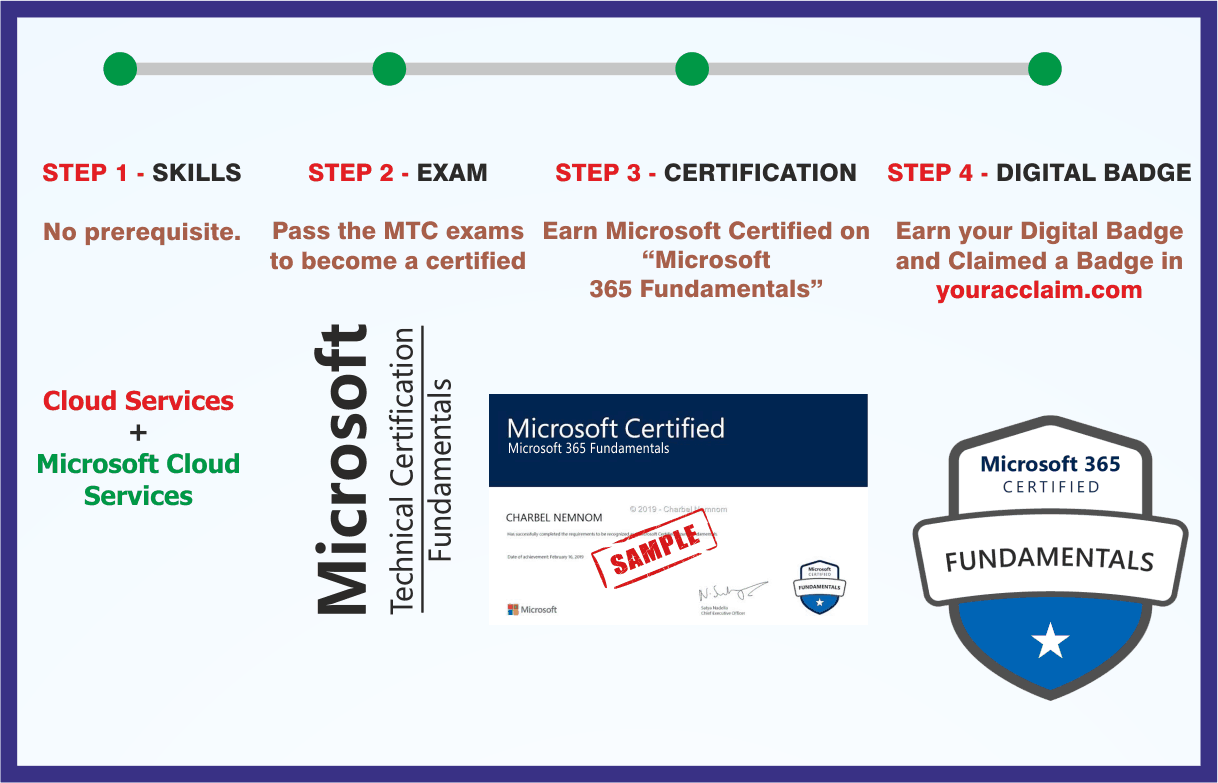 Microsoft 365 Fundamentals
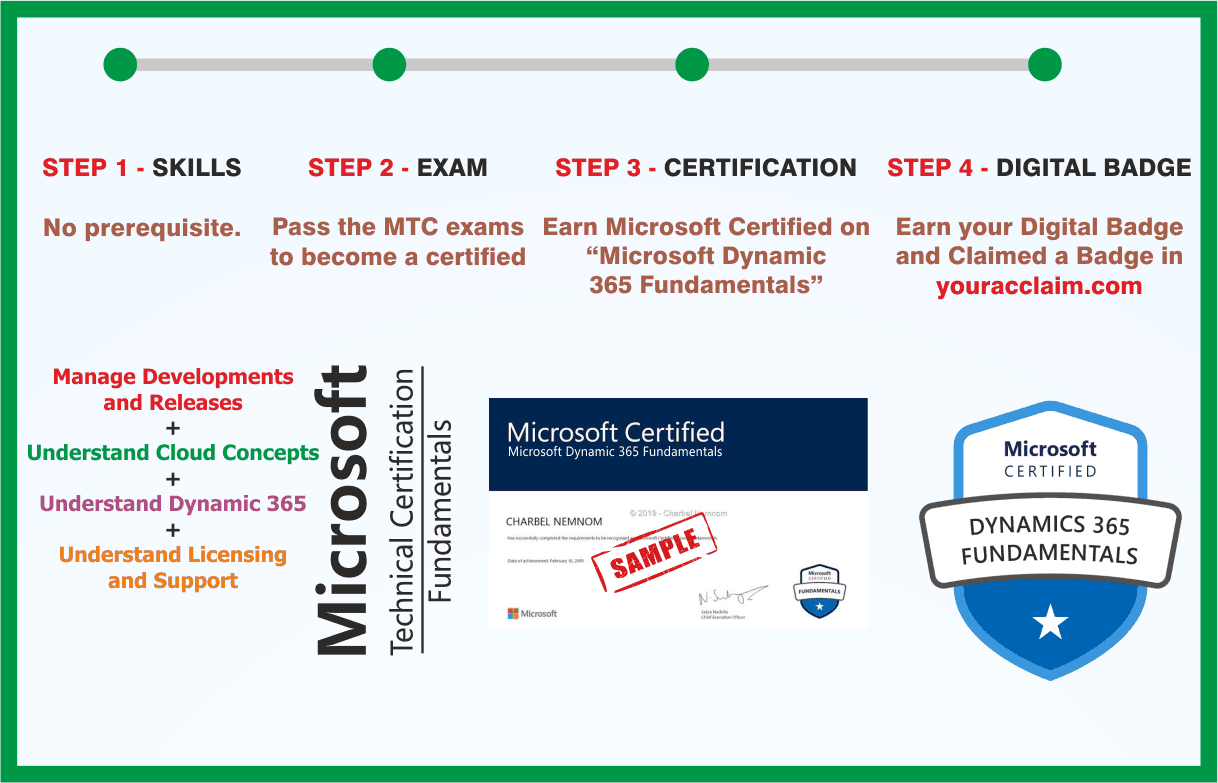 Microsoft Dynamics 365 Fundamentals
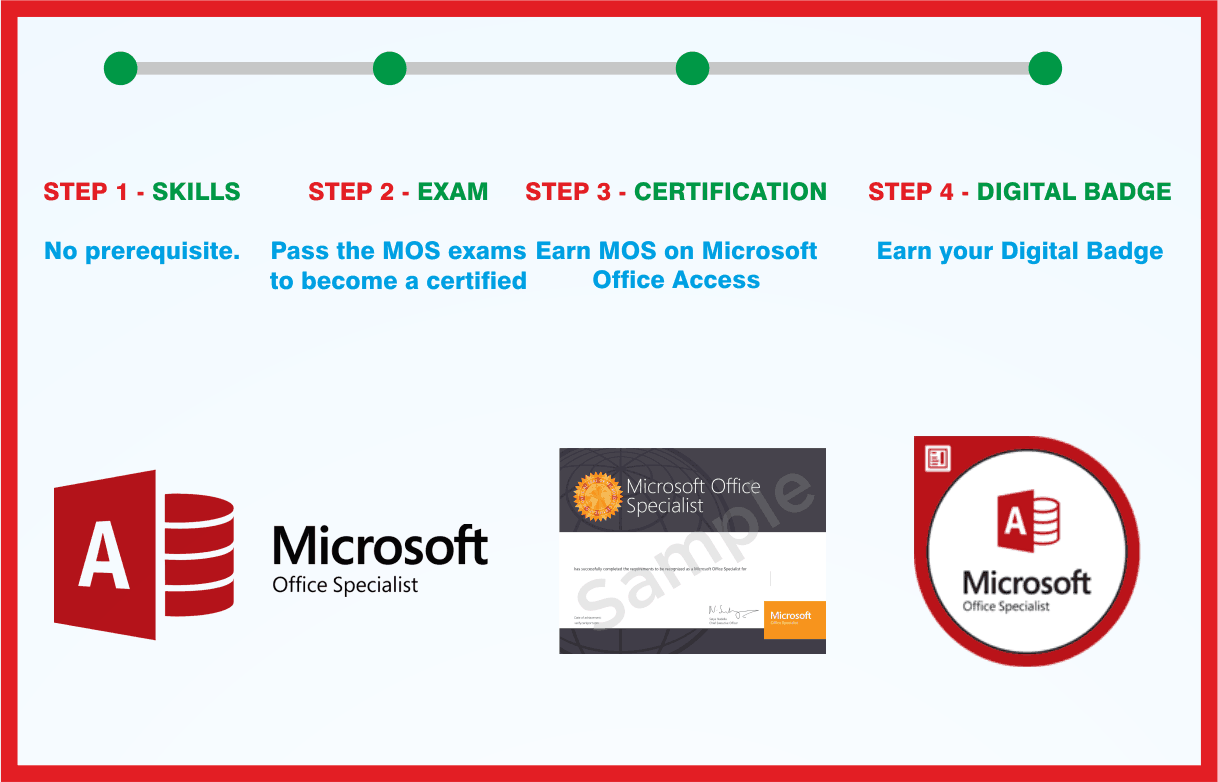 MOS: Microsoft Office Access Associate
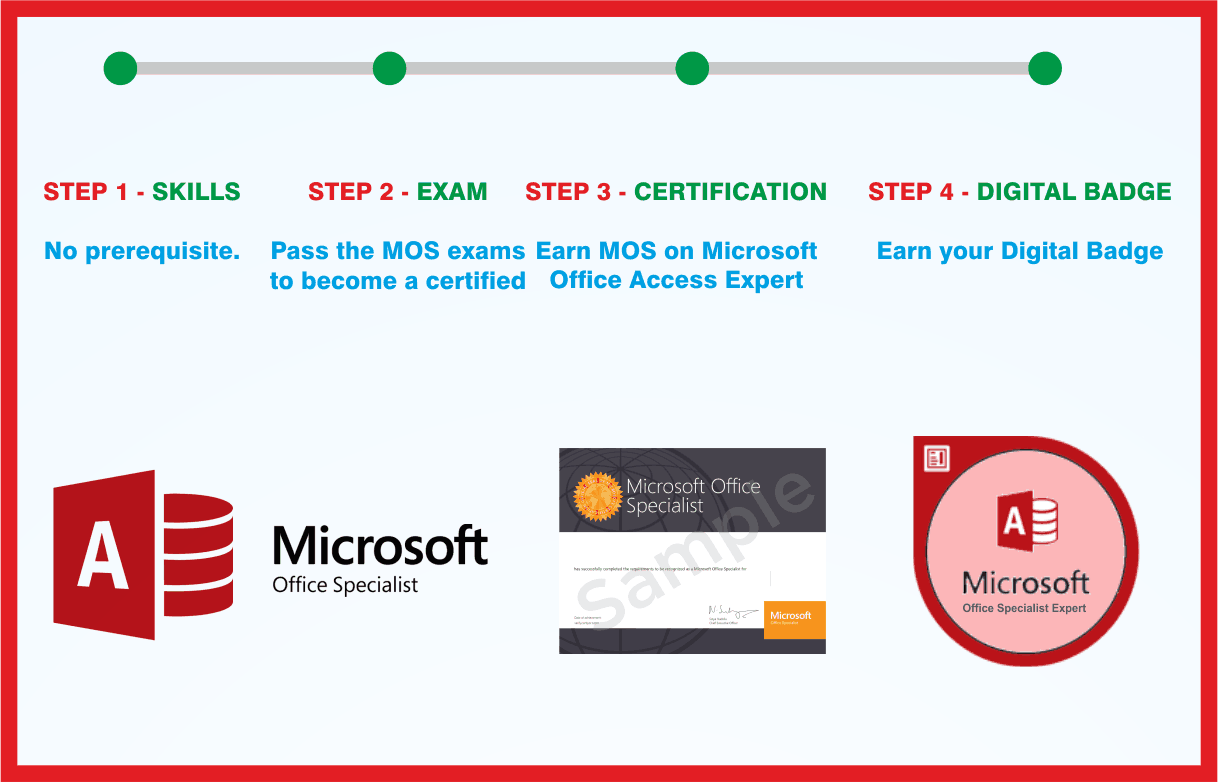 MOS: Microsoft Office Access Expert
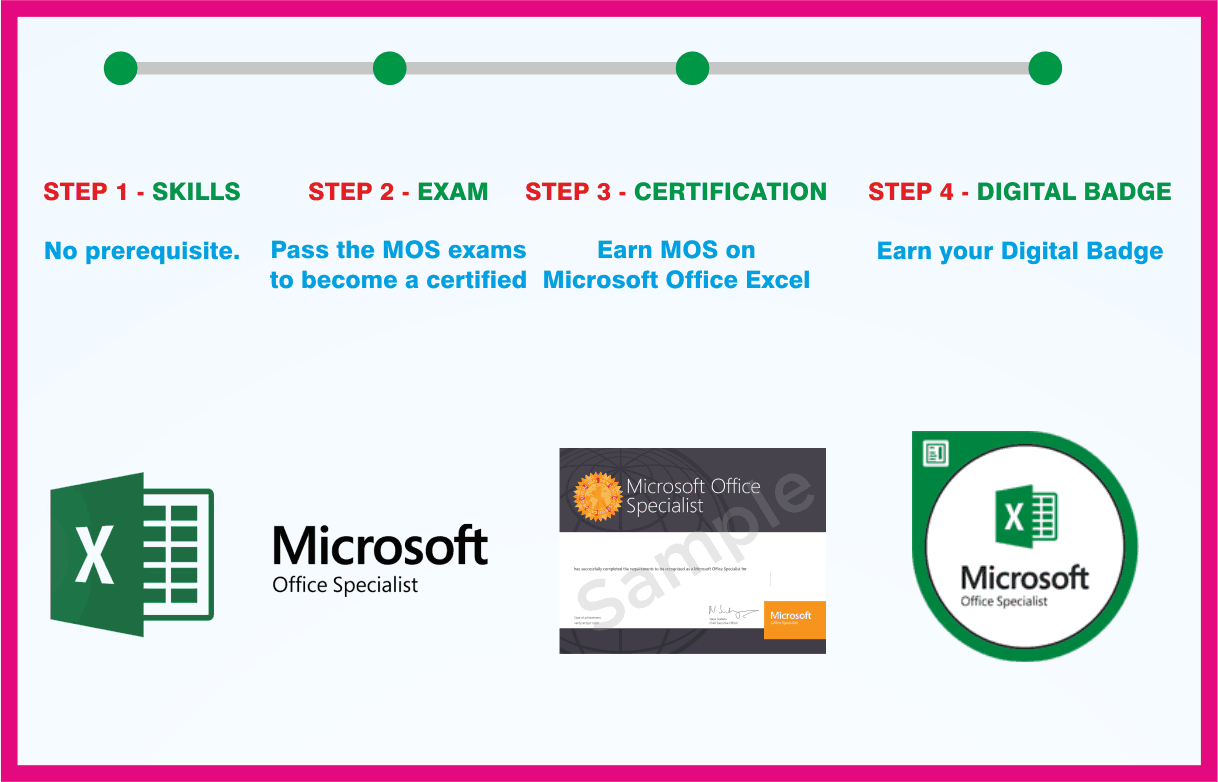 MOS: Microsoft Office Excel Associate
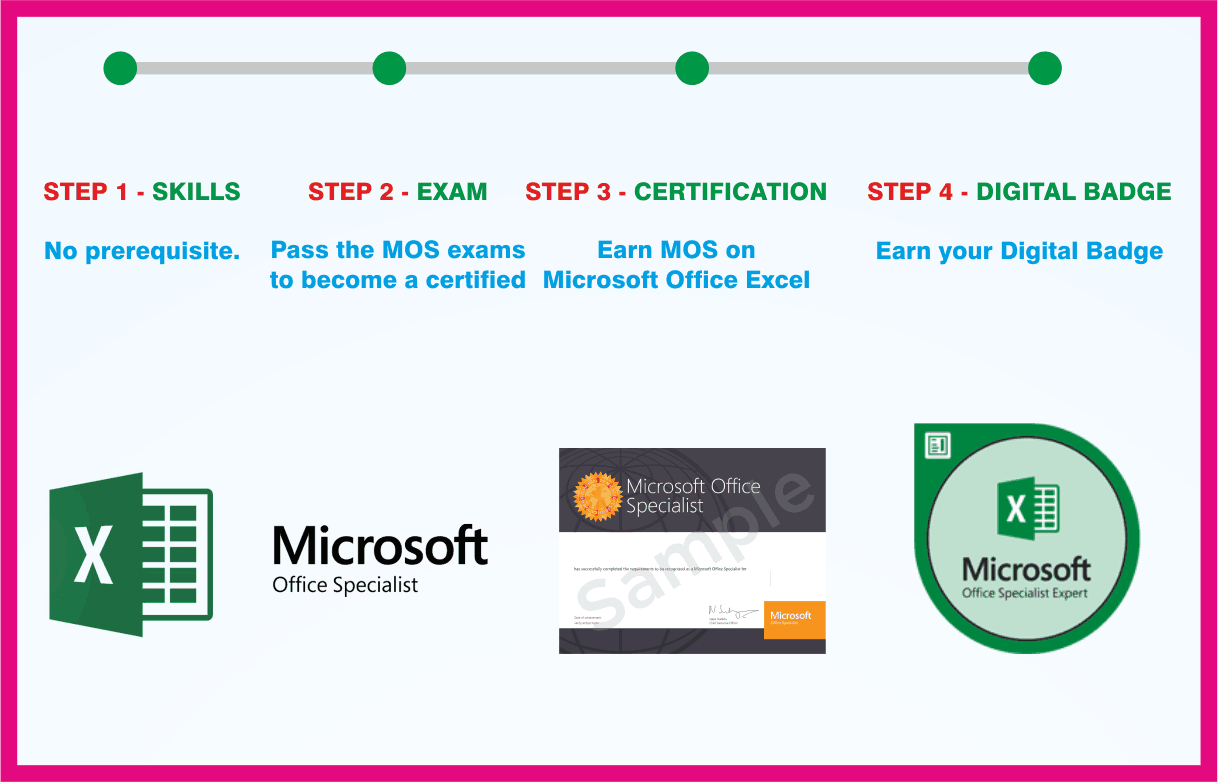 MOS: Microsoft Office Excel Expert

