Classroom & live online 24 Hours Verifiable certificate Syllabus ↓

MOS: Microsoft Office Access Expert Course

Master Access Expert skills: relationships, action queries, advanced forms and reports, import and export.

Your roadmap — from admission to certificate

  1. Free counselling

    Talk to our counsellor — choose the right course, batch time and mode.

  2. Admission

    Join at a CADD centre near you or online. You get your student login and ID card.

  3. Learn step by step

    24 Hours of hands-on MOS: Microsoft Office Access Expert classes — in the classroom or live online.

    Database Design and ManagementTables, Fields and RecordsRelationships and KeysQueriesFormsReportsImport, Export and Exam Practice
  4. Practice & project

    Exercises in every class and a final project, checked by your trainer.

  5. Course completion certificate + completion badge

    Finish the course and get your course-completion certificate and a digital completion badge with your name.
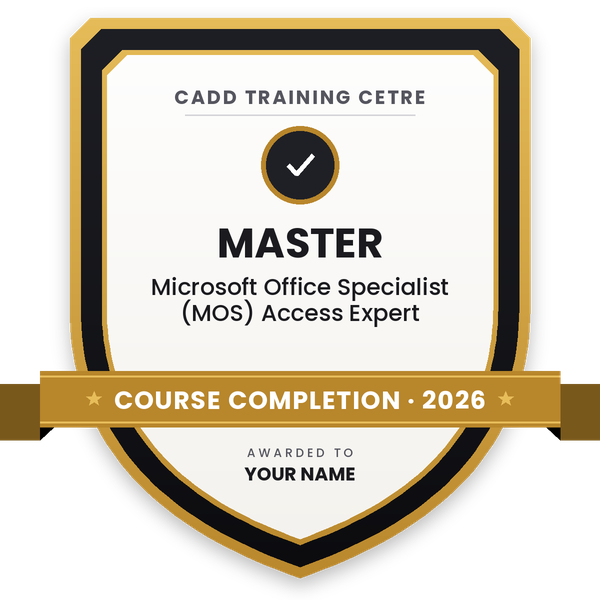
    Course-completion badge — Microsoft Office Specialist (MOS) Access Expert
    Course-completion badge
    Course
    Microsoft Office Specialist (MOS) Access Expert
    Issued by
    CADD Training Cetre
    Training
    Classroom or live online
    How to earn
    Complete the course and its project
    With your name and year · its own verify link · “Add to profile” on LinkedIn
  6. Certification exam

    Take the certification exam: a theory test and a practical task — at the centre or online.

  7. Certified certificate + marksheet

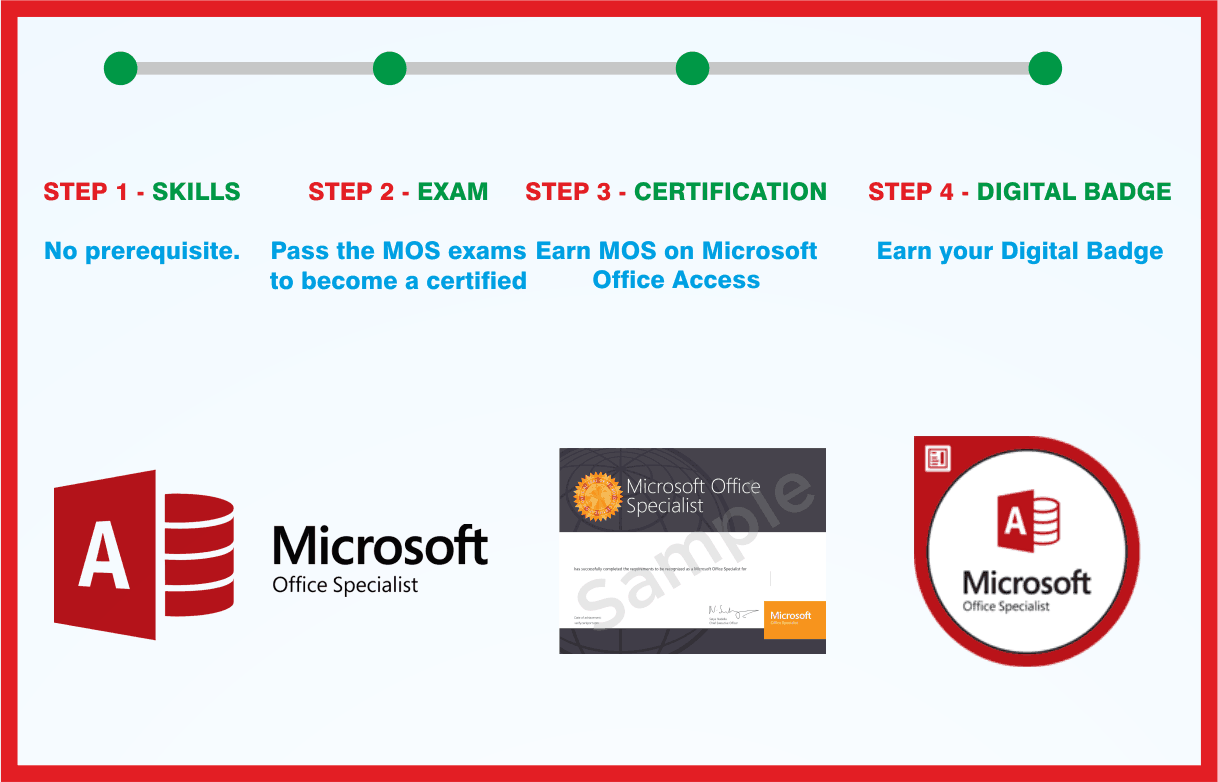
    Pass the exam and get the certified certificate with your marksheet. Anyone can check it online with its QR code.

  8. Certified badge

    Your certified badge — add it to LinkedIn and share it anywhere; it opens its own verify page.
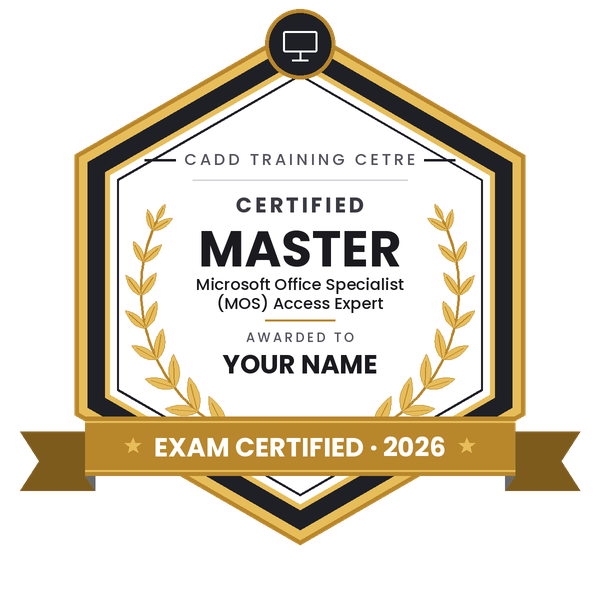
    Certified badge — Microsoft Office Specialist (MOS) Access Expert
    Certified badge
    Course
    Microsoft Office Specialist (MOS) Access Expert
    Issued by
    CADD Training Cetre
    Training
    Classroom or live online
    How to earn
    Pass the certification exam
    You also get
    Certified certificate + marksheet
    With your name and year · its own verify link · “Add to profile” on LinkedIn
  9. Make your CV & apply for jobs

    Make your CV in your student panel (Career → My CV) — your course, certificates and projects are added for you. Send it as a link with a preview picture, and apply to jobs and Hire Me requests from companies.

About the MOS: Microsoft Office Access Expert course

Microsoft Access is the relational database tool in Microsoft Office, used to run inventory, billing, admissions, HR and other record systems in offices and small companies. The Access Expert level of the Microsoft Office Specialist (MOS) programme covers the skills needed to design and maintain such a database properly: database structure, keys and relationships, all types of queries, and well-made forms and reports.

This 24-hour course works through those skills with practical tasks. You plan tables and fields with input masks, validation rules and lookups, enforce referential integrity with cascade options, and write parameter, crosstab and action queries such as make-table, append, update and delete. You then build forms with subforms, combo boxes and command buttons, design grouped reports with totals, and import and export data with Excel, text files and PDF. Training runs in the classroom at CADD centres and in live online classes, with exam-style tasks at the end.

The course suits learners who already know Access basics and want to build reliable databases at work or prepare for the MOS Access Expert exam, which is booked separately.

You will be able to

  • Plan and modify database structure, and maintain it with Compact and Repair and the Database Documenter
  • Create tables and fields with input masks, validation rules, lookups and indexes
  • Manage relationships, primary and foreign keys, referential integrity and cascade options
  • Write parameter, totals, crosstab and action queries including append, update and delete
  • Build forms with subforms, combo boxes, command buttons and conditional formatting
  • Design reports with grouping, sorting, totals and calculated controls
  • Import, link and export data with Excel, text files and PDF

Who it is for

  • Access users who know the basics and want expert-level skills
  • MIS executives, data analysts and office administrators
  • Learners preparing for the MOS Access Expert exam
  • Commerce, BCA and IT students who want stronger database skills

What you need

  • Basic Access knowledge: tables, simple queries and forms (or the MOS Access beginner course)
  • Microsoft Access on a Windows PC for practice
  • A Windows PC or laptop with at least 4 GB RAM and a stable internet connection for live online classes

Courses that include MOS: Microsoft Office Access Expert

Microsoft Office Specialist (MOS) Access ExpertMicrosoft Office Specialist (MOS) · 24 Hours
Enquire →
Microsoft Office Specialist Master in Microsoft Office 2016Microsoft Office Specialist (MOS) · 192 Hours · 8 software
Enquire →

MOS: Microsoft Office Access Expert Syllabus

7 chapters · 35 topics
01 Database Design and Management 5 topics
  1. Planning tables and avoiding duplicate data
  2. Navigation Pane and database options
  3. Compact and Repair, backup and Database Documenter
  4. Splitting a database: front end and back end
  5. Hiding objects and setting a startup form
02 Tables, Fields and Records 5 topics
  1. Field data types and field size
  2. Input Mask, Default Value and Validation Rule
  3. Lookup Wizard and value lists
  4. Indexes and primary keys
  5. Calculated and attachment fields
03 Relationships and Keys 5 topics
  1. Relationships window
  2. One-to-many and many-to-many through a junction table
  3. Foreign keys and referential integrity
  4. Cascade Update and Cascade Delete
  5. Relationship report
04 Queries 5 topics
  1. Select queries with criteria and wildcards
  2. Joins and multi-table queries
  3. Totals and calculated fields with the Expression Builder
  4. Parameter and crosstab queries
  5. Make-table, append, update and delete queries
05 Forms 5 topics
  1. Form Wizard, Layout View and Design View
  2. Text box, combo box, list box and command button controls
  3. Subforms and tab order
  4. Form header, footer and themes
  5. Conditional formatting on forms
06 Reports 5 topics
  1. Report Wizard and Layout View
  2. Grouping, sorting and totals
  3. Calculated controls and page numbers
  4. Page setup, print preview and printing
  5. Exporting reports to PDF
07 Import, Export and Exam Practice 5 topics
  1. Importing from Excel and text files
  2. Linked tables and saved imports and exports
  3. Exporting data to Excel
  4. Timed exam-style project tasks
  5. Review of common mistakes

Ratings & reviews

Students rate the course after they finish it — their ratings appear here.

MOS: Microsoft Office Access Expert course — FAQ

What is MOS Access Expert?

It is the Microsoft Office Specialist certification level for Access that tests advanced database skills: managing database structure, relationships, all types of queries, and forms and reports. This course teaches those skills and prepares you for that exam.

Do I need to know Access before joining the Access Expert course?

Yes, basic Access knowledge helps a lot. You should know how to create a table, a simple query and a form. If you are new, start with the MOS Access beginner course first.

How many hours is the MOS Access Expert course?

The course runs for 24 hours of practical sessions. The counsellor will give you the batch timings for your centre or online class.

Can I prepare for MOS Access Expert online?

Yes. You can join live online classes or attend at a CADD centre. Online learners need Microsoft Access installed on a Windows computer for the practice tasks.

Is the MOS Access Expert exam included in the course?

The Microsoft exam is booked separately and is not part of the course. You receive a CADD Training Centre certificate, verifiable online, and the counsellor can guide you on booking the MOS exam.

What are action queries in Access?

Action queries change data instead of only showing it. Access has make-table, append, update and delete queries, and the course shows how to use each one safely with backups and parameters.

Which jobs need advanced Microsoft Access skills?

Advanced Access is useful for MIS executive, database assistant, reporting analyst, office administrator and inventory or billing coordinator roles in small and mid-sized organisations.

More questions? Ask our counsellor or read the general FAQ.
MOS: Microsoft Office Access Expert24 Hours
Enquire now