Classroom & live online40 HoursVerifiable certificateSyllabus ↓
MCE: Microsoft Certified Educator Course
Learn to plan ICT-rich lessons, run collaborative classes and assess with Microsoft tools for teachers.
Your roadmap — from admission to certificate
1
Free counselling
Talk to our counsellor — choose the right course, batch time and mode.
2
Admission
Join at a CADD centre near you or online. You get your student login and ID card.
3
Learn step by step
40 Hours of hands-on MCE: Microsoft Certified Educator classes — in the classroom or live online.
Technology Literacy and 21st Century LearningICT Policy, Digital Citizenship and SafetyPlanning ICT-Rich LessonsCollaboration with Microsoft Teams and OneNoteSkilled Communication and MultimediaKnowledge Construction and Problem SolvingAssessment, Feedback and Self-RegulationInclusive Learning and Student InnovationCapstone Lesson and Review
4
Practice & project
Exercises in every class and a final project, checked by your trainer.
5
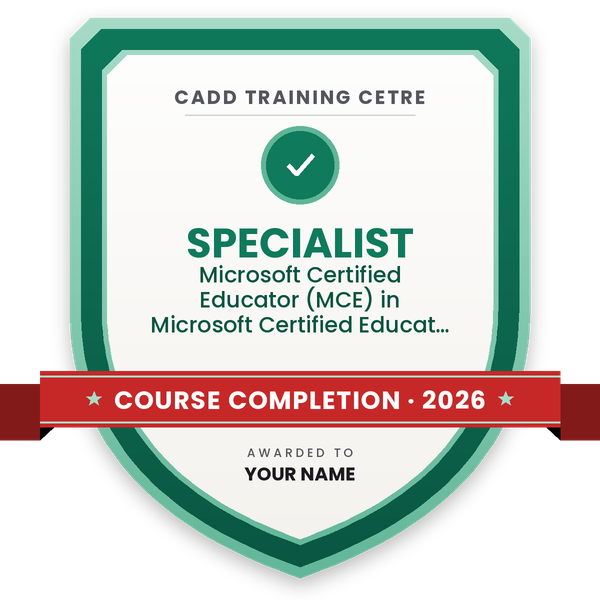
Course completion certificate + completion badge
Finish the course and get your course-completion certificate and a digital completion badge with your name.
Course-completion badge
Course
Microsoft Certified Educator (MCE) in Microsoft Certified Educator
Issued by
CADD Training Cetre
Training
Classroom or live online
How to earn
Complete the course and its project
With your name and year · its own verify link · “Add to profile” on LinkedIn
6
Certification exam
Take the certification exam: a theory test and a practical task — at the centre or online.
7
Certified certificate + marksheet
Pass the exam and get the certified certificate with your marksheet. Anyone can check it online with its QR code.
8
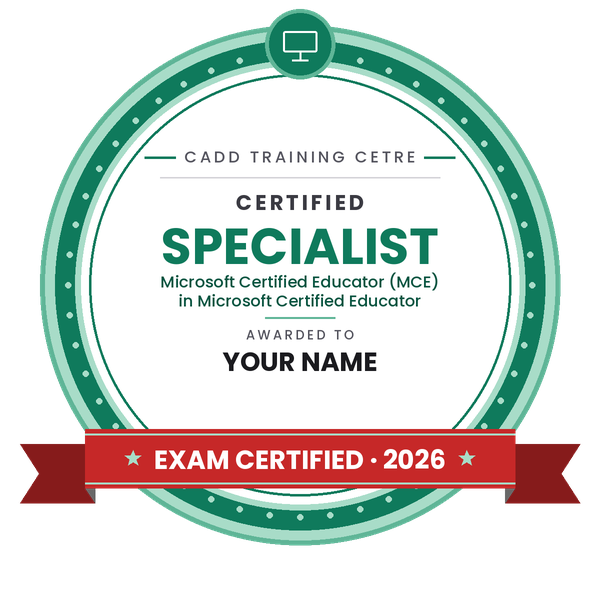
Certified badge
Your certified badge — add it to LinkedIn and share it anywhere; it opens its own verify page.
Certified badge
Course
Microsoft Certified Educator (MCE) in Microsoft Certified Educator
Issued by
CADD Training Cetre
Training
Classroom or live online
How to earn
Pass the certification exam
You also get
Certified certificate + marksheet
With your name and year · its own verify link · “Add to profile” on LinkedIn
9
Make your CV & apply for jobs
Make your CV in your student panel (Career → My CV) — your course, certificates and projects are added for you. Send it as a link with a preview picture, and apply to jobs and Hire Me requests from companies.
About the MCE: Microsoft Certified Educator course
Microsoft Certified Educator (MCE) is a programme for teachers and teacher trainees on technology literacy: using digital tools to help students learn, not only to present slides. It is based on the UNESCO ICT Competency Framework for Teachers and Microsoft's 21st Century Learning Design, which look at collaboration, skilled communication, knowledge construction, self-regulation, real-world problem solving and the students' own use of ICT.
This 40-hour course turns those ideas into classroom practice. You plan lessons and rubrics, run group work in Microsoft Teams and OneNote Class Notebook, create quizzes and surveys with Microsoft Forms, make multimedia lessons with PowerPoint and Sway, and use accessibility tools such as Immersive Reader. Each module ends with a lesson activity you design for your own subject. Classes run in the classroom at CADD centres and as live online sessions.
The course gives you a CADD Training Centre certificate. If you want a Microsoft educator credential as well, the counsellor will tell you which exam or programme is currently offered, as Microsoft updates its educator certifications from time to time.
You will be able to
Explain the UNESCO ICT Competency Framework and the dimensions of 21st Century Learning Design
Plan lessons and rubrics that use ICT for collaboration and knowledge building
Run classes, assignments and group work in Microsoft Teams and OneNote Class Notebook
Create quizzes, surveys and feedback forms with Microsoft Forms
Design multimedia lessons with PowerPoint and Sway that students can also use to present
Use accessibility and inclusive learning tools such as Immersive Reader
Promote safe, ethical and responsible use of technology among students
Who it is for
School teachers who want to use technology meaningfully in daily teaching
B.Ed., D.El.Ed. and other teacher-training students
College lecturers, coaching faculty and corporate trainers
School ICT coordinators and academic heads planning digital learning
What you need
Basic computer skills: typing, saving files and browsing the internet
Teaching experience or teacher training is helpful but not compulsory
A free Microsoft account; a laptop and stable internet for live online classes
Courses that include MCE: Microsoft Certified Educator
Microsoft Certified Educator (MCE) in Microsoft Certified EducatorMicrosoft Certified Educator (MCE) · 40 Hours
01Technology Literacy and 21st Century Learning4 topics+
Role of ICT in education
UNESCO ICT Competency Framework for Teachers
21st Century Learning Design dimensions
Technology literacy vs technology use
02ICT Policy, Digital Citizenship and Safety4 topics+
School and national ICT policy goals
Digital citizenship and online safety
Copyright, licences and ethical use of content
Data privacy for students and teachers
03Planning ICT-Rich Lessons4 topics+
Learning objectives and lesson plans
Choosing the right tool for the activity
Rubrics for ICT-based tasks
Lesson planning with Word and OneNote
04Collaboration with Microsoft Teams and OneNote4 topics+
Class teams, channels and posts
OneNote Class Notebook: content library and collaboration space
Co-authoring in OneDrive
Group roles and shared responsibility
05Skilled Communication and Multimedia4 topics+
Presentations with PowerPoint
Interactive lessons with Sway
Using images, audio and video in lessons
Students presenting to real audiences
06Knowledge Construction and Problem Solving4 topics+
Project-based learning activities
Collecting and analysing data with Excel
Surveys with Microsoft Forms
Real-world problems and student research
07Assessment, Feedback and Self-Regulation4 topics+
Quizzes in Microsoft Forms
Assignments and grading in Teams
Formative feedback and reflection
Student portfolios and self-assessment
08Inclusive Learning and Student Innovation4 topics+
Immersive Reader and accessibility checker
Minecraft Education overview
Encouraging student-created content
Using Microsoft Learn Educator Center resources
09Capstone Lesson and Review4 topics+
Design a complete ICT-based lesson for your subject
Peer review and feedback
Scenario-based practice questions
Course review and assessment
Ratings & reviews
Students rate the course after they finish it — their ratings appear here.
MCE: Microsoft Certified Educator course — FAQ
What is the Microsoft Certified Educator course?
It is a teacher training course on technology literacy. It shows teachers how to use ICT and Microsoft tools to build collaboration, communication, problem solving and self-regulation in students, based on the UNESCO ICT framework.
Who should do the MCE course?
School teachers, B.Ed. and D.El.Ed. students, college faculty, coaching teachers and corporate trainers. Basic computer skills are enough to start; the course does not need any programming.
How long is the MCE course?
The MCE course is 40 hours. The counsellor will share the schedule for your CADD centre or for live online classes.
Is the MCE training available online for teachers?
Yes. Teachers can join live online classes from home or school, or attend in the classroom at a CADD centre. Activities are done in Microsoft tools that also work in a web browser.
Do I get a certificate after the MCE course?
Yes. You receive a CADD Training Centre certificate on completion, which can be verified online by QR code or verification code. Ask the counsellor about any Microsoft educator exam you may want to take separately.
Which Microsoft tools are covered for teachers?
Microsoft Teams, OneNote Class Notebook, Forms, Word, PowerPoint, Sway, Excel, OneDrive and accessibility tools such as Immersive Reader, always linked to a teaching activity.
How does the MCE course help a teacher's career?
It helps in roles such as ICT teacher, digital learning coordinator, online tutor and academic trainer, and makes your teaching portfolio stronger for school and college jobs.

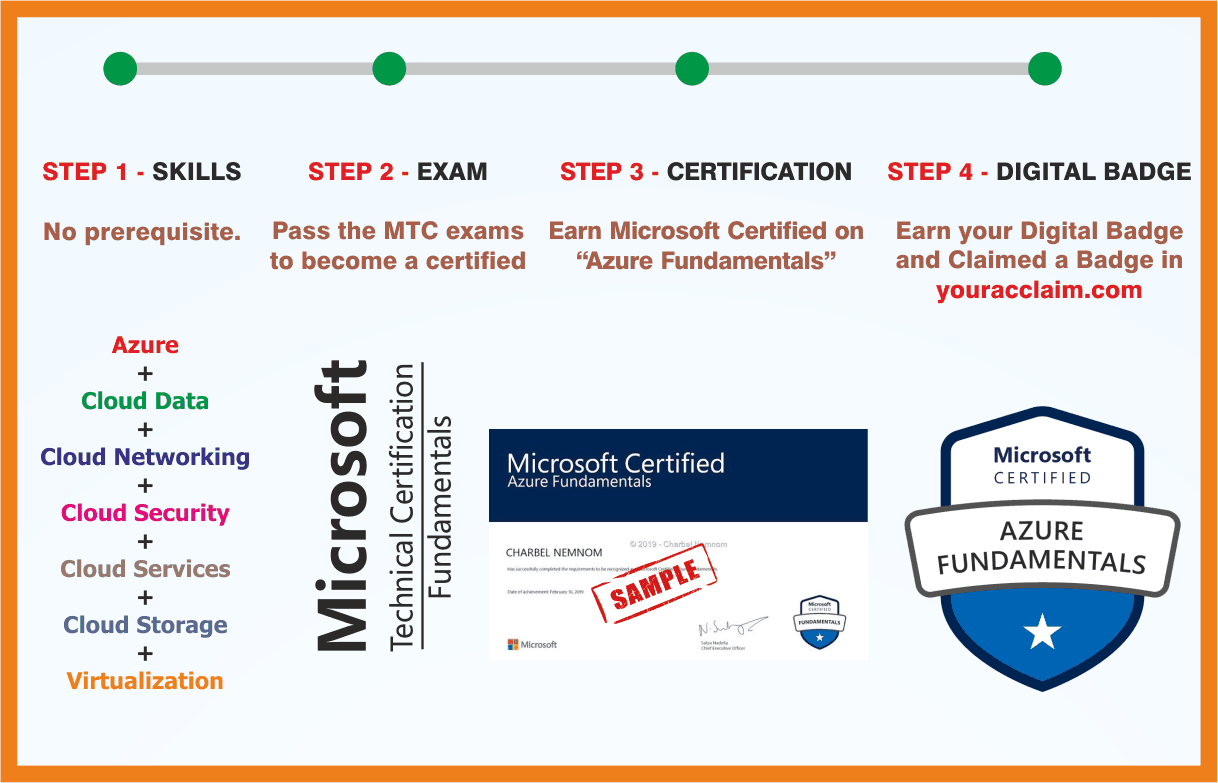 Azure Fundamentals
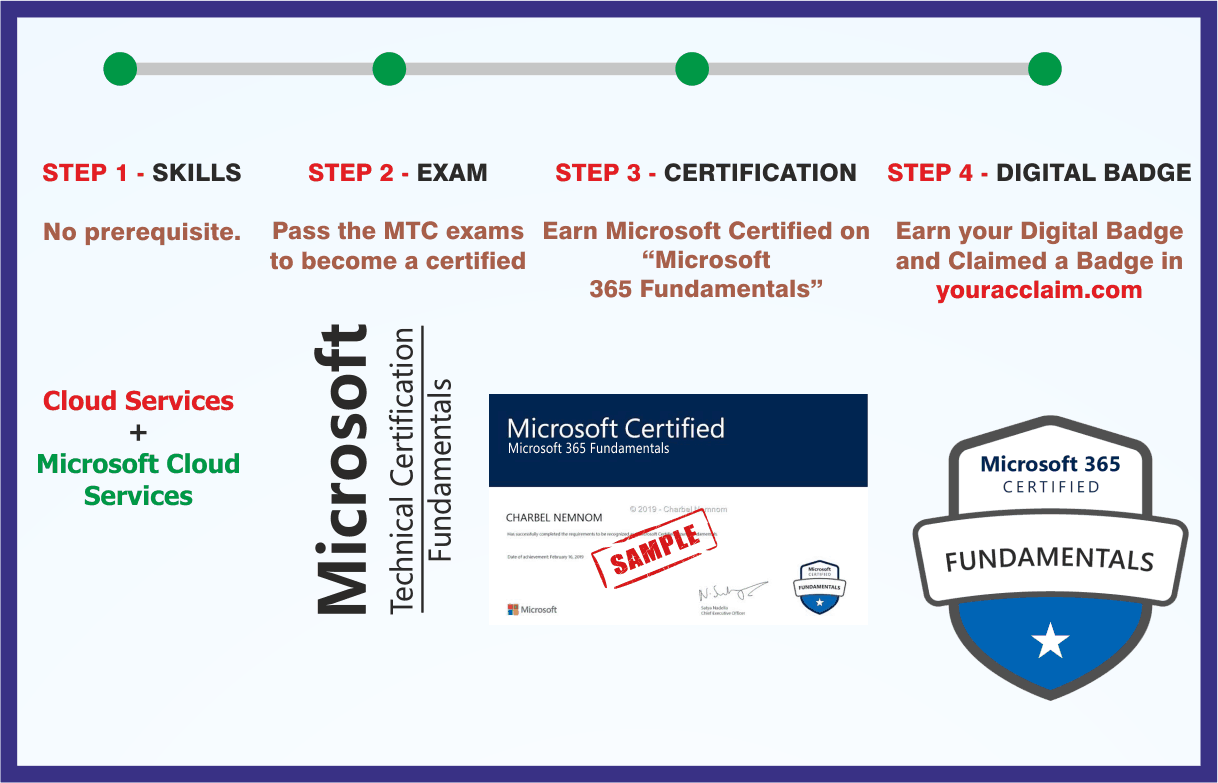 Microsoft 365 Fundamentals
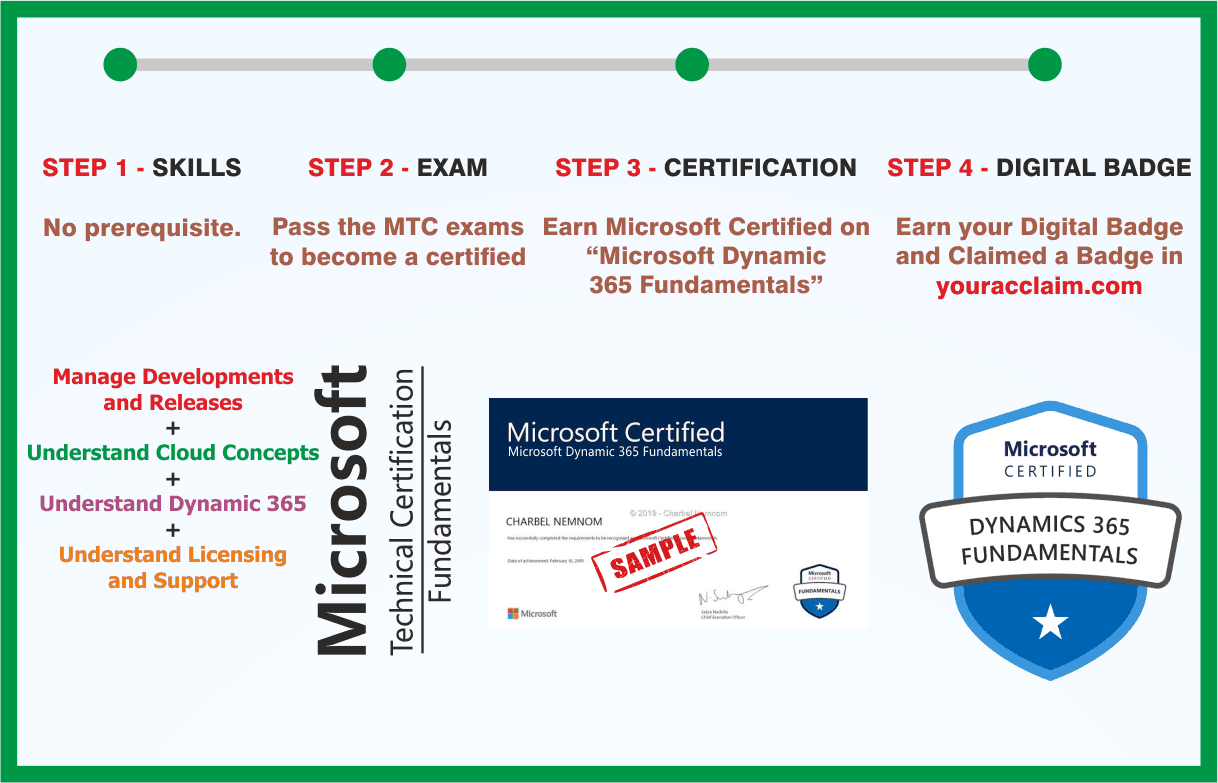 Microsoft Dynamics 365 Fundamentals
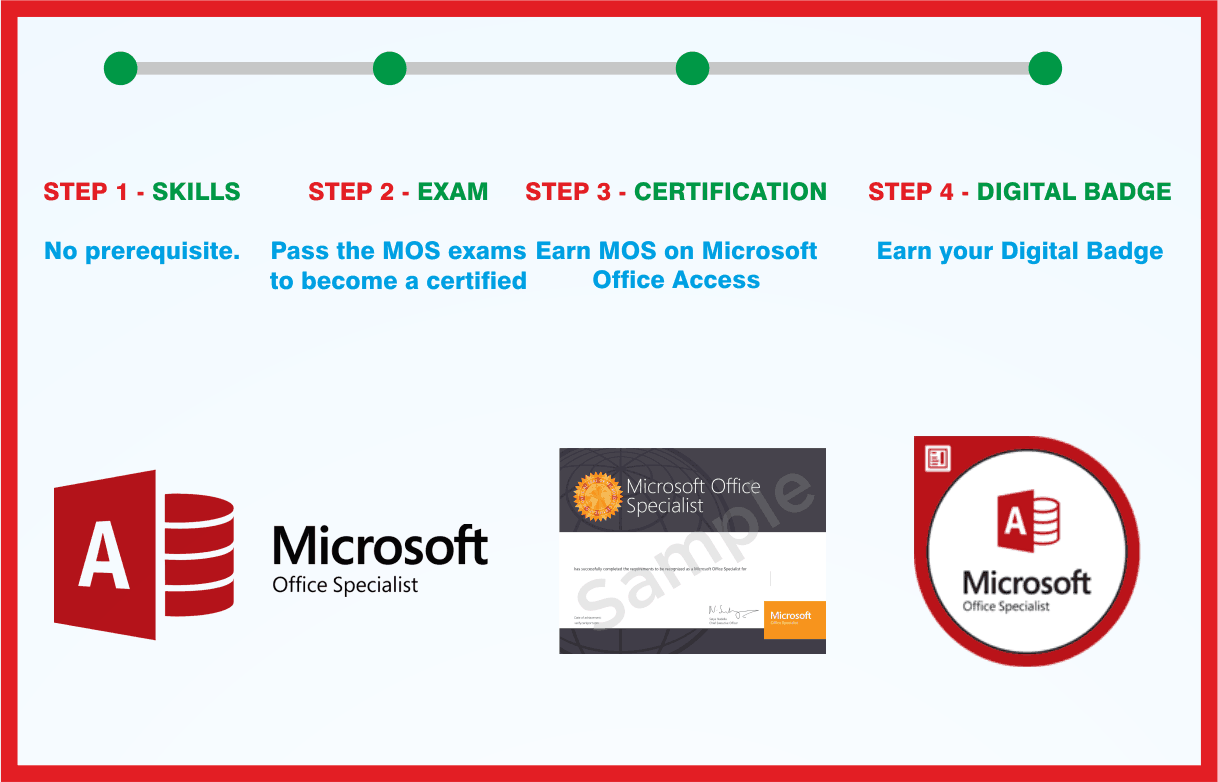 MOS: Microsoft Office Access Associate
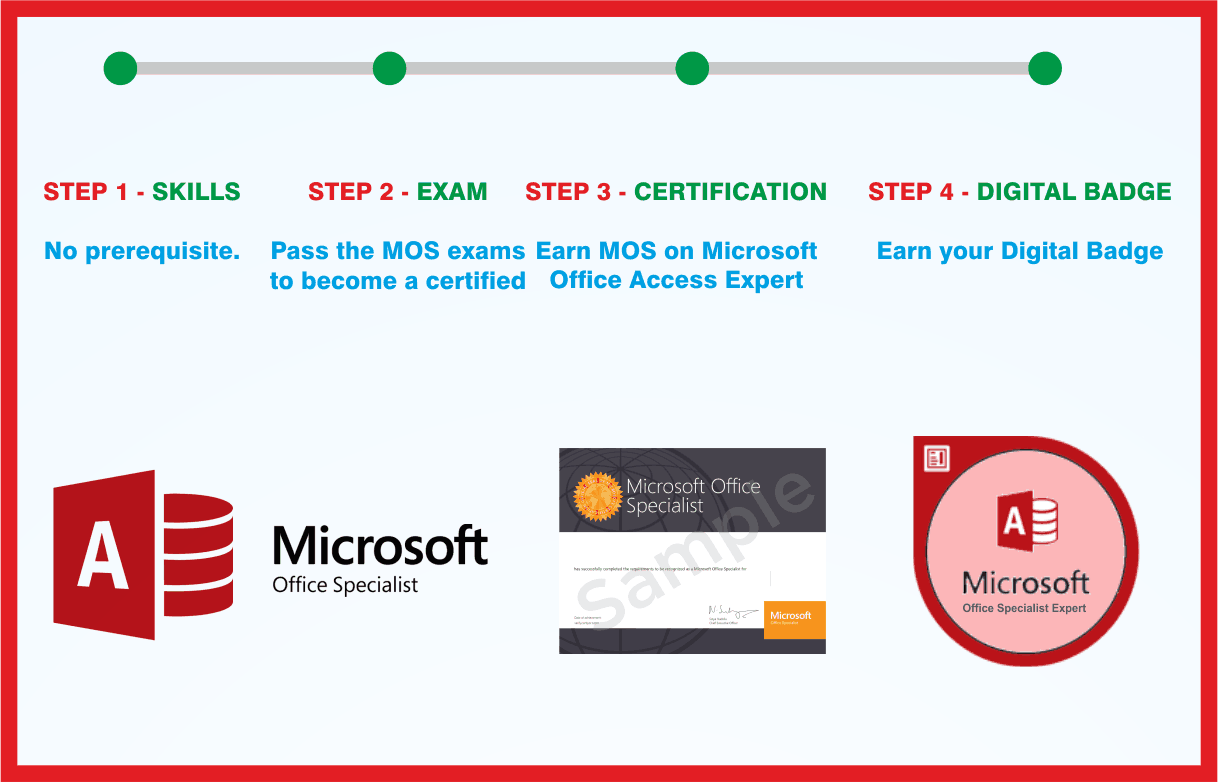 MOS: Microsoft Office Access Expert
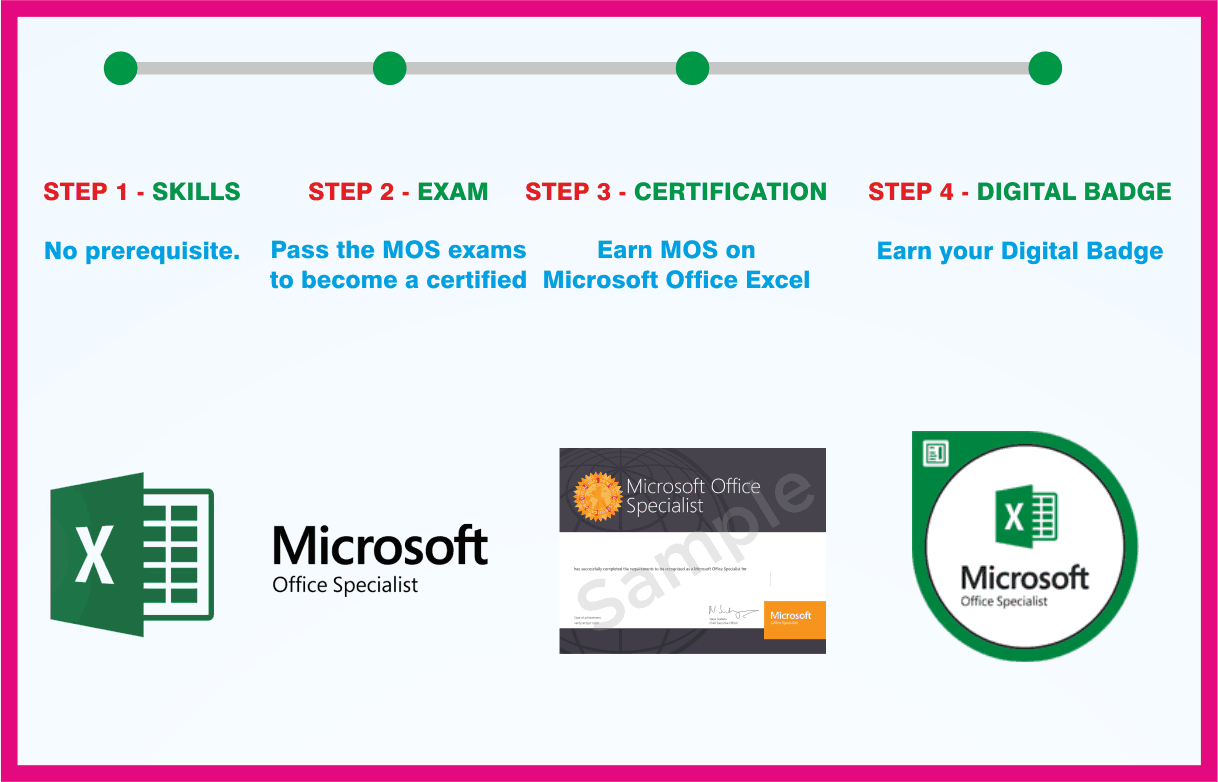 MOS: Microsoft Office Excel Associate
 MOS: Microsoft Office Excel Expert
 MOS: Microsoft Office Outlook Associate

