
Learn Microsoft Outlook to manage email, calendars, meetings, contacts and tasks efficiently.
Talk to our counsellor — choose the right course, batch time and mode.
Join at a CADD centre near you or online. You get your student login and ID card.
24 Hours of hands-on MOS: Microsoft Office Outlook Associate classes — in the classroom or live online.
Exercises in every class and a final project, checked by your trainer.
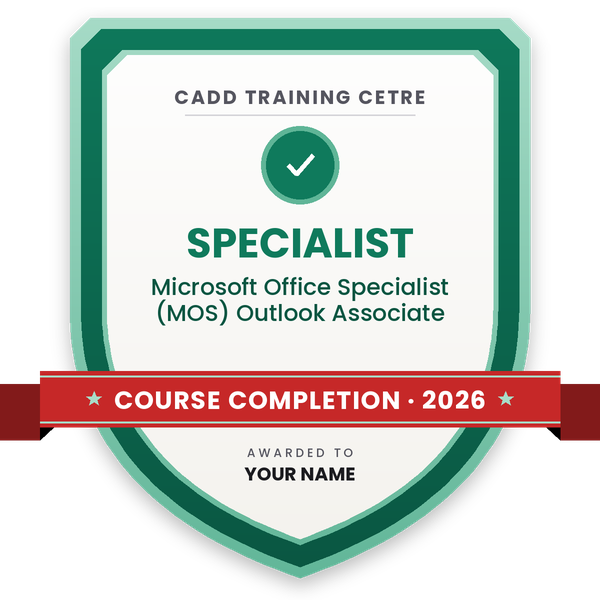
Finish the course and get your course-completion certificate and a digital completion badge with your name.
Take the certification exam: a theory test and a practical task — at the centre or online.
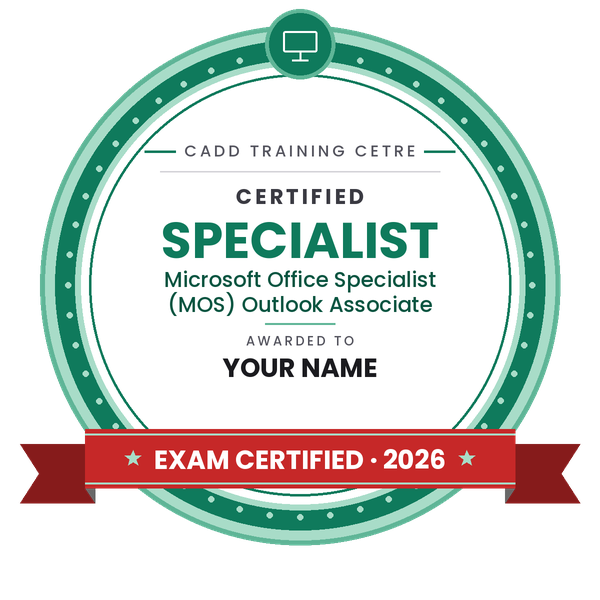
Pass the exam and get the certified certificate with your marksheet. Anyone can check it online with its QR code.
Your certified badge — add it to LinkedIn and share it anywhere; it opens its own verify page.
Make your CV in your student panel (Career → My CV) — your course, certificates and projects are added for you. Send it as a link with a preview picture, and apply to jobs and Hire Me requests from companies.
Microsoft Outlook is the email and calendar program used by most companies, banks, hospitals and government offices that work on Microsoft 365 or Exchange. Beyond sending mail, it organises meetings, shared calendars, contacts and tasks, so professionals who know it well spend less time searching and more time getting work done.
This 24-hour MOS Outlook Associate course follows the skill areas of the Microsoft Office Specialist Outlook Associate objectives. You set up Outlook views and options, compose and format messages, manage attachments and signatures, and organise the mailbox with folders, categories, flags, rules, Quick Steps and search folders. You then schedule appointments and meetings with the Scheduling Assistant, set recurring events, share calendars, and manage contacts, contact groups and tasks. Printing, automatic replies and mailbox clean-up tools complete the course. Practice is hands-on, in the classroom at CADD centres or in live online classes.
Outlook skills support office administration, executive assistant, customer support and coordination roles. Your counsellor can advise on current Microsoft Office Specialist exam options, and the Word and Excel MOS courses are natural next steps.
Students rate the course after they finish it — their ratings appear here.
Outlook is used to send and organise email, schedule meetings and appointments, share calendars, store contacts and track tasks, mostly in offices that use Microsoft 365 or Exchange.
Office staff, assistants, fresh graduates, managers and anyone who handles a busy mailbox. Basic computer and email knowledge is all you need.
The MOS Outlook Associate course is 24 hours long and covers email, calendar, contacts and tasks with practical exercises.
Yes. MOS Outlook Associate is taught live online as well as in CADD Training Centre classrooms. Online, you practise email, calendar and rules in your own Outlook with an instructor.
Yes. After the MOS Outlook Associate course and assessment you get a CADD Training Centre certificate that a corporate HR team can verify online through its QR code.
Employers value staff who manage email and calendars well. Outlook skills help in roles such as office administrator, executive assistant, HR coordinator, customer support executive and project coordinator.
Rules move, flag or forward messages automatically based on conditions such as sender or subject. You create them from Home > Rules or the Rules and Alerts dialog, and the course practises common office rules.
More questions? Ask our counsellor or read the general FAQ.
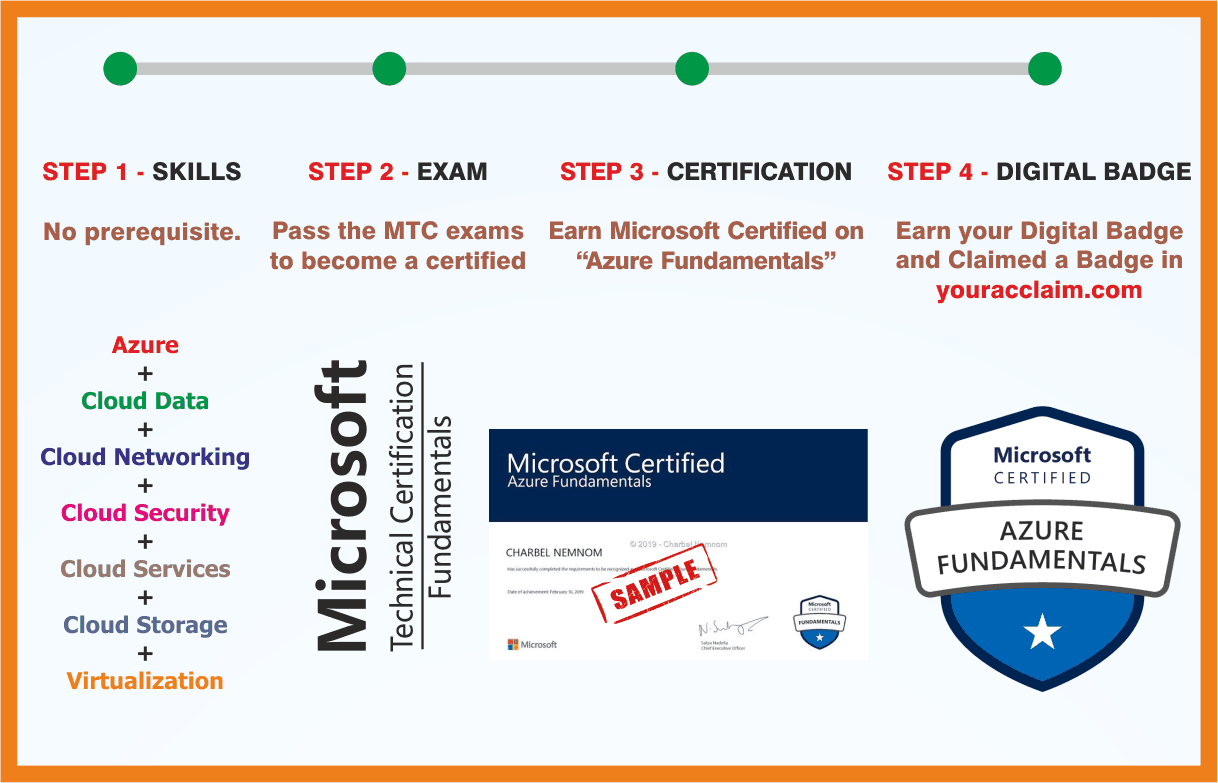 Azure Fundamentals
 MCE: Microsoft Certified Educator
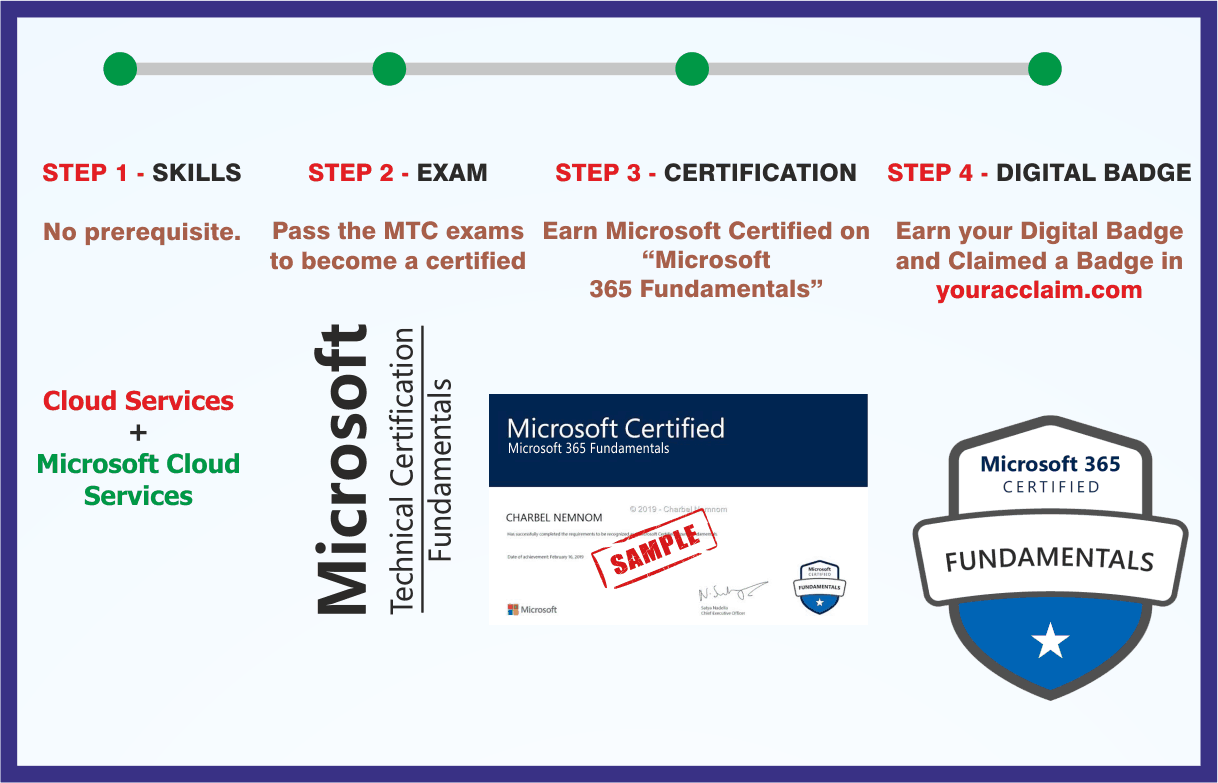 Microsoft 365 Fundamentals
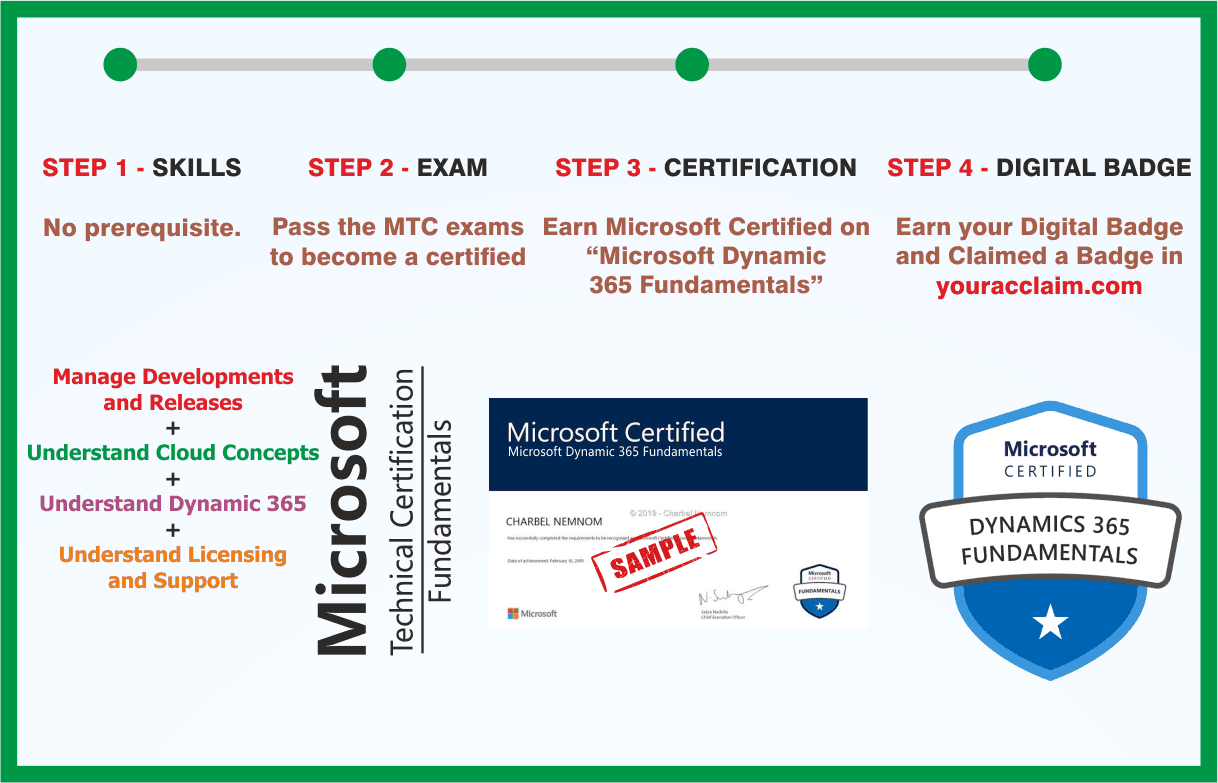 Microsoft Dynamics 365 Fundamentals
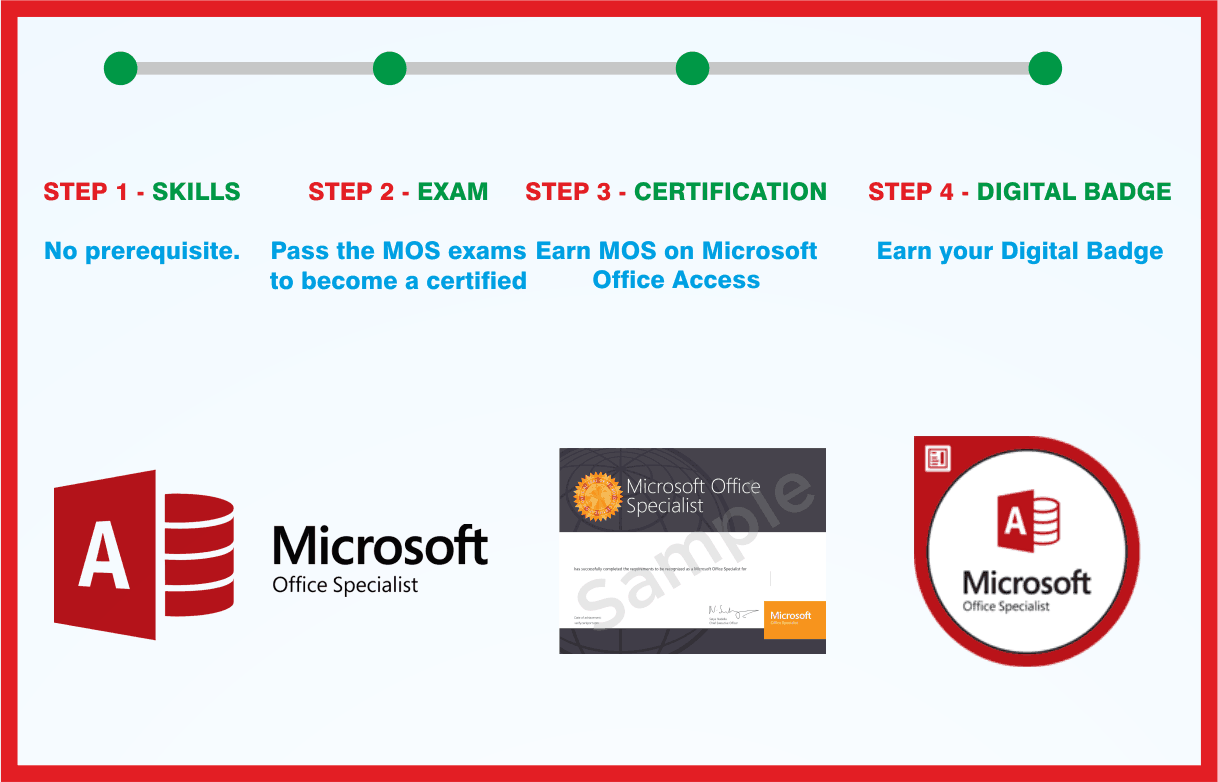 MOS: Microsoft Office Access Associate
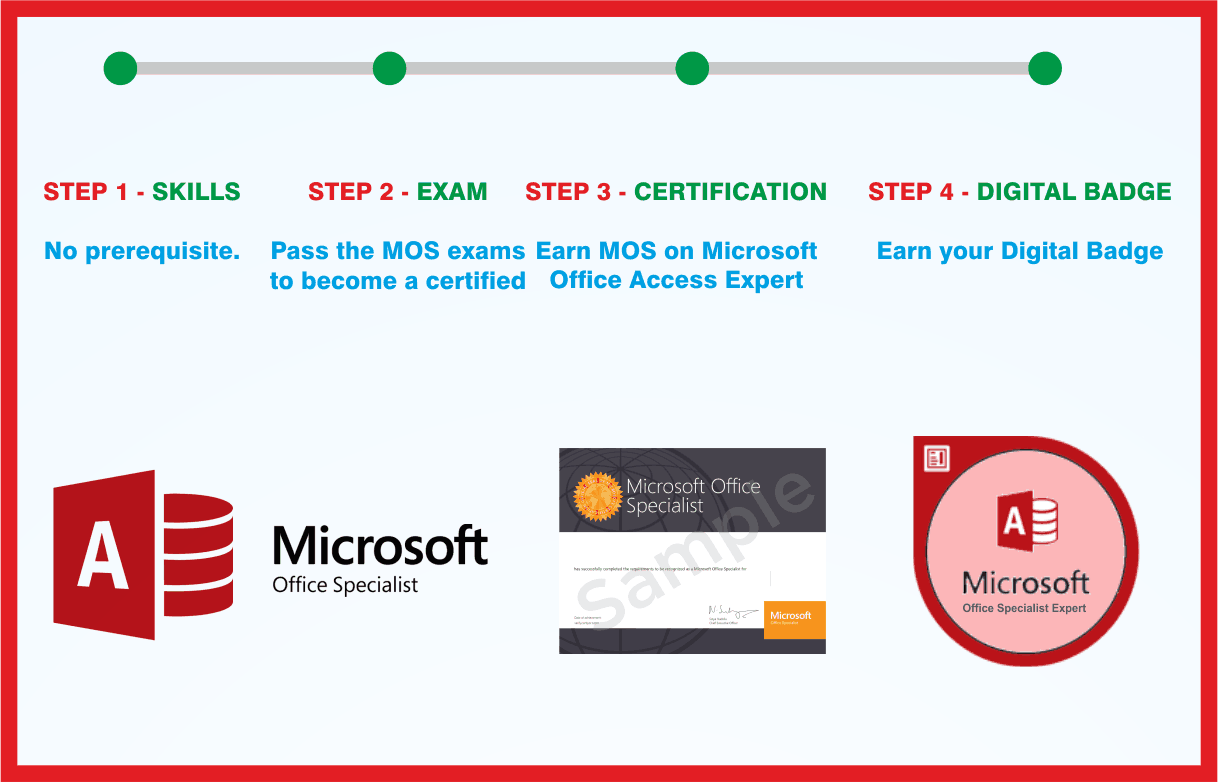 MOS: Microsoft Office Access Expert
 MOS: Microsoft Office Excel Associate
 MOS: Microsoft Office Excel Expert

