A data entry operator types, checks and updates records accurately and quickly on a computer. This roadmap takes you from computer basics and office software to Word and Excel skills and the Expert Computer Course.
Understand the computer, keyboard, files and folders, the internet and email, so you can work comfortably on any office computer.
Learn everyday office software and practise typing regularly to build steady speed and accuracy, which most data entry tests check.
Create and format letters, forms and tables, use styles and find-and-replace, and keep documents neat and consistent.
Enter and organise data, use sorting, filtering, tables and basic formulas, and prepare simple summaries and charts from your records.
Take the Expert Computer Course to strengthen your skills across a wider range of computer applications and office tasks, preparing you for senior operator and MIS work.
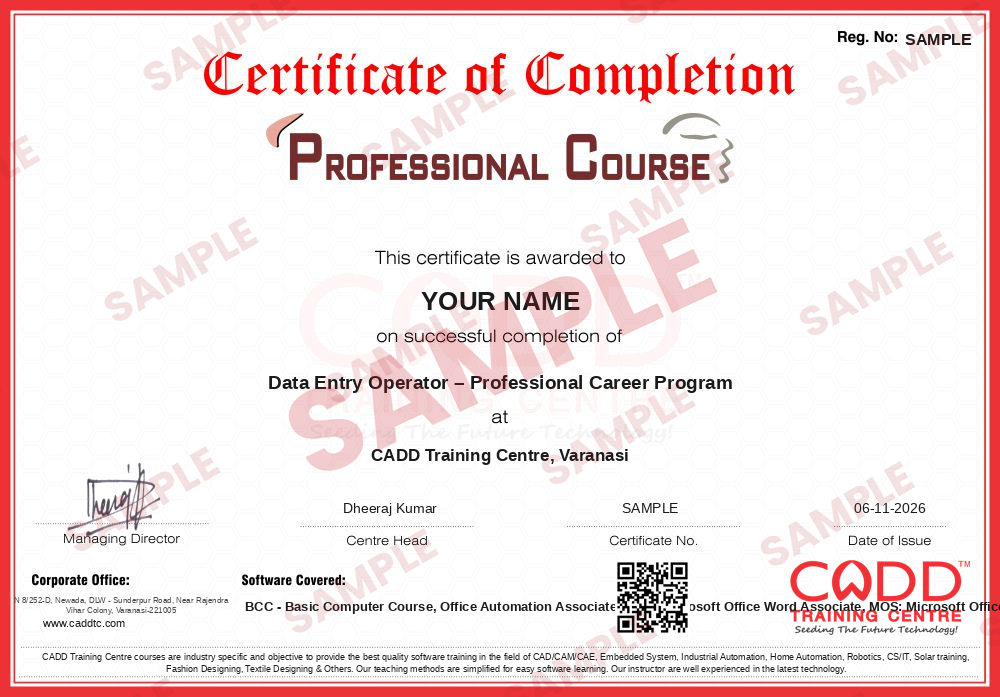
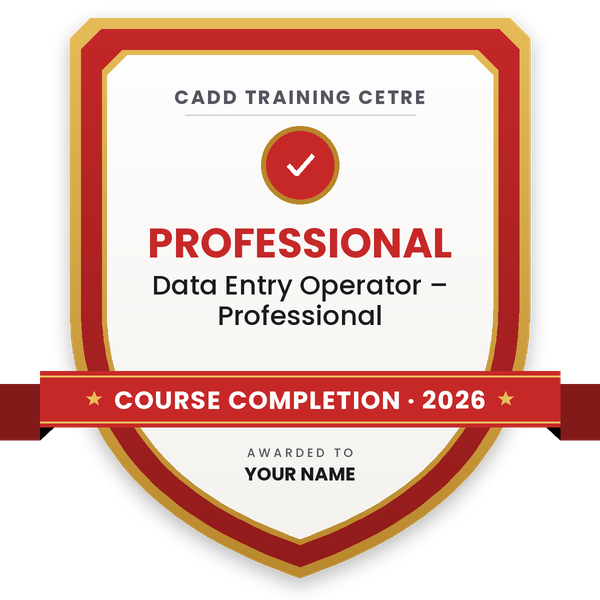
Finish the program and its project — you get the course-completion certificate and a digital completion badge with your name.
Take the certification exam: a theory test on the software of the program and a practical task of the job — at the centre or online.
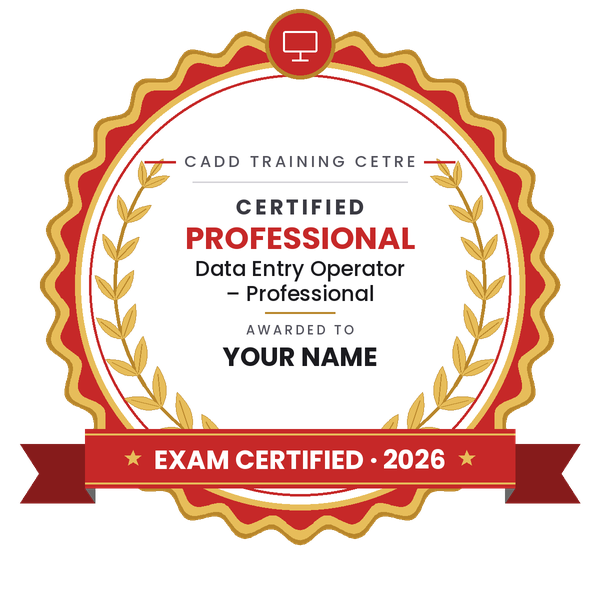
Pass the exam and get the certified certificate with your marksheet. Anyone can check it online with its QR code.
Your certified badge — add it to LinkedIn and share it anywhere; it opens its own verify page.
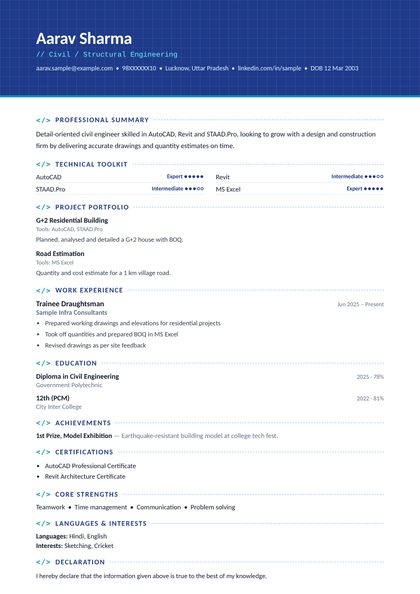
Make your CV in your student panel (Career → My CV) — your program, certificates and projects are added for you. Send it as a link with a preview picture, apply to jobs and answer Hire Me requests from companies.
The counsellor can shorten or extend this plan for your qualification and the time you have. Ask for your personal plan →
Join at the level that suits you — each level is a complete course you can enrol in.
Entry job — the first steps of the roadmap
The whole roadmap — every software of the job
A data entry operator enters information into computer systems and keeps it correct and up to date. On a normal day you type data from forms, bills, registers or scanned documents into spreadsheets, software or online portals, check entries for mistakes, update customer and stock records, prepare simple reports and letters, scan and file documents, and follow the office's rules on accuracy and privacy of data.
Data entry operators work in hospitals and diagnostic labs, logistics and courier companies, retail and distribution businesses, schools and colleges, back-office processing centres, finance offices and government offices, often on contract through service agencies. Some work from home for reliable agencies, but be careful of offers that ask you to pay money upfront.
Almost every organisation has records to maintain, so entry-level data work is available in most towns and cities. What sets a good operator apart is speed with accuracy, confident use of Excel and care with confidential data. Data entry is also a practical first job: with stronger Excel and office skills, many operators move into MIS, back-office or administration roles.
Learn computer basics, practise typing every day and become confident with Word and Excel. Then apply to offices, hospitals, logistics firms and back-office centres in your city. Many employers hold a short typing and Excel test before hiring.
It depends on the employer and the type of work. Rather than chase a single number, aim for steady speed with very few mistakes, because accuracy usually matters more than raw speed in data work.
Yes. Much data entry happens in Excel or is exported to it, and operators who can sort, filter, clean data and use basic formulas are trusted with more responsible work.
Some are, but many offers are scams. Never pay registration or kit charges to get data entry work, and prefer known companies and agencies that give a written agreement.
BCC is a short starting course covering computer basics. ECC, the Expert Computer Course, is a longer course that builds wider computer and office skills on top of those basics.
Yes. CADD Training Centre runs live online classes as well as classroom batches. You will need a computer or laptop at home to practise typing and Excel regularly.
More questions? Ask our counsellor or see all career roadmaps.
 Project Planning Engineer (Primavera / MS Project)A project planning engineer builds and tracks the schedule that keeps a construction or engineering project on time. This roadmap covers Excel, reading drawings, MS Project, Primavera P6 basics and advanced, and 4D planning.
 Embedded Systems EngineerAn embedded systems engineer programs the microcontrollers inside electronic products. This roadmap takes you from C and C++ through Arduino hardware, Proteus simulation and Python to entry-level firmware work.
 Python DeveloperA Python developer writes code for web apps, automation scripts and data tools. This roadmap takes you from core Python through web basics, spreadsheets and databases, and cloud concepts towards entry-level developer work.
 Web DeveloperA web developer builds and maintains websites and web applications. This roadmap covers HTML, CSS, web graphics, server-side Python and hosting basics so you can create and publish complete sites.
 Java DeveloperA Java developer builds enterprise software, web back ends and Android apps in Java. This roadmap moves from programming logic in C to Core Java, HTML and CSS, Advanced Java and cloud concepts.
 Accountant (Tally & GST)An accountant records business transactions, manages GST and prepares reports for owners and auditors. This roadmap covers Tally from basics to expert level, GST in Tally and Excel for MIS reports.