Classroom & live online40 HoursVerifiable certificateSyllabus ↓
BCC - Basic Computer Course Course
BCC course: learn computer basics, word processing, spreadsheets, presentations, internet, email, digital payments and e-governance.
Your roadmap — from admission to certificate
1
Free counselling
Talk to our counsellor — choose the right course, batch time and mode.
2
Admission
Join at a CADD centre near you or online. You get your student login and ID card.
3
Learn step by step
40 Hours of hands-on BCC - Basic Computer Course classes — in the classroom or live online.
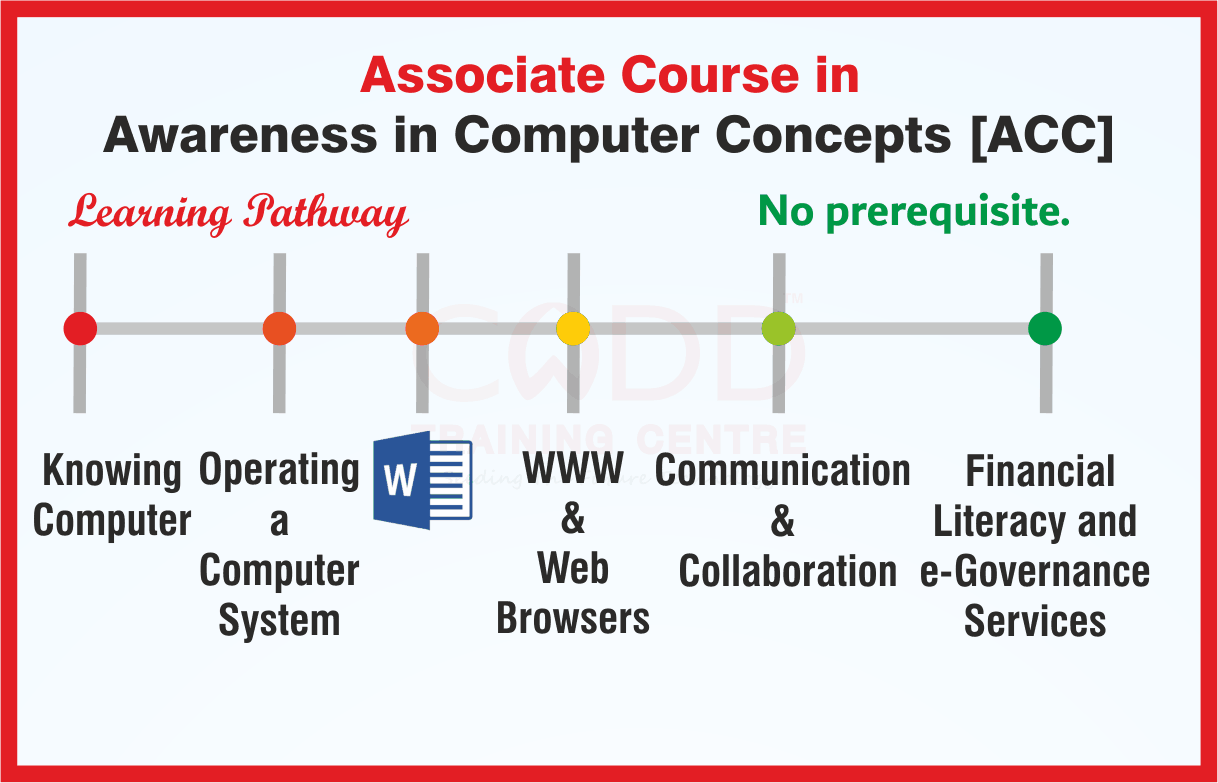
Introduction to ComputersOperating System and File ManagementWord ProcessingSpreadsheetsPresentationsInternet and the World Wide WebEmail, Social Media and Online CommunicationDigital Financial Services and e-GovernancePractice and Assessment
4
Practice & project
Exercises in every class and a final project, checked by your trainer.
5
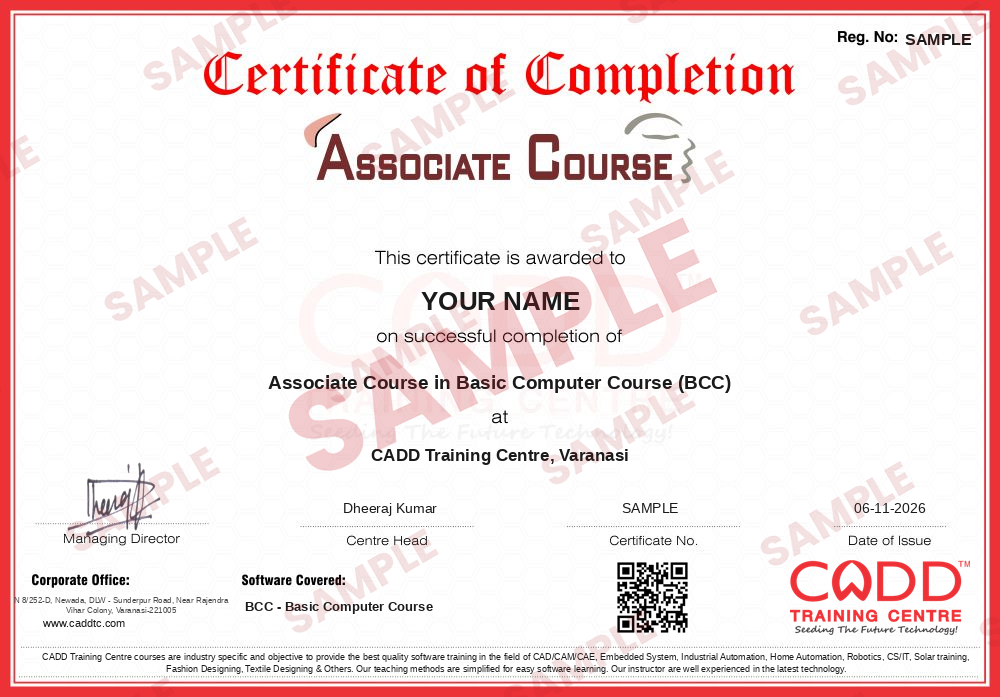
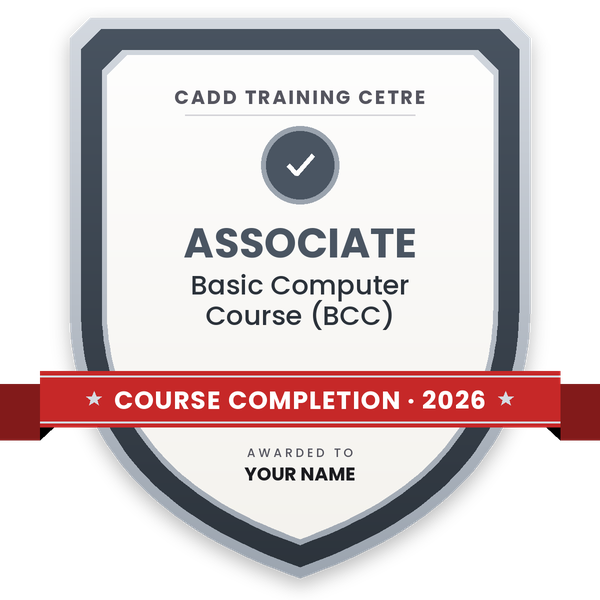
Course completion certificate + completion badge
Finish the course and get your course-completion certificate and a digital completion badge with your name.
With your name and year · its own verify link · “Add to profile” on LinkedIn
6
Certification exam
Take the certification exam: a theory test and a practical task — at the centre or online.
7
Certified certificate + marksheet
Pass the exam and get the certified certificate with your marksheet. Anyone can check it online with its QR code.
8
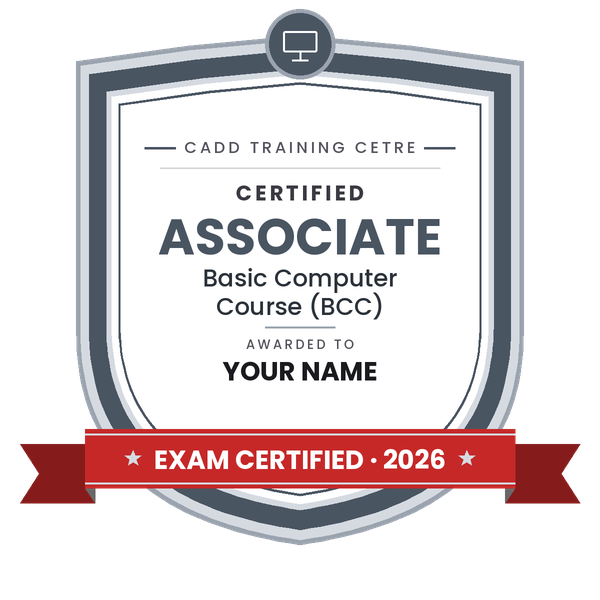
Certified badge
Your certified badge — add it to LinkedIn and share it anywhere; it opens its own verify page.
Certified badge
Course
Associate Course in Basic Computer Course (BCC)
Issued by
CADD Training Cetre
Training
Classroom or live online
How to earn
Pass the certification exam
You also get
Certified certificate + marksheet
With your name and year · its own verify link · “Add to profile” on LinkedIn
9
Make your CV & apply for jobs
Make your CV in your student panel (Career → My CV) — your course, certificates and projects are added for you. Send it as a link with a preview picture, and apply to jobs and Hire Me requests from companies.
The course is designed to aim at imparting a basic level appreciation programme for the common man. After completing the course
the incumbent will be able to the use the computer for basic purposes of preparing his personnel / business letters.
Will be able to create data and basic operation with data using spreadsheet.
Will be able to create and use basic presentation.
Will be able to view information on Internet (the web).
Will be able to create email account and send / receive emails.
Will be able to use Digital Financial Services.
Will be able to use Social Media,
e-Governance and their usage etc.
The course will allow common man or housewife to be part of computer users list by making them Digitally Literate. This helps the small business communities, housewives to maintain their small account using the computers and enjoy in the world of Information Technology. The module on financial literacy will enable the individuals to understand the various financial services and be aware of the various schemes of Government.
Duration
36 Hours - (Theory: 14 hrs + Practical: 22 hrs ) This course can also be offered as 6 days full time intensive course.
Eligibility
No minimum qualification is required for applying and appearing for the examination in Basic Computer Course (BCC).
You will be able to
Operate a computer and manage files and folders in the operating system
Prepare personal and business letters with a word processor
Create spreadsheets, enter data and use basic formulas and charts
Make a simple slide presentation with text, pictures and transitions
Browse the web, search information and use email with attachments
Use digital financial services, social media and e-governance portals safely
Who it is for
Beginners who want practical, everyday computer skills
Students after Class 8, 10 or 12 who need a first computer course
Shopkeepers, homemakers and small business owners
Candidates preparing for the NIELIT BCC programme
What you need
No earlier computer knowledge needed
Ability to read simple English or Hindi
A computer or laptop with internet for live online classes
Creating and saving documents in LibreOffice Writer or MS Word
Text formatting and paragraph alignment
Bullets, numbering and tables
Page setup, header and footer
Spell check and printing letters
04Spreadsheets5 topics+
Workbook, worksheet, rows, columns and cells
Entering and formatting data
Basic formulas and SUM, AVERAGE, MAX, MIN
Sorting and filtering
Simple charts and printing
05Presentations5 topics+
Creating slides and choosing layouts
Adding text, pictures and shapes
Themes and slide design
Transitions and simple animation
Running a slide show
06Internet and the World Wide Web5 topics+
Internet and connection types
Web browsers and websites
Search engines and finding information
Downloads and bookmarks
Safe browsing
07Email, Social Media and Online Communication5 topics+
Creating and using an email account
Attachments, contacts and folders
Social media basics and privacy settings
Video calls and messaging apps
Online etiquette
08Digital Financial Services and e-Governance4 topics+
UPI, mobile wallets and net banking
Safe online payments and fraud awareness
DigiLocker, UMANG and other citizen portals
Online forms and applications
09Practice and Assessment3 topics+
Practical exercises on all modules
Revision and doubt clearing
Final practical test
Ratings & reviews
Students rate the course after they finish it — their ratings appear here.
BCC - Basic Computer Course course — FAQ
What is BCC in computer courses?
BCC means Basic Computer Course. It teaches everyday computer use: operating system, word processing, spreadsheets, presentations, internet, email, digital payments, social media and e-governance services.
Who is eligible for the BCC course?
There is no strict eligibility. Students, homemakers, shopkeepers, job seekers and senior citizens can all join. It is designed for people with little or no computer experience.
How long is the BCC course?
The BCC course is 40 hours of training. The counsellor will share the class timetable and batch options.
Is the BCC course available in online mode?
Yes. You can attend the BCC course live online or in the classroom at a CADD centre. Online learners should have a computer or laptop for practice.
Will I get a certificate after the BCC course?
Yes. You receive a CADD Training Centre certificate that can be verified online. For the NIELIT BCC certificate, the counsellor will explain the separate NIELIT exam process.
Which is better, BCC or CCC?
BCC is shorter and covers the basics. CCC is longer and more detailed and is often asked for in government job applications. Many learners complete BCC first and then take CCC.
What can I do after the BCC course?
After BCC you can handle basic office computer work and move on to CCC, Tally, typing, MS Office or DTP courses for better job opportunities in offices and shops.