Classroom & live online80 HoursVerifiable certificateSyllabus ↓
CCC - Course on Computer Concepts Course
Prepare for NIELIT CCC: computer basics, OS, Writer, Calc, Impress, internet, email, digital payments and cyber security.
Your roadmap — from admission to certificate
1
Free counselling
Talk to our counsellor — choose the right course, batch time and mode.
2
Admission
Join at a CADD centre near you or online. You get your student login and ID card.
3
Learn step by step
80 Hours of hands-on CCC - Course on Computer Concepts classes — in the classroom or live online.
Introduction to ComputerIntroduction to Operating SystemWord Processing with LibreOffice WriterSpreadsheets with LibreOffice CalcPresentations with LibreOffice ImpressIntroduction to Internet and WWWE-mail, Social Networking and e-GovernanceDigital Financial Tools and ApplicationsFuture Skills and Cyber SecurityPractice Tests and Exam Preparation
4
Practice & project
Exercises in every class and a final project, checked by your trainer.
5
Course completion certificate + completion badge
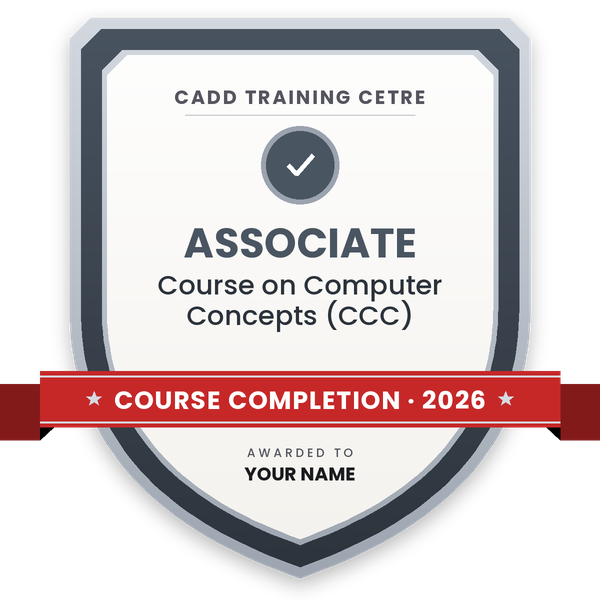
Finish the course and get your course-completion certificate and a digital completion badge with your name.
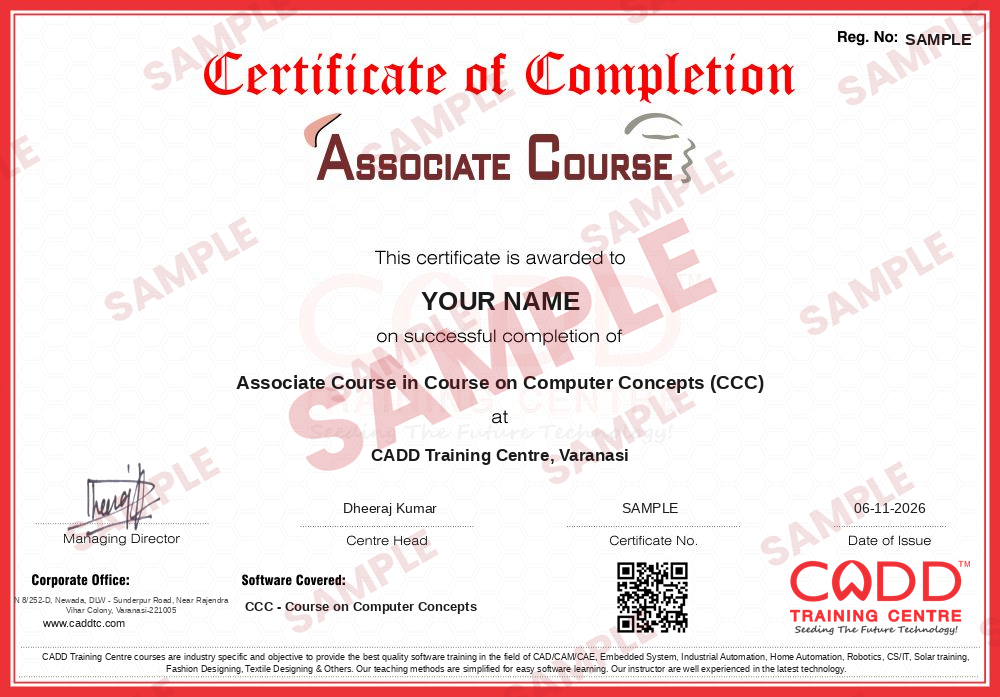
Course-completion certificate (sample) — Associate Course in Course on Computer Concepts (CCC) · verifiable online
Course-completion badge
Course
Associate Course in Course on Computer Concepts (CCC)
Issued by
CADD Training Cetre
Training
Classroom or live online
How to earn
Complete the course and its project
With your name and year · its own verify link · “Add to profile” on LinkedIn
6
Certification exam
Take the certification exam: a theory test and a practical task — at the centre or online.
7
Certified certificate + marksheet
Pass the exam and get the certified certificate with your marksheet. Anyone can check it online with its QR code.
8
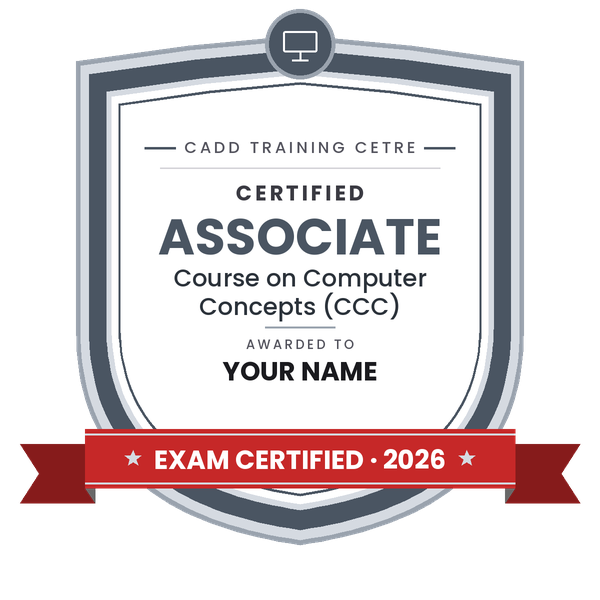
Certified badge
Your certified badge — add it to LinkedIn and share it anywhere; it opens its own verify page.
Certified badge
Course
Associate Course in Course on Computer Concepts (CCC)
Issued by
CADD Training Cetre
Training
Classroom or live online
How to earn
Pass the certification exam
You also get
Certified certificate + marksheet
With your name and year · its own verify link · “Add to profile” on LinkedIn
9
Make your CV & apply for jobs
Make your CV in your student panel (Career → My CV) — your course, certificates and projects are added for you. Send it as a link with a preview picture, and apply to jobs and Hire Me requests from companies.
About the CCC - Course on Computer Concepts course
Objective
The course is designed to equip a person to use computers for professional as well as day to day use. It provides theoretical background as well as in depth knowledge of Software/ packages. After completing the course the incumbent will be digitally literate and will be able to:
Acquire confidence in using computers in Office and General Life.
Will be able to identify the basic components of computers and terminology.
Understand file management.
Create documents using word processor, spreadsheet & presentation software.
Understand computer networks, and browse the internet, content search, email and collaborate with peers.
Use e-Governance applications; and use computer to improve existing skills and learn new skills.
Understanding Social Networking platform.
Using internet for Digital Financial services.
Develop knowledge about Futureskills
The module on financial literacy will enable the individuals to understand the various financial services and be aware of the various schemes of Government.
Duration
80 Hours - (Theory: 32 hrs + Practical: 48 hrs ) This course can also be offered as 10 days full time intensive course.
Eligibility
No minimum qualification is required for applying and appearing for the examination in Course on Computer Concepts [CCC].
Job Role
Computer Operator, Data Entry Operator and Social Media Operator
You will be able to
Identify computer components and explain basic computer terminology
Manage files and folders and change settings in a GUI operating system
Create and format documents, spreadsheets and presentations in LibreOffice
Use the internet, email, social networking and e-governance services
Use digital financial tools such as UPI, mobile banking and Aadhaar-enabled payments
Explain future technologies such as AI, IoT and cloud and follow cyber security practices
Attempt NIELIT CCC style multiple-choice and practical questions with confidence
Who it is for
Candidates who need CCC for state or central government job applications
Students after Class 10 or 12 who want a recognised computer course
Government and private office staff who use computers daily
Anyone who wants to become digitally literate for office work
What you need
Basic reading ability in English or Hindi
No earlier computer course is needed, though basic use helps
A computer or laptop with internet for live online classes
Courses that include CCC - Course on Computer Concepts
Associate Course in Course on Computer Concepts (CCC)Associate Course · 80 Hours
08Digital Financial Tools and Applications4 topics+
UPI, BHIM and QR code payments
Mobile wallets and internet banking
AePS, RuPay and USSD banking
Safe digital transactions
09Future Skills and Cyber Security4 topics+
Artificial intelligence, IoT, cloud and big data overview
Blockchain, 3D printing and other emerging tech
Cyber threats: malware, phishing and fraud
Strong passwords, antivirus and safe practices
10Practice Tests and Exam Preparation4 topics+
Chapter-wise MCQ practice
Practical exercises
Mock tests in exam format
Revision and doubt clearing
Ratings & reviews
Students rate the course after they finish it — their ratings appear here.
CCC - Course on Computer Concepts course — FAQ
What is the CCC course?
CCC means Course on Computer Concepts, a NIELIT programme on practical computer use: operating system, LibreOffice Writer, Calc and Impress, internet, email, e-governance, digital payments and cyber security.
Is CCC required for government jobs?
Many state and central government recruitments ask for CCC or an equal computer qualification. Always check the official job notice; this course prepares you for the NIELIT CCC exam.
What is the duration of the CCC course?
CCC at CADD Training Centre is an 80-hour course. Plan your batch so the classes finish before the NIELIT CCC exam date you choose; the counsellor will help with the timing.
Can I prepare for CCC online?
Yes. CADD Training Centre offers live online classes as well as classroom batches. You practise LibreOffice and internet tasks on your own computer with trainer guidance.
How do I get the NIELIT CCC certificate?
You must register for and pass the NIELIT CCC exam to get the NIELIT certificate. Our counsellor will guide you on registration. You also get a CADD Training Centre course certificate, verifiable online.
Who can apply for the CCC course?
There is no fixed educational qualification. Students, job seekers, government employees and anyone who wants computer literacy can join the CCC course.
Which office software is used in CCC?
The current CCC syllabus uses LibreOffice: Writer for documents, Calc for spreadsheets and Impress for presentations. The skills are similar to Microsoft Word, Excel and PowerPoint.
What can I do after CCC?
After CCC you can apply for jobs that ask for computer knowledge, or go further with O Level, Tally, advanced Excel, DTP or programming courses.