
Make a job-ready CV for AI Engineer, ML Engineer, NLP, LLM, Computer Vision, GPT roles — your field is already chosen, so the hints and suggestions fit your work.
AI and machine learning CVs are judged on depth, not buzzwords. Recruiters want strong Python, maths for ML (linear algebra, probability) and frameworks like scikit-learn, PyTorch or TensorFlow. For GenAI roles, show work with LLM APIs, prompt design, embeddings, vector databases and retrieval-augmented generation using tools such as LangChain or Hugging Face. Each project should mention the dataset, model choice, evaluation metric and deployment, for example through FastAPI or Streamlit. Freshers should link notebooks, model demos and any research paper or competition work.
Machine learning graduate with hands-on work in NLP, computer vision and LLM-based applications, seeking an entry-level AI engineer role. Aims to build accurate, responsible models and take them from notebook to working product.
Change it to your own words — the builder fills it in for you with one click.
The builder already knows your field: skills, objective and project ideas are one click away. 100% ad-free.
Start my CV Use this design
Classic Blue
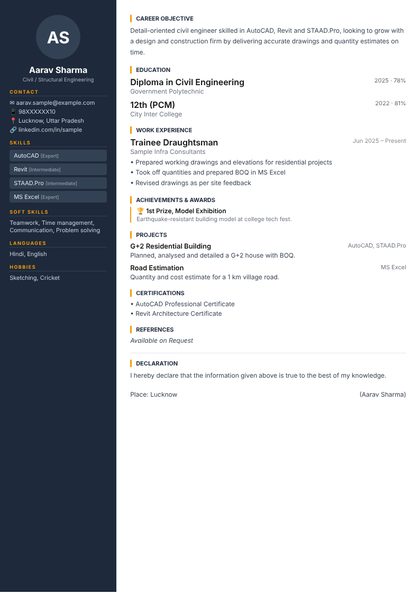 Use this design
Modern Sidebar
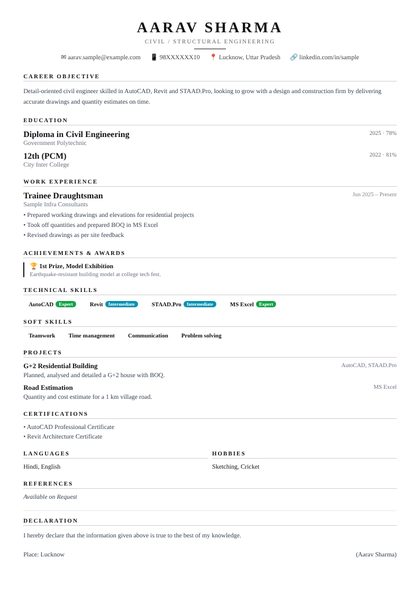 Use this design
Executive Serif
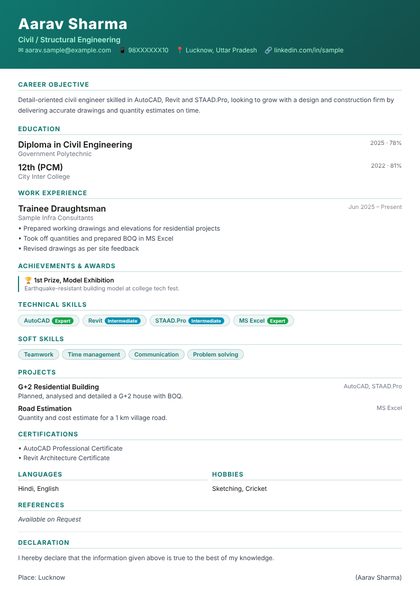 Use this design
Bold Banner
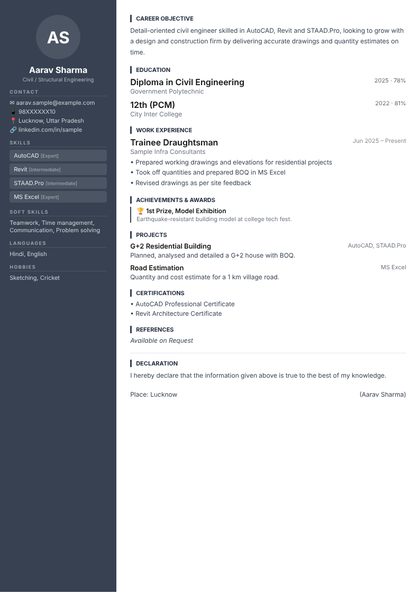 Use this design
Corporate Grey
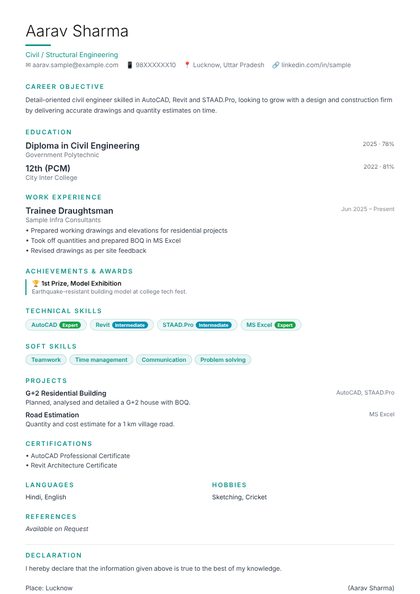 Use this design
Teal Minimal
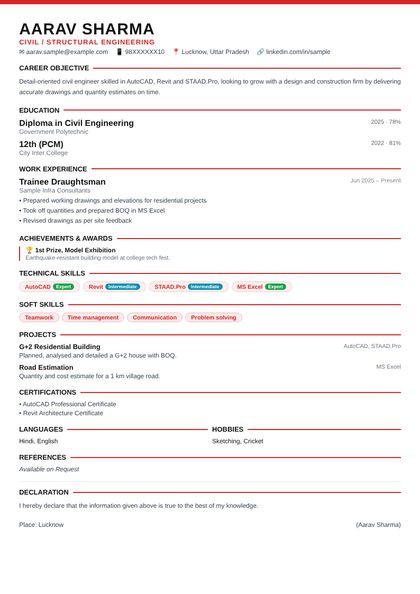 Use this design
Red Bold
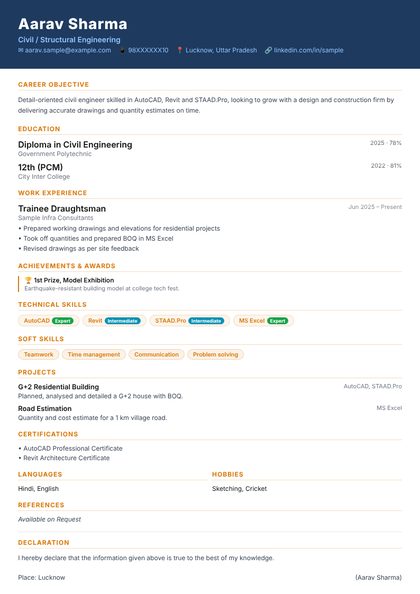 Use this design
Navy & Gold
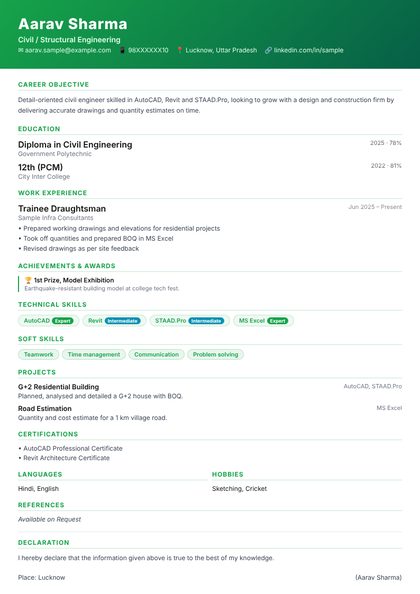 Use this design
Fresh Green
 Use this design
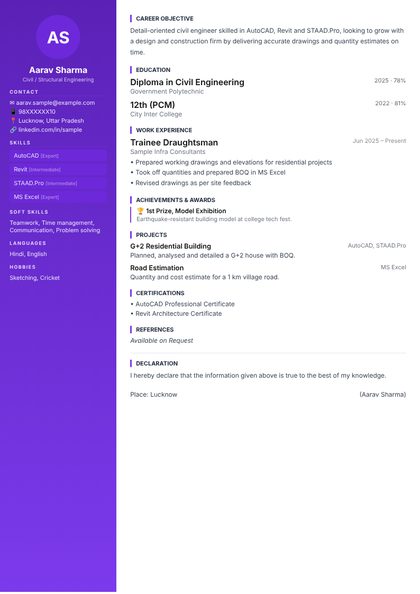
Purple Pro
 Use this design
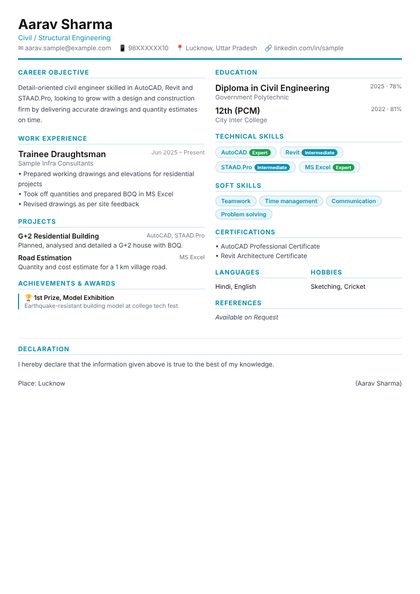
Two Column
 Use this design
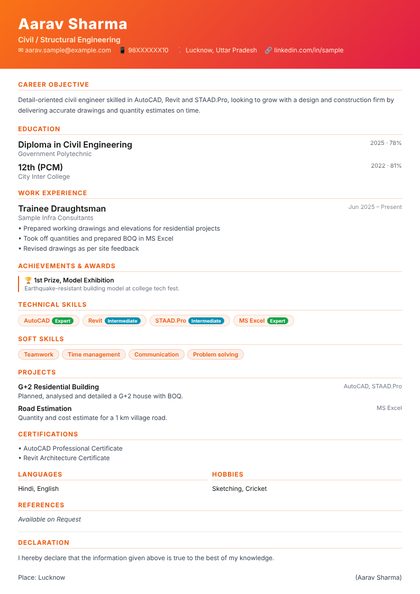
Orange Creative
 Use this design
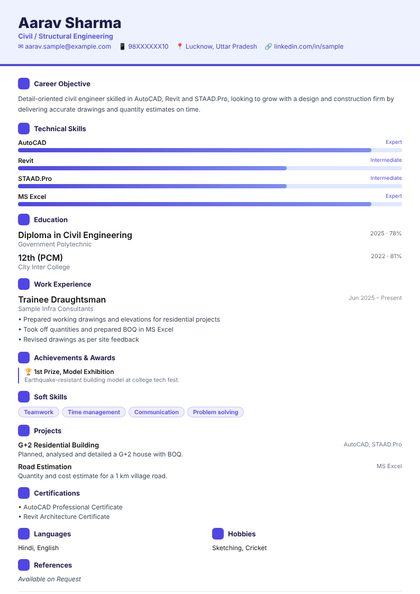
Infographic
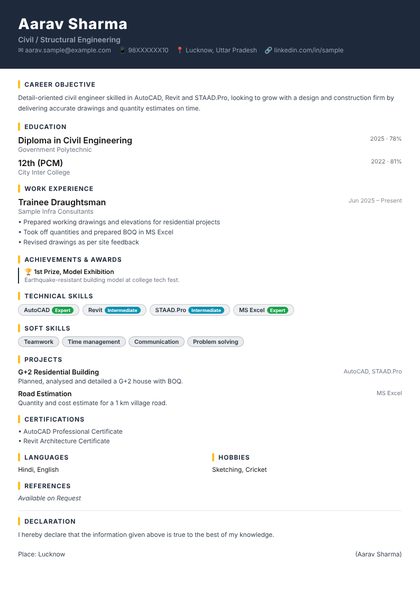 Use this design
Dark Professional
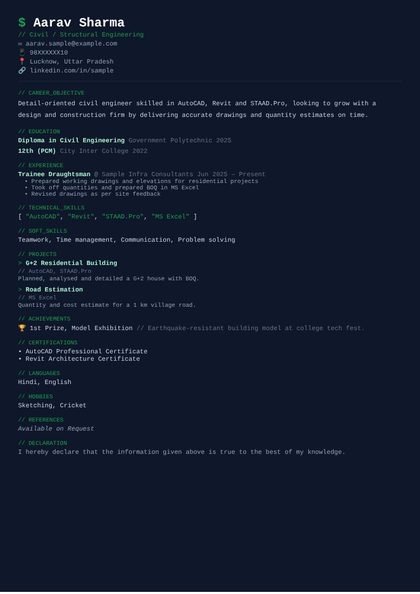 Use this design
Mono Tech
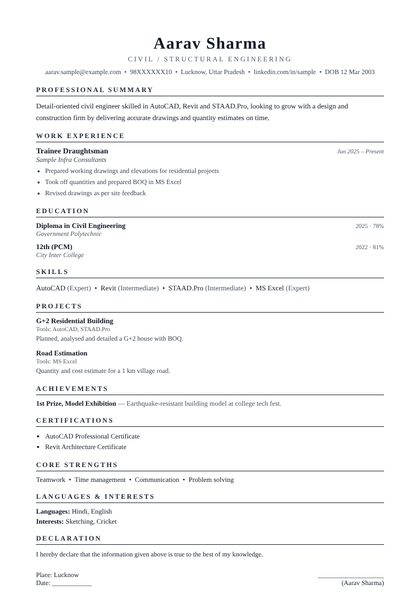 ⭐ PremiumUse this design
Ivy League
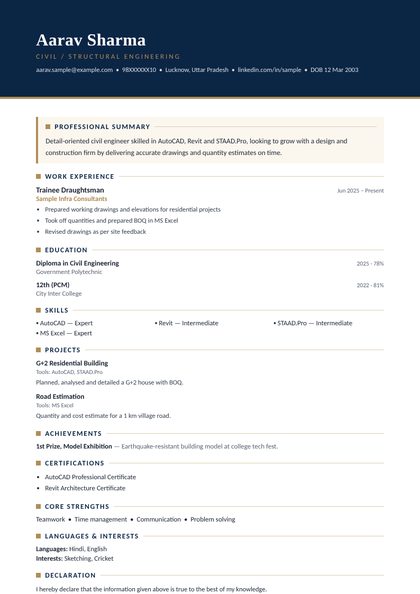 ⭐ PremiumUse this design
Executive Navy
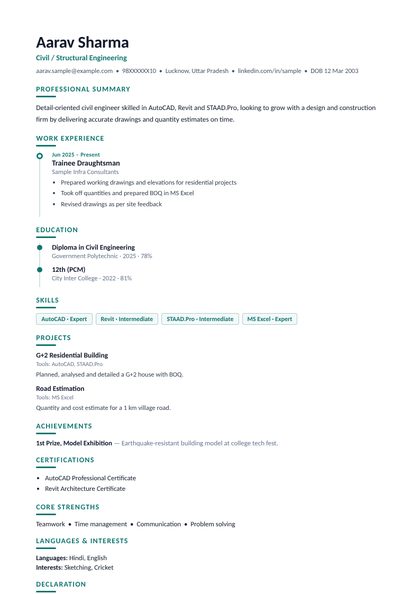 ⭐ PremiumUse this design
Career Timeline
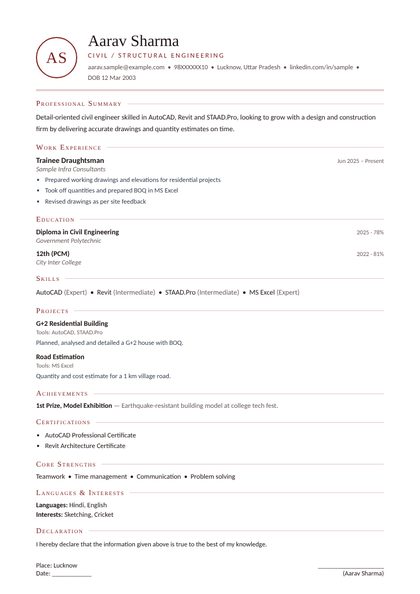 ⭐ PremiumUse this design
Monogram
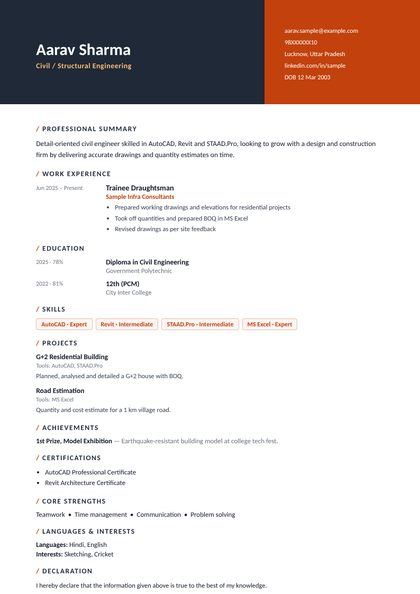 ⭐ PremiumUse this design
Split Header
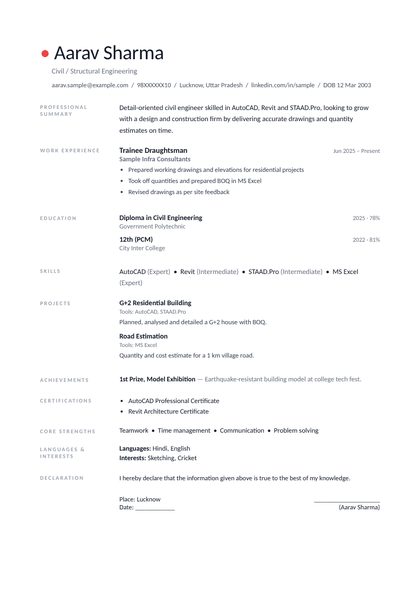 ⭐ PremiumUse this design
Nordic Minimal
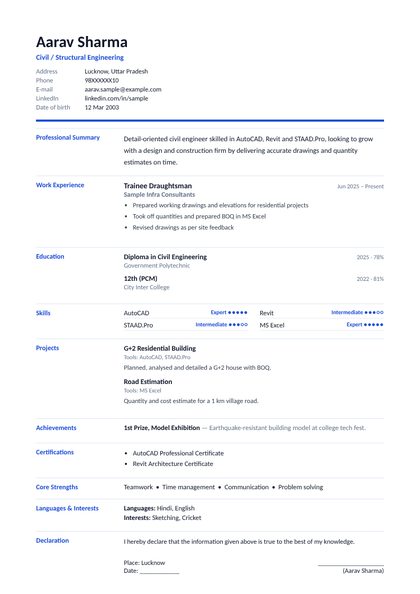 ⭐ PremiumUse this design
Euro Grid
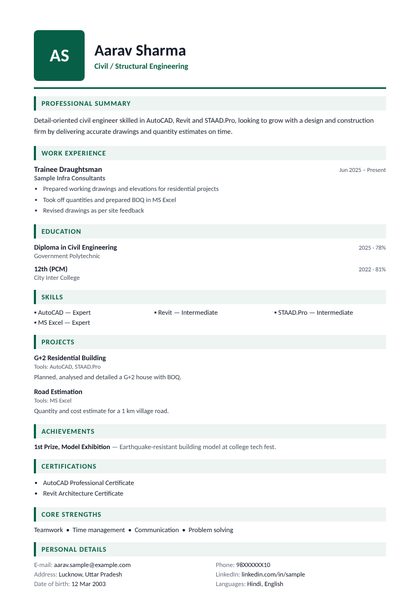 ⭐ PremiumUse this design
Gulf Professional
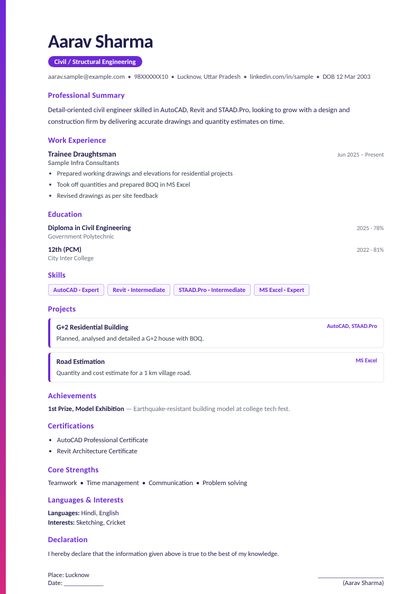 ⭐ PremiumUse this design
Accent Stripe
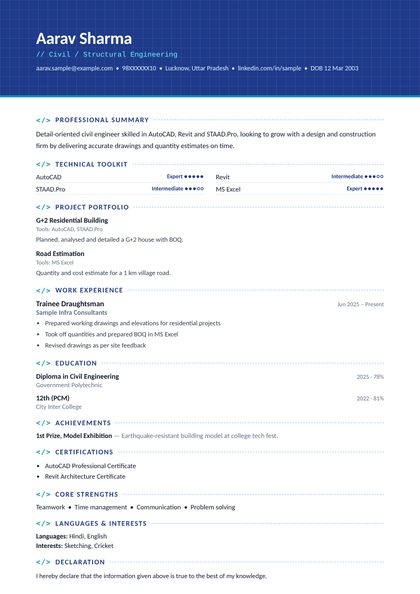 ⭐ PremiumUse this design
Engineer Blueprint
Pick the job you want from 209 professions -- the boxes, hints and suggestions follow it.
25 professional designs: 15 standard (classic, modern sidebar, infographic, two-column ...) and 10 premium international designs (Ivy League, Executive Navy, Euro Grid, Gulf Professional ...).
Personal details, objective, education, experience, skills, projects, achievements -- with a hint under every box.
See it live while you type. Unlock once and download your print-ready PDF as often as you like.
A short career objective for AI Engineer roles, your education, the software and technical skills you use (Python, PyTorch, TensorFlow / Keras, scikit-learn, Hugging Face Transformers), projects you worked on, internships or experience, and certifications.
Classic Blue, Corporate Grey and Executive Serif are safe for most companies; Modern Sidebar and Infographic stand out for design and creative roles. You can switch designs any time -- your text stays.
Yes. Leave work experience empty and put your projects, training and skills first -- the builder shows hints in English and Hinglish under every box.
Making, editing and previewing your CV is free and 100% ad-free. To download the PDF, pick a plan: ₹49 for 2 CVs, ₹199 for unlimited CVs for a month, or ₹499 for unlimited CVs for a year. Every CV you unlock stays yours for ever -- edit it and download it as often as you like, even after a plan ends.
