Government computer operators handle typing, data entry and online records in public offices. This roadmap builds the computer skills and NIELIT qualifications, CCC and O Level, that many government recruitments ask for.
Learn the keyboard, mouse, files and folders, simple typing and safe internet use. This gives absolute beginners the confidence needed before starting CCC.
CCC covers the operating system, word processing, spreadsheets, presentations, internet, email, digital payments and e-governance services. After passing the NIELIT exam you meet a common job requirement.
Practise typing, document formatting, spreadsheet registers and printing until you are quick and accurate. Speed and accuracy matter in skill tests and in daily office work.
O Level is a one-year NIELIT programme on IT tools and networking, web design, Python programming and IoT. It is a stronger qualification that many recruitments accept for computer-related posts.
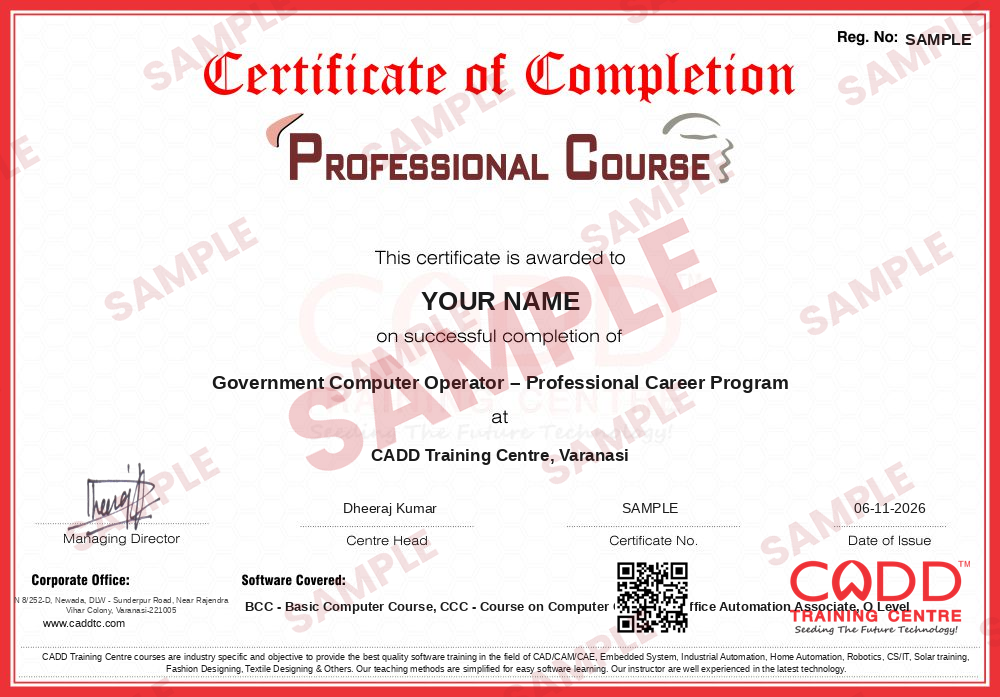
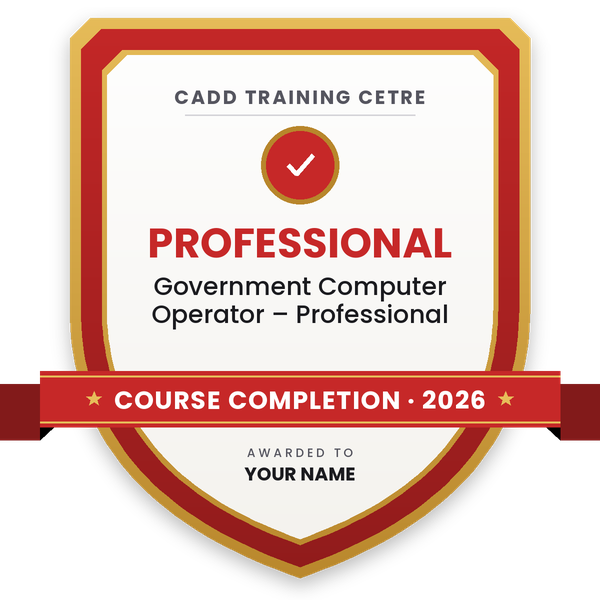
Finish the program and its project — you get the course-completion certificate and a digital completion badge with your name.
Take the certification exam: a theory test on the software of the program and a practical task of the job — at the centre or online.
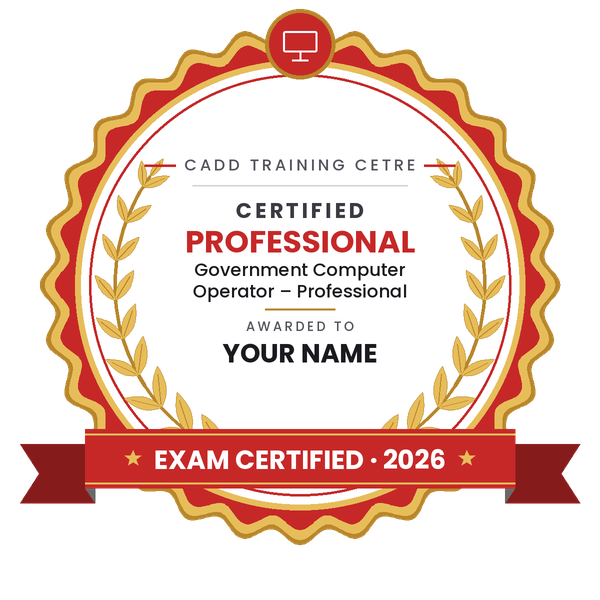
Pass the exam and get the certified certificate with your marksheet. Anyone can check it online with its QR code.
Your certified badge — add it to LinkedIn and share it anywhere; it opens its own verify page.
Make your CV in your student panel (Career → My CV) — your program, certificates and projects are added for you. Send it as a link with a preview picture, apply to jobs and answer Hire Me requests from companies.
The counsellor can shorten or extend this plan for your qualification and the time you have. Ask for your personal plan →
Join at the level that suits you — each level is a complete course you can enrol in.
The whole roadmap — every software of the job
A computer operator in a government office works in departments such as revenue, education, health, police, municipal bodies, courts and public sector undertakings. Daily work includes typing letters and orders, entering data on department portals, maintaining registers in spreadsheets, scanning and uploading files, and helping with e-governance services. Contract and outsourced posts for data entry operators are also common in district offices and project units.
Many central and state recruitment notifications list a computer qualification as essential or desirable. The most common ones are CCC (Course on Computer Concepts) and O Level, both run by NIELIT, an organisation under the Ministry of Electronics and Information Technology. CCC is a short course on everyday computer use. O Level is a one-year foundation programme covering IT tools, web design, Python programming and IoT.
A certificate makes you eligible to apply but does not by itself lead to selection. Posts are filled through written tests, typing or skill tests and merit lists. Always read the official notification for the exact qualification, typing speed and language required.
Not for every job. Many state government notifications, especially for clerical and operator posts, list CCC or a higher NIELIT qualification as essential or preferred. Each recruitment sets its own rules, so check the official notification before you apply.
CCC is a short NIELIT course (about 80 hours) on everyday computer use such as documents, spreadsheets, internet and digital payments. O Level is a one-year NIELIT programme with four theory modules (IT tools, web design, Python and IoT) plus practicals and a project.
NIELIT generally allows candidates who have passed 12th, or an ITI course after 10th, to register for O Level. Eligibility rules can change, so confirm the current conditions on the official NIELIT website before you enrol.
The basic course, CCC and office practice steps add up to about 200 hours (40 + 80 + 80). O Level adds one year. The time to actually get a post depends on recruitment cycles, exams and typing tests.
No certificate alone gives you a job. It makes you eligible for posts that ask for it. Selection depends on the written exam, typing or skill test, document checks and merit list set by the recruiting body.
Yes. CADD Training Centre offers live online classes along with classroom batches. The NIELIT CCC exam itself is taken as per NIELIT's exam process and schedule, so plan your study to finish before the exam month you choose.
More questions? Ask our counsellor or see all career roadmaps.
 Project Planning Engineer (Primavera / MS Project)A project planning engineer builds and tracks the schedule that keeps a construction or engineering project on time. This roadmap covers Excel, reading drawings, MS Project, Primavera P6 basics and advanced, and 4D planning.
 Embedded Systems EngineerAn embedded systems engineer programs the microcontrollers inside electronic products. This roadmap takes you from C and C++ through Arduino hardware, Proteus simulation and Python to entry-level firmware work.
 Python DeveloperA Python developer writes code for web apps, automation scripts and data tools. This roadmap takes you from core Python through web basics, spreadsheets and databases, and cloud concepts towards entry-level developer work.
 Web DeveloperA web developer builds and maintains websites and web applications. This roadmap covers HTML, CSS, web graphics, server-side Python and hosting basics so you can create and publish complete sites.
 Java DeveloperA Java developer builds enterprise software, web back ends and Android apps in Java. This roadmap moves from programming logic in C to Core Java, HTML and CSS, Advanced Java and cloud concepts.
 Accountant (Tally & GST)An accountant records business transactions, manages GST and prepares reports for owners and auditors. This roadmap covers Tally from basics to expert level, GST in Tally and Excel for MIS reports.