A CNC programmer writes the G-code and CAM toolpaths that run turning and milling machines. This roadmap covers drawing reading, CNC operation, NC editing, part modelling and Mastercam programming.
Understand views, dimensions, surface finish and geometric tolerances so you know exactly what the machined part must look like and how it will be inspected.
Machine axes, work and tool offsets, G-code and M-code basics, and safe setup and operation of CNC lathes and vertical machining centres.
Edit G-code, backplot toolpaths, compare program versions and transfer files to machines, catching mistakes before they reach the spindle.
Create or repair the 3D part models that CAM programming starts from, and learn to see stock, fixtures and features from a manufacturing view.
Contour, pocket, drilling and facing toolpaths with tool libraries, then post the code for a machine and verify it in simulation.
3D surface roughing and finishing, lathe toolpaths and toolpath optimisation for moulds, dies and complex components.
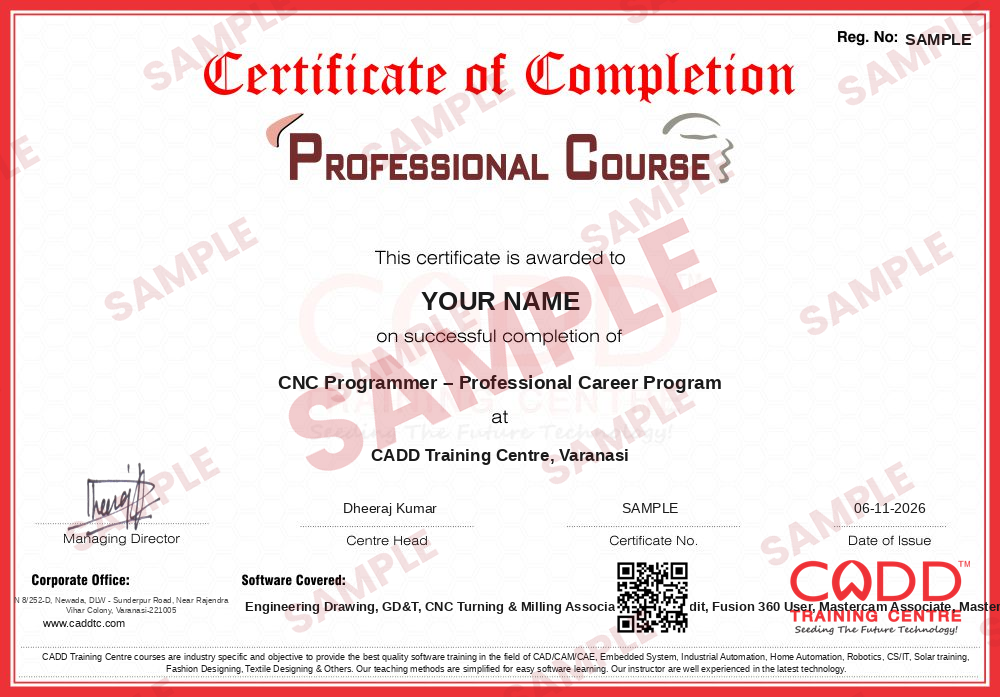
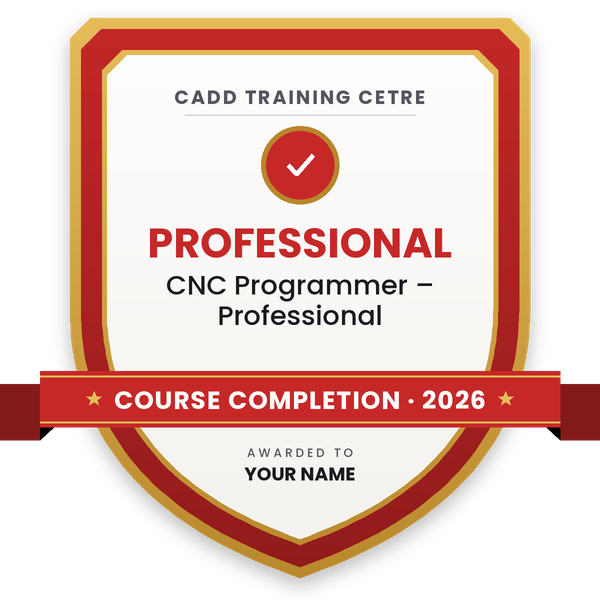
Finish the program and its project — you get the course-completion certificate and a digital completion badge with your name.
Take the certification exam: a theory test on the software of the program and a practical task of the job — at the centre or online.
Pass the exam and get the certified certificate with your marksheet. Anyone can check it online with its QR code.
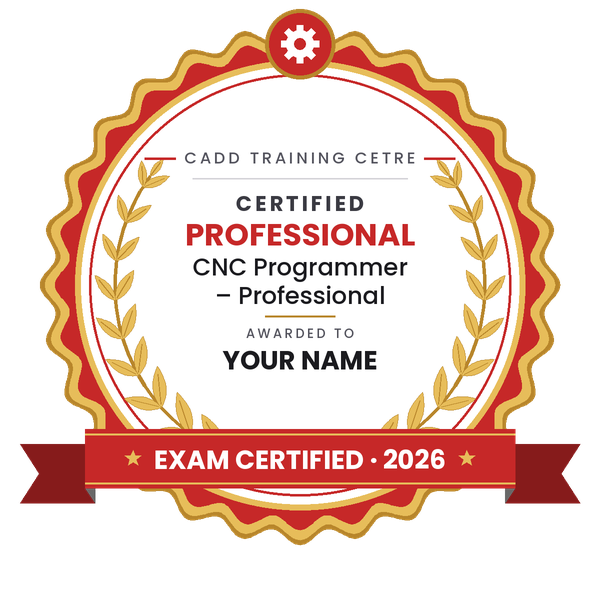
Your certified badge — add it to LinkedIn and share it anywhere; it opens its own verify page.
Make your CV in your student panel (Career → My CV) — your program, certificates and projects are added for you. Send it as a link with a preview picture, apply to jobs and answer Hire Me requests from companies.
The counsellor can shorten or extend this plan for your qualification and the time you have. Ask for your personal plan →
Join at the level that suits you — each level is a complete course you can enrol in.
Entry job — the first steps of the roadmap
The whole roadmap — every software of the job
A CNC programmer converts a part drawing or 3D model into a program that a CNC lathe or milling machine can run. The job involves studying the drawing, choosing the machining sequence, tools, speeds and feeds, writing or generating G-code and M-code, simulating the toolpath to avoid collisions, and supporting the operator during the first-piece trial.
Simple turned and milled parts are often programmed by hand at the machine. Complex pockets, 3D surfaces, moulds and multi-axis parts are programmed in CAM software such as Mastercam, which creates the toolpaths and then posts code for the specific machine controller.
Programmers work in machine shops, auto component and tractor parts plants, tool rooms, die and mould makers, aerospace and defence suppliers, and job-work units in industrial areas across India. Demand grows as more factories replace conventional lathes and milling machines with CNC equipment and need people who can program, edit and prove out jobs quickly and safely.
Learn to read drawings and tolerances, then take CNC turning and milling training to understand G-code and machine setup. Add CIMCO Edit, 3D modelling and Mastercam, and gain shop-floor experience as an operator or setter.
An operator loads parts, sets offsets and runs proven programs. A programmer plans the machining, writes or generates the program, chooses tools and cutting data and proves out new jobs. Many programmers start as operators.
Simple parts can be programmed manually, but CAM software is needed for complex pockets, 3D surfaces and moulds. Mastercam is widely used in machine shops; other shops use tools such as Fusion 360 CAM or NX CAM.
The CNC Turning & Milling Associate course runs about 3 months, and the other modules total about 240 hours (Engineering Drawing 20, GD&T 20, CIMCO Edit 40, Fusion 360 40, Mastercam Associate 40, Mastercam 80). Shop practice then builds speed.
Yes. A 10th pass student can start with drawing reading and CNC training, then learn CAM. Basic maths such as geometry and trigonometry helps with coordinates and toolpath calculations.
The software parts, such as CIMCO Edit, Fusion 360 and Mastercam, can be learned in live online classes. Hands-on machine setup is built through practical training and shop-floor experience.
More questions? Ask our counsellor or see all career roadmaps.
 Mechanical Design EngineerA mechanical design engineer turns product ideas into 3D models and manufacturing drawings. This roadmap takes you from drawing basics to SolidWorks modelling, sheet metal, GD&T and simulation.
 Product / Industrial DesignerProduct and industrial designers shape how everyday products look, feel and get made. This roadmap builds surface modelling, design-for-moulding and photoreal rendering skills for a strong design portfolio.
 CAE / FEA AnalystA CAE / FEA analyst uses simulation to predict stress, vibration, heat and fluid flow before a product is built. This roadmap moves from 3D CAD to Ansys structural and CFD work plus result scripting.
 Automotive Design Engineer (CATIA / NX)Automotive design engineers create body, trim, chassis and powertrain parts for vehicles. This roadmap builds the CATIA and NX part, assembly and surface skills that carmakers and their suppliers expect.
 MEP Design EngineerMEP design engineers plan HVAC, plumbing, fire fighting and electrical services for buildings. This roadmap moves from AutoCAD drafting to AutoCAD MEP, Revit MEP modelling and Navisworks coordination.
 Steel Structure Detailer (Tekla / Advance Steel)A steel structure detailer models steel buildings and produces the fabrication and erection drawings shops and sites work from. This roadmap covers drawing basics, AutoCAD, Advance Steel, Tekla Structures and STAAD Pro.