Learn CIMCO Edit to write, edit, backplot and send CNC G-code.
Talk to our counsellor — choose the right course, batch time and mode.
Join at a CADD centre near you or online. You get your student login and ID card.
40 Hours of hands-on CIMCO Edit classes — in the classroom or live online.
Exercises in every class and a final project, checked by your trainer.
Finish the course and get your course-completion certificate and a digital completion badge with your name.
Take the certification exam: a theory test and a practical task — at the centre or online.
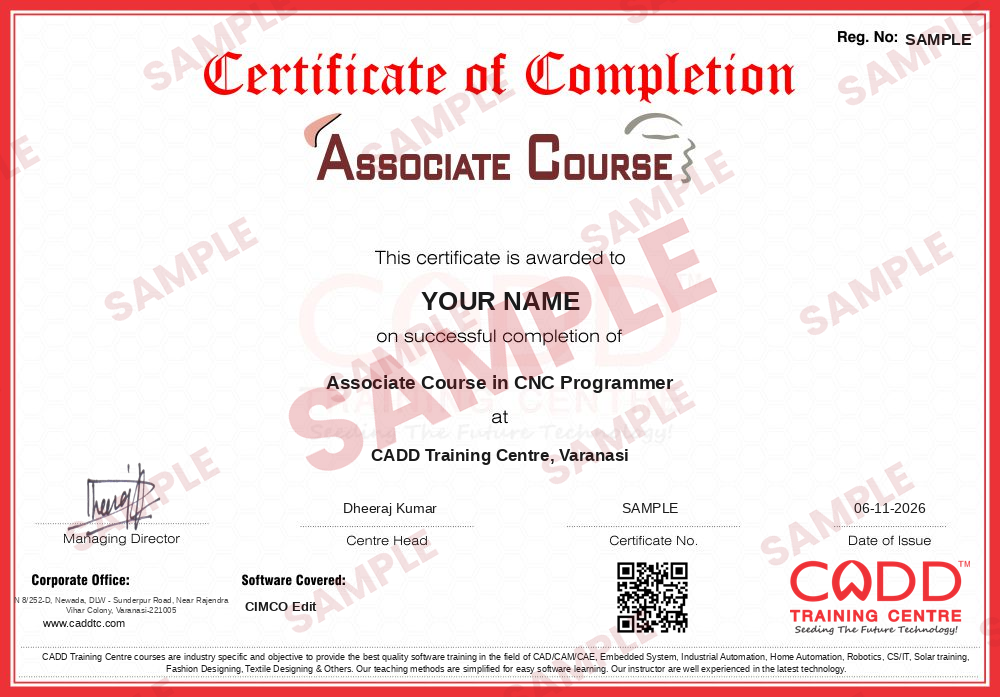
Pass the exam and get the certified certificate with your marksheet. Anyone can check it online with its QR code.
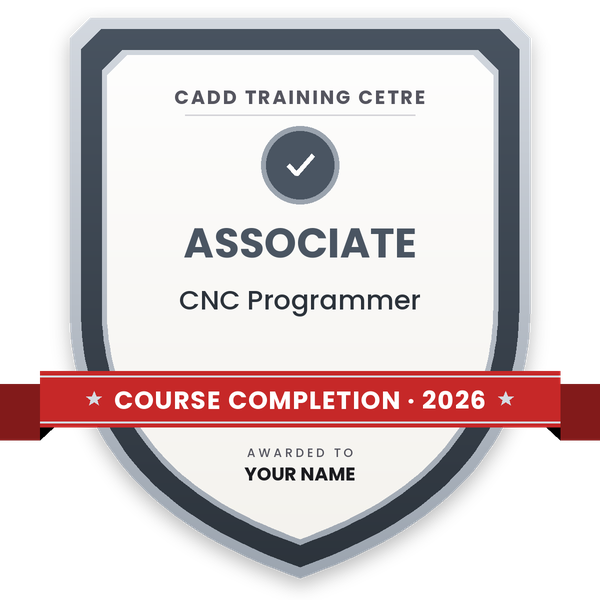
Your certified badge — add it to LinkedIn and share it anywhere; it opens its own verify page.
Make your CV in your student panel (Career → My CV) — your course, certificates and projects are added for you. Send it as a link with a preview picture, and apply to jobs and Hire Me requests from companies.
CIMCO Edit is a dedicated CNC program editor used in machine shops, tool rooms and component manufacturing units. Instead of editing G-code in a plain text file, operators, setters and CAM programmers use it to read, correct and verify NC programs for milling and turning machines, view the toolpath as a backplot, compare revisions and transfer programs between a computer and the machine control.
This 40-hour course starts with a quick refresher of G-code and M-code structure, then moves into practical editing with the NC-Assistant, program clean-up tools such as renumbering and comment removal, and Transform functions for translating, rotating, mirroring and scaling toolpaths. You learn to backplot and simulate programs block by block to spot wrong moves before they reach the spindle, compare two program versions and set up program transmission. Every session is hands-on on sample mill and lathe programs, in the classroom at a CADD Training Centre or in live online classes.
The skills support roles such as CNC operator, setter, CNC programmer and CAM technician. Because CIMCO Edit checks code rather than creating toolpaths, many learners continue with Mastercam to learn CAM programming from part geometry.
Students rate the course after they finish it — their ratings appear here.
CIMCO Edit is a CNC program editor. Shops use it to write and correct G-code, backplot toolpaths, compare program versions and transfer programs between a computer and CNC machines.
CNC operators, setters, ITI and diploma students, and mechanical engineers can join. Basic computer skills are needed; some idea of G-codes helps, and we revise the essentials in class.
The course runs for 40 hours of guided, hands-on sessions covering editing, NC functions, transforms, backplot, file compare and program transmission.
Yes. CIMCO Edit can be learned in the classroom at a CADD Training Centre or in live online classes; you edit and backplot sample mill and lathe programs on your own PC.
Yes. The CIMCO Edit course gives you a CADD Training Centre certificate. A machine shop supervisor can confirm it online with the QR code or verification code.
It supports roles such as CNC operator, CNC setter, CNC programmer and CAM technician in machine shops, tool rooms and component manufacturing units.
No. CIMCO Edit is mainly an editor and verifier for NC code. Toolpaths are usually created in CAM software such as Mastercam, then checked and edited in CIMCO Edit.
Many students continue with Mastercam or a CNC Turning & Milling programme to learn toolpath creation and full machine operation alongside program editing.
More questions? Ask our counsellor or read the general FAQ.