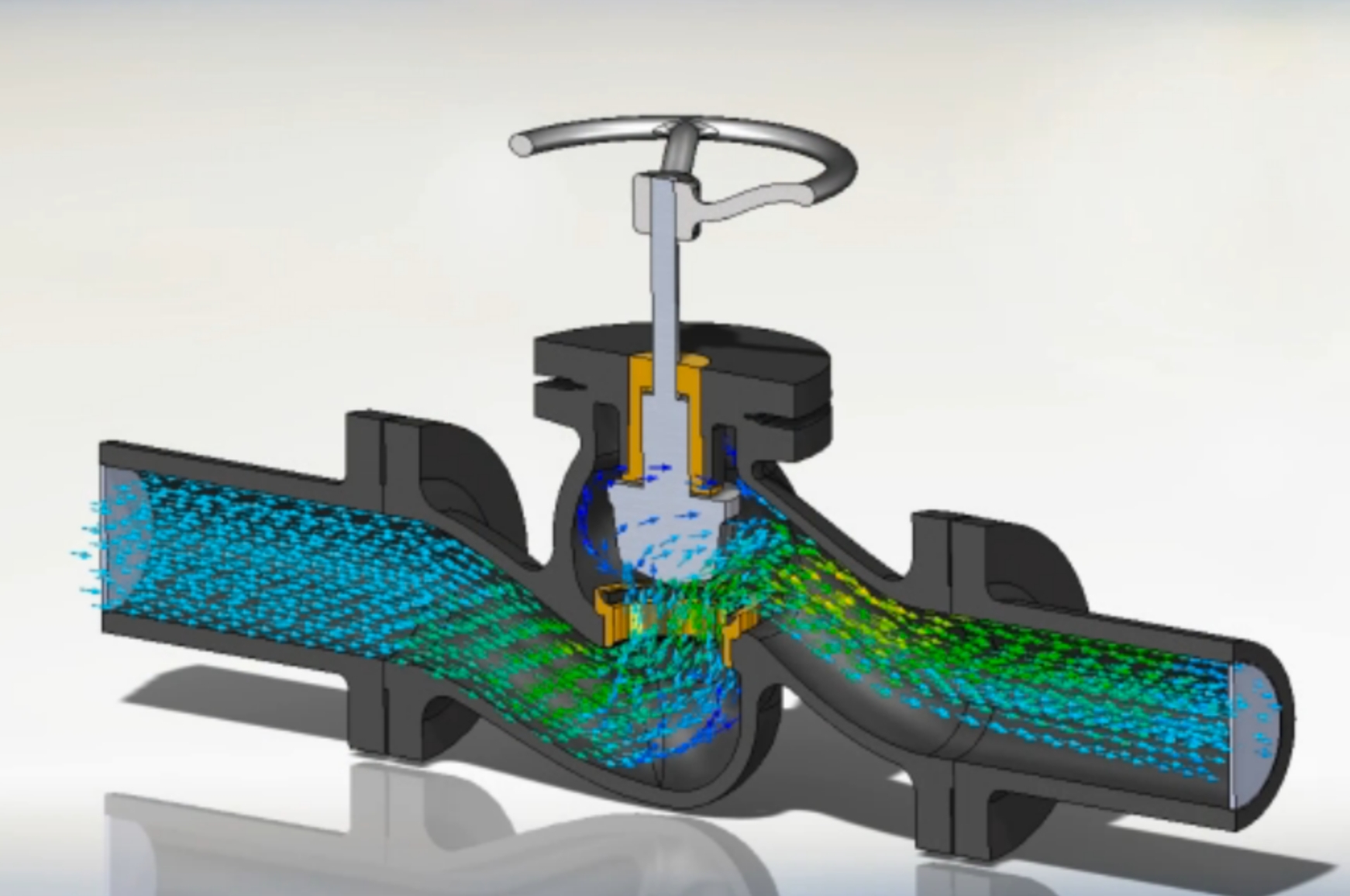
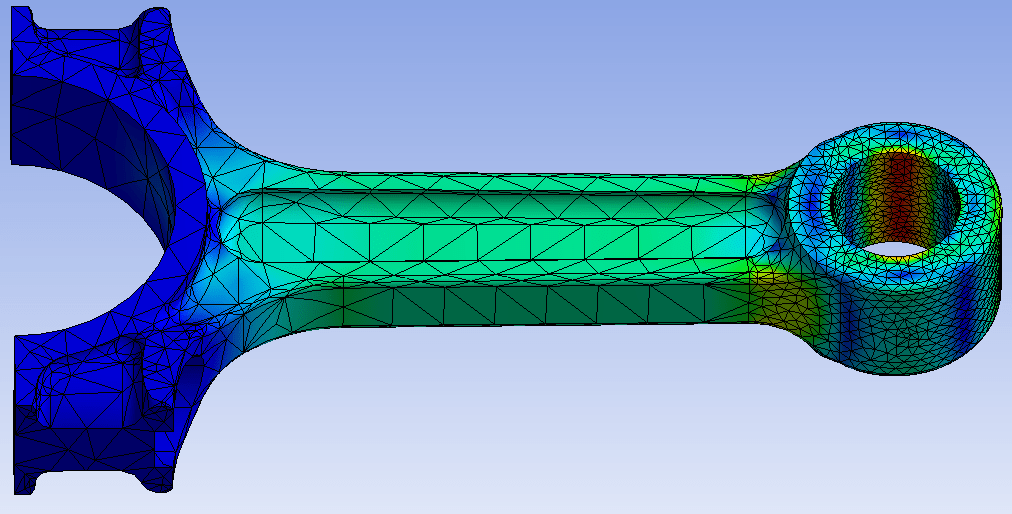
Learn SolidWorks Simulation FEA: static studies, fixtures, loads, contacts, meshing and factor of safety.
Talk to our counsellor — choose the right course, batch time and mode.
Join at a CADD centre near you or online. You get your student login and ID card.
20 Hours of hands-on Solidworks for Simulation classes — in the classroom or live online.
Exercises in every class and a final project, checked by your trainer.
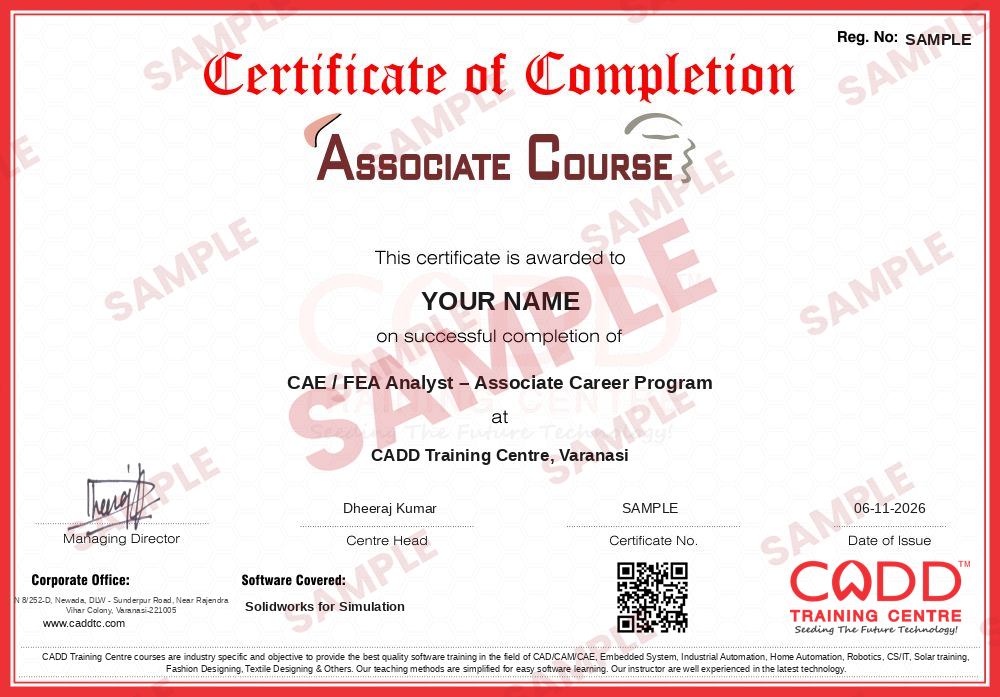
Finish the course and get your course-completion certificate and a digital completion badge with your name.
Take the certification exam: a theory test and a practical task — at the centre or online.
Pass the exam and get the certified certificate with your marksheet. Anyone can check it online with its QR code.
Your certified badge — add it to LinkedIn and share it anywhere; it opens its own verify page.
Make your CV in your student panel (Career → My CV) — your course, certificates and projects are added for you. Send it as a link with a preview picture, and apply to jobs and Hire Me requests from companies.
SOLIDWORKS Simulation is the finite element analysis (FEA) tool built into SolidWorks. Design engineers use it to test parts and assemblies on the computer, checking stress, deflection and factor of safety under load, so weak areas can be fixed before a prototype is made. Because it works inside SolidWorks, the same model can be changed and re-analysed in minutes.
This 20-hour add-on course teaches the analysis workflow step by step: FEA basics, SimulationXpress, creating static studies, applying materials, fixtures and external loads, defining contacts and connectors such as bolts and pins, meshing and mesh control, and reading von Mises stress, displacement and factor of safety plots. You are also introduced to frequency and buckling studies and to thermal and other study types available in higher Simulation packages, and you learn to write a simple report. Practice is hands-on on the software with brackets, shafts and frames, in the classroom at a CADD centre or in live online classes.
Simulation skills help design engineers validate their work. For deeper CAE, continue with Ansys for Structural Analysis.
Students rate the course after they finish it — their ratings appear here.
SolidWorks Simulation is used to test the strength and stiffness of parts and assemblies on the computer. It shows stress, deflection and factor of safety so designers can improve a design before making it.
SolidWorks users with mechanical or production backgrounds can join, including students and working design engineers. You should know SolidWorks modeling and basic strength of materials.
The SolidWorks Simulation module is 20 hours, covering FEA basics, static studies, meshing, assembly contacts, results, reporting and an introduction to other study types.
Both are available. In live online SolidWorks Simulation classes you set up and solve each study on your PC with the trainer's guidance, and classroom batches at CADD centres follow the same plan.
Yes. SolidWorks Simulation learners receive a CADD Training Centre certificate at the end. Show it to a product development team, who can confirm it online through the QR code.
Simulation skills help design engineers, product development engineers and junior CAE engineers in machinery, automotive component and consumer product companies.
SolidWorks Simulation works inside SolidWorks and suits quick design checks by design engineers. Ansys is a dedicated, more powerful CAE suite used by analysts for complex structural, thermal and CFD problems.
Basic static analysis is available in SolidWorks Premium and Simulation Standard, while studies such as frequency, buckling, thermal and drop test need Simulation Professional or higher packages.
More questions? Ask our counsellor or read the general FAQ.