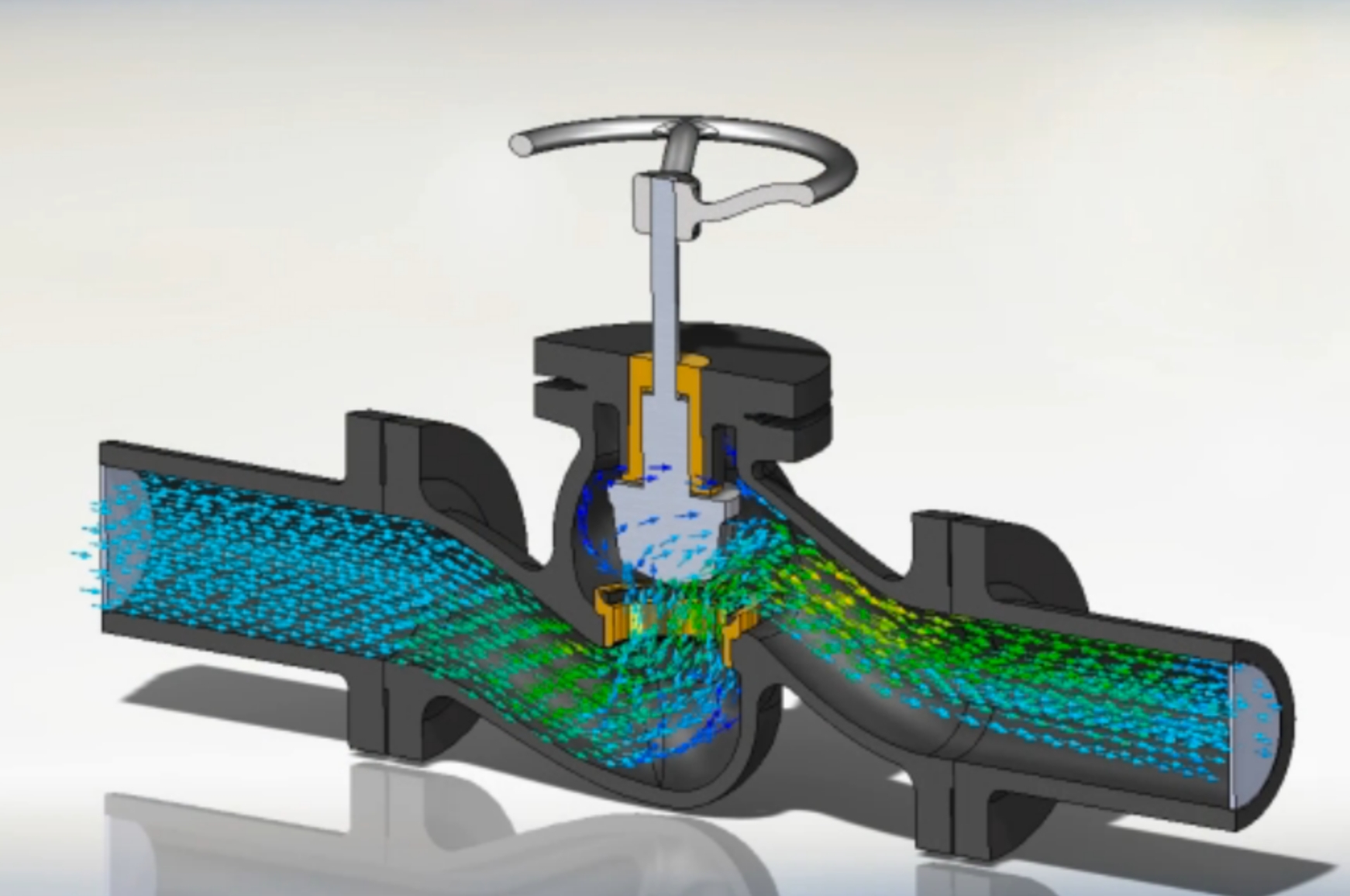
Learn Ansys Mechanical for FEA: meshing, static, modal, thermal, buckling and nonlinear analysis.
Talk to our counsellor — choose the right course, batch time and mode.
Join at a CADD centre near you or online. You get your student login and ID card.
80 Hours of hands-on Ansys for Structural Analysis classes — in the classroom or live online.
Exercises in every class and a final project, checked by your trainer.
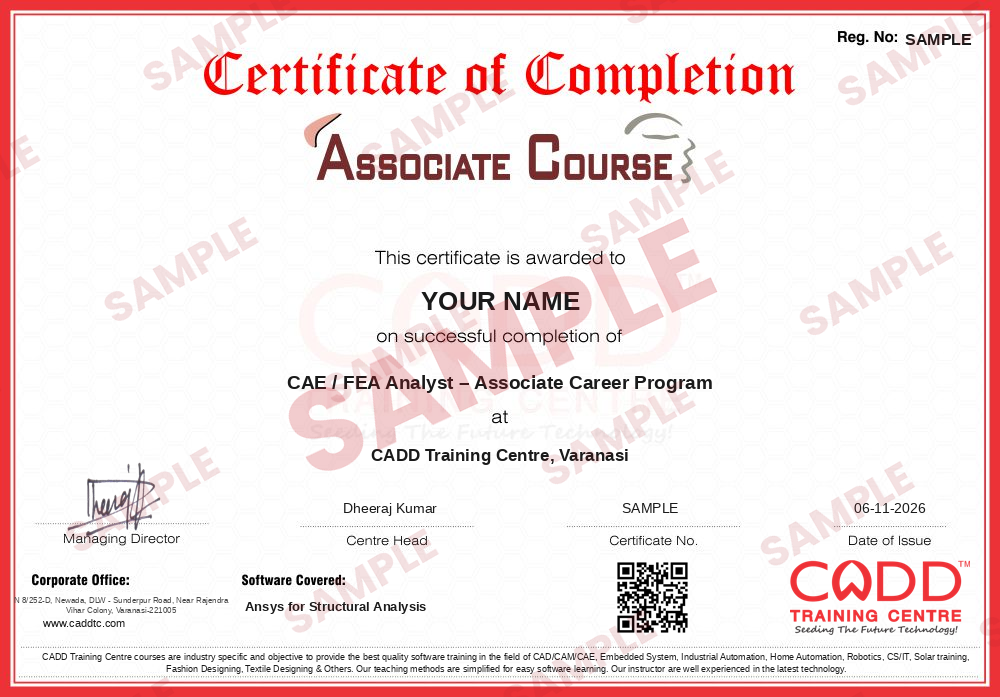
Finish the course and get your course-completion certificate and a digital completion badge with your name.
Take the certification exam: a theory test and a practical task — at the centre or online.
Pass the exam and get the certified certificate with your marksheet. Anyone can check it online with its QR code.
Your certified badge — add it to LinkedIn and share it anywhere; it opens its own verify page.
Make your CV in your student panel (Career → My CV) — your course, certificates and projects are added for you. Send it as a link with a preview picture, and apply to jobs and Hire Me requests from companies.
Ansys Mechanical, used through the Ansys Workbench environment, is finite element analysis (FEA) software that predicts how parts and structures respond to loads, vibration, heat and buckling. Automotive, aerospace, heavy engineering and consulting firms use it to validate designs virtually, cut down on physical prototypes and confirm strength and safety before manufacture. Researchers and M.Tech students also use it widely for thesis and project work.
This 80-hour course combines short theory explanations with guided practice for each analysis type. You begin with FEA fundamentals, the Workbench project schematic and Engineering Data, prepare and simplify CAD geometry in SpaceClaim and DesignModeler, and build quality meshes with sizing, method controls and convergence checks. Static structural analysis with supports, loads, bolt pretension, contacts and joints follows, then modal, harmonic, linear buckling, beam and shell models, steady-state and transient thermal studies, and thermal stress. Later sessions introduce transient structural and nonlinear analysis, fatigue and design optimisation, and a final project with a technical report. Training is hands-on, in CADD centre classrooms or live online, with a CADD Training Centre certificate that can be verified online.
Ansys skills support careers as a CAE engineer, FEA analyst or design validation engineer. Basic strength of materials is needed; the Ansys for CFD course is a logical next step.
Students rate the course after they finish it — their ratings appear here.
Ansys Mechanical is finite element software used to predict stress, deformation, vibration, buckling and heat effects in parts and structures, so engineers can check strength and safety before building anything.
Mechanical, aerospace and civil students, M.Tech researchers and design engineers. You should know basic strength of materials; CAD knowledge helps but is not required.
The Ansys for Structural Analysis course is 80 hours long, covering static, modal, buckling, thermal, nonlinear and fatigue analysis with a final project.
Yes. Besides classroom training at CADD centres, Ansys for Structural Analysis runs as live online classes in which you set up, mesh and solve each study on your own PC as the trainer explains the results.
On completing Ansys for Structural Analysis you are awarded a CADD Training Centre certificate. It has its own verification code, so a CAE or design validation team can look it up on the website.
Ansys skills support roles such as CAE engineer, FEA analyst, simulation engineer and design validation engineer in automotive, aerospace, heavy engineering and consulting firms. Placement support is provided.
Ansys is easier when you understand the engineering behind it. This course explains the theory briefly before each analysis type and uses guided examples, so results make sense rather than just looking colourful.
A Windows PC with at least 16 GB RAM and a multi-core processor is recommended for practice. Larger models need more memory.
More questions? Ask our counsellor or read the general FAQ.