Classroom & live online30 HoursVerifiable certificateSyllabus ↓
Keyshot Course
KeyShot rendering course: import CAD models, apply materials, set lighting and cameras for product and jewellery renders.
Your roadmap — from admission to certificate
1
Free counselling
Talk to our counsellor — choose the right course, batch time and mode.
2
Admission
Join at a CADD centre near you or online. You get your student login and ID card.
3
Learn step by step
30 Hours of hands-on Keyshot classes — in the classroom or live online.
The KeyShot InterfaceCreate a Simple RenderWork with MaterialLighting and RenderingAnimation
4
Practice & project
Exercises in every class and a final project, checked by your trainer.
5
Course completion certificate + completion badge
Finish the course and get your course-completion certificate and a digital completion badge with your name.
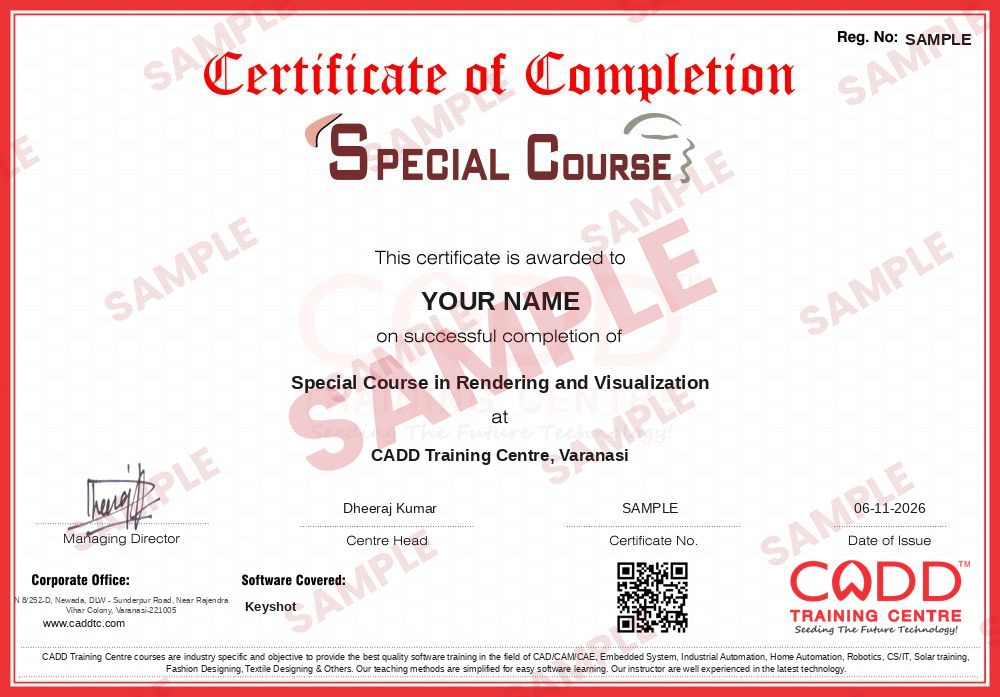
Course-completion certificate (sample) — Special Course in Rendering and Visualization · verifiable online
Course-completion badge
Course
Special Course in Rendering and Visualization
Issued by
CADD Training Cetre
Training
Classroom or live online
How to earn
Complete the course and its project
With your name and year · its own verify link · “Add to profile” on LinkedIn
6
Certification exam
Take the certification exam: a theory test and a practical task — at the centre or online.
7
Certified certificate + marksheet
Pass the exam and get the certified certificate with your marksheet. Anyone can check it online with its QR code.
8
Certified badge
Your certified badge — add it to LinkedIn and share it anywhere; it opens its own verify page.
Certified badge
Course
Special Course in Rendering and Visualization
Issued by
CADD Training Cetre
Training
Classroom or live online
How to earn
Pass the certification exam
You also get
Certified certificate + marksheet
With your name and year · its own verify link · “Add to profile” on LinkedIn
9
Make your CV & apply for jobs
Make your CV in your student panel (Career → My CV) — your course, certificates and projects are added for you. Send it as a link with a preview picture, and apply to jobs and Hire Me requests from companies.
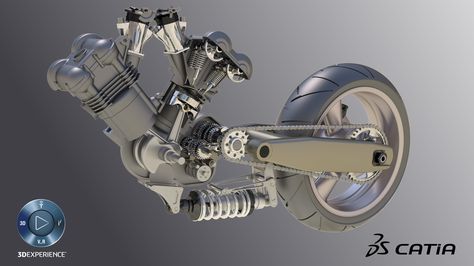
Rendering in KeyShot is one of the easiest and most intuitive ways of creating professional presentations of our projects. In this Training Course we will learn how to import our projects into KeyShot and consider the advantages and limitations it has over traditional rendering packages.
You will be able to
Import models from SolidWorks, Rhino, NX and other CAD tools into KeyShot
Apply and edit materials such as metal, plastic, glass and gemstones
Light scenes with HDRI environments and physical lights
Set cameras, depth of field and composition for product shots
Render jewellery pieces with realistic metals and stones
Create simple turntable animations for presentations
Output high-resolution images for catalogues and clients
Who it is for
Mechanical and product design students
Jewellery designers who want realistic renders
CAD users in SolidWorks, Rhino, NX or Creo
Marketing and catalogue teams preparing product visuals
What you need
Basic knowledge of any 3D CAD or jewellery CAD software
Basic computer skills and an eye for presentation
For live online classes: a PC with 16 GB RAM and a good graphics card or multi-core processor
Courses that include Keyshot
Special Course in Rendering and VisualizationSpecial Course · 30 Hours
Students rate the course after they finish it — their ratings appear here.
Keyshot course — FAQ
What is KeyShot used for?
KeyShot is a real-time 3D rendering tool used to turn CAD models into photo-realistic images and animations of products, machines and jewellery for catalogues, marketing and client approvals.
Is KeyShot easy to learn?
KeyShot is one of the easier rendering tools to learn because you drag materials and environments onto the model and see results live. Most students produce good renders within a few sessions.
How long is the KeyShot course?
The KeyShot course is 30 hours long, which covers importing, materials, lighting, cameras, animation and output.
Can I learn KeyShot online?
You can choose either: a CADD centre classroom or live online KeyShot classes, where you render your own CAD and jewellery models on your PC while the trainer reviews lighting and materials.
Do I get a certificate after the KeyShot course?
You receive a CADD Training Centre certificate for KeyShot. Its unique verification code lets a product or jewellery company check it online at any time.
Which jobs need KeyShot rendering skills?
KeyShot supports roles such as product visualiser, rendering artist, jewellery CAD designer and industrial designer. Career guidance and placement support come with the course.
Is KeyShot good for jewellery rendering?
Yes. KeyShot has dedicated metal and gemstone materials with realistic reflections and dispersion, which is why jewellery designers often use it after modelling in jewellery CAD software.