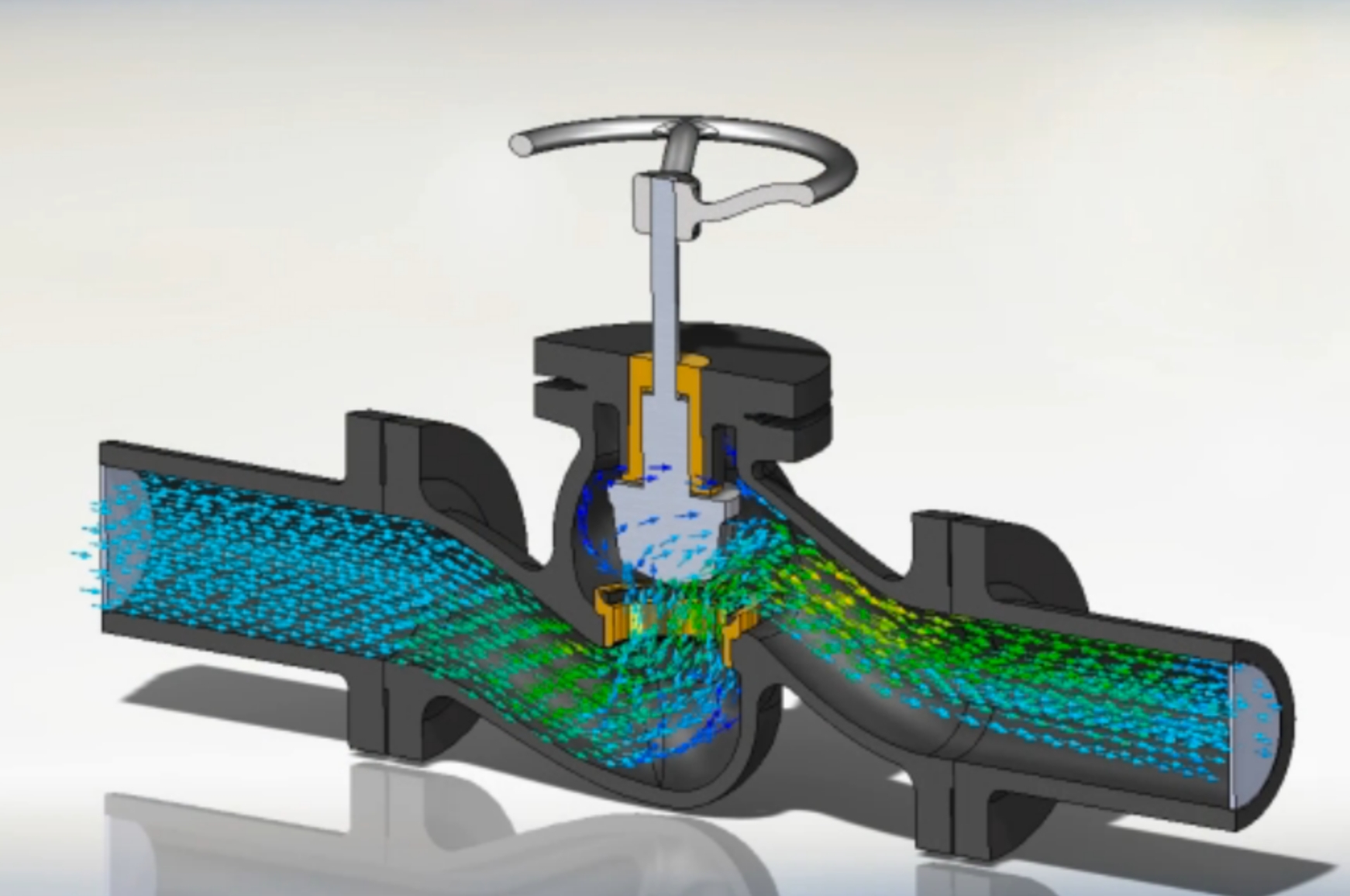
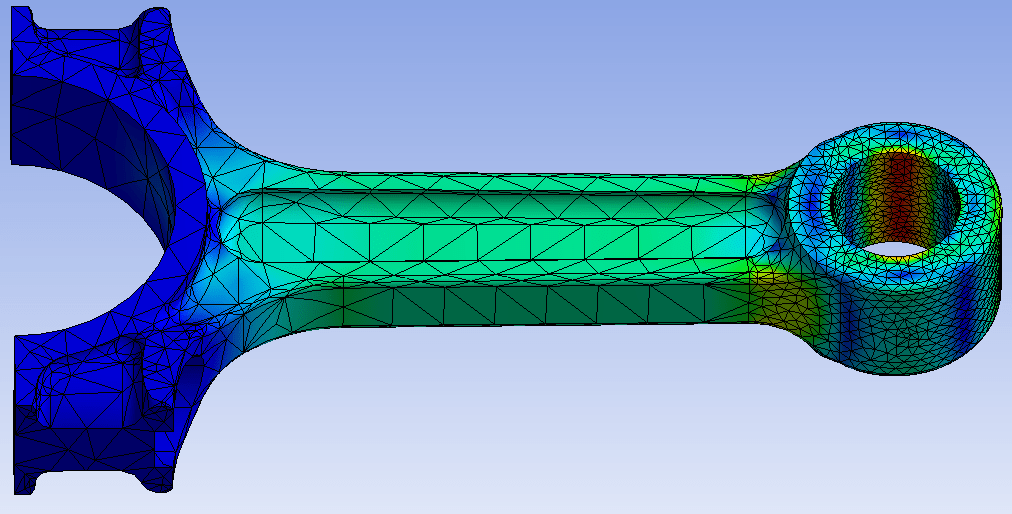
Classroom & live online 80 Hours Verifiable certificate Syllabus ↓

Creo for Production Engineering Course

PTC Creo for production: parts, assemblies, GD&T drawings, sheet metal, mold design and NC machining.

Your roadmap — from admission to certificate

  1. Free counselling

    Talk to our counsellor — choose the right course, batch time and mode.

  2. Admission

    Join at a CADD centre near you or online. You get your student login and ID card.

  3. Learn step by step

    80 Hours of hands-on Creo for Production Engineering classes — in the classroom or live online.

    Creo Parametric BasicsSketcherPart ModellingAssembly DesignDetailed Production DrawingsSheet Metal DesignMold DesignNC Machining: MillingNC Machining: Turning and Post-ProcessingProduction Project
  4. Practice & project

    Exercises in every class and a final project, checked by your trainer.

  5. Course completion certificate + completion badge

    Finish the course and get your course-completion certificate and a digital completion badge with your name.
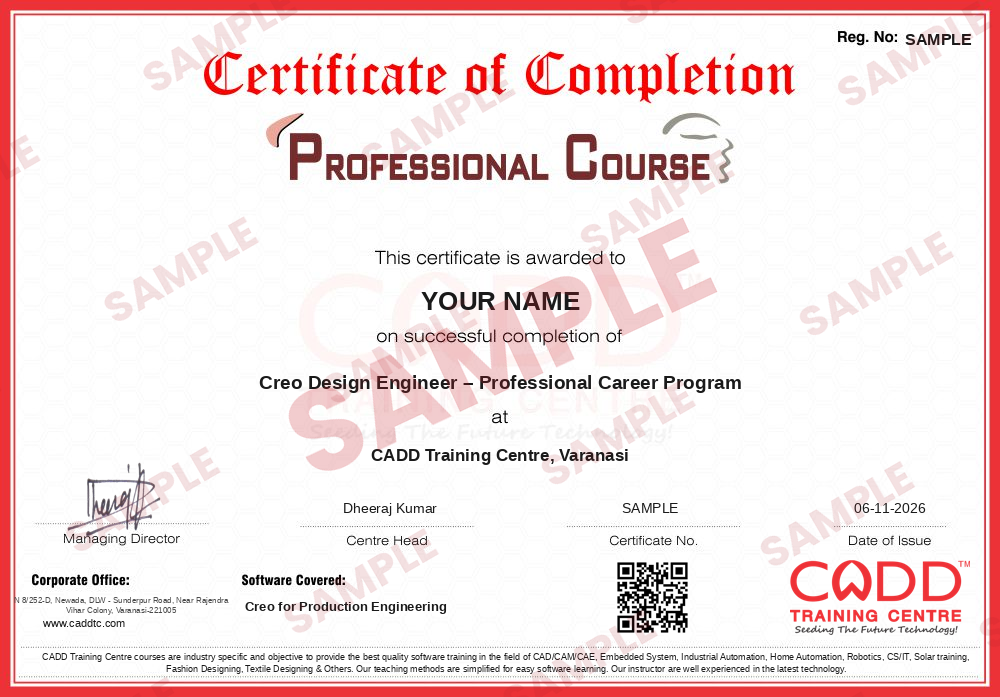
    Sample course-completion certificate — Creo Design Engineer – Professional Career Program
    Course-completion certificate (sample) — Creo Design Engineer – Professional Career Program · verifiable online
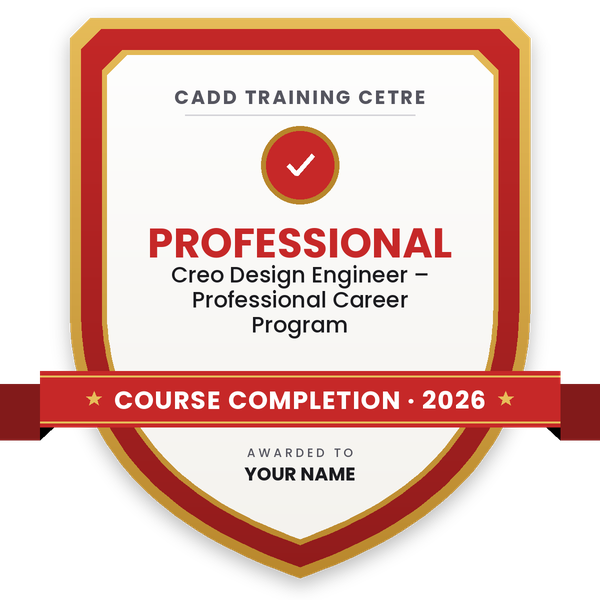
    Course-completion badge — Creo Design Engineer – Professional Career Program
    Course-completion badge
    Course
    Creo Design Engineer – Professional Career Program
    Issued by
    CADD Training Cetre
    Training
    Classroom or live online
    How to earn
    Complete the course and its project
    With your name and year · its own verify link · “Add to profile” on LinkedIn
  6. Certification exam

    Take the certification exam: a theory test and a practical task — at the centre or online.

  7. Certified certificate + marksheet

    Pass the exam and get the certified certificate with your marksheet. Anyone can check it online with its QR code.

  8. Certified badge

    Your certified badge — add it to LinkedIn and share it anywhere; it opens its own verify page.

    Certified badge — Creo Design Engineer – Professional Career Program
    Certified badge
    Course
    Creo Design Engineer – Professional Career Program
    Issued by
    CADD Training Cetre
    Training
    Classroom or live online
    How to earn
    Pass the certification exam
    You also get
    Certified certificate + marksheet
    With your name and year · its own verify link · “Add to profile” on LinkedIn
  9. Make your CV & apply for jobs

    Make your CV in your student panel (Career → My CV) — your course, certificates and projects are added for you. Send it as a link with a preview picture, and apply to jobs and Hire Me requests from companies.

About the Creo for Production Engineering course

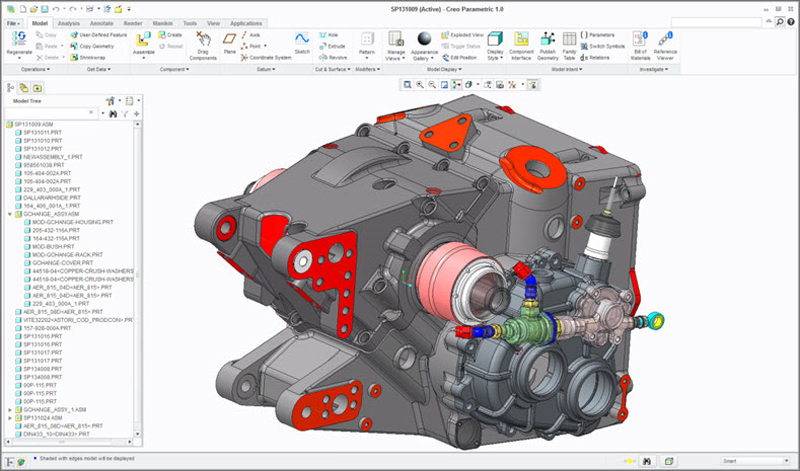
PTC Creo Parametric is a 3D CAD/CAM system used in automotive, heavy engineering, tooling and consumer product companies to design parts, assemble machines and prepare them for manufacturing. Many Indian manufacturers and design service firms use Creo (earlier known as Pro/ENGINEER) for production drawings, sheet metal, mold and machining work.

This 80-hour Creo for Production Engineering course starts with sketching and part modelling, then moves to assemblies, detailed drawings with tolerances and GD&T, sheet metal with flat patterns, and the manufacturing side of Creo: mold design with parting surfaces and core-cavity split, and NC machining with milling and turning toolpaths. You practise on real production-style parts in the classroom at CADD centres or in live online classes, and finish with a complete manufacturing project.

The course prepares you for roles such as production engineer, CAD/CAM engineer, tool design engineer and manufacturing design engineer. To strengthen your profile further, you can add Ansys for simulation or a CNC programming course.

You will be able to

  • Create parametric parts with sketches, features and design intent in Creo
  • Assemble production parts with constraints and check fits and interference
  • Prepare production drawings with tolerances, GD&T and BOM tables
  • Design sheet metal parts and create flat patterns for fabrication
  • Split core and cavity in Creo Mold Design
  • Generate milling and turning toolpaths and post-process NC code
  • Deliver a complete manufacturing project from part to toolpath

Who it is for

  • Mechanical, production and industrial engineering students
  • Engineers in automotive, tooling and machine building companies
  • CNC programmers who want CAD/CAM skills
  • Diploma holders aiming for production or CAD/CAM roles

What you need

  • Basic computer skills and engineering drawing knowledge
  • Basic understanding of machining and manufacturing processes
  • For live online classes: a Windows PC with 16 GB RAM and a dedicated graphics card

Courses that include Creo for Production Engineering

Creo Design Engineer – Professional Career ProgramProfessional Career Program · 280 Hours · 5 software
Enquire →

Creo for Production Engineering Syllabus

10 chapters · 49 topics
01 Creo Parametric Basics 5 topics
  1. Creo interface, ribbon and model tree
  2. Working directory and file management
  3. Datum planes, axes, points and coordinate systems
  4. View controls and display styles
  5. Parametric design concepts
02 Sketcher 5 topics
  1. Sketch entities and construction geometry
  2. Constraints and dimensions
  3. Weak and strong dimensions
  4. Sketch editing and diagnostics
  5. Sketch palette and reuse
03 Part Modelling 5 topics
  1. Extrude and revolve
  2. Hole, round, chamfer and shell
  3. Rib, draft and pattern
  4. Sweep, blend and swept blend
  5. Relations, parameters and family tables
04 Assembly Design 5 topics
  1. Placement constraints and mechanism connections
  2. Assembly with standard parts
  3. Interference and clearance checks
  4. Exploded views
  5. Simplified representations for large assemblies
05 Detailed Production Drawings 5 topics
  1. Drawing templates and formats
  2. General, projected, section and detail views
  3. Dimensions and tolerances
  4. GD&T: datums and geometric tolerances
  5. Surface finish, notes, BOM tables and balloons
06 Sheet Metal Design 5 topics
  1. Planar, flat and flange walls
  2. Bend, unbend and bend back
  3. Bend tables and developed length
  4. Forms and punches
  5. Flat pattern and drawing
07 Mold Design 5 topics
  1. Mold model and reference part
  2. Shrinkage and workpiece
  3. Parting line and parting surfaces
  4. Volume split into core and cavity
  5. Mold opening and draft checks
08 NC Machining: Milling 5 topics
  1. Manufacturing model, stock and operation setup
  2. Work centres, tools and fixtures
  3. Face, roughing, profile and pocket milling
  4. Hole making sequences
  5. Material removal simulation
09 NC Machining: Turning and Post-Processing 5 topics
  1. Lathe setup and turning profiles
  2. Area turning, grooving and threading
  3. Toolpath verification
  4. CL data and post-processing to G-code
  5. Shop documentation
10 Production Project 4 topics
  1. Project: part, assembly and drawing set
  2. Sheet metal or mold component
  3. NC toolpath for a machined part
  4. Certificate assessment

Ratings & reviews

Students rate the course after they finish it — their ratings appear here.

Creo for Production Engineering course — FAQ

What is Creo used for in production engineering?

Production engineers use PTC Creo to model parts and assemblies, prepare drawings with GD&T, design sheet metal and molds, and generate CNC toolpaths, all from the same parametric model.

Is Creo the same as Pro/ENGINEER?

Yes. Creo Parametric is the successor of Pro/ENGINEER from PTC, so many companies and job posts still use the older name.

Who can join Creo for Production Engineering?

Mechanical, production and industrial engineering students, diploma holders and working engineers can join. Engineering drawing knowledge is expected.

How long is the Creo production engineering course?

The course is 80 hours long, covering design, drawings, sheet metal, mold design, NC machining and a final project.

Can I learn Creo online?

Yes, both modes run: classroom batches at CADD Training Centre and live online classes. In Creo for Production Engineering online sessions you take a part from model to NC toolpath on your PC with the trainer checking each step.

Will I get a certificate after the Creo course?

Yes. Once you finish Creo for Production Engineering training, CADD Training Centre issues your certificate; a tooling or automotive company only needs to scan the QR code to see that it is genuine.

What jobs need Creo skills?

Production engineer, CAD/CAM engineer, tool and mold design engineer and design engineer roles in automotive, tooling and heavy engineering firms. Career guidance and placement support are provided.

More questions? Ask our counsellor or read the general FAQ.

Creo for Production Engineering80 Hours
Enquire now