Classroom & live online60 HoursVerifiable certificateSyllabus ↓
NX for Design Engineer Course
Learn Siemens NX for product design: sketching, part modelling, assemblies and drafting.
Your roadmap — from admission to certificate
1
Free counselling
Talk to our counsellor — choose the right course, batch time and mode.
2
Admission
Join at a CADD centre near you or online. You get your student login and ID card.
3
Learn step by step
60 Hours of hands-on NX for Design Engineer classes — in the classroom or live online.
IntroductionGetting StartedDisplay & View ManipulationPart Design WorkflowUnderstanding Sketch Option and SettingsCreating and modifying SketchesApplying Geometric and Dimensional Constraints to SketchesGetting Started Part ModelingBasic 3D Modelling FeaturesBasic Feature Operations
4
Practice & project
Exercises in every class and a final project, checked by your trainer.
5
Course completion certificate + completion badge
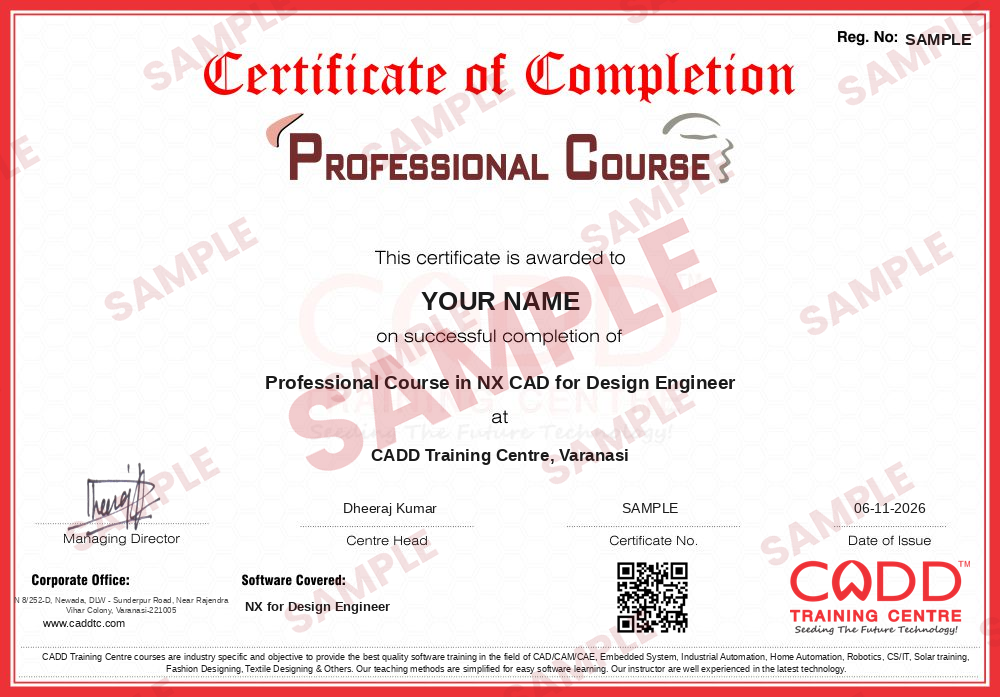
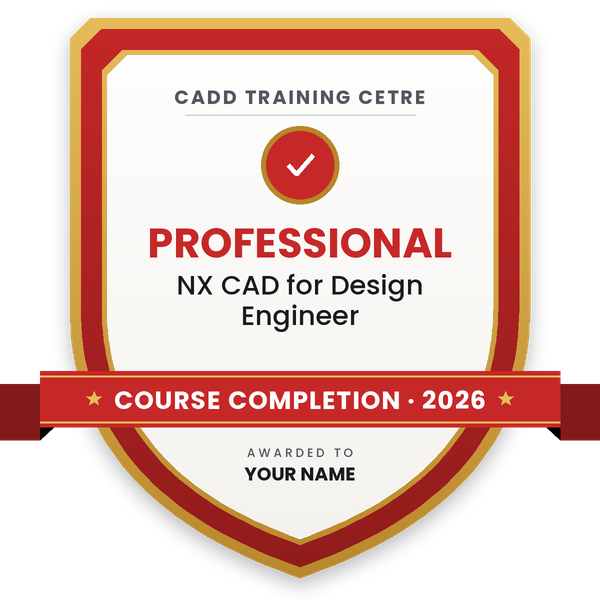
Finish the course and get your course-completion certificate and a digital completion badge with your name.
Course-completion certificate (sample) — Professional Course in NX CAD for Design Engineer · verifiable online
Course-completion badge
Course
Professional Course in NX CAD for Design Engineer
Issued by
CADD Training Cetre
Training
Classroom or live online
How to earn
Complete the course and its project
With your name and year · its own verify link · “Add to profile” on LinkedIn
6
Certification exam
Take the certification exam: a theory test and a practical task — at the centre or online.
7
Certified certificate + marksheet
Pass the exam and get the certified certificate with your marksheet. Anyone can check it online with its QR code.
8
Certified badge
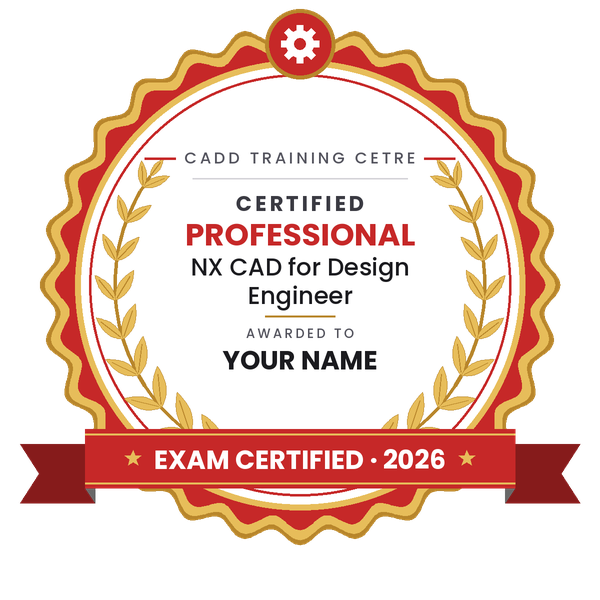
Your certified badge — add it to LinkedIn and share it anywhere; it opens its own verify page.
Certified badge
Course
Professional Course in NX CAD for Design Engineer
Issued by
CADD Training Cetre
Training
Classroom or live online
How to earn
Pass the certification exam
You also get
Certified certificate + marksheet
With your name and year · its own verify link · “Add to profile” on LinkedIn
9
Make your CV & apply for jobs
Make your CV in your student panel (Career → My CV) — your course, certificates and projects are added for you. Send it as a link with a preview picture, and apply to jobs and Hire Me requests from companies.
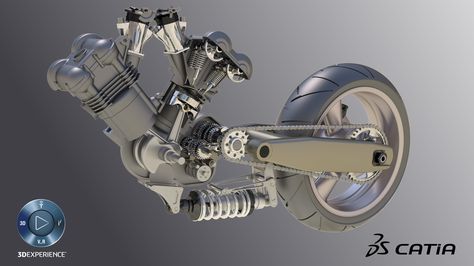
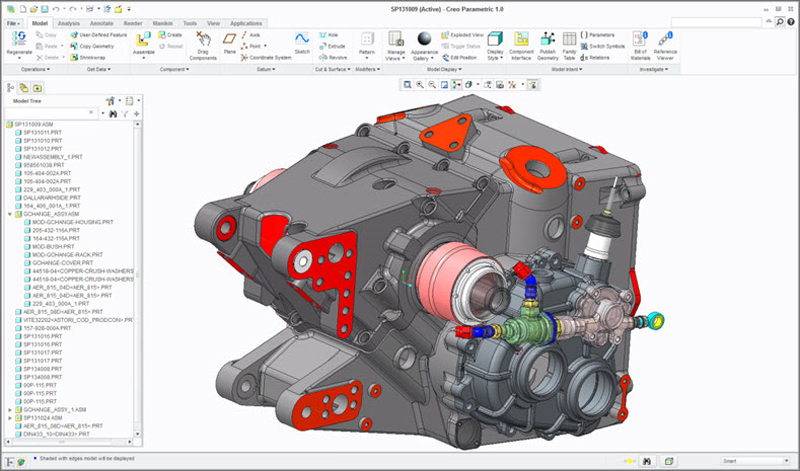
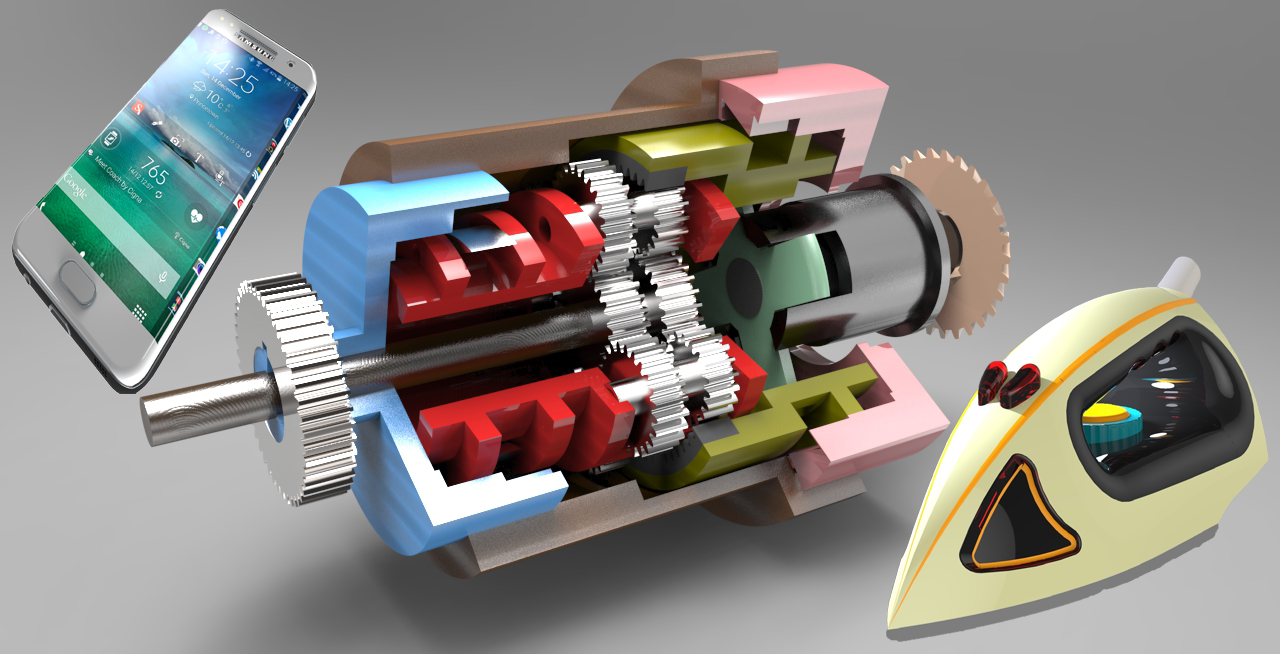
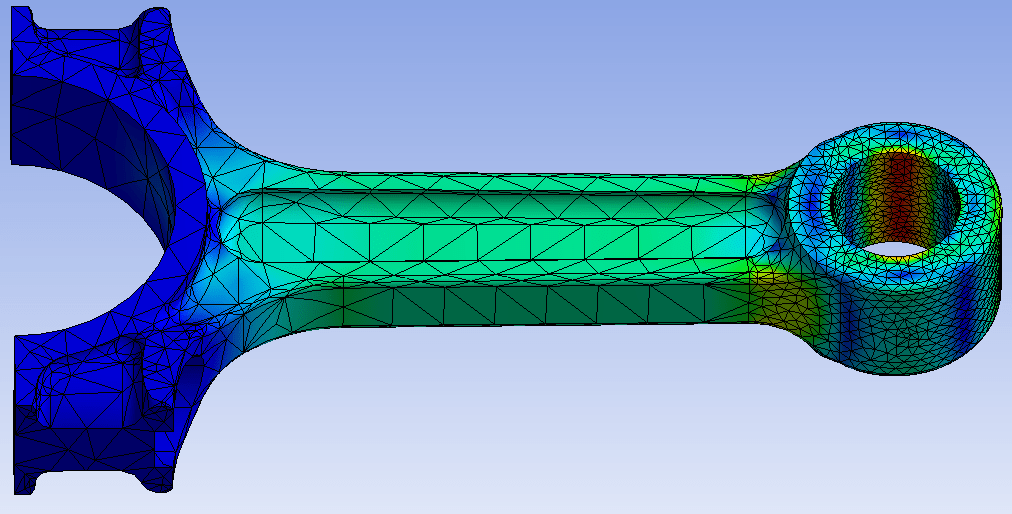
NX for Design. The most powerful, flexible, and innovative product development solution in the industry, NX for Design has the features, performance, and capabilities to help you get product to market faster than ever before
You will be able to
Navigate the NX interface, ribbon and Part Navigator confidently
Create constrained sketches and parametric part models
Use synchronous modelling to edit imported or legacy geometry
Build assemblies with constraints and check clearances
Produce detailed drafting sheets with views, dimensions and PMI
Model basic freeform surfaces for product shapes
Complete a product design project from model to drawing
Who it is for
Mechanical, automobile and aerospace engineering students
Design engineers working in automotive and tooling companies
CAD users moving from other 3D software to NX
Diploma holders aiming for design engineering roles
What you need
Basic computer skills and engineering drawing knowledge
Any earlier 3D CAD experience is helpful but not needed
For live online classes: a Windows PC with 16 GB RAM and a dedicated graphics card
Courses that include NX for Design Engineer
Professional Course in NX CAD for Design EngineerProfessional Course · 60 Hours
Converting a Sketch Entity into a Reference Entity
08Getting Started Part Modeling4 topics+
Understanding and Creating Datum Plane, Axis and CSYS
Understanding Sketch Based & Non-Sketch Based Features
Understanding the Parent and Child Relationship
Preparing Sketch for 3D Modelling
09Basic 3D Modelling Features10 topics+
Using Extrude Feature
Section Option in Extrude Feature
Limit Option in Extrude Feature
Boolean Option in Extrude Feature
Offset Option in Extrude Feature
Curve Rule Option in Extrude Feature
Using Revolve Feature
Using Sweep Along Guide
Using Tube
Creating Swept Feature
10Basic Feature Operations7 topics+
Using Edge Blend and Chamfer
Creating Holes
Creating Shell
Using Draft Feature
Using Rib Feature
Using Mirror Feature
Using Pattern Feature
11Advanced 3D Modelling Features & Operations8 topics+
Creating Direct Modelling Features
Creating Helix and Thread
Using Boss, Pocket and Pad
Using Slot Feature
Using Groove Feature
Using Dart Feature
Using Emboss Feature
Using Boolean Operations
12Assembly Modelling8 topics+
Understanding the Assembly Environment
Types of Assembly Design Approaches
Adding Components in the Assembly Environment
Moving Part
Understanding & Using Constraints & Relationship
Understanding & Changing the Reference Set of a Component
Contextual Editing
Creating Exploded View in Assembly
13Drawing & Drafting6 topics+
Understanding Drawing page setup and creating views
Adding Section View and Breakout Section View
Adding Detail View
Applying Dimension in Drafting Views
Adding Text
Adding Annotation in to the Views
14Sheetmetal Design8 topics+
Introduction of sheetmetal
Using Tab feature
Using Flange and Countour Flange
Using Hem & Lofted Flange
Using Bend, Unbend & Rebend Tools
Using Jog
Applying Corner & Chamfer Features
Applying Punching Features
Ratings & reviews
Students rate the course after they finish it — their ratings appear here.
NX for Design Engineer course — FAQ
What is Siemens NX used for?
Siemens NX is a high-end CAD/CAM/CAE system used to design products, build assemblies, create drawings and prepare models for manufacturing. It is widely used in automotive, aerospace and tooling industries.
Is NX the same as Unigraphics?
Yes, NX grew out of Unigraphics, and many people still search for it as Unigraphics or UG NX. Today it is developed by Siemens Digital Industries Software.
Who can join the NX for Design Engineer course?
Mechanical, automobile and aerospace students and working engineers can join. Engineering drawing knowledge is useful; earlier CAD experience is not compulsory.
How long is the NX for Design Engineer course?
The course runs for 60 hours of trainer-led practice on modelling, assemblies and drafting.
Can I learn Siemens NX online?
Both are available. In live online NX for Design Engineer classes the trainer works through each model with you in real time on your own PC, and classroom batches at CADD centres follow the same plan.
Do I get a certificate after NX training?
Every student who completes the NX for Design Engineer course gets a CADD Training Centre certificate. An automotive or aerospace supplier can verify it online with the printed QR code or verification code.
What jobs can I get with Siemens NX skills?
NX skills support roles such as design engineer, CAD engineer, product development engineer and tool design engineer in automotive, aerospace and component companies. Career guidance and placement support are included.