Exercises in every class and a final project, checked by your trainer.
5
Course completion certificate + completion badge
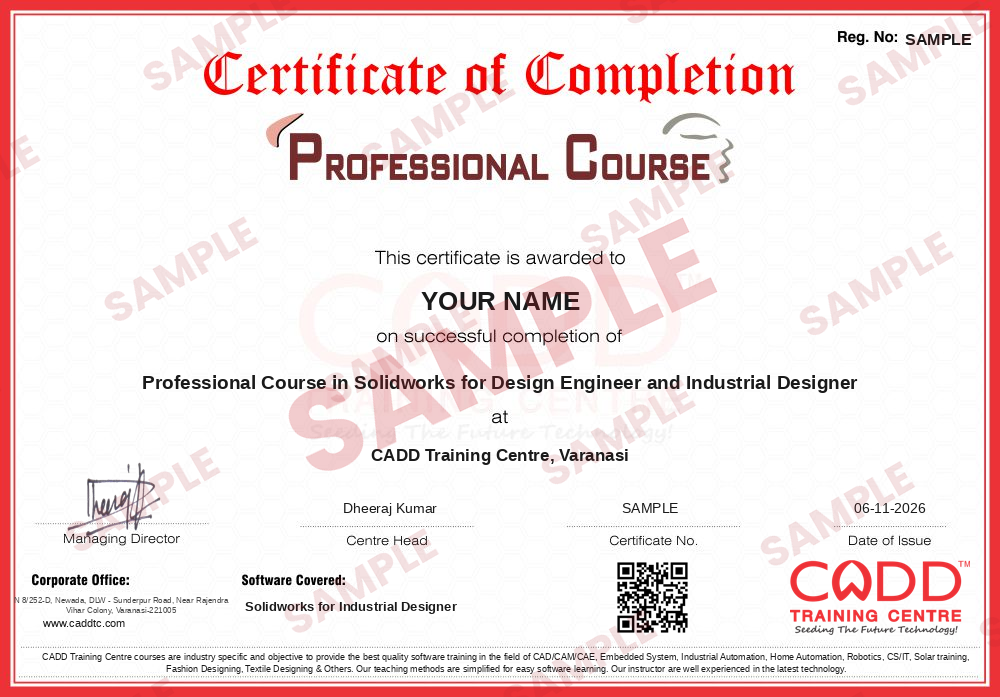
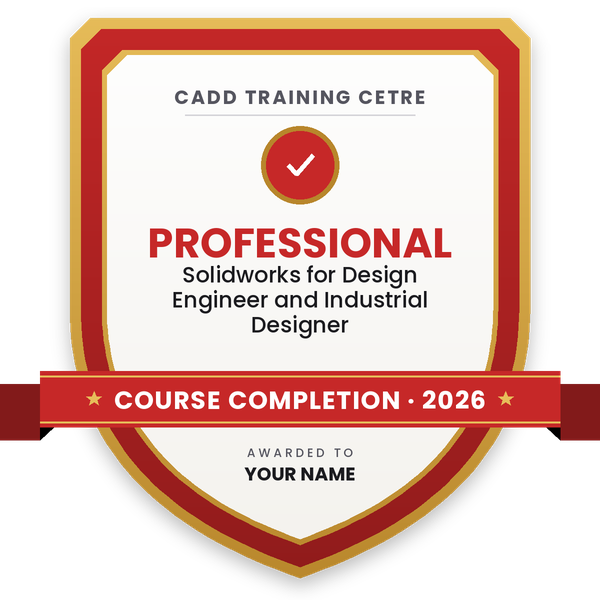
Finish the course and get your course-completion certificate and a digital completion badge with your name.
Course-completion certificate (sample) — Professional Course in Solidworks for Design Engineer and Industrial Designer · verifiable online
Course-completion badge
Course
Professional Course in Solidworks for Design Engineer and Industrial Designer
Issued by
CADD Training Cetre
Training
Classroom or live online
How to earn
Complete the course and its project
With your name and year · its own verify link · “Add to profile” on LinkedIn
6
Certification exam
Take the certification exam: a theory test and a practical task — at the centre or online.
7
Certified certificate + marksheet
Pass the exam and get the certified certificate with your marksheet. Anyone can check it online with its QR code.
8
Certified badge
Your certified badge — add it to LinkedIn and share it anywhere; it opens its own verify page.
Certified badge
Course
Professional Course in Solidworks for Design Engineer and Industrial Designer
Issued by
CADD Training Cetre
Training
Classroom or live online
How to earn
Pass the certification exam
You also get
Certified certificate + marksheet
With your name and year · its own verify link · “Add to profile” on LinkedIn
9
Make your CV & apply for jobs
Make your CV in your student panel (Career → My CV) — your course, certificates and projects are added for you. Send it as a link with a preview picture, and apply to jobs and Hire Me requests from companies.
About the Solidworks for Industrial Designer course
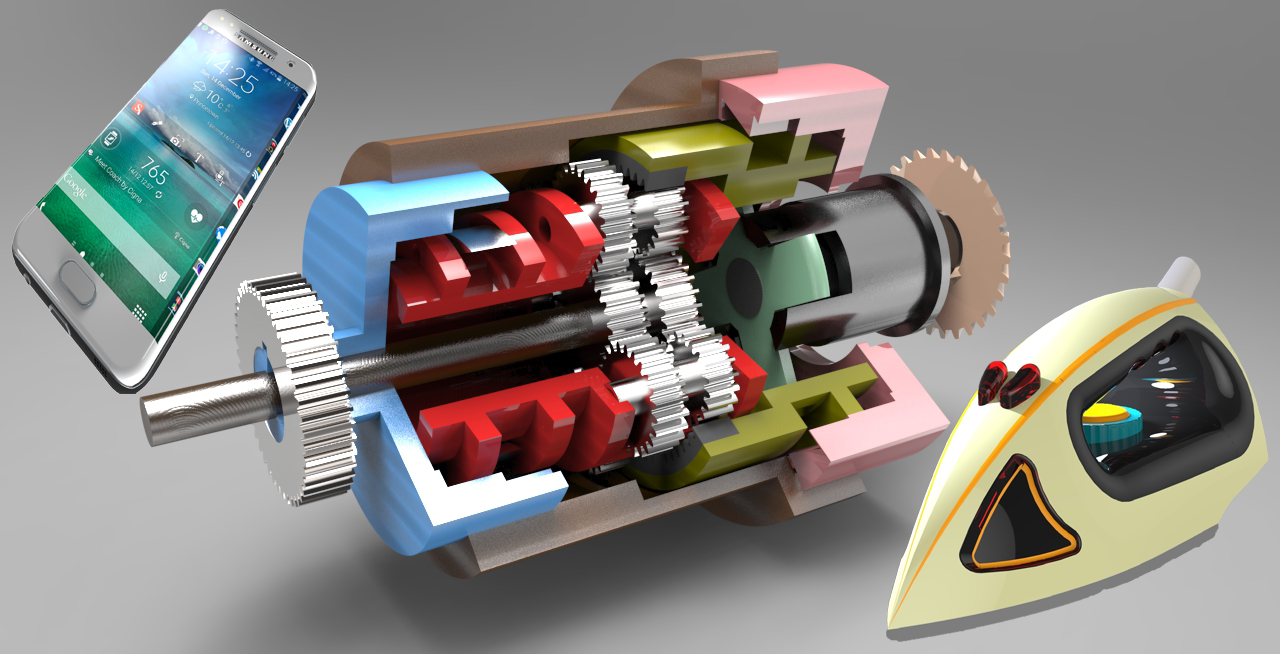
The SOLIDWORKS CAD software is a mechanical design automation application that lets designers quickly sketch out ideas, experiment with features and dimensions, and produce models and detailed drawings.When designing a model using SOLIDWORKS, you can visualize it in three dimensions, the way the model exists once it is manufactured.
You will be able to
Sketch product concepts with splines, sketch pictures and relations
Model consumer product shapes with solid and surface features
Use boundary, loft, sweep and fill surfaces for smooth styled forms
Check surface quality with zebra stripes and curvature analysis
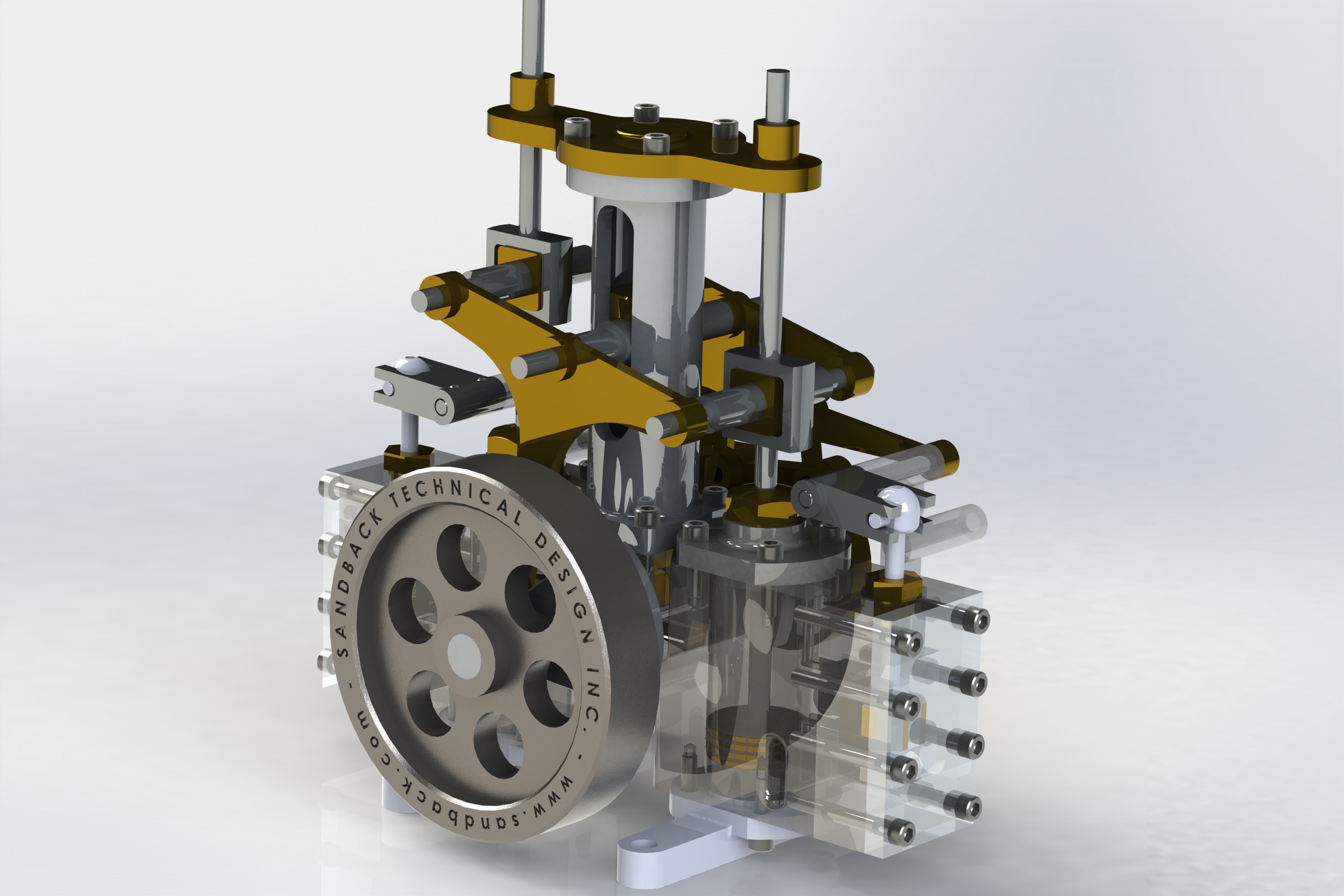
Split a product into parts and build a working assembly
Apply materials and appearances and render product visuals
Prepare presentation drawings and exploded views for clients
Who it is for
Industrial and product design students
Mechanical engineering students interested in styling and form
Designers of consumer products, appliances and packaging
CAD users who want stronger surfacing skills
What you need
Basic computer skills and interest in product form and design
Basic sketching or engineering drawing knowledge is helpful
For live online classes: a Windows PC with 16 GB RAM and a dedicated graphics card
Courses that include Solidworks for Industrial Designer
Professional Course in Solidworks for Design Engineer and Industrial DesignerProfessional Course · 160 Hours · 2 software
Students rate the course after they finish it — their ratings appear here.
Solidworks for Industrial Designer course — FAQ
Can SolidWorks be used for industrial design?
Yes. Besides engineering parts, SolidWorks has surface modelling tools such as boundary, loft and fill surfaces that industrial designers use to shape consumer products, appliances and enclosures, plus rendering tools for presentation.
Who should take SolidWorks for Industrial Designer?
Product and industrial design students, mechanical students who like styling work, and designers of consumer goods. Basic computer skills are enough to start.
How long is the SolidWorks industrial design course?
The course is 80 hours, covering sketching, solid and surface modelling, assemblies, rendering and a product design project.
Are SolidWorks industrial design classes available online?
Yes, both modes run: classroom batches at CADD Training Centre and live online classes. In SolidWorks for Industrial Designer online sessions you build product surfaces on your PC and the trainer checks zebra stripes with you.
Will I get a certificate for SolidWorks for Industrial Designer?
Yes. Once you finish SolidWorks for Industrial Designer training, CADD Training Centre issues your certificate; a consumer product company only needs to scan the QR code to see that it is genuine.
What careers need SolidWorks surfacing skills?
Roles such as product designer, industrial design engineer, CAD designer and concept modeller in consumer products, electronics enclosures and appliance companies. Career guidance and placement support are available.
What is the difference between solid and surface modelling in SolidWorks?
Solid modelling builds closed volumes feature by feature, while surface modelling shapes thin faces first, giving more control over curved forms. Industrial designers combine both and knit surfaces into solids.