Classroom & live online 60 Hours Verifiable certificate Syllabus ↓

CSS Course

Hands-on CSS training with real projects and an online-verifiable certificate.

Your roadmap — from admission to certificate

  1. Free counselling

    Talk to our counsellor — choose the right course, batch time and mode.

  2. Admission

    Join at a CADD centre near you or online. You get your student login and ID card.

  3. Learn step by step

    60 Hours of hands-on CSS classes — in the classroom or live online.

    CSS BasicsColours, Units and TypographyThe Box ModelBackgrounds, Images and DisplayPositioning and Advanced SelectorsFlexbox LayoutCSS Grid LayoutResponsive Web DesignTransitions, Transforms and AnimationsModern CSS and Tools
  4. Practice & project

    Exercises in every class and a final project, checked by your trainer.

  5. Course completion certificate + completion badge

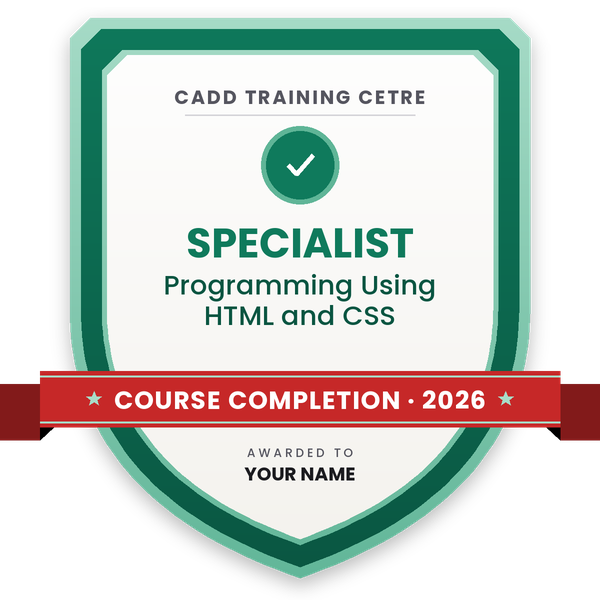
    Finish the course and get your course-completion certificate and a digital completion badge with your name.
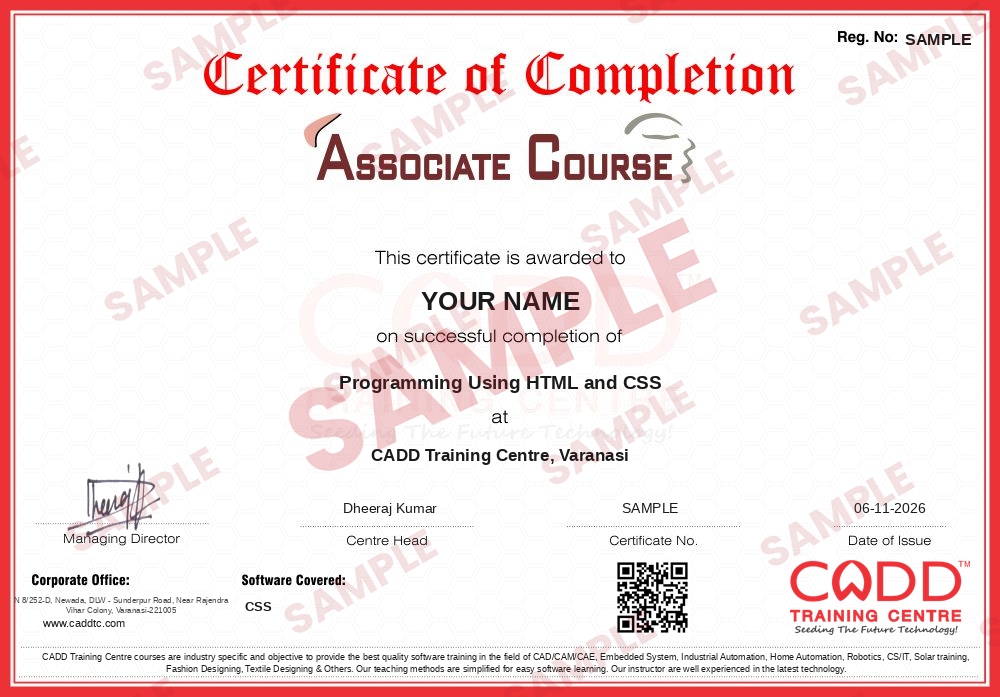
    Sample course-completion certificate — Programming Using HTML and CSS
    Course-completion certificate (sample) — Programming Using HTML and CSS · verifiable online
    Course-completion badge — Programming Using HTML and CSS
    Course-completion badge
    Course
    Programming Using HTML and CSS
    Issued by
    CADD Training Cetre
    Training
    Classroom or live online
    How to earn
    Complete the course and its project
    With your name and year · its own verify link · “Add to profile” on LinkedIn
  6. Certification exam

    Take the certification exam: a theory test and a practical task — at the centre or online.

  7. Certified certificate + marksheet

    Pass the exam and get the certified certificate with your marksheet. Anyone can check it online with its QR code.

  8. Certified badge

    Your certified badge — add it to LinkedIn and share it anywhere; it opens its own verify page.
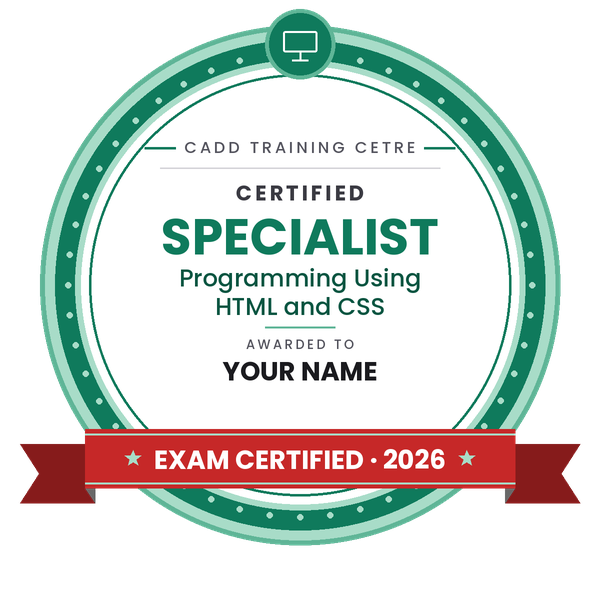
    Certified badge — Programming Using HTML and CSS
    Certified badge
    Course
    Programming Using HTML and CSS
    Issued by
    CADD Training Cetre
    Training
    Classroom or live online
    How to earn
    Pass the certification exam
    You also get
    Certified certificate + marksheet
    With your name and year · its own verify link · “Add to profile” on LinkedIn
  9. Make your CV & apply for jobs

    Make your CV in your student panel (Career → My CV) — your course, certificates and projects are added for you. Send it as a link with a preview picture, and apply to jobs and Hire Me requests from companies.

About the CSS course

CSS (Cascading Style Sheets) is the language that controls how a website looks: colours, fonts, spacing, layout, responsive behaviour and animation. HTML provides the content and structure; CSS turns it into a clean, usable design that works on phones, tablets and desktops. Web designers, front-end and UI developers, and WordPress or Shopify theme developers all depend on strong CSS skills.

Across 60 hours, this course takes you from selectors, specificity and the cascade to complete responsive layouts. You work with colour formats, modern units and web fonts, master the box model, backgrounds, display and positioning, and use pseudo-classes and pseudo-elements. Two full chapters cover Flexbox and CSS Grid, followed by mobile-first responsive design with media queries and fluid typography. You also add transitions, transforms and keyframe animations, organise code with custom properties and BEM naming, and get an introduction to Sass and Bootstrap. Classes are coding sessions with the trainer checking your layouts, in a CADD classroom or live online, and they finish with a responsive landing page built from a design mock-up.

Basic HTML is needed before you join; if you are new, take the HTML course first. After CSS, JavaScript is the next step towards front-end development roles.

You will be able to

  • Apply styles with selectors, specificity and the cascade
  • Control spacing and sizes with the box model and modern units
  • Style text with web fonts, colours, backgrounds and gradients
  • Build page layouts with Flexbox and CSS Grid
  • Make websites responsive with media queries and a mobile-first approach
  • Add transitions, transforms and keyframe animations
  • Organise CSS with custom properties and introduce Sass and Bootstrap
  • Turn a design into a responsive, styled website

Who it is for

  • Learners who already know basic HTML
  • Students of computer science, IT and web design
  • Graphic and UI designers who want to build their own designs
  • Developers who want to improve front-end layout skills

What you need

  • Basic HTML knowledge or completion of our HTML course
  • A computer with VS Code and a modern browser
  • A stable internet connection for live online classes

Courses that include CSS

Programming Using HTML and CSSAssociate Course · 100 Hours · 2 software
Enquire →
Web Developer – Associate Career ProgramAssociate Career Program · 160 Hours · 3 software
Enquire →
Java Developer – Associate Career ProgramAssociate Career Program · 260 Hours · 4 software
Enquire →
UI / UX Designer – Professional Career ProgramProfessional Career Program · 300 Hours · 5 software
Enquire →
Web Developer – Professional Career ProgramProfessional Career Program · 244 Hours · 5 software
Enquire →
Java Developer – Professional Career ProgramProfessional Career Program · 364 Hours · 6 software
Enquire →
Python Developer – Professional Career ProgramProfessional Career Program · 232 Hours · 6 software
Enquire →

CSS Syllabus

11 chapters · 54 topics
01 CSS Basics 5 topics
  1. Inline, internal and external stylesheets
  2. CSS syntax: rules, properties and values
  3. Type, class, ID and attribute selectors
  4. The cascade, inheritance and specificity
  5. Inspecting styles in browser dev tools
02 Colours, Units and Typography 5 topics
  1. Colour formats: hex, rgb, hsl
  2. Absolute and relative units: px, em, rem, %, vw, vh
  3. Font families, Google Fonts and font loading
  4. Font size, weight, line height and letter spacing
  5. Text alignment, decoration and transform
03 The Box Model 5 topics
  1. Content, padding, border and margin
  2. box-sizing: border-box
  3. Width, height, min and max sizes
  4. Margin collapsing
  5. Overflow, border radius and shadows
04 Backgrounds, Images and Display 5 topics
  1. Background colour, image, size and position
  2. Linear and radial gradients
  3. Display: block, inline, inline-block, none
  4. Object-fit for images
  5. Opacity and visibility
05 Positioning and Advanced Selectors 5 topics
  1. Static, relative, absolute, fixed and sticky
  2. z-index and stacking context
  3. Pseudo-classes: hover, focus, nth-child
  4. Pseudo-elements: before and after
  5. Combinators and selector grouping
06 Flexbox Layout 5 topics
  1. Flex container and flex items
  2. justify-content, align-items and gap
  3. flex-grow, flex-shrink and flex-basis
  4. Wrapping and ordering
  5. Navbars, cards and centring with Flexbox
07 CSS Grid Layout 5 topics
  1. Grid container, rows and columns
  2. fr units, repeat and minmax
  3. Grid areas and line placement
  4. Auto-fit and auto-fill for responsive grids
  5. Choosing Grid or Flexbox
08 Responsive Web Design 5 topics
  1. Viewport meta and mobile-first thinking
  2. Media queries and breakpoints
  3. Fluid typography with clamp
  4. Responsive images and layouts
  5. Testing on device emulators
09 Transitions, Transforms and Animations 5 topics
  1. Transition properties and timing functions
  2. 2D and 3D transforms
  3. Keyframe animations
  4. Hover effects and micro-interactions
  5. Reduced-motion preferences
10 Modern CSS and Tools 5 topics
  1. CSS custom properties (variables)
  2. BEM naming and organising stylesheets
  3. Introduction to Sass
  4. Introduction to Bootstrap
  5. Light and dark themes with variables
11 CSS Project 4 topics
  1. Converting a design mock-up to a web page
  2. Building a responsive landing page
  3. Cross-browser checks and fixes
  4. Final review and assessment

Ratings & reviews

Students rate the course after they finish it — their ratings appear here.

CSS course — FAQ

What is CSS used for?

CSS (Cascading Style Sheets) controls how web pages look: colours, fonts, spacing, layout, responsive behaviour and animations. HTML gives the structure and CSS gives the design.

Do I need to know HTML before learning CSS?

Yes, basic HTML is needed because CSS styles HTML elements. If you are new, take our HTML course first or revise HTML tags before joining.

How long is the CSS course?

The CSS course runs for 60 hours, with coding exercises in each class and a responsive website project at the end.

Is the CSS course available online?

Yes. Choose a classroom batch at a CADD Training Centre or live online classes where you code along and get your layouts checked by the trainer.

Will I get a CSS course certificate?

Yes. The CSS course gives you a CADD Training Centre certificate, verifiable online through its QR code or verification code. Add your responsive landing page to your portfolio too.

What jobs need CSS skills?

CSS is essential for web designers, front-end developers, UI developers and WordPress or Shopify theme developers, along with HTML and JavaScript.

What is the difference between Flexbox and CSS Grid?

Flexbox arranges items in one direction, a row or a column, and suits navbars and cards. Grid works in two dimensions and suits full page layouts. Both are taught in this course.

Is CSS hard to learn?

The basics are quick to pick up. Layout and responsive design take practice, which is why this course spends several chapters on Flexbox, Grid and media queries with real exercises.

More questions? Ask our counsellor or read the general FAQ.

CSS60 Hours
Enquire now