Talk to our counsellor — choose the right course, batch time and mode.
2
Admission
Join at a CADD centre near you or online. You get your student login and ID card.
3
Learn step by step
60 Hours of hands-on CATIA for Industrial Designer classes — in the classroom or live online.
Generative shape designingWireframe CreationCurve Continuity management:Surface creationConnect the Surfaces SmoothlyAssemble the Surfaces
4
Practice & project
Exercises in every class and a final project, checked by your trainer.
5
Course completion certificate + completion badge
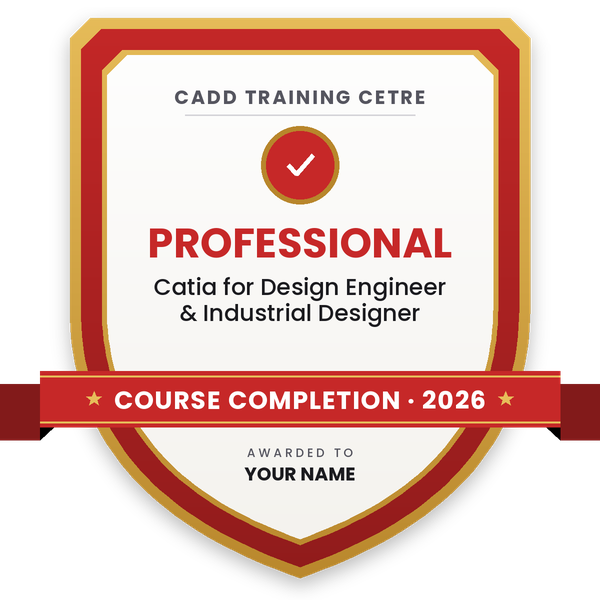
Finish the course and get your course-completion certificate and a digital completion badge with your name.
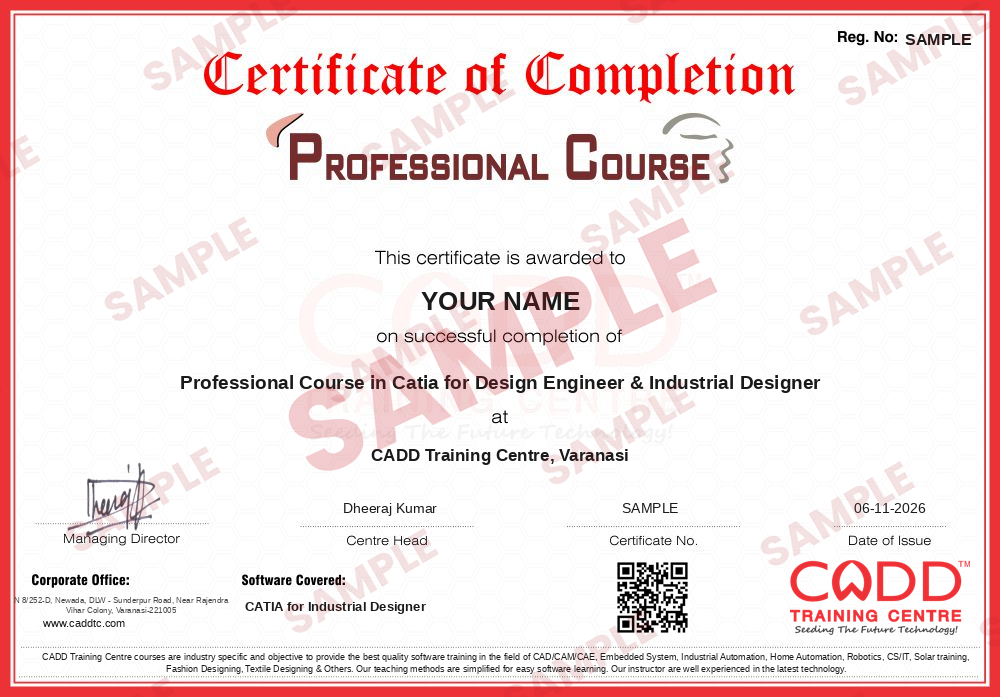
Course-completion certificate (sample) — Professional Course in Catia for Design Engineer & Industrial Designer · verifiable online
Course-completion badge
Course
Professional Course in Catia for Design Engineer & Industrial Designer
Issued by
CADD Training Cetre
Training
Classroom or live online
How to earn
Complete the course and its project
With your name and year · its own verify link · “Add to profile” on LinkedIn
6
Certification exam
Take the certification exam: a theory test and a practical task — at the centre or online.
7
Certified certificate + marksheet
Pass the exam and get the certified certificate with your marksheet. Anyone can check it online with its QR code.
8
Certified badge
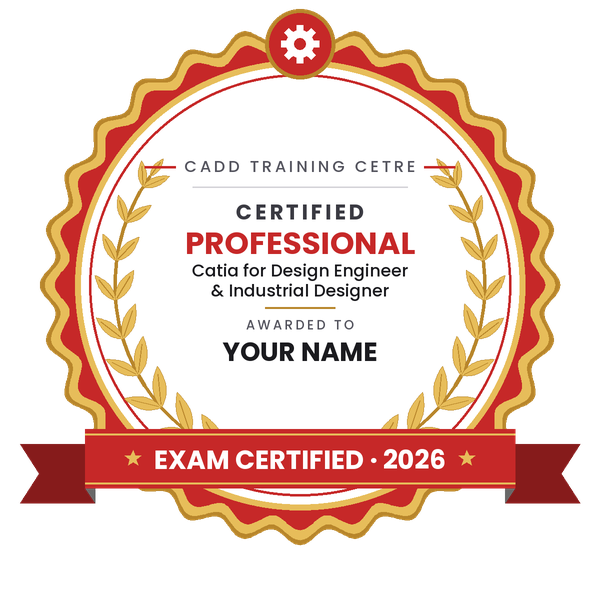
Your certified badge — add it to LinkedIn and share it anywhere; it opens its own verify page.
Certified badge
Course
Professional Course in Catia for Design Engineer & Industrial Designer
Issued by
CADD Training Cetre
Training
Classroom or live online
How to earn
Pass the certification exam
You also get
Certified certificate + marksheet
With your name and year · its own verify link · “Add to profile” on LinkedIn
9
Make your CV & apply for jobs
Make your CV in your student panel (Career → My CV) — your course, certificates and projects are added for you. Send it as a link with a preview picture, and apply to jobs and Hire Me requests from companies.
CATIA Industrial Design is the ideal workflow solution for styling and design.CATIA is a leading computer-aided design/computer-assisted manufacturing/computer-aided engineering (CAD/CAM/CAE) system developed by Dassault Systems and used extensively in engineering organizations. The latest version of CATIA, version 5, is the first to be available on Windows.
CATIA Industrial Design software provides surface-based tools to help designerscreate styled shapes and surfaces, enabling even casual users to easily smooth and trim curves and surfaces. Real-time quality checking is possible through curve and surface diagnostic and analysis tools.
You will be able to
Create and edit 3D curves for styled product shapes
Build surfaces with FreeStyle and Generative Shape Design tools
Smooth, trim, join and match surfaces with continuity control
Check surface quality with curvature, highlight and reflection analysis
Develop styled shapes for automotive and consumer products
Present designs with materials, lighting and rendered images
Who it is for
Industrial and product design students
Mechanical and automobile engineers working on styling
Surface modelers in automotive and consumer product companies
CATIA users who want advanced surfacing
What you need
Basic CATIA or other 3D CAD knowledge is helpful
Interest in product shape and aesthetics
For live online classes: a Windows PC with 16 GB RAM and a graphics card
Courses that include CATIA for Industrial Designer
Professional Course in Catia for Design Engineer & Industrial DesignerProfessional Course · 120 Hours · 2 software
Students rate the course after they finish it — their ratings appear here.
CATIA for Industrial Designer course — FAQ
How is CATIA used for industrial design?
CATIA's surface-based tools let designers create styled shapes and smooth, trim and match curves and surfaces, with real-time quality checks. It is used for car body panels, appliances and consumer products.
Who can join CATIA for Industrial Designer?
Industrial and product design students, mechanical and automobile engineers and surface modelers can join. A little 3D CAD experience is useful.
What is the duration of the CATIA industrial design course?
This CATIA course runs for 60 hours, focused on curves, surfaces, continuity, quality checks and presentation.
Is this CATIA course offered online?
You can choose either: a CADD centre classroom or live online CATIA for Industrial Designer classes, where you build styled surfaces on your PC while the trainer reviews continuity with you.
Is the CATIA certificate verifiable?
Yes. The CATIA for Industrial Designer certificate from CADD Training Centre is easy to check: an automotive styling team can scan its QR code or type the code into the online verification page.
What is Class-A surfacing in CATIA?
Class-A surfaces are the visible, high-quality surfaces of a product, like a car body, with smooth curvature and clean reflections. This course uses CATIA FreeStyle and surface analysis tools to build and check that quality; full Class-A work is a specialist skill built on these basics.
What careers does CATIA surfacing support?
It supports roles such as surface modeler, styling designer, industrial designer and body-in-white design trainee in automotive and product design companies.