Talk to our counsellor — choose the right course, batch time and mode.
2
Admission
Join at a CADD centre near you or online. You get your student login and ID card.
3
Learn step by step
6 Months of hands-on CNC Turning & Milling Professional classes — in the classroom or live online.
Engineering Drawing and GD&TEngineering Metrology and InspectionWorkshop Technology and ToolingWorkshop Calculation and ScienceCNC Fundamentals and SafetyCNC Turning ProgrammingAdvanced Turning and Macro ProgrammingVMC Milling ProgrammingAdvanced Milling and IndexingCNC Machine Operation and Setting
4
Practice & project
Exercises in every class and a final project, checked by your trainer.
5
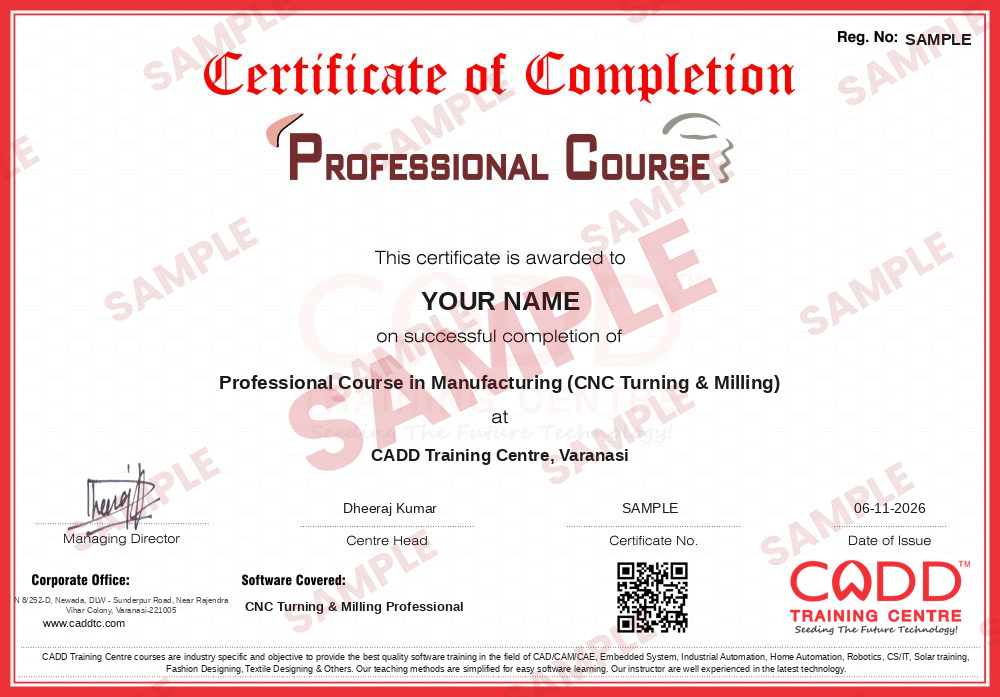
Course completion certificate + completion badge
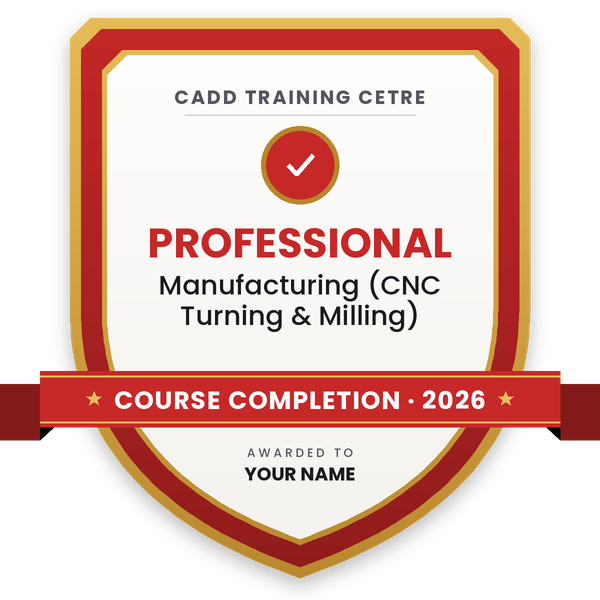
Finish the course and get your course-completion certificate and a digital completion badge with your name.
Course-completion certificate (sample) — Professional Course in Manufacturing (CNC Turning & Milling) · verifiable online
Course-completion badge
Course
Professional Course in Manufacturing (CNC Turning & Milling)
Issued by
CADD Training Cetre
Training
Classroom or live online
How to earn
Complete the course and its project
With your name and year · its own verify link · “Add to profile” on LinkedIn
6
Certification exam
Take the certification exam: a theory test and a practical task — at the centre or online.
7
Certified certificate + marksheet
Pass the exam and get the certified certificate with your marksheet. Anyone can check it online with its QR code.
8
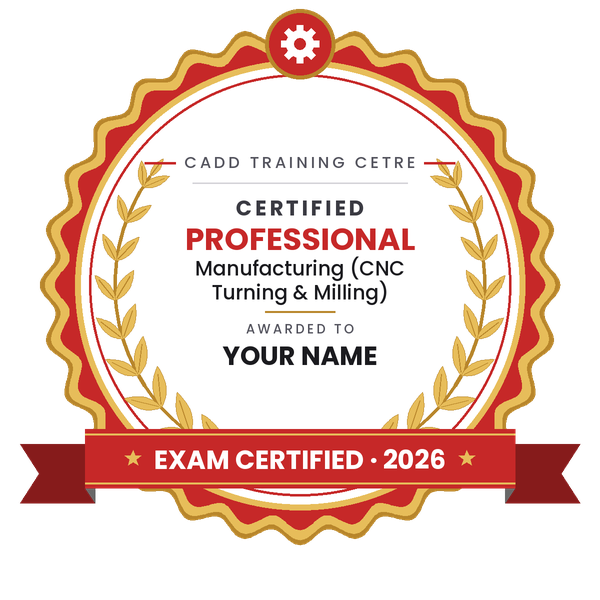
Certified badge
Your certified badge — add it to LinkedIn and share it anywhere; it opens its own verify page.
Certified badge
Course
Professional Course in Manufacturing (CNC Turning & Milling)
Issued by
CADD Training Cetre
Training
Classroom or live online
How to earn
Pass the certification exam
You also get
Certified certificate + marksheet
With your name and year · its own verify link · “Add to profile” on LinkedIn
9
Make your CV & apply for jobs
Make your CV in your student panel (Career → My CV) — your course, certificates and projects are added for you. Send it as a link with a preview picture, and apply to jobs and Hire Me requests from companies.
About the CNC Turning & Milling Professional course
Professional Course in Manufacturing (CNC Turning & Milling)
Duration: 6 Months
After completion of this course and after 2 years of field experience the trainee can work as a CNC Machine programmer or supervisor in a CNC machine shop and after 3 years of experience, the person can work as an Asst. Manager in CNC machine shop.
Curriculum
Engineering Drawing
Engineering Metrology
Workshop Technology
Workshop Calculation
Quality Management System
Group Discussion and Personality Improvement (English Speaking) 6-month Regular
CNC Programming & CNC Machining
Computer-Aided Drafting & Design with AutoCAD
Computer-Aided Designing with Solidworks
Computer-Aided Designing & Manufacturing with Unigraphics
Computer-Aided Manufacturing with Master CAM
Computer-Aided Manufacturing with Delcam
Employability skill
CNC PROGRAMMING AND CNC MACHINING - On Job Training
You will be able to
Interpret production drawings with tolerances and GD&T callouts
Inspect parts with precision instruments and record inspection reports
Write complete CNC turning programs using canned cycles, threading and grooving
Program VMC milling jobs with work offsets, compensation, canned cycles and subprograms
Use parametric and macro programming concepts for families of parts
Generate and verify toolpaths in CAM software and edit the posted code
Plan setups, tooling and cycle time for production jobs
Apply SPC, 5S, Kaizen and ISO 9001 practices on the shop floor
Who it is for
Mechanical and production engineering graduates and diploma holders
ITI holders who want a longer, in-depth CNC programme
Working CNC operators aiming for programmer or supervisor roles
Job seekers planning a career in precision manufacturing
What you need
Basic mathematics and engineering drawing knowledge
Technical background (ITI, diploma or degree) is recommended
A Windows PC with 8 GB RAM for CAM and simulator practice in live online classes
Courses that include CNC Turning & Milling Professional
Professional Course in Manufacturing (CNC Turning & Milling)Professional Course · 6 Months
Students rate the course after they finish it — their ratings appear here.
CNC Turning & Milling Professional course — FAQ
What does the CNC Turning & Milling Professional course cover?
It covers drawing and GD&T, metrology, tooling, workshop calculation, CNC turning and VMC programming, macro programming, CAM software, machine setting, quality systems and communication skills.
Who is eligible for the 6-month CNC Professional course?
ITI, diploma and engineering students or graduates, and working CNC operators can join. A technical background makes the advanced topics easier to follow.
How long is the CNC Turning & Milling Professional course?
The Professional course runs for 6 months, giving more time for advanced programming, CAM, setting practice and a final project than the 3-month Associate course.
Can I do the CNC Professional course online?
Yes, you can choose classroom training at a CADD centre or live online classes. Programming and CAM work are practised on a computer, and hands-on machine time depends on the centre.
Is the CNC course certificate verifiable?
Yes. Your CADD Training Centre certificate has a unique verification code and QR code, so employers can confirm it online in seconds.
What career can I build after CNC programming training?
The course supports roles such as CNC programmer, CNC setter, CAM programmer and quality inspector. With experience, people move to shift supervisor and production roles.
What is macro programming in CNC?
Macro programming uses variables, formulas and conditions inside a CNC program, so one program can machine many sizes of a similar part. It is covered in the advanced turning chapter.
Do I need to know CAM software for CNC jobs?
Many shops use CAM for complex parts, so knowing both manual G-code and CAM is useful. This course teaches manual programming first and then CAM toolpaths and post-processing.