Classroom & live online180 HoursVerifiable certificateSyllabus ↓
Office Automation Professional Course
Learn MS Office in depth with advanced Excel, Access, Outlook, typing and TallyPrime accounting.
Your roadmap — from admission to certificate
1
Free counselling
Talk to our counsellor — choose the right course, batch time and mode.
2
Admission
Join at a CADD centre near you or online. You get your student login and ID card.
3
Learn step by step
180 Hours of hands-on Office Automation Professional classes — in the classroom or live online.
Computer and Windows EssentialsTyping in English and HindiMS Word: Professional DocumentsMS Word: Long Documents and ReviewMS Excel: Core SkillsMS Excel: Advanced AnalysisMS PowerPoint: PresentationsMS Access: DatabasesMS Outlook and Online CollaborationInternet and Cyber Safety
4
Practice & project
Exercises in every class and a final project, checked by your trainer.
5
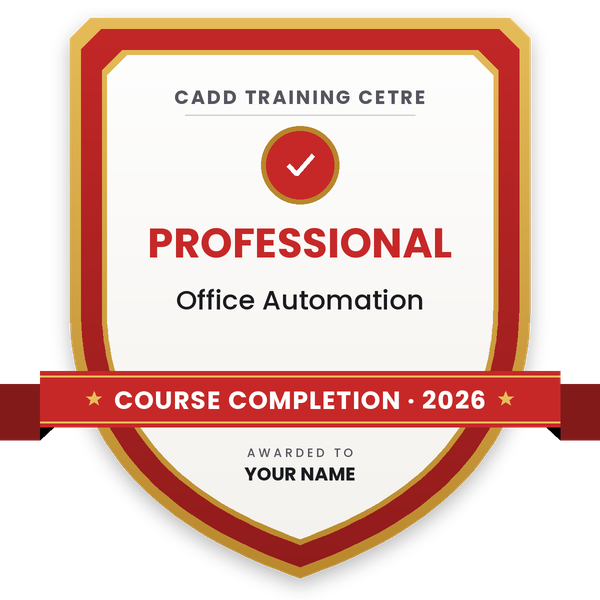
Course completion certificate + completion badge
Finish the course and get your course-completion certificate and a digital completion badge with your name.
Course-completion certificate (sample) — Professional Course in Office Automation · verifiable online
Course-completion badge
Course
Professional Course in Office Automation
Issued by
CADD Training Cetre
Training
Classroom or live online
How to earn
Complete the course and its project
With your name and year · its own verify link · “Add to profile” on LinkedIn
6
Certification exam
Take the certification exam: a theory test and a practical task — at the centre or online.
7
Certified certificate + marksheet
Pass the exam and get the certified certificate with your marksheet. Anyone can check it online with its QR code.
8
Certified badge
Your certified badge — add it to LinkedIn and share it anywhere; it opens its own verify page.
Certified badge
Course
Professional Course in Office Automation
Issued by
CADD Training Cetre
Training
Classroom or live online
How to earn
Pass the certification exam
You also get
Certified certificate + marksheet
With your name and year · its own verify link · “Add to profile” on LinkedIn
9
Make your CV & apply for jobs
Make your CV in your student panel (Career → My CV) — your course, certificates and projects are added for you. Send it as a link with a preview picture, and apply to jobs and Hire Me requests from companies.
To provide an in-depth training in use of office automation (word processing, spreadsheet and presentation software tools of Microsoft), internet and internet tools. The course also helps the candidates to students/professionals to enhance their accounting/mathematical skills and increase their productivity.
Learning Outcomes
After completion of the course, students/professionals would be able to documents, spreadsheets, make small presentations and would be acquainted with internet. The participants are also trained to mastering in Tally ERP 9 and Reach Accountant, financial and use them for accounting, inventory, tax and related modules.
Duration of the Course (in hours)
180 hrs Appr.
Minimum Eligibility Criteria and prerequisites
if any Knowledge of reading and writing in English
Who can enroll?
The course is suitable for students and working professionals.
Accounting professionals
Freshers looking for an entry into accounting field
Graduates/graduating students of BCom, BBA, BA, BCS, MCom and MBA
Students of BCom, BBA, BA, BCS, MCom and MBA.
You will be able to
Prepare professional documents and reports in MS Word with styles and references
Analyse data in Excel with lookup functions, PivotTables, charts and data tools
Build simple MS Access databases with tables, queries, forms and reports
Design and deliver effective presentations in PowerPoint
Manage email, calendar and contacts in Outlook
Maintain accounts, inventory and GST records in TallyPrime
Type in English and Hindi with good speed and accuracy
Who it is for
Students and graduates who want strong office and accounts skills
Job seekers preparing for computer operator, office executive or accounts roles
Working staff who want to improve their productivity in offices
Small business owners who want to manage records and accounts
What you need
Basic English reading and writing
Basic computer familiarity is helpful; beginners are guided from the start
A PC or laptop with internet access for live online classes
Courses that include Office Automation Professional
Professional Course in Office AutomationProfessional Course · 180 Hours
Students rate the course after they finish it — their ratings appear here.
Office Automation Professional course — FAQ
What is taught in the Office Automation Professional course?
The course covers Windows, English and Hindi typing, MS Word, advanced Excel, PowerPoint, Access and Outlook, internet and cyber safety, and accounting in TallyPrime with GST and basic payroll.
Can a beginner join the Office Automation Professional course?
Yes. The course starts with computer and Windows basics, so beginners can join, although some earlier computer use helps you move faster through the advanced parts.
How long is the Office Automation Professional course?
Office Automation Professional is a 180 Hours programme, giving time for in-depth MS Office practice, typing, Tally and a final office project.
Is this course available online and in the classroom?
Yes, both. Classes run at CADD Training Centre branches and as live online sessions with practice files and assignments.
Will I get a certificate for Office Automation Professional?
Yes. Completing Office Automation Professional earns a CADD Training Centre certificate, which employers can confirm online by scanning the QR code or entering the verification code.
What jobs can I get after this course?
You can apply for computer operator, office executive, MIS assistant, data entry operator, accounts assistant and back office executive roles.
What is the difference between Office Automation Associate and Professional?
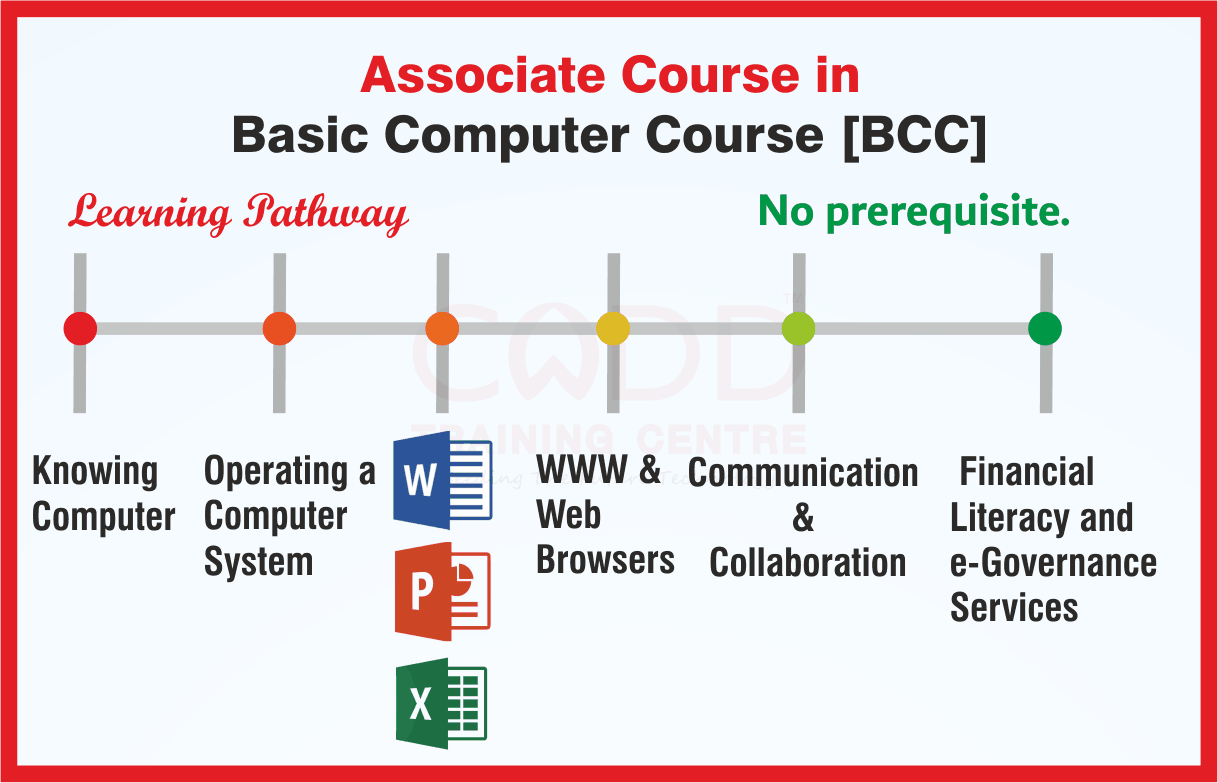
The Associate course covers MS Office and internet basics. The Professional course adds advanced Excel, MS Access, Outlook, English and Hindi typing and TallyPrime accounting with GST.