A video editor cuts raw footage into clear, engaging videos for YouTube, social media, events and businesses. This roadmap builds your graphics skills in Photoshop and Illustrator and your editing skills in Adobe Premiere Pro.
Learn file and folder management, keyboard shortcuts, storage drives and the internet. Editors handle large media files daily, so organised work habits save hours.
Learn layers, selections, retouching and text effects. You can then design YouTube thumbnails, posters and still graphics that sit inside your videos.
Illustrator makes sharp vector logos, icons and lower-third designs that scale to any size. These assets give your edits a clean, branded look.
Learn the timeline, cuts and transitions, audio mixing, titles, captions, colour correction and export settings. After this you can deliver complete videos for clients.
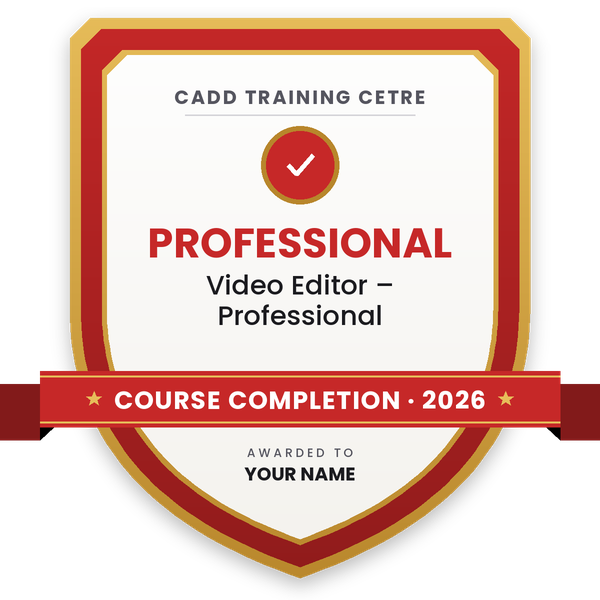
Finish the program and its project — you get the course-completion certificate and a digital completion badge with your name.
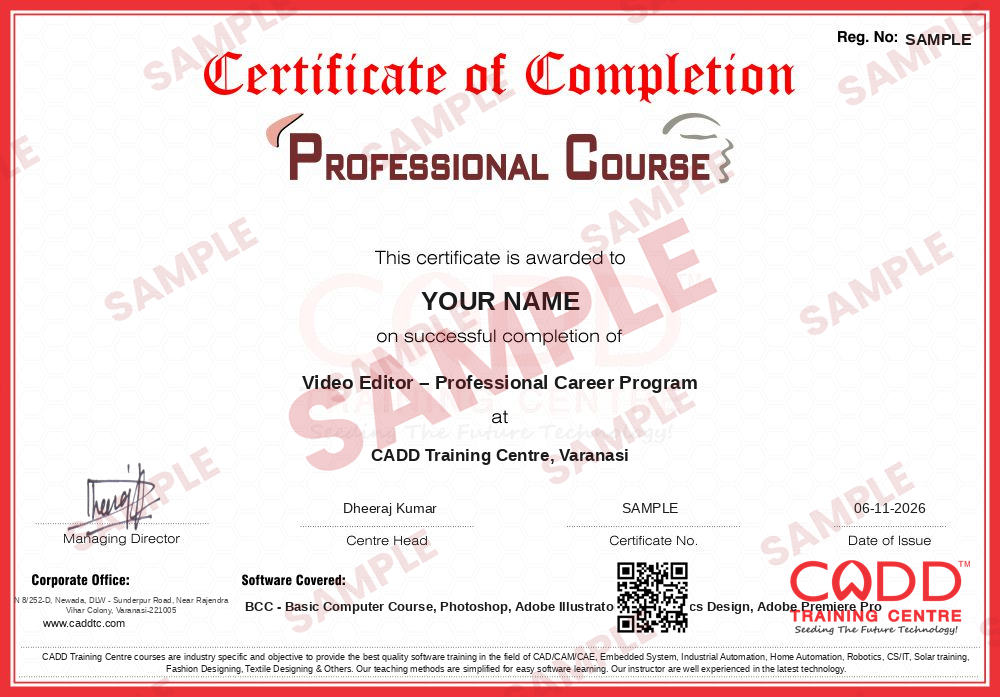
Take the certification exam: a theory test on the software of the program and a practical task of the job — at the centre or online.
Pass the exam and get the certified certificate with your marksheet. Anyone can check it online with its QR code.
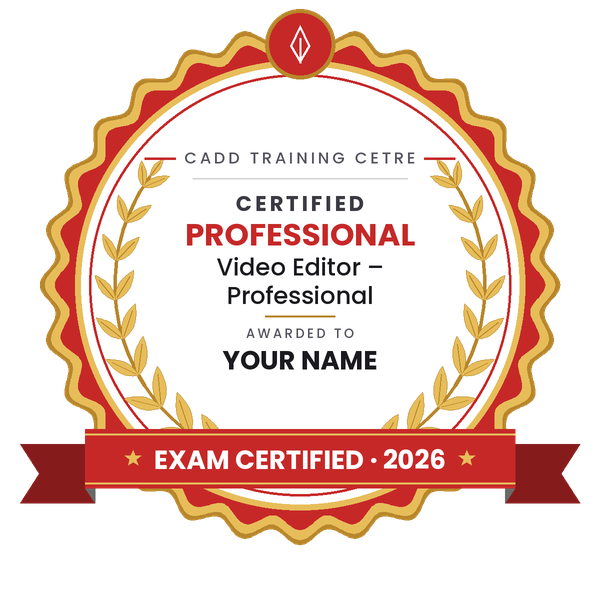
Your certified badge — add it to LinkedIn and share it anywhere; it opens its own verify page.
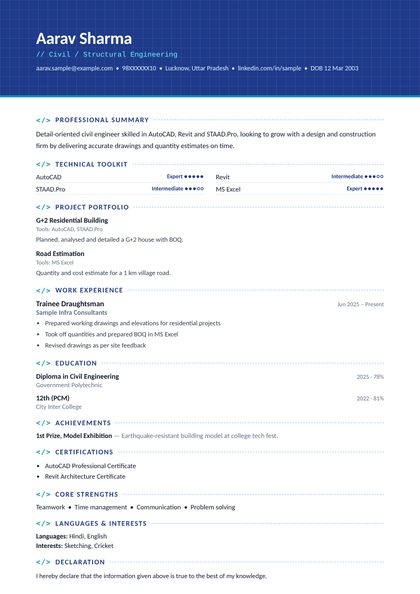
Make your CV in your student panel (Career → My CV) — your program, certificates and projects are added for you. Send it as a link with a preview picture, apply to jobs and answer Hire Me requests from companies.
The counsellor can shorten or extend this plan for your qualification and the time you have. Ask for your personal plan →
Join at the level that suits you — each level is a complete course you can enrol in.
The whole roadmap — every software of the job
A video editor takes raw clips, audio and graphics and shapes them into a finished video. Daily work includes selecting the strongest takes, trimming and arranging clips on a timeline, cleaning up and balancing audio, adding music, titles and subtitles, correcting colour and exporting the right format for YouTube, Instagram, television or a client's screen.
Editors are hired by YouTube creators and digital agencies, news and media houses, wedding and event studios, coaching and ed-tech companies that produce lessons, corporate marketing teams and production houses. Many editors also work as freelancers for clients in India and abroad.
Demand has grown because brands, teachers and creators now publish video every week, and short-form content needs a constant supply of quick, well-paced edits. An editor who can also design thumbnails, title cards and simple graphics saves the client from hiring a separate designer, which makes that editor more useful to small teams.
Learn Photoshop for thumbnails, Illustrator for logos and titles, then Adobe Premiere Pro for editing. Practise on real footage, edit short videos for local businesses or creators, and collect your strongest work into a showreel to share with employers.
Adobe Premiere Pro is one of the most widely used editing programs in agencies, media houses and among YouTube creators. Pairing it with Photoshop and Illustrator lets you create your own graphics, so you can handle a whole video project yourself.
The steps in this roadmap total about 220 hours: Basic Computer Course 40, Photoshop 60, Illustrator 60 and Premiere Pro 60. Speed and style come with regular practice on real projects after the course.
No specific degree is required. Employers and clients mostly judge editors by their showreel and how quickly and cleanly they deliver. A degree in mass communication can help in media houses, but skills and portfolio matter most.
A modern multi-core processor, at least 16 GB of RAM, a dedicated graphics card and fast SSD storage make editing much smoother, especially for HD and 4K footage. You can start learning on a lighter machine with smaller files.
Yes. CADD Training Centre offers live online classes as well as classroom batches, so you can follow the trainer and practise on your own computer and footage at the same time.
More questions? Ask our counsellor or see all career roadmaps.
 Architectural Draughtsman & VisualizerAn architectural draughtsman and visualizer prepares working drawings and turns designs into realistic 3D images and walkthroughs. This roadmap covers AutoCAD, Revit, SketchUp, 3ds Max with V-Ray, Lumion and Photoshop.
 Interior DesignerAn interior designer plans functional, attractive spaces and presents them through drawings and realistic 3D views. This roadmap builds your software skills in AutoCAD, SketchUp, V-Ray, 3ds Max, Photoshop and the basics of Vastu.
 Product / Industrial DesignerProduct and industrial designers shape how everyday products look, feel and get made. This roadmap builds surface modelling, design-for-moulding and photoreal rendering skills for a strong design portfolio.
 Embedded Systems EngineerAn embedded systems engineer programs the microcontrollers inside electronic products. This roadmap takes you from C and C++ through Arduino hardware, Proteus simulation and Python to entry-level firmware work.
 Python DeveloperA Python developer writes code for web apps, automation scripts and data tools. This roadmap takes you from core Python through web basics, spreadsheets and databases, and cloud concepts towards entry-level developer work.
 Web DeveloperA web developer builds and maintains websites and web applications. This roadmap covers HTML, CSS, web graphics, server-side Python and hosting basics so you can create and publish complete sites.