A jewellery designer creates designs for rings, necklaces, earrings and bangles. This roadmap builds drawing basics, 2D design in CorelDRAW and AutoCAD, and photorealistic rendering in KeyShot.
Learn geometric construction, scale, orthographic views and dimensioning, so your designs show exact sizes from the top, front and side.
Create neat 2D designs, colour them to show gold, silver and gemstones, and lay out catalogue pages for showrooms and clients.
Draw accurate, dimensioned views of rings, pendants and settings, and build simple 3D solids that can be exported for rendering.
Apply metal and gem materials, lighting and camera angles to 3D models and produce lifelike images for customer approval and online stores.
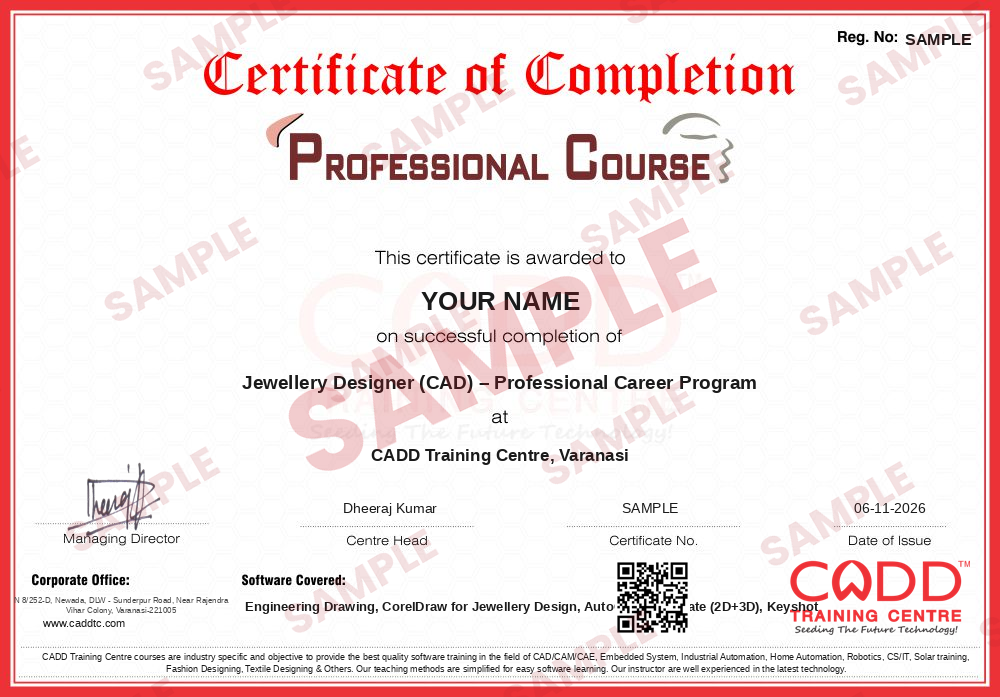
Finish the program and its project — you get the course-completion certificate and a digital completion badge with your name.

Take the certification exam: a theory test on the software of the program and a practical task of the job — at the centre or online.
Pass the exam and get the certified certificate with your marksheet. Anyone can check it online with its QR code.
Your certified badge — add it to LinkedIn and share it anywhere; it opens its own verify page.

Make your CV in your student panel (Career → My CV) — your program, certificates and projects are added for you. Send it as a link with a preview picture, apply to jobs and answer Hire Me requests from companies.
The counsellor can shorten or extend this plan for your qualification and the time you have. Ask for your personal plan →
Join at the level that suits you — each level is a complete course you can enrol in.
The whole roadmap — every software of the job
A jewellery designer creates ideas for rings, pendants, necklaces, earrings and bangles and turns them into drawings that craftsmen and manufacturers can follow. Daily tasks include sketching concepts, drawing accurate top and side views with sizes and stone positions, colouring designs to show metal and gemstones, preparing catalogue sheets and rendering realistic images for customers and online stores.
Designers work with jewellery manufacturers, retail showrooms and chains, export units, online jewellery brands and design studios, with large clusters in Mumbai, Jaipur, Surat, Kolkata, Thrissur and Delhi. Many also design custom pieces for local jewellers on a freelance basis.
Demand is growing because jewellers now show customers digital designs and realistic renders before making a piece, and online sales need high-quality product images. This roadmap covers drawing, 2D CAD and rendering. Dedicated 3D jewellery modelling software such as Rhino, MatrixGold or JewelCAD, used for 3D printing and casting, is not in this course list and is a natural next step.
Learn drawing basics, then 2D design in CorelDRAW and AutoCAD, and rendering in KeyShot. Study gemstones, metals and settings by visiting workshops, build a portfolio of your designs and apply to manufacturers, showrooms or studios.
CorelDRAW is common for 2D designs and catalogues, AutoCAD for precise drawings and KeyShot for realistic renders. For 3D printing and casting, the industry also uses Rhino, MatrixGold and JewelCAD, which you can learn after this roadmap.
This roadmap totals about 150 hours: Engineering Drawing 20, CorelDRAW for Jewellery Design 60, AutoCAD Associate 40 and KeyShot 30. Allow extra practice time to build a strong portfolio.
You do not need to be a craftsman, but knowing how pieces are cast, set and finished helps you design pieces that can actually be made. Spending time in a workshop is very useful.
Yes. These software courses run in live online classes and classroom batches. KeyShot rendering works smoothly on a computer with a good processor and enough memory.
KeyShot creates photorealistic images from 3D models. Jewellers use it to show customers how a ring or necklace will look in gold or platinum with diamonds before the piece is manufactured.
More questions? Ask our counsellor or see all career roadmaps.
 Architectural Draughtsman & VisualizerAn architectural draughtsman and visualizer prepares working drawings and turns designs into realistic 3D images and walkthroughs. This roadmap covers AutoCAD, Revit, SketchUp, 3ds Max with V-Ray, Lumion and Photoshop.
 Interior DesignerAn interior designer plans functional, attractive spaces and presents them through drawings and realistic 3D views. This roadmap builds your software skills in AutoCAD, SketchUp, V-Ray, 3ds Max, Photoshop and the basics of Vastu.
 Product / Industrial DesignerProduct and industrial designers shape how everyday products look, feel and get made. This roadmap builds surface modelling, design-for-moulding and photoreal rendering skills for a strong design portfolio.
 Web DeveloperA web developer builds and maintains websites and web applications. This roadmap covers HTML, CSS, web graphics, server-side Python and hosting basics so you can create and publish complete sites.
 Graphic DesignerA graphic designer creates logos, posters, social media posts, packaging and videos that communicate a message. This roadmap covers Photoshop, CorelDRAW, Illustrator and Premiere Pro for print and digital work.
 Fashion Designer (CAD)A fashion designer (CAD) creates garment designs, flats, prints, patterns and 3D samples on computer. This roadmap covers Photoshop, Illustrator, CorelDRAW, pattern CAD, 3D garments and portfolio layout.