An agricultural equipment designer designs tractor implements, farm machines and their parts as 3D models and manufacturing drawings. This roadmap covers drawing and GD&T, AutoCAD, SolidWorks with sheet metal and weldments, Fusion 360 and CATIA.
Understand projections, sections, dimensioning and geometric tolerances, so your drawings can be followed correctly in the fabrication shop.
Prepare 2D part drawings, frame layouts and plate profiles for laser or plasma cutting, which many fabrication shops still work from.
Build 3D parts and assemblies of implements, check fits, clearances and movement, and create production drawings and bills of materials.
Use SolidWorks weldment and sheet metal tools to design chassis and frames, hoppers, guards and covers, with cut lists and flat patterns for the shop floor.
Learn Fusion 360 for fast concept models and part design, a tool many startups and small manufacturers use when developing new machines.
Learn part design, assemblies and drafting in CATIA, which some large vehicle and equipment manufacturers and their suppliers use.
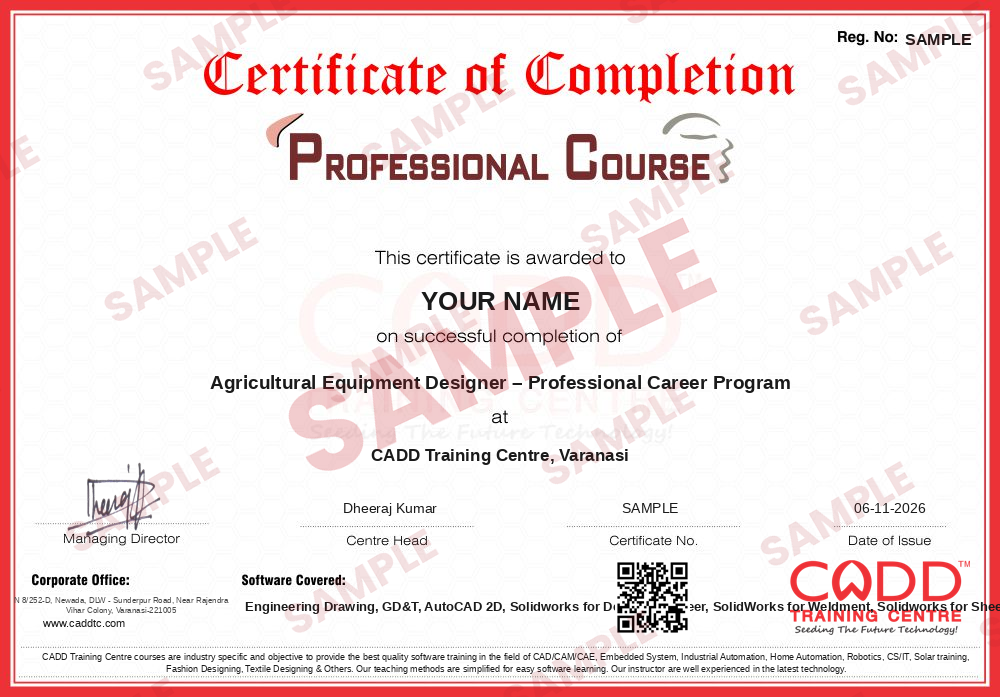
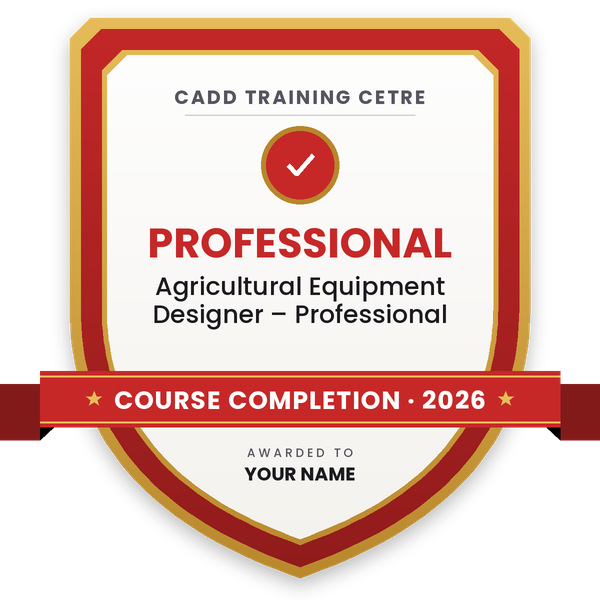
Finish the program and its project — you get the course-completion certificate and a digital completion badge with your name.
Take the certification exam: a theory test on the software of the program and a practical task of the job — at the centre or online.
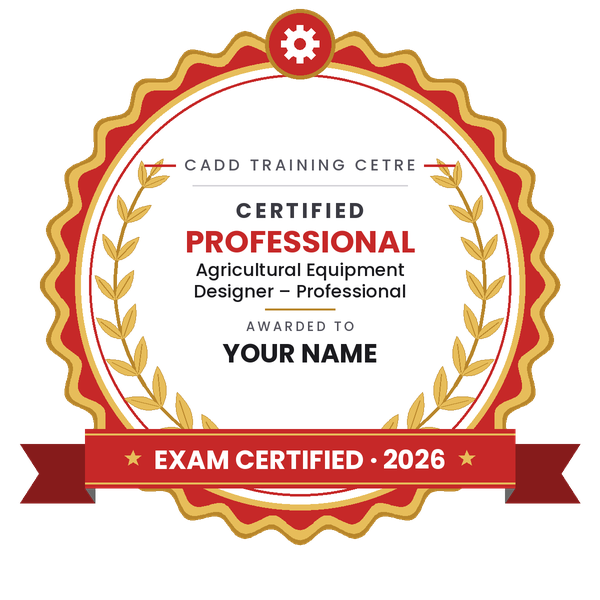
Pass the exam and get the certified certificate with your marksheet. Anyone can check it online with its QR code.
Your certified badge — add it to LinkedIn and share it anywhere; it opens its own verify page.
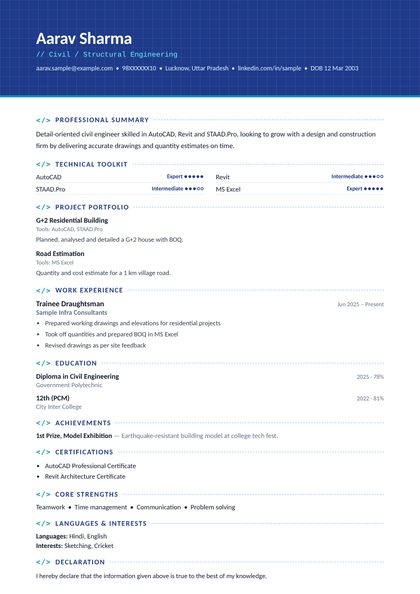
Make your CV in your student panel (Career → My CV) — your program, certificates and projects are added for you. Send it as a link with a preview picture, apply to jobs and answer Hire Me requests from companies.
The counsellor can shorten or extend this plan for your qualification and the time you have. Ask for your personal plan →
Join at the level that suits you — each level is a complete course you can enrol in.
Entry job — the first steps of the roadmap
The whole roadmap — every software of the job
An agricultural equipment designer creates the designs for machines used on farms, such as tractor-mounted rotavators, cultivators, ploughs, seed drills and sprayers, threshers, trolleys and harvester parts. Daily work includes modelling parts and assemblies in 3D, designing welded frames and sheet metal covers, checking fits and clearances, preparing manufacturing drawings with tolerances, updating designs after field trials and supporting the workshop during fabrication.
These designers work with agricultural machinery manufacturers, tractor and implement companies and their suppliers, fabrication and sheet metal units that build implements to order, design service firms, and research and testing organisations working on farm mechanisation. Many are small and medium manufacturers that need in-house design help.
Farmers are moving to machines for sowing, spraying and harvesting as labour becomes harder to find. Many implement makers still build from experience and rough sketches, and they increasingly need people who can produce proper 3D models and drawings for consistent production. A mechanical or agricultural engineering background combined with practical CAD skills fits this work well.
Study mechanical or agricultural engineering at diploma or degree level, learn drawing and GD&T, then become strong in SolidWorks including sheet metal and weldments. Model a few real implements, such as a cultivator or a trolley, as portfolio projects and approach implement manufacturers.
SolidWorks is widely used by implement and machinery makers. AutoCAD is still used for 2D layouts and cutting profiles. Fusion 360 is popular with small manufacturers and startups, and CATIA is used by some larger manufacturers.
Workshop experience is very useful, because you understand how parts are cut, bent and welded. With CAD training you can start as a design draughtsman, and a diploma can help you move up to design engineer roles.
No. Most design roles in farm machinery are open to mechanical engineers as well. Knowing how a machine works in the field helps, so spend time understanding implements and talking to farmers or service staff.
Most farm machines are built from welded frames and bent sheet metal. Companies need designers who can produce correct cut lists and flat patterns, so these tools are used every day in this sector.
Yes. CADD Training Centre runs live online classes as well as classroom batches. You need a computer that can run 3D CAD software and should practise modelling real machines between classes.
More questions? Ask our counsellor or see all career roadmaps.
 Mechanical Design EngineerA mechanical design engineer turns product ideas into 3D models and manufacturing drawings. This roadmap takes you from drawing basics to SolidWorks modelling, sheet metal, GD&T and simulation.
 Product / Industrial DesignerProduct and industrial designers shape how everyday products look, feel and get made. This roadmap builds surface modelling, design-for-moulding and photoreal rendering skills for a strong design portfolio.
 CAE / FEA AnalystA CAE / FEA analyst uses simulation to predict stress, vibration, heat and fluid flow before a product is built. This roadmap moves from 3D CAD to Ansys structural and CFD work plus result scripting.
 CNC ProgrammerA CNC programmer writes the G-code and CAM toolpaths that run turning and milling machines. This roadmap covers drawing reading, CNC operation, NC editing, part modelling and Mastercam programming.
 Automotive Design Engineer (CATIA / NX)Automotive design engineers create body, trim, chassis and powertrain parts for vehicles. This roadmap builds the CATIA and NX part, assembly and surface skills that carmakers and their suppliers expect.
 MEP Design EngineerMEP design engineers plan HVAC, plumbing, fire fighting and electrical services for buildings. This roadmap moves from AutoCAD drafting to AutoCAD MEP, Revit MEP modelling and Navisworks coordination.