
Learn Adobe Illustrator for fashion: flats, pattern brushes, prints, colourways and tech packs.
Talk to our counsellor — choose the right course, batch time and mode.
Join at a CADD centre near you or online. You get your student login and ID card.
60 Hours of hands-on Adobe Illustrator For Fashion Design classes — in the classroom or live online.
Exercises in every class and a final project, checked by your trainer.
Finish the course and get your course-completion certificate and a digital completion badge with your name.
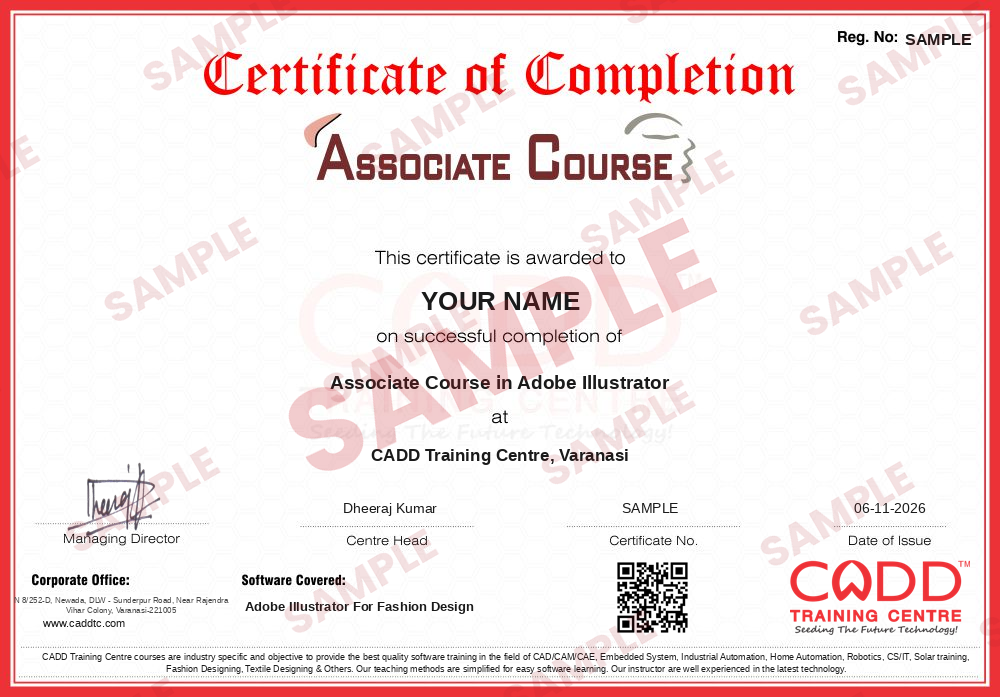
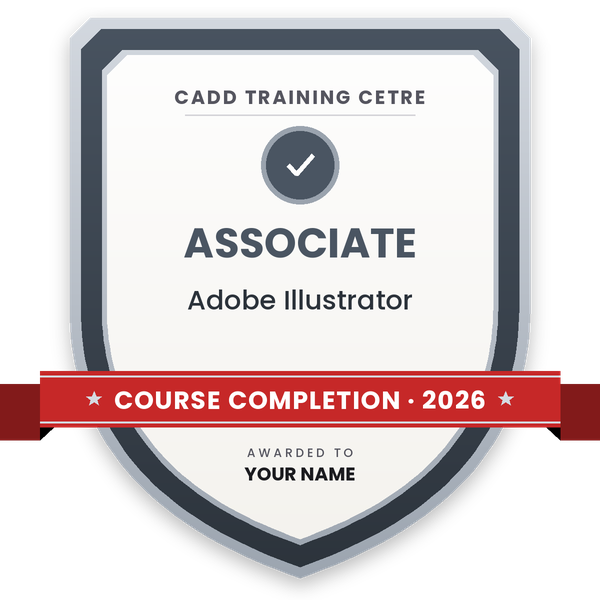
Take the certification exam: a theory test and a practical task — at the centre or online.
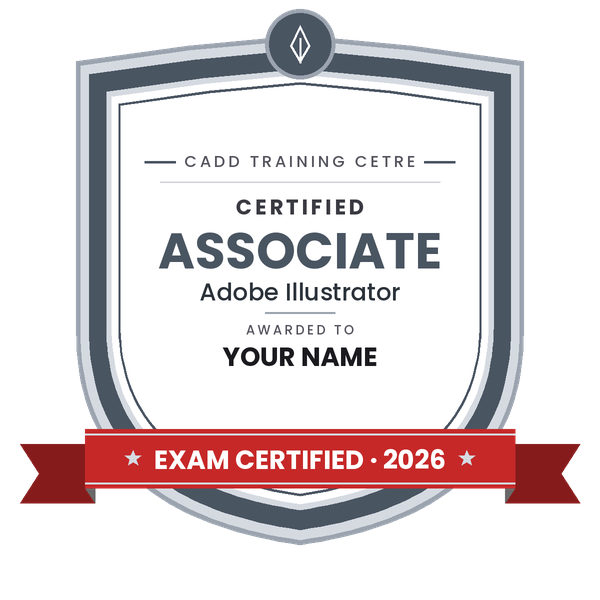
Pass the exam and get the certified certificate with your marksheet. Anyone can check it online with its QR code.
Your certified badge — add it to LinkedIn and share it anywhere; it opens its own verify page.
Make your CV in your student panel (Career → My CV) — your course, certificates and projects are added for you. Send it as a link with a preview picture, and apply to jobs and Hire Me requests from companies.
Adobe Illustrator is the vector design application widely used by international apparel brands to create clean technical flats, placement prints, seamless repeats and colour-managed collections. Its close link with Photoshop and InDesign lets a design team move artwork from sketch to tech pack to presentation without redrawing, which is why so many fashion and textile studios ask for it in job listings.
The 60-hour Illustrator for Fashion Design course starts with vector basics, artboards and layers, then builds confident control of the Pen, Curvature and Shape Builder tools. You trace croquis templates with Image Trace, draw shirts, dresses, denim and ethnic wear flats using the Reflect tool and stroke settings, and create pattern brushes for stitches, zips and lace. Further modules cover motifs and seamless repeats in Pattern Options, clipping masks, Gradient Mesh and Live Paint, global swatches and Recolor Artwork for colourways, and multi-artboard tech packs with measurement callouts. You finish by assembling mood boards, line sheets and a portfolio. All sessions are practical and available in the classroom or live online.
These skills lead toward roles such as technical designer, apparel print designer, CAD designer and freelance flat sketch artist. Photoshop for Fashion Design is a natural companion course for rendering and boards.
Students rate the course after they finish it — their ratings appear here.
Yes. Illustrator is widely used by fashion brands and garment exporters to draw technical flats, create prints and repeats, manage colourways and produce tech packs that factories follow.
Yes. The course starts with vector basics and the Pen tool, then builds up to garment flats and prints. Basic computer skills and an interest in fashion are enough to begin.
The course runs for 60 hours, covering drawing tools, garment flats, brushes, prints, colourways, tech packs and a final portfolio project.
Yes. Illustrator for Fashion Design is taught live online as well as in CADD Training Centre classrooms. Online, you draw flats and prints on your PC with the same assignments as classroom students.
You do. Finishing Illustrator for Fashion Design gives you a CADD Training Centre certificate, and because it can be verified online, a buying house or apparel brand can trust it without calling the centre.
Common roles include fashion designer, technical designer, CAD designer, print and graphic designer for apparel, merchandiser and freelance flat sketch artist.
Both create vector flats. Illustrator is common with international brands and works smoothly with Photoshop, while CorelDRAW is popular in many Indian export units. Learning either makes switching to the other easy.
More questions? Ask our counsellor or read the general FAQ.



_060419064118185460.jpg)