Classroom & live online 60 Hours Verifiable certificate Syllabus ↓

CorelDRAW For Fashion Design Course

Learn CorelDRAW for fashion: croquis, garment flats, prints, tech packs and boards.

Your roadmap — from admission to certificate

  1. Free counselling

    Talk to our counsellor — choose the right course, batch time and mode.

  2. Admission

    Join at a CADD centre near you or online. You get your student login and ID card.

  3. Learn step by step

    60 Hours of hands-on CorelDRAW For Fashion Design classes — in the classroom or live online.

    CorelDRAW Workspace for Fashion DesignersDrawing Tools and Node EditingCroquis and Figure TemplatesGarment Flats and Technical DrawingsFabric Fills, Textures and DrapingPrints, Motifs and EmbellishmentsColour Management and ColourwaysTech Packs and Spec SheetsPresentation Boards and Portfolio Project
  4. Practice & project

    Exercises in every class and a final project, checked by your trainer.

  5. Course completion certificate + completion badge

    Finish the course and get your course-completion certificate and a digital completion badge with your name.
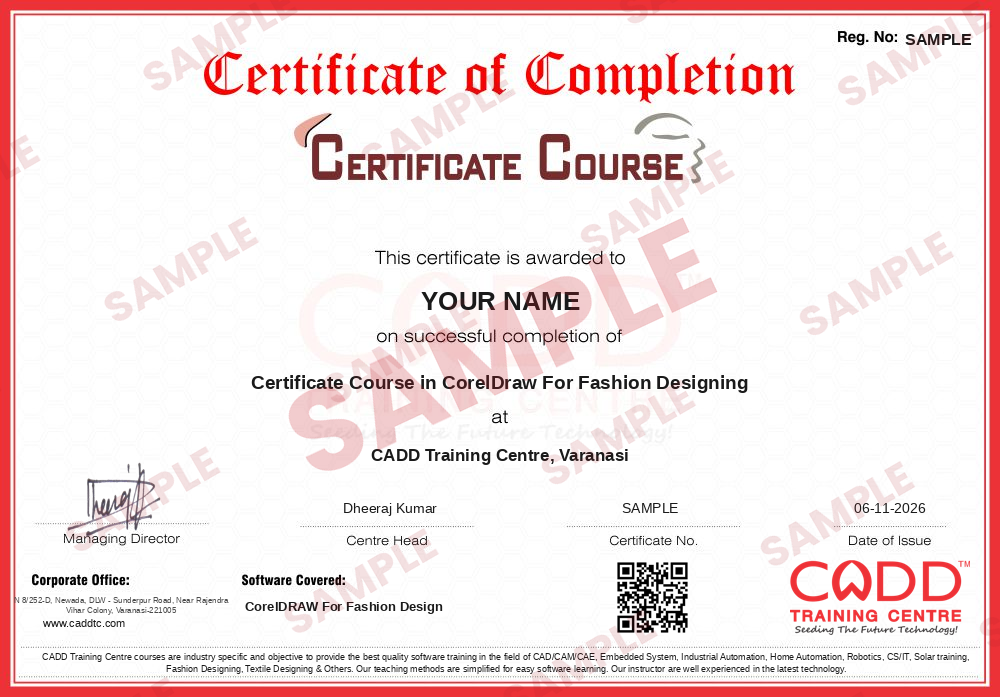
    Sample course-completion certificate — Certificate Course in CorelDraw For Fashion Designing
    Course-completion certificate (sample) — Certificate Course in CorelDraw For Fashion Designing · verifiable online
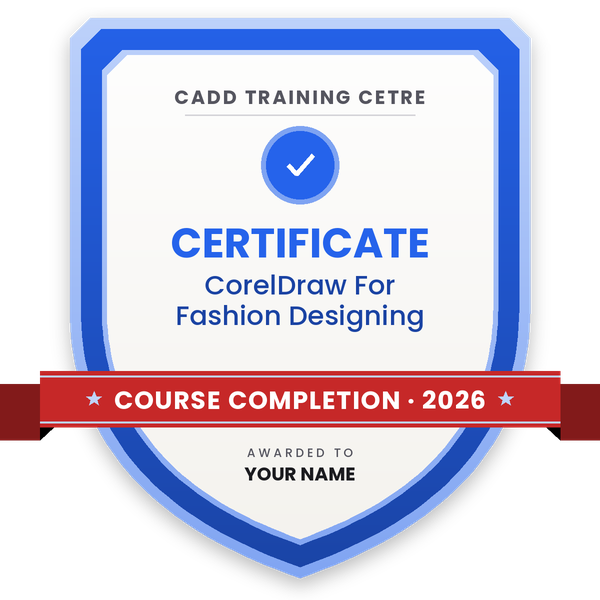
    Course-completion badge — Certificate Course in CorelDraw For Fashion Designing
    Course-completion badge
    Course
    Certificate Course in CorelDraw For Fashion Designing
    Issued by
    CADD Training Cetre
    Training
    Classroom or live online
    How to earn
    Complete the course and its project
    With your name and year · its own verify link · “Add to profile” on LinkedIn
  6. Certification exam

    Take the certification exam: a theory test and a practical task — at the centre or online.

  7. Certified certificate + marksheet

    Pass the exam and get the certified certificate with your marksheet. Anyone can check it online with its QR code.

  8. Certified badge

    Your certified badge — add it to LinkedIn and share it anywhere; it opens its own verify page.
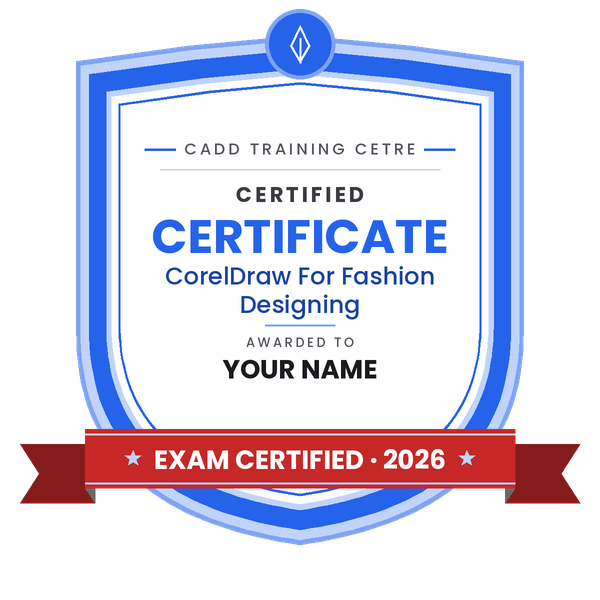
    Certified badge — Certificate Course in CorelDraw For Fashion Designing
    Certified badge
    Course
    Certificate Course in CorelDraw For Fashion Designing
    Issued by
    CADD Training Cetre
    Training
    Classroom or live online
    How to earn
    Pass the certification exam
    You also get
    Certified certificate + marksheet
    With your name and year · its own verify link · “Add to profile” on LinkedIn
  9. Make your CV & apply for jobs

    Make your CV in your student panel (Career → My CV) — your course, certificates and projects are added for you. Send it as a link with a preview picture, and apply to jobs and Hire Me requests from companies.

About the CorelDRAW For Fashion Design course

CorelDRAW is a vector graphics suite that has become a daily tool in many Indian garment export houses, buying houses and fashion labels. Because every line stays sharp at any size, designers use it to draw symmetrical garment flats, drop fabric swatches into shapes, build prints and motifs, and produce tech packs and spec sheets that factories can follow without confusion.

Across 60 hours, CorelDRAW for Fashion Design moves from the toolbox to a complete collection. You first master the Bezier, Pen and B-Spline tools and node editing, then set up croquis templates and a reusable library of collars, sleeves, pockets and trims. Garment flats are drawn by mirroring half a garment and shaping it with Weld, Trim and Intersect. Later chapters cover fabric fills with PowerClip and mesh shading, prints with Step and Repeat and PowerTRACE, colour palettes and quick colourways, and tech packs with measurements and callouts exported as PDF. A final portfolio project brings everything together. Training is hands-on, in a CADD classroom or through live online classes.

Graduates can work as CAD designers, technical designers, merchandisers or fashion designers in apparel firms. Adding Photoshop for Fashion Design afterwards strengthens rendering and presentation skills.

You will be able to

  • Draw accurate, symmetrical garment flats and technical sketches in CorelDRAW
  • Build reusable croquis templates and a library of collars, sleeves and trims
  • Fill garments with fabric swatches, pattern fills and textures using PowerClip
  • Design prints, motifs and embellishments and test them in several colourways
  • Create spec sheets and tech packs with callouts, measurements and colour codes
  • Prepare mood boards, collection boards and a print-ready fashion portfolio

Who it is for

  • Fashion design students in diploma and degree programmes
  • Garment export house and boutique designers
  • Pattern makers and merchandisers who prepare tech packs
  • Tailoring and fashion entrepreneurs who want digital presentation skills

What you need

  • Basic computer skills
  • Basic understanding of garment parts and fashion sketching helps
  • For live online classes, a Windows PC with 8 GB RAM and a stable internet connection

Courses that include CorelDRAW For Fashion Design

Certificate Course in CorelDraw For Fashion DesigningCertificate Course · 60 Hours
Enquire →
Professional Course in Fashion DesigningProfessional Course · 180 Hours · 3 software
Enquire →
Professional Course in Fashion DesigningProfessional Course · 180 Hours · 3 software
Enquire →
Master Course in Fashion DesigningMaster Course · 240 Hours · 4 software
Enquire →
Fashion Designer (CAD) – Associate Career ProgramAssociate Career Program · 300 Hours · 5 software
Enquire →
Fashion Designer (CAD) – Professional Career ProgramProfessional Career Program · 420 Hours · 7 software
Enquire →

CorelDRAW For Fashion Design Syllabus

9 chapters · 43 topics
01 CorelDRAW Workspace for Fashion Designers 4 topics
  1. Interface, toolbox, property bar and dockers
  2. Page setup, units, rulers, guidelines and grids
  3. Pick tool, selecting, grouping and arranging objects
  4. Saving, file formats and backups
02 Drawing Tools and Node Editing 5 topics
  1. Freehand, Bezier, Pen and B-Spline tools
  2. Shape tool: adding, deleting and converting nodes
  3. Smooth, cusp and symmetrical nodes
  4. Outline Pen: width, line styles and dashed stitch lines
  5. Smart Drawing and Artistic Media tools
03 Croquis and Figure Templates 4 topics
  1. Importing and locking a croquis on a layer
  2. Women's, men's and kids' figure proportions
  3. Tracing poses and building a template library
  4. Using Object Manager and layers for clean files
04 Garment Flats and Technical Drawings 6 topics
  1. Drawing half a garment and mirroring for symmetry
  2. Weld, Trim, Intersect and Combine for garment shapes
  3. Collars, sleeves, cuffs, pockets and plackets
  4. Topstitching, darts, pleats and gathers
  5. Buttons, zips and trims as reusable symbols
  6. Tops, dresses, trousers, skirts and ethnic wear flats
05 Fabric Fills, Textures and Draping 5 topics
  1. Uniform, fountain and pattern fills
  2. PowerClip for placing fabric swatches inside garments
  3. Mesh fill and transparency for folds and shading
  4. Importing and scaling scanned fabric
  5. Contour and Drop Shadow for depth
06 Prints, Motifs and Embellishments 5 topics
  1. Designing motifs and allover prints
  2. Step and Repeat and Transformations docker
  3. Blend and Envelope effects for prints
  4. Embroidery, lace and border placement
  5. PowerTRACE for converting hand sketches to vectors
07 Colour Management and Colourways 4 topics
  1. Colour palettes and custom palettes
  2. Spot colours and Pantone-style colour references
  3. Find and Replace for quick colourways
  4. Creating a colour story for a collection
08 Tech Packs and Spec Sheets 5 topics
  1. Spec sheet layout and title block
  2. Dimension tools for garment measurements
  3. Callouts, text and tables for construction details
  4. Fabric, trim and colour specification pages
  5. Exporting tech packs as PDF
09 Presentation Boards and Portfolio Project 5 topics
  1. Mood, theme and colour boards
  2. Collection line sheets and range plans
  3. Multi-page portfolio layout
  4. Print and PDF export settings
  5. Final collection project and review

Ratings & reviews

Students rate the course after they finish it — their ratings appear here.

CorelDRAW For Fashion Design course — FAQ

Why do fashion designers use CorelDRAW?

CorelDRAW lets fashion designers draw neat, symmetrical garment flats, fill them with fabrics and prints, change colourways in seconds and produce tech packs and boards that factories and buyers can read clearly.

What do I need to know before joining CorelDRAW for Fashion Design?

Basic computer skills are enough. Knowing garment parts and simple sketching makes progress faster, but the course explains each fashion drawing step from scratch.

How long is the CorelDRAW fashion design course?

This course is 60 hours long and covers croquis, garment flats, fabric fills, prints, tech packs and a final portfolio project.

Can I join CorelDRAW fashion design classes online?

Both are available. In live online CorelDRAW for Fashion Design classes the instructor guides you as you draw flats and tech packs on your own system, and classroom batches at CADD centres follow the same plan.

Is there a certificate for the CorelDRAW for Fashion Design course?

Every student who completes the CorelDRAW for Fashion Design course gets a CADD Training Centre certificate. A garment export house can verify it online with the printed QR code or verification code.

Which jobs need CorelDRAW for fashion design?

Garment export houses, buying houses and fashion brands hire fashion designers, CAD designers, technical designers and merchandisers who can prepare flats, prints and tech packs in CorelDRAW.

What is a tech pack in fashion design?

A tech pack is a set of pages that tells the factory how to make a garment: flat sketches, measurements, fabric and trim details, colourways and stitching notes. The course teaches you to build one in CorelDRAW.

More questions? Ask our counsellor or read the general FAQ.

CorelDRAW For Fashion Design60 Hours
Enquire now