Talk to our counsellor — choose the right course, batch time and mode.
2
Admission
Join at a CADD centre near you or online. You get your student login and ID card.
3
Learn step by step
600 Hours of hands-on Civil Field Ready Software Training (CFRST) classes — in the classroom or live online.
AutoCAD for Civil DraftingRevit ArchitectureRevit MEPSTAAD Pro AdvancedETABSSTAAD RCDCCivil 3DMX RoadMicrosoft ProjectPrimavera P6
4
Practice & project
Exercises in every class and a final project, checked by your trainer.
5
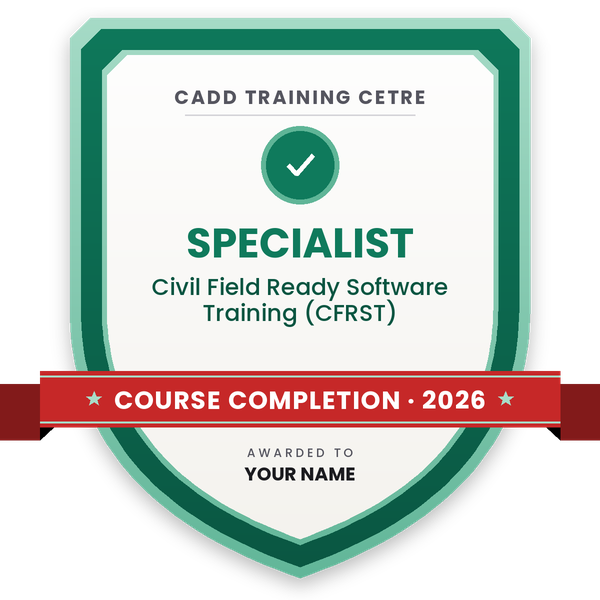
Course completion certificate + completion badge
Finish the course and get your course-completion certificate and a digital completion badge with your name.
Course-completion badge
Course
Civil Field Ready Software Training (CFRST)
Issued by
CADD Training Cetre
Training
Classroom or live online
How to earn
Complete the course and its project
With your name and year · its own verify link · “Add to profile” on LinkedIn
6
Certification exam
Take the certification exam: a theory test and a practical task — at the centre or online.
7
Certified certificate + marksheet
Pass the exam and get the certified certificate with your marksheet. Anyone can check it online with its QR code.
8
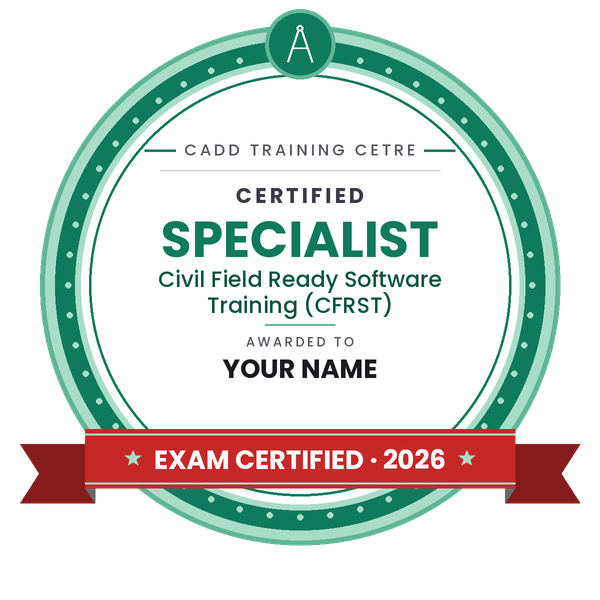
Certified badge
Your certified badge — add it to LinkedIn and share it anywhere; it opens its own verify page.
Certified badge
Course
Civil Field Ready Software Training (CFRST)
Issued by
CADD Training Cetre
Training
Classroom or live online
How to earn
Pass the certification exam
You also get
Certified certificate + marksheet
With your name and year · its own verify link · “Add to profile” on LinkedIn
9
Make your CV & apply for jobs
Make your CV in your student panel (Career → My CV) — your course, certificates and projects are added for you. Send it as a link with a preview picture, and apply to jobs and Hire Me requests from companies.
About the Civil Field Ready Software Training (CFRST) course
Civil Field Ready Software Training (CFRST)
In the CADD training center, we ensure that all the professionals/ employees involved in our Field Ready courses are ready to enter the field in the form of skilled professionals/ employees.
This course covers the following skills:
AutoCAD
Revit Architecture
Revit MEP
Staad Pro Adv. Connect edition
E-Tabs
Staad RCDC
Mx-Road
Civil3d
Microsoft Project (MSP)
Primavera
Scientific Vastu
You will be able to
Prepare 2D civil and architectural drawings in AutoCAD to office standards
Model buildings in Revit Architecture and coordinate MEP systems in Revit MEP
Analyse and design RCC and steel structures in STAAD Pro and ETABS
Produce RCC design reports and reinforcement drawings with STAAD RCDC
Design road alignments, profiles and corridors in Civil 3D and MX Road
Plan and track construction schedules in Microsoft Project and Primavera P6
Apply basic Vastu principles to plan layouts
Deliver an integrated building project from drawings to schedule
Who it is for
Civil engineering graduates and diploma holders
Final-year civil students who want software skills before placement
Working civil engineers moving into design or planning roles
Draftsmen who want to grow into BIM, design or planning work
What you need
Civil engineering degree or diploma, or currently studying civil
Basic computer skills and engineering drawing knowledge
A Windows PC with 16 GB RAM and a dedicated graphics card for live online classes
Courses that include Civil Field Ready Software Training (CFRST)
Civil Field Ready Software Training (CFRST)Architecture, Engineering & Construction · 600 Hours
Civil Field Ready Software Training (CFRST) Syllabus
12 chapters · 57 topics
01AutoCAD for Civil Drafting5 topics+
Drawing, modify and layer tools
Dimensions, text and annotation styles
Blocks, attributes and xrefs
Building plans, sections and elevations
Layouts, viewports and plotting
02Revit Architecture5 topics+
Levels, grids, walls, doors and windows
Floors, roofs, stairs and railings
Families and components
Sheets, schedules and annotations
Rendering and walkthrough basics
03Revit MEP5 topics+
MEP project setup and linked models
HVAC ducts and equipment
Plumbing pipes and fixtures
Electrical circuits and lighting
Interference check and MEP schedules
04STAAD Pro Advanced5 topics+
Geometry, supports and member properties
Load cases and IS code combinations
Seismic and wind load generation
Analysis and result review
RCC and steel design to Indian codes
05ETABS5 topics+
Grid, story and frame modelling
Slabs, walls and diaphragms
Load patterns and response spectrum analysis
Concrete frame design
Reviewing drifts and design reports
06STAAD RCDC5 topics+
Importing STAAD analysis into RCDC
Design of beams, columns and footings
Slab design and detailing
Design reports and schedules
Generating reinforcement drawings
07Civil 3D5 topics+
Points, surfaces and contours
Alignments and profiles
Assemblies and corridors
Cross sections and earthwork volumes
Plan and profile sheets
08MX Road5 topics+
Survey data import and ground model
Horizontal alignment design
Vertical profile design
Carriageway and cross section design
Quantities and road drawings
09Microsoft Project5 topics+
Project setup and calendars
Tasks, durations and dependencies
Resources and cost assignment
Gantt chart and critical path
Baseline and progress tracking
10Primavera P65 topics+
EPS, OBS and project creation
WBS and activities
Relationships and scheduling
Resources and cost loading
Baselines, updates and reports
11Scientific Vastu for Planning3 topics+
Basic Vastu directions and zones
Room placement principles
Applying Vastu to residential plans
12Integrated Field Project4 topics+
Drawings in AutoCAD and model in Revit
Structural analysis and RCDC design
Construction schedule in Primavera
Final presentation and assessment
Ratings & reviews
Students rate the course after they finish it — their ratings appear here.
Civil Field Ready Software Training (CFRST) course — FAQ
Which software is covered in CFRST?
CFRST covers AutoCAD, Revit Architecture, Revit MEP, STAAD Pro, ETABS, STAAD RCDC, Civil 3D, MX Road, Microsoft Project, Primavera P6 and Scientific Vastu, ending with an integrated project.
Who should join the Civil Field Ready Software Training?
Civil graduates, diploma holders and final-year students who want job-ready software skills, as well as working engineers moving into design, BIM or planning work.
How many hours is the CFRST course?
CFRST is a 600-hour programme, which leaves enough time to learn each software in depth and connect them through a complete building project.
Can I do CFRST online?
Yes. Join classroom training at a CADD Training Centre or live online classes. Online learners need a capable Windows PC to run Revit, STAAD Pro and ETABS.
Is the CFRST certificate valid for jobs?
You receive a CADD Training Centre certificate for CFRST that employers can verify online with its QR code or verification number, plus an integrated building project to show in interviews.
What jobs can I get after CFRST?
CFRST supports roles such as civil draftsman, BIM modeller, structural design engineer, highway design engineer and planning engineer in consultancies and construction companies.
What laptop do I need for civil software like Revit and ETABS?
A Windows laptop with 16 GB RAM, a recent multi-core processor, SSD storage and a dedicated graphics card runs Revit, STAAD Pro, ETABS and Civil 3D comfortably.
Is it better to learn one civil software or a full package?
One software suits a specific role. A package like CFRST suits freshers who want options across drafting, design, roads and planning, and shows how these tools work together.



_290322122856217161.jpg)
_290322072934494093.jpg)
_290322124027405008.jpg)