Classroom & live online40 HoursVerifiable certificateSyllabus ↓
Dynamo Studio Course
Learn Dynamo visual programming for Revit: nodes, lists, geometry, parameters and automation scripts.
Your roadmap — from admission to certificate
1
Free counselling
Talk to our counsellor — choose the right course, batch time and mode.
2
Admission
Join at a CADD centre near you or online. You get your student login and ID card.
3
Learn step by step
40 Hours of hands-on Dynamo Studio classes — in the classroom or live online.
Introduction to DynamoData Types and Code BlockWorking with ListsComputational GeometryDynamo with Revit ElementsData Exchange with ExcelPackages, Custom Nodes and PythonAutomation Project
4
Practice & project
Exercises in every class and a final project, checked by your trainer.
5
Course completion certificate + completion badge
Finish the course and get your course-completion certificate and a digital completion badge with your name.
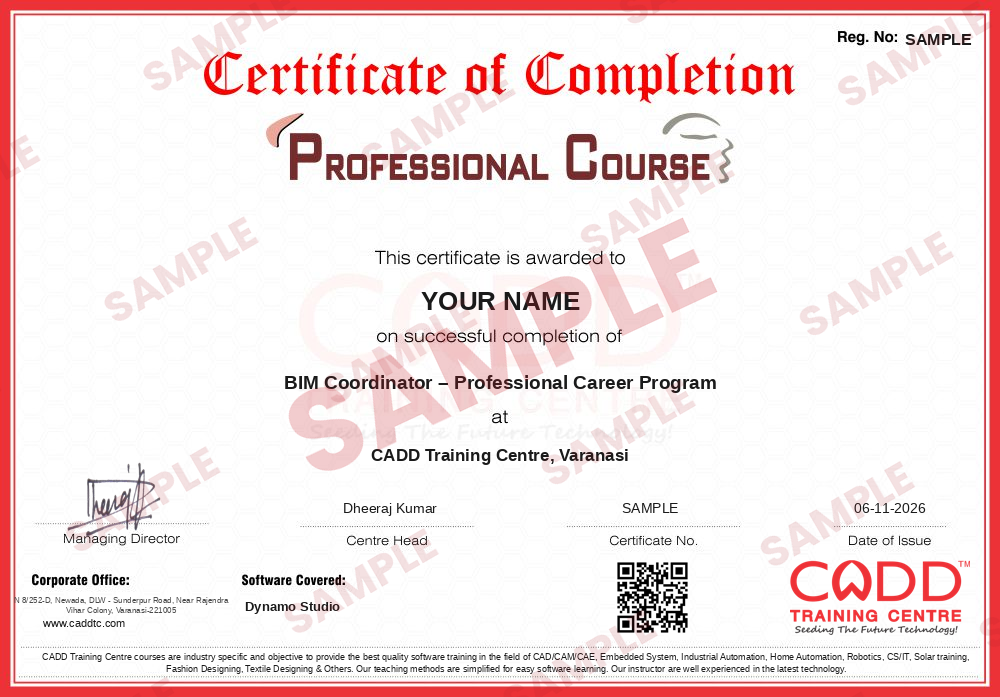
Course-completion certificate (sample) — BIM Coordinator – Professional Career Program · verifiable online
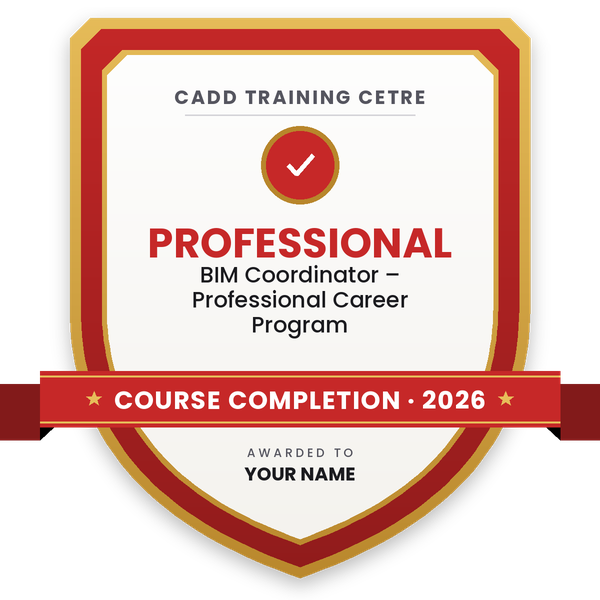
Course-completion badge
Course
BIM Coordinator – Professional Career Program
Issued by
CADD Training Cetre
Training
Classroom or live online
How to earn
Complete the course and its project
With your name and year · its own verify link · “Add to profile” on LinkedIn
6
Certification exam
Take the certification exam: a theory test and a practical task — at the centre or online.
7
Certified certificate + marksheet
Pass the exam and get the certified certificate with your marksheet. Anyone can check it online with its QR code.
8
Certified badge
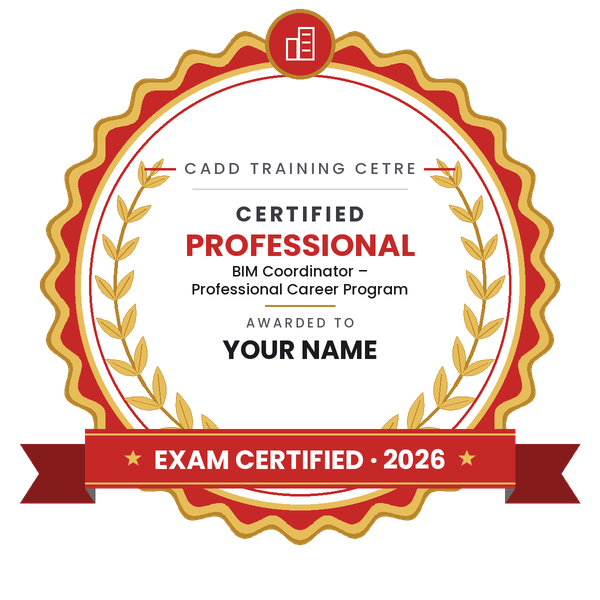
Your certified badge — add it to LinkedIn and share it anywhere; it opens its own verify page.
Certified badge
Course
BIM Coordinator – Professional Career Program
Issued by
CADD Training Cetre
Training
Classroom or live online
How to earn
Pass the certification exam
You also get
Certified certificate + marksheet
With your name and year · its own verify link · “Add to profile” on LinkedIn
9
Make your CV & apply for jobs
Make your CV in your student panel (Career → My CV) — your course, certificates and projects are added for you. Send it as a link with a preview picture, and apply to jobs and Hire Me requests from companies.
Dynamo for Revit, Dynamo Sandbox and Dynamo Studio
Interface: library, workspace, nodes and wires
Running scripts: automatic and manual modes
Preview, watch nodes and organising graphs with groups
02Data Types and Code Block5 topics+
Numbers, strings and booleans
Ranges and sequences
Code Block and DesignScript syntax
Math and logic nodes
If conditions and filtering
03Working with Lists5 topics+
List.Create, List.GetItemAtIndex and List.Count
Flatten, Chop and Transpose
Lacing: shortest, longest and cross product
List@Level and List.Map
Sorting, grouping and FilterByBoolMask
04Computational Geometry5 topics+
Points, vectors and coordinate systems
Lines, arcs, curves and NURBS
Surfaces and solids
Translate, rotate and scale geometry
Parametric facade and pattern studies
05Dynamo with Revit Elements5 topics+
Select Model Element and Categories
All Elements of Category and Family Types
GetParameterValueByName and SetParameterByName
Placing family instances by points
Creating levels, grids, walls and floors from Dynamo
06Data Exchange with Excel4 topics+
File Path and Data.ImportExcel
Data.ExportExcel for schedules
Updating Revit parameters from Excel
Room and sheet data automation
07Packages, Custom Nodes and Python5 topics+
Package Manager and popular packages
Creating custom nodes
Introduction to the Python Script node
Dynamo Player for team use
Documenting and sharing scripts with a team
08Automation Project4 topics+
Automatic sheet and view creation
Bulk parameter update script
Parametric element placement project
Script review with the trainer
Ratings & reviews
Students rate the course after they finish it — their ratings appear here.
Dynamo Studio course — FAQ
What is Dynamo used for in Revit?
Dynamo is a visual programming tool that works with Revit. Designers use it to automate repetitive tasks, update parameters in bulk, exchange data with Excel and create parametric geometry.
Is Dynamo Studio still available?
Autodesk no longer offers Dynamo Studio as a separate product. Dynamo now comes built into Revit and Civil 3D, and a free Dynamo Sandbox exists, so the course teaches Dynamo in these current forms.
Do I need coding knowledge to learn Dynamo?
No. Dynamo uses nodes and wires instead of typed code. Logical thinking helps, and a short introduction to Python is included for those who want to go further.
How long is the Dynamo course?
The Dynamo course is 40 Hours long and covers nodes, lists, geometry, Revit automation, Excel links and a final automation project.
Can I learn Dynamo online?
Yes. Dynamo is taught in the classroom at CADD Training Centre branches and in live online classes; you build each graph in Revit on your own computer with sample scripts.
Will I get a certificate for the Dynamo course?
Yes. When you finish the Dynamo course, CADD Training Centre issues a certificate that can be confirmed online. Your automation scripts from the final project show employers what you can do.
What jobs need Dynamo skills?
Dynamo is valued in roles such as BIM modeller, BIM coordinator, computational designer and BIM automation specialist, especially in firms that handle large Revit projects.