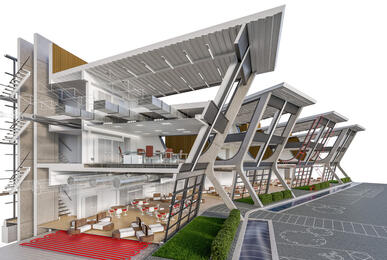
Lumion course: import models, add materials, landscape, lighting and effects, then render images and walkthrough videos.
Talk to our counsellor — choose the right course, batch time and mode.
Join at a CADD centre near you or online. You get your student login and ID card.
40 Hours of hands-on Lumion 3D classes — in the classroom or live online.
Exercises in every class and a final project, checked by your trainer.
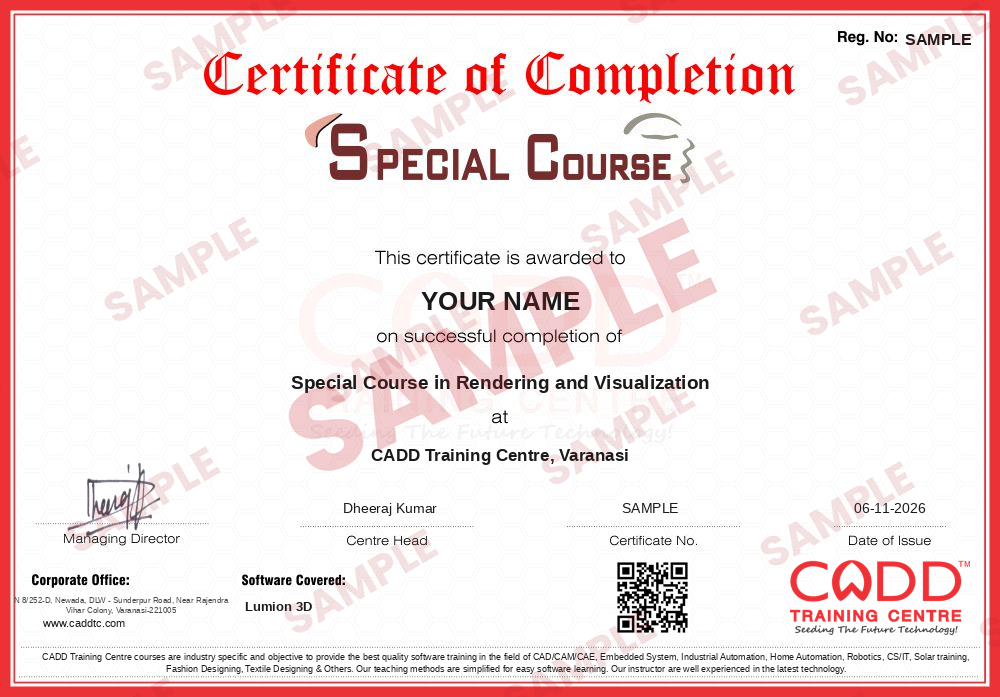
Finish the course and get your course-completion certificate and a digital completion badge with your name.
Take the certification exam: a theory test and a practical task — at the centre or online.
Pass the exam and get the certified certificate with your marksheet. Anyone can check it online with its QR code.
Your certified badge — add it to LinkedIn and share it anywhere; it opens its own verify page.
Make your CV in your student panel (Career → My CV) — your course, certificates and projects are added for you. Send it as a link with a preview picture, and apply to jobs and Hire Me requests from companies.
Lumion is 3D rendering software made especially for architects and designers.
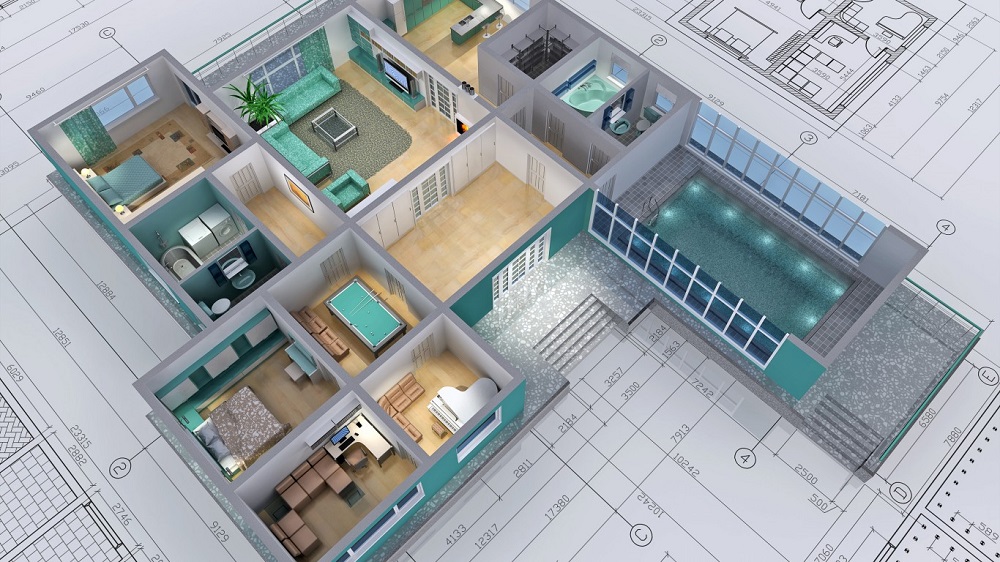
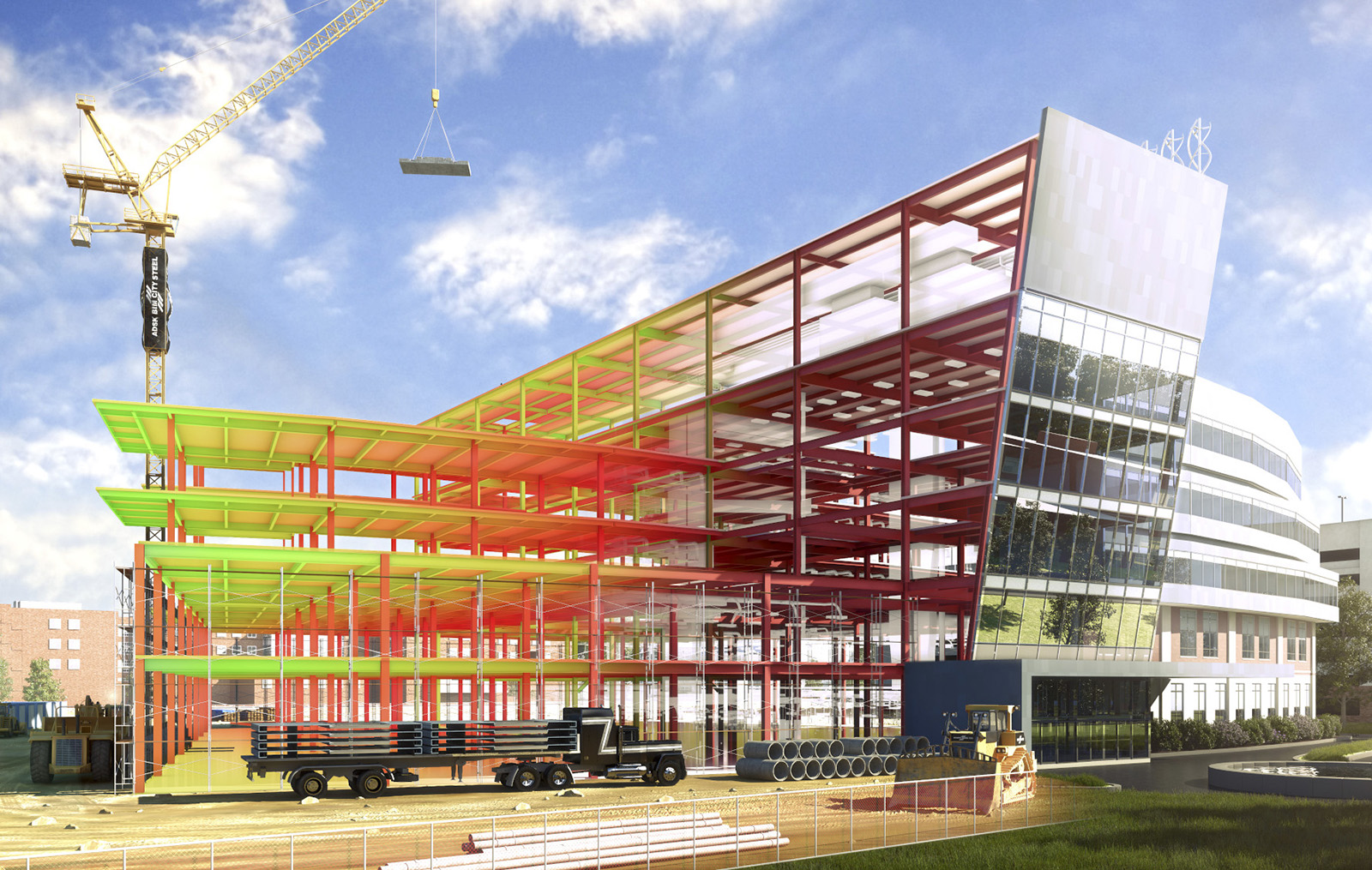
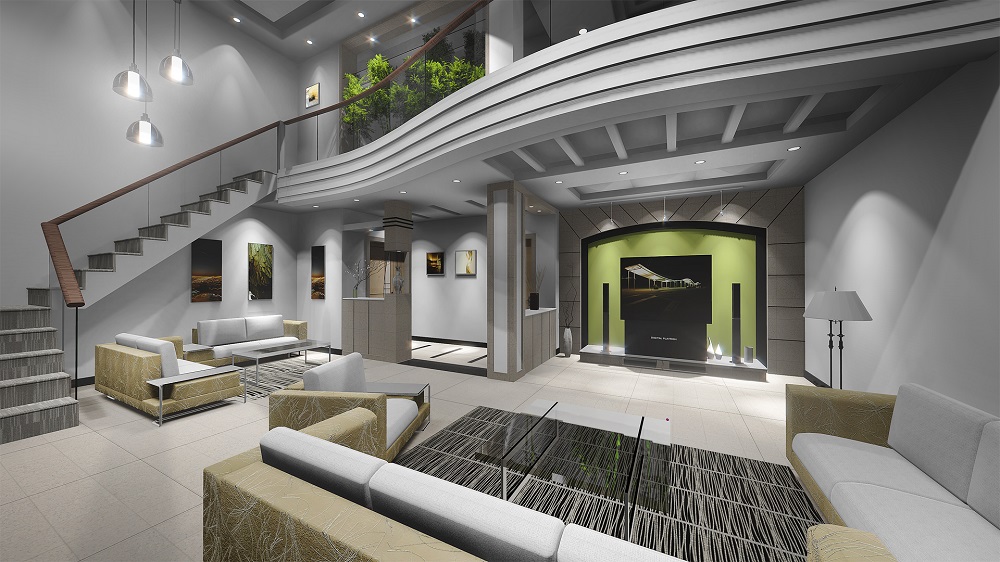
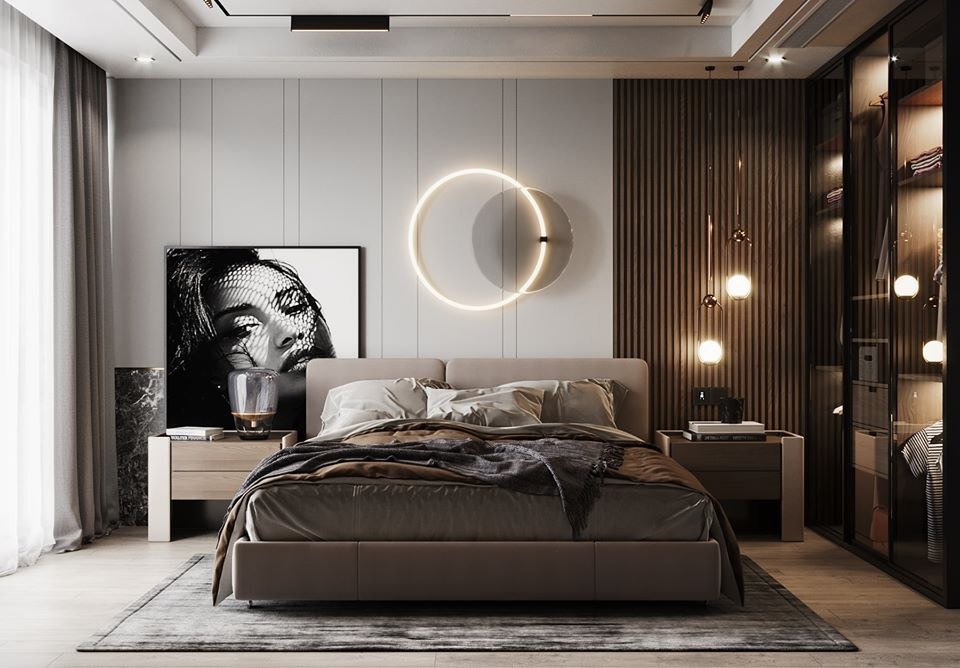
If you have a 3D model of your design, Lumion can help you quickly bring it to life and show it in its local context. You can dress a model with materials. Furnish interiors and exteriors. Communicate the impact of lighting and shadow.
No matter how you want to convey the beauty of your design, Lumion can help you do it yourself, quickly and without specialized training.
Breathe life into 3D models. Invite others to see the beauty of your designs.
In this course, you will learn how to start Lumion projects, add environment, add cameras, set global and direct illuminations, populate your scenes with people, trees, cars, and other elements, create terrains, and produce animations.
Go from enthusiast to PRO at setting up your own high-quality render. Level up your reel and portfolio, wow your clients with premium visuals & start charging more for your work today. The transformation you will go through as you take the course will give you the tools and confidence to set-up architecture render for your own reel, give you very cool stuff to post on Instagram, wow your friends and take your work to a whole new level.
Students rate the course after they finish it — their ratings appear here.
Lumion is real-time 3D rendering software for architects and designers. It turns 3D models into realistic images and walkthrough videos with materials, landscape, lighting and context.
Architecture, interior design and civil students, and professionals who already model in SketchUp, Revit or 3ds Max, can learn Lumion quickly.
The Lumion course is 40 hours, covering import, materials, landscaping, lighting, effects, and image and video rendering.
Yes. Lumion is taught live online as well as in CADD Training Centre classrooms. Online, you will need a PC with a capable graphics card, and the trainer reviews your renders and videos on screen.
You do. Finishing Lumion gives you a CADD Training Centre certificate, and because it can be verified online, an architecture firm can trust it without calling the centre.
Lumion depends heavily on the graphics card. A recent dedicated GPU with plenty of video memory and an up-to-date driver is needed; check the vendor's current system requirements before buying.
Lumion helps in roles like 3D visualiser, architectural rendering artist, walkthrough designer and presentation designer in architecture firms and real estate marketing.
More questions? Ask our counsellor or read the general FAQ.