इस फ़ील्ड में सिखाए जाने वाले हर सॉफ्टवेयर का चैप्टर-वार सिलेबस -- खोलने के लिए किसी सॉफ्टवेयर पर टैप करें।
इंजीनियरिंग ड्रॉइंग6 चैप्टर · 34 टॉपिक+
इंजीनियरिंग ड्रॉइंग का परिचयइंजीनियरों की भाषा के रूप में drawing का महत्वFreehand, instrument और computer से drawing बनाने के तरीकेDrawing instruments, sheet sizes और layoutTitle block और marginLines के प्रकार और उनके उपयोगSingle-stroke lettering और numbering
डाइमेंशनिंग और स्केलडाइमेंशनिंग के एलिमेंट: dimension line, extension line, arrowheadsAligned और unidirectional dimensioningRepresentative fraction (RF)प्लेन स्केलDiagonal scalesस्केल वाली ड्रॉइंग पढ़ना और साइट पर सेट आउट करना
ज्योमेट्रिक कंस्ट्रक्शन और इंजीनियरिंग कर्वLines और angles को Bisect करना, regular polygons बनानाTangents और arcsConcentric circle और oblong methods से EllipseParabola और hyperbolaCycloid और involuteArchimedean spiral और helix
ऑर्थोग्राफिक प्रोजेक्शनPrincipal planes और quadrantsFirst-angle और third-angle projectionबिंदुओं का प्रोजेक्शनसीधी रेखाओं का ProjectionPlanes का Projectionसरल objects के Front, top और side views
सॉलिड्स, सेक्शन और सर्फेस का डेवलपमेंटPrisms, pyramids, cylinders और cones का ProjectionSection planes और section का true shapeSectional views और hatching के नियमLateral surfaces का developmentसरल solids का Intersection
आइसोमेट्रिक ड्रॉइंग और प्रैक्टिस शीटIsometric scale और isometric axesBlocks, cylinders और सरल machine parts का Isometric viewPictorial views को orthographic views में Convert करनाबिल्डिंग और मशीन ड्रॉइंग पढ़नाप्रैक्टिस शीट और फ़ाइनल ड्रॉइंग टेस्ट
GD&T का परिचयPlus/minus tolerancing की सीमाएँGD&T क्या है और इंडस्ट्री इसे क्यों इस्तेमाल करती हैASME Y14.5 और ISO GPS स्टैंडर्ड्स का ओवरव्यूBasic dimensions और general tolerancesबुनियादी ड्रॉइंग नियम और Rule #1 (envelope principle)
Symbols और Feature Control FrameGeometric characteristic symbols और उनकी श्रेणियाँFeature control frame को पढ़नाFeatures और features of sizeModifiers: MMC, LMC, RFS और projected tolerance zoneTolerance zone के आकार: diameter, width, uniform boundary
Datums और Datum Reference FrameDatum features बनाम simulated datums3-2-1 सिद्धांत और degrees of freedomPrimary, secondary और tertiary datumsDatum targets: points, lines और areasDatum features of size और datum shift
Form और Orientation TolerancesSurface और axis की StraightnessFlatnessCircularity (roundness)CylindricityPerpendicularity, parallelism और angularityPlanes और axes पर orientation लागू करना
Profile, Location और RunoutProfile of a line और profile of a surfaceholes और pins के लिए Position toleranceBonus tolerance और virtual condition की गणनाConcentricity और symmetry तथा वर्तमान प्रैक्टिस में उनका उपयोगCircular runout और total runout
इंस्पेक्शन और ड्रॉइंग प्रैक्टिसsurface plates और dial gauges से GD&T की जाँच करनाCMM की बेसिक बातें और inspection reports पढ़नाFunctional gauge डिज़ाइन की अवधारणाएँTolerance stack-up का परिचयअसली इंडस्ट्रियल ड्रॉइंग को समझनाप्रैक्टिस एक्सरसाइज़ और असेसमेंट
शीटमेटल डिज़ाइन के लिए Solidworks1 चैप्टर · 14 टॉपिक+
शीटमेटल डिज़ाइनSheet Metal का परिचयK-FactorBend Allowance और Bend DeductionBending calculation विकल्पGauge TablesLinear Edge FlangeMiter FlangeHemJogSketched BendClosed CornerForming ToolUnfold और FoldFlatten
Surface Modeling का परिचयSolids बनाम surfacesSurfaces toolbar और surface bodies foldersurface model की प्लानिंगContinuity: contact, tangent और curvature
Curves और 3D Sketches3D sketch tools और sketch planesProjected curve और composite curveXYZ और reference points से होकर CurveSplit line और helix/spiral
बेसिक Surface FeaturesExtruded, revolved और swept surfacesPlanar surfaceOffset surfaceRuled surface
एडवांस्ड Surface FeaturesGuide curves के साथ Lofted surfaceBoundary surfaceFilled surfaceFreeform feature
Surface Editing और Solid ConversionKnit surface और knit to solidTrim, untrim और extend surfaceDelete Face और Replace FaceThicken और thickened cut
Surface Analysis और प्रोजेक्टZebra stripes और curvature डिस्प्लेDeviation analysisसरफ़ेसिंग प्रोजेक्ट: प्लास्टिक प्रोडक्ट housing
मोल्ड डिज़ाइन के लिए Solidworks6 अध्याय · 23 टॉपिक+
Mold Design का परिचयइंजेक्शन मोल्डिंग प्रक्रिया का परिचयCore, cavity, parting line और draft के कॉन्सेप्टSolidWorks में Mold Tools tabMold डिज़ाइन वर्कफ़्लो
पार्ट Analysis और तैयारीDraft एनालिसिसUndercut Analysisfaces में draft जोड़नाShrinkage के लिए Scale फ़ीचर
Parting Lines और Shut-off SurfacesParting Line AnalysisParting lines बनानाHoles और windows के लिए Shut-off surfacessurface tools से Manual shut-off
Parting Surfaces और Tooling Splitparting surfaces बनानाRuled surfaces और interlock surfacesTooling Split और block sizingCore और cavity bodies को अलग करना
Side Cores और एडवांस्ड Featuresside cores और lifters के लिए Core featureMulti-cavity layout के कॉन्सेप्टbodies को parts और assemblies के रूप में सेव करनाMould base और ejector side की बेसिक बातें
Mold Design प्रोजेक्टप्लास्टिक हाउसिंग के लिए पूरा core और cavityडिज़ाइन जाँच और रिव्यूमोल्ड ड्रॉइंग और डॉक्यूमेंटेशन
ड्रॉइंग टूल्स के लिए Solidworks6 चैप्टर · 24 टॉपिक+
Drawing Environment और TemplatesDrawing document और sheet propertiesड्राफ्टिंग स्टैंडर्ड: ISO और ANSI सेटिंग्सlinked properties के साथ Sheet formats और title blocksCustom drawing templates सेव करना
Drawing ViewsModel view और View PaletteProjected और auxiliary व्यूज़Section views और aligned sectionsDetail, broken-out, break और crop viewsAlternate position views
Dimensions और AnnotationsModel Items और Smart DimensionOrdinate, baseline और chain dimensionsHole callouts, center marks और centerlinesNotes, surface finish और weld symbols
Tolerances और GD&TDimension tolerances और fitsDatum feature symbolsGeometric tolerance framesपार्ट ड्रॉइंग पर GD&T लागू करना
Tables और Assembly ड्रॉइंगBill of materials और balloonsAuto balloon और stacked balloonsHole tables और revision tablesExploded view assembly drawings
आउटपुट और ड्रॉइंग प्रोजेक्टLayers और line stylesPDF और DWG/DXF में एक्सपोर्ट करनापूरा part और assembly drawing set
FEA और SolidWorks Simulation का परिचयFEA के कॉन्सेप्ट और मान्यताएँSimulationXpress से त्वरित एनालिसिसSimulation add-in, study types और Simulation treeUnits और materials
Parts का Static AnalysisStatic study बनानाFixtures: fixed geometry, roller/slider और fixed hingeExternal loads: force, pressure, torque और gravityस्टडी चलाना और default plots
मेशिंगStandard और curvature-based meshMesh controls और mesh qualitySolid, shell और beam elementsConvergence check
Assembly AnalysisGlobal और local contact setsBonded, no penetration और allow penetration contactsBolt, pin और spring connectorsbracket assembly का विश्लेषण
Results और ReportingVon Mises stress, displacement और strain plotsFactor of safety plotsProbe, section clipping और iso plotssimulation report जनरेट करना
अन्य Studies और प्रोजेक्टFrequency (modal) स्टडीBuckling स्टडीthermal और अन्य study types का ओवरव्यूमैकेनिकल पार्ट पर सिमुलेशन प्रोजेक्ट
KeyShot इंटरफेसKeyShot इंटरफ़ेस का ओवरव्यूKeyShot में नेविगेशनObjects को Select और Move करनाफ़ाइल मैनेजमेंटPerformance सेटिंगScenes मैनेज करें
एक सरल रेंडर बनानाAdd Geometry और Clear GeometryKeyShot में Object इम्पोर्ट और अपडेट करनाObject एक्सपोर्ट करेंमटीरियल असाइन करेंMaterials मॉडिफ़ाई करनाTexture maps असाइन करनाइमेज से सीन में लाइटिंग करनाफ़ाइनल रेंडर सेट करना
मटेरियल के साथ काम करनामटीरियल बनाएँtransparency और refractions के साथ काम करनाTransparency और render qualityBump और opacity mappingकई ऑब्जेक्ट्स में मटेरियल मैनेज करनाmaterial graphs का इस्तेमाल करें
लाइटिंग और रेंडरिंगlights बनाने के लिए HDRI editor का इस्तेमाल करेंObject को Lights के रूप में इस्तेमाल करेंBack plate इमेज का उपयोगCameras के साथ काम करनाdepth of field बनाएँ
एनिमेशनTurntable animation बनानाऑब्जेक्ट के हिस्से को Animate करनाCamera animation
AutoCAD की शुरुआतAutoCAD interface: ribbon, command line और status barDrawings (DWG) शुरू करना, सेव करना और खोलनाUnits, limits और drawing setupZoom, pan और navigationObjects चुनना और command options
सटीक ड्रॉइंग टूल्सAbsolute, relative और polar coordinatesLine, circle, arc, rectangle, polygon और ellipsePolyline और splineObject Snap, Ortho, Polar Tracking और Object Snap TrackingDynamic input
ड्रॉइंग में बदलावMove, copy, rotate, mirror और scaleTrim, extend, offset और stretchFillet, chamfer, break और joinRectangular, polar और path arraysGrips और Properties palette
ड्रॉइंग ऑर्गनाइज़ेशनLayers और Layer Properties ManagerColour, linetype और lineweightMatch Properties और layer toolsHatch और gradient fillsGroups और object visibility
एनोटेशनText styles, single-line और multiline textDimension stylesLinear, aligned, angular, radius और diameter dimensionsLeaders और multileadersTables और annotative scaling
Blocks और दोबारा उपयोग होने वाला कंटेंटBlocks बनाना और insert करनाBlock attributes और title blocksDesign Center और Tool PalettesExternal references (Xrefs)Inquiry tools: distance, area और list
Layouts, Plotting और प्रोजेक्टमॉडल स्पेस और पेपर स्पेसस्केल पर Layouts और viewportsPage setup, plot styles और PDF outputप्रोजेक्ट: फील्ड के अनुसार वर्किंग ड्रॉइंगसर्टिफिकेट मूल्यांकन
3D Workspace और Navigation3D Modeling workspaceViewCube, orbit और Steering WheelsVisual styles3D में User Coordinate System (UCS)3D काम के लिए Viewports
सॉलिड मॉडलिंगSolid primitives: box, cylinder, cone, sphere और wedgeExtrude, revolve, sweep और loftPresspullUnion, subtract और intersectFillet edge और chamfer edge
Solids, Surfaces और Meshes को एडिट करनाSolid editing: faces, edges और shellSlice और section planes3D move, 3D rotate, 3D mirror और 3D arraySurface और mesh की बेसिक जानकारीmesh, surface और solid के बीच बदलना
विज़ुअलाइज़ेशन, ड्रॉइंग और प्रैक्टिसMaterials Browser और lightsबेसिक रेंडरिंग3D से Base, projected और section viewsअपने फ़ील्ड में प्रैक्टिस मॉडलसर्टिफिकेट मूल्यांकन
AutoCAD की शुरुआतUser interface: ribbon, application menu और Quick Access ToolbarCommand line, dynamic input और status barDrawings और templates बनाना, खोलना और सेव करनाUnits, limits और drawing settingsZoom, pan और navigation
ड्रॉइंग की बेसिक्स और Precision ToolsAbsolute, relative और polar coordinatesLine, circle, arc, rectangle और polygonObject snaps और object snap trackingOrtho, polar tracking और grid/snapPolyline, ellipse और spline
Objects को Edit और Modify करनाSelection methodsMove, copy, rotate, scale और mirrorTrim, extend, offset और fillet/chamferRectangular, polar और path arraysStretch, break, join और explodeGrips और Properties palette से एडिट करना
Layers और Object PropertiesLayer Properties ManagerColour, line type और line weightLayer states, freeze, lock और isolateMatch Properties और Quick Select
Annotation: Text, Hatching और TablesText styles, single-line और multiline textHatch और gradient fillsTables और table stylesAnnotative objects और annotation scale
डाइमेंशनिंगDimension stylesLinear, aligned, angular, radius और diameter dimensionsBaseline और continue dimensionsMultileaders और tolerancesDimensions एडिट करना
Blocks, Attributes और ReferencesBlocks बनाना और insert करनाBlock attributes और attribute extractionDynamic blocks (परिचय)External references (Xref) और imagesDesignCenter और tool palettes
Layouts, Viewports और Plottingमॉडल स्पेस और पेपर स्पेसLayouts और viewports बनानाViewport scale और lockingPage setup, plot styles और PDF में plotting
3D मॉडलिंग की बेसिक्स3D Modeling workspace और visual stylesUCS और 3D में देखना (ViewCube, orbit)Solid primitives: box, cylinder, cone, sphere और wedgeExtrude, revolve, sweep और loftUnion, subtract और intersect
3D एडिटिंग, Views और फ़ाइनल प्रोजेक्टPresspull, fillet edge, chamfer edge और shell3D move, 3D rotate, 3D mirror और 3D arraySection planes और flatshot3D model से drawing views बनानाPlotted output के साथ फ़ाइनल 2D और 3D प्रोजेक्ट
AutoCAD का परिचयAutoCAD के इतिहास का परिचयGUI (Graphical User Interface) को समझनाAutoCAD की शब्दावली को समझनाAutoCAD Student License कैसे इंस्टॉल करेंAutoCAD Workspace को समझना
फ़ाइल मैनेजमेंट ऑपरेशन को समझनाNEW, QNew और STARTUP से नई AutoCAD File शुरू करनामौजूदा Drawing file खोलनाSAVE और SaveAS से अपनी file data को सुरक्षित रखेंAutoSave option को समझनाफ़ाइल को दूसरे वर्ज़न में सेव करनाAutoCAD file format को समझनाAutoCAD से बाहर निकलना- close,Exit/Quit
बेसिक ऑपरेशन्सMouse के साथ काम करनाCo-ordinate System को समझनाCo-ordinate System के साथ काम करनाObject selection method को समझनाDrawing Setting के साथ काम करना - Units, limits और Grid दिखानाDrafting Setting को समझनाLines - इनका उपयोग आप हर जगह करेंगेUnused objects को Erase करनाUndo और Redo Operations को समझना
डिस्प्ले कंट्रोल कमांडZoom Commands को समझनाZoom Factor को समझनाPAN और MBUTTONPAN को समझनाRegen और Viewres को समझना
ड्रॉइंग और ड्राफ्टिंग टूल्सPolyline और उनके उपयोगSpline और उसके उपयोगअलग-अलग प्रकार के Circle का उपयोगअलग-अलग प्रकार के Arc का उपयोगRectangle को गहराई से समझनाEllipse का उपयोग (Center, Axis-End और Ellipticle Arc)Polygon का उपयोग - विस्तार सेConstruction line और Ray line को समझनाPoint और उनकी styles को समझनाDivide – Measure – वैसा नहीं जैसा आप सोचते हैंDonut, Revision Cloud और Fill को समझना
ऑब्जेक्ट मॉडिफ़ाई करना - मैनिपुलेशन कमांडCopy Command को समझना और उपयोग करनाMove Command को समझना और उपयोग करनाDuplicate objects डिलीट करनाRotate Command को समझना और उपयोग करनाMirror Command को समझना और उपयोग करनाStretch Command को समझना और उपयोग करनाScale Command को समझना और इस्तेमाल करनाOffset Command को समझना और उपयोग करनाObject के corners को Fillet करनाऑब्जेक्ट के कोनों को Chamfer करनाLines को Trim और Extend करनाArray Command को समझनाRectangular Array का इस्तेमालPolar Array का उपयोगPath Array का उपयोगExploding Objects को समझनाObjects को Break और Join करनाMulti-function Grips के साथ काम करनाAssociative Array मॉडिफ़ाई करना
ऑब्जेक्ट प्रॉपर्टीज़ बदलनाObject Color असाइन करनाLine Types को समझनाLine Types असाइन करनाऑब्जेक्ट Line Weight असाइन करनाObject Properties जाँचना और बदलनाMatch Type Properties को समझना
ऑब्जेक्ट विज़िबिलिटीSelected Objects पर Hide – Isolate – End IsolationTransparency – पुरानी चीज़ें धीरे-धीरे फीकी हो जाती हैंLine Type Scale – Scale Size सापेक्ष होता हैDraw Order को समझना
लेयर मैनेजमेंट का उपयोगLayers बनाना और एडिट करनामौजूदा Object में नई Layers असाइन करनाLayers कैसे Save करें?मौजूदा ड्रॉइंग्स में Save Layer खोलनाPlot Control के लिए Layers का उपयोगLayers को Freeze या Thaw, On या Off और Lock करनाAutoCAD में Layer को समझना
डाइमेंशनिंगDimensioning concept को समझनाBasic Dimensions का उपयोग (Linear, Aligned, Arc Length, Ordinate, Radius, Diameter, Jogged और Angular)Continue और Baseline dimensions को समझना और उपयोग करनाObject में tolerance Dimensions जोड़नाCenter mark जोड़नाDimension style बनाना और बदलना - विस्तार सेDimension Edit और Dimension Text Edit का उपयोगLeader Dimension को समझना और उपयोग करनाMltileader Dimension को समझना और उपयोग करनाMultileader Style Dimension को समझना और इस्तेमाल करना
हैच और ग्रेडिएंटHatching concept को समझनाBasic Hatches बनानाHatching - विस्तार सेGradient का इस्तेमालMirror Hatch
टेक्स्ट और टेबल के साथ काम करनाSingle Line Text बनानाMultiline Text बनानाText Style बनाना और बदलनाMirror Text का उपयोगस्पेलिंग चेक करनाTable बनानाTable एडिट करनाTable Style बनाना और बदलनाText बदलनाAutoCAD में Text Concept को समझना
Block और Wblock के साथ काम करनाBlock बनाना और Insert करनाWBlock बनानाBase का इस्तेमाल करके Wblock बनानाBlock को Edit, Save और Save As करना
Clipboard टूल्स के साथ काम करनाCut, Copy और Copy with Base Point का उपयोगPaste Clip का उपयोगPaste As Block का उपयोगCopy Link और Paste original Co-ordinate का इस्तेमालPaste Special का उपयोगHyperlink और Paste Hyperlink का इस्तेमाल
यूटिलिटी और इंक्वायरी टूल्सID Point का इस्तेमालList Command का इस्तेमालMeasuregeom command का उपयोग (Distance, Radius, Angle, Area और Volume)
मॉडल स्पेस, पेपर या लेआउट स्पेस और प्लॉटिंग को समझनाPrinting और Plotting में क्या अंतर है?Drawing Spaces के अंतर्गत (Model Space और Paper Space)Layout के लिए Page setup का उपयोगViewports बनाना और clip करनाTitle Block के साथ Layout जोड़नाLayout पर Title Block इन्सर्ट करनाLayout पर Annotation जोड़नाModel space और Paper Space से Printing या PlottingPlotstyle को समझना
एडवांस ऑपरेशनDesign Center Palettes का उपयोगTool Palettes का उपयोगQSELECT को समझना और इस्तेमाल करनाSelect Similar – एक बार Pick करेंAdd Select - बिना ज़रूरत के Command शुरू करेंObjects का नाम बदलनाQuick Calculator का उपयोग
3D मॉडलिंग की शुरुआतAutoCAD 3D interface का परिचय3D वर्कस्पेस सेटअपView Cube और Orbit Tools को समझना3D Object Snap को समझनाVisual Styles को समझनाAllow/ Disallow Dynamic UCS को समझनाUser Co-ordinate System को मैनिपुलेट करनाViewport Configuration को समझना
सॉलिड 3D ऑब्जेक्ट बनानाSolid Primitives के साथ काम करना
2D प्रोफाइल से 3D ऑब्जेक्ट बनाना2D Profiles और उनके काम को समझनाExtrude Command का उपयोगRevolve command का उपयोगLoft Command का उपयोगSweep command का उपयोगPolysolid Command का उपयोगPress-pull Command का इस्तेमाल
3D ऑब्जेक्ट मॉडिफ़ाई करनाGizmo Command का उपयोग - Move, Rotate और Scaleobject Culling का इस्तेमाल3D में object को Mirror और Align करनाComposite Solid बनाना - Boollion Operation का उपयोग: Union, Substract और IntersectChamfer/ Chamfer Edge और Fillet/ Fillet Edge जोड़नापूरे Solid को एडिट करना - Solids को Separate और Shell करना
रेंडरिंग और प्रेज़ेंटेशन3D Object को Material असाइन करनाMaterial Properties बदलनाSun, Geolocation, date और time जोड़नाLights जोड़ना - Point, Spot, Web और Distance lightLight list से Light Properties बदलनाEnvironment जोड़ना - Display, Sky background और ShadowCamera View बनाना और बदलनाNamed View बनानाRenderings बनाना और image file के रूप में सेव करना
Fusion 360 के साथ शुरुआतAutodesk Fusion 360 का परिचयFusion 360 3D मॉडलिंग का परिचयAutodesk Fusion 360 इंस्टॉल करना और शुरू करनाFusion 360 इंटरफ़ेस को समझनाFusion 360 Workspaces को समझनाBrowser को समझनाRibbon, Data Panel और Timeline का उपयोगनया Project समझना और बनानाFusion 360 Project खोलना, बंद करना और सेव करनाFusion 360 में Navigation Tools का उपयोगVisual Styles, Environment और Effects एडजस्ट करनाSelection Tools, Selection Filters और Selection Priority का उपयोगCustom Named Views बनाना और उपयोग करनाFusion 360 में फ़ाइलें Import या Upload करनाअपनी preferences सेट करेंFusion 360 keyboard shortcuts का उपयोग
MATLAB की शुरुआतMATLAB desktop: Command Window, Workspace और Current FolderVariables, data types और operatorsBuilt-in functions और help documentationLive Editor और scriptsडेटा सेव और लोड करना (.mat फ़ाइलें)
Vectors, Matrices और ArraysVectors और matrices बनानाIndexing और slicingMatrix operations बनाम element-wise operationsस्पेशल matrices: zeros, ones, eye, randConcatenation और reshaping
प्रोग्रामिंग की बेसिक्सRelational और logical operatorsif, elseif, else और switchfor और while loopsLoops की जगह VectorisationBreakpoints के साथ Debugging
फ़ंक्शन्सUser-defined functions और function filesInput और output argumentsLocal और anonymous functionsVariables का scopetry/catch से Error handling
डेटा विज़ुअलाइज़ेशनplot, subplot और figure formattingLabels, legends, axes और gridBar, histogram, scatter और pie charts3D plots: mesh, surf और contourरिपोर्ट के लिए figures एक्सपोर्ट करना
डेटा के साथ काम करनाExcel, CSV और text फ़ाइलें इम्पोर्ट करनाTables, cell arrays और structuresStrings और text processingMissing data और बेसिक cleaningबेसिक स्टैटिस्टिक्स: mean, std, max, min
Numerical Methods और इंजीनियरिंग मैथ्सLinear equations हल करनाPolynomials और curve fittingइंटरपोलेशनNumerical integration और differentiationode45 से ODEs हल करना
Simulink का परिचय और मिनी प्रोजेक्टSimulink library browser और blocksएक सरल मॉडल बनाना और चलानाScopes और signal viewingमिनी प्रोजेक्ट: इंजीनियरिंग डेटा एनालिसिस या सिमुलेशनकोर्स रिव्यू और सर्टिफिकेट असेसमेंट
परिचयPython का परिचयPython में Comments को समझनाPython में Print को समझनाPython में StringPython में VariablesPython में ErrorsPython में Numbers और Arithmetic CalculationsPython में Numbers बदलनाPython में Exponentiation Method का उपयोगPython में Modulo OperatorPython में String ConcatenationPython में Plus-Equals Operator +=Python में Multi-line Stringsमूल्यांकनक्विज़प्रोजेक्ट: Block Letters के साथ Graphic Design Technicsप्रोजेक्ट: अपने ग्राहकों के लिए Receipts बनानाUser Input से Variables असाइन करनाअपना environment सेट करें
Control Flow के साथ कामControl Flow का परिचयBoolean ExpressionsPython में Relational OperatorsPython में Boolean VariablesPython में If StatementPython में If Statement के साथ Relational OperatorsPython में Boolean Operators - andPython में Boolean Operators - orPython में Boolean Operators - notPython में Else StatementsElse If Statementsचैप्टर रिव्यू
CIMCO Edit के साथ शुरुआतमशीन शॉप में CNC program editor क्या करता हैइंटरफ़ेस टूर: ribbon, file tabs, status barNC फ़ाइलें खोलना, सेव करना और व्यवस्थित करनामशीन टाइप चुनना: mill, lathe, otherEditor options, colours और syntax highlighting
G-Code की बुनियादी बातों का रिवीज़नप्रोग्राम संरचना: program number, blocks, end codesMotion, plane और units के लिए Preparatory G-codesSpindle, coolant और tool change के लिए M-codesAbsolute और incremental प्रोग्रामिंगControls के बीच सामान्य format अंतर
NC-Assistant के साथ एडिटिंगNC-Assistant में code explanations पढ़नाdialogs से arc, line और drilling blocks एडिट करनाFind, replace और go-to block toolsलंबे प्रोग्राम में बुकमार्क और तेज़ नेविगेशनcomments सुरक्षित तरीके से इन्सर्ट और एडिट करना
NC फ़ंक्शन और प्रोग्राम की सफ़ाईblock numbers को Renumber करना और हटानाspaces इन्सर्ट करना और हटानाComments और खाली लाइनें हटानाहर axis का min और max निकालनाTool list और program information रिपोर्ट
ट्रांसफ़ॉर्म फ़ंक्शनप्रोग्राम को नए work offset पर ट्रांसलेट करनाtoolpaths को Rotate और Mirror करनामिलते-जुलते पार्ट्स के लिए प्रोग्राम्स को Scale करनाAxis values को स्वैप और एडजस्ट करनाtransform के बाद रिज़ल्ट चेक करना
बैकप्लॉट और सिमुलेशन2D और 3D backplot viewsप्रोग्राम को block by block चलाकर देखनासिमुलेशन के लिए stock और tools डिफ़ाइन करनाrapid moves, gouges और गलत arcs पहचाननाBackplot पर दूरियाँ मापना
File Compare और प्रोग्राम मैनेजमेंटदो NC फ़ाइलों की साथ-साथ तुलनाजोड़ी गई, हटाई गई और बदली गई lines पढ़नाप्रोग्राम्स की revision कॉपियाँ रखनाशॉप फ़्लोर के लिए नामकरण और फ़ोल्डर मानक
ट्रांसमिशन और शॉप प्रोजेक्टSerial (RS-232) और network transmission के कॉन्सेप्टport और protocol parameters सेट करनाCNC control के साथ प्रोग्राम भेजना और प्राप्त करनाप्रोजेक्ट: पूरा mill और lathe प्रोग्राम एडिट, वेरिफ़ाई और तैयार करनाप्रैक्टिस टेस्ट और रिव्यू
Mastercam की बुनियादी बातेंडिज़ाइन और मशीनिंग के बीच CAM की भूमिकाइंटरफ़ेस: ribbon tabs, Toolpaths और Solids managersLevels, views, planes और gnomonEntities चुनना और AutoCursor का उपयोगफ़ाइल हैंडलिंग और CAD मॉडल इम्पोर्ट करना
2D वायरफ़्रेम ज्योमेट्रीLines, arcs, circles और rectanglesFillets, chamfers और offsetsTrim, break, join और modify टूल्सGeometry की डाइमेंशनिंग और विश्लेषण2D इंजीनियरिंग ड्रॉइंग से पार्ट बनाना
मशीनिंग के लिए सॉलिडExtrude, revolve और hole फ़ीचर्सSolids पर Fillet और chamfertoolpath geometry को chain करने के लिए solid models का इस्तेमालCAM के लिए Model prep की बेसिक जानकारी
मिल मशीन सेटअपMill machine definition चुननाMachine group properties और stock setupWork coordinate system और work offsetsTool Manager: tools, holders और librariesFeeds, speeds और cutting parameters
2D मिल टूलपाथFacing toolpathcutter compensation और lead in/out के साथ ContourPocket और island machiningहाई-एफ़िशिएंसी roughing के लिए Dynamic MillDrill, peck drill, tap और circle millChamfer और engraving की बेसिक बातें
वेरिफ़ाई, एडिट और पोस्टBackplot और Mastercam SimulatorToolpath Manager: copy, regenerate और reorderTransform toolpaths: translate, rotate और mirrorNC code में पोस्ट-प्रोसेसिंगSetup sheets और operator notes
लेथ की बुनियादी बातेंLathe machine definition और stock setupFace, rough और finish turningGroove, thread और cut-off toolpathsLathe centre line पर ड्रिलिंगturned part को Simulate और post करना
एसोसिएट प्रोजेक्ट और अभ्यासप्रोजेक्ट: ड्रॉइंग से G-code तक पूरा milled partप्रोजेक्ट: ड्रॉइंग से G-code तक साधारण turned shaftcycle time और tool list चेक करनाप्रैक्टिस सवाल और रिव्यू
CNC टर्निंग और मिलिंग एसोसिएट11 अध्याय · 53 टॉपिक+
मशीनिंग के लिए इंजीनियरिंग ड्रॉइंगOrthographic views और sectionsडाइमेंशनिंग और tolerancesLimits, fits और surface finish symbolsGD&T symbols का परिचयप्रोडक्शन ड्रॉइंग पढ़ना
इंजीनियरिंग मेट्रोलॉजीVernier caliper और micrometerHeight gauge, dial indicator और bore gaugeSlip gauges, plug और snap gaugesThread और radius gaugesइंस्पेक्शन रिपोर्ट और माप की गलतियाँ
वर्कशॉप टेक्नोलॉजीLathe और milling मशीन की बेसिक जानकारीकटिंग टूल्स, inserts और tool holdersटूल मटीरियल और tool wearCoolants और chip controlWorkholding: chucks, vices और fixtures
वर्कशॉप कैलकुलेशनCutting speed, spindle RPM और feedमशीनिंग टाइम की गणनाTaper और thread की गणनाCoordinate points के लिए त्रिकोणमितियूनिट कन्वर्ज़न और allowances
CNC की बुनियादी बातेंCNC मशीन के पार्ट्स और axesMachine zero, reference point और work zeroAbsolute और incremental सिस्टमप्रोग्राम संरचना, G-codes और M-codesCNC मशीनों पर सुरक्षा
CNC टर्निंग प्रोग्रामिंगLinear और circular interpolation (G01, G02, G03)Tool nose radius compensationStock removal cycles G71, G72 और finishing G70Grooving और drilling cyclesThreading cycle G76Turning प्रोग्राम लिखना और जाँचना
CNC मिलिंग प्रोग्रामिंगWork offsets G54 से G59Cutter radius compensation G41 और G42Tool length compensation G43Drilling, peck और tapping cyclesSubprograms और pocket millingMilling प्रोग्राम लिखना और जाँचना
CNC मशीन ऑपरेशनControl panel modes और keysTool offset और work offset सेट करनाप्रोग्राम एंट्री, एडिटिंग और dry runSingle block और फ़र्स्ट-पीस इंस्पेक्शनरोज़ाना मशीन चेक और alarms
सिमुलेशन और CAM का परिचयप्रोग्राम्स वेरिफ़ाई करने के लिए CNC simulator का इस्तेमालCAM से बने प्रोग्राम्स का परिचयप्रोग्राम्स को मशीन पर ट्रांसफ़र करना
क्वालिटी मैनेजमेंट सिस्टमISO 9001 की बेसिक बातें और डॉक्यूमेंटेशन5S, Kaizen और PDCAसात QC टूल्सफ़र्स्ट-पीस और प्रोसेस के दौरान इंस्पेक्शन
कम्युनिकेशन और फ़ाइनल असेसमेंटवर्कप्लेस इंग्लिश और ग्रुप डिस्कशनपर्सनैलिटी डेवलपमेंट और इंटरव्यू प्रैक्टिसप्रैक्टिकल प्रोग्रामिंग टेस्टफ़ाइनल असेसमेंट और फ़ीडबैक
Primavera P6 Professional फंडामेंटल्स18 चैप्टर · 156 टॉपिक+
परिचयPrimavera P6 Professional का परिचयPrimavera की Release HistoryProject और Project Management क्या है?Project Management Life Cycle (Projects की Planning, Controlling और Managing)Project Portfolio Management का उपयोग क्यों करें?संस्था में अपनी भूमिका को समझनाProject Management Process का ओवरव्यू समझना
project management module की शुरुआतPrimavera P6: Database डाउनलोड, इंस्टॉल और कॉन्फ़िगर करनाLanguage, Industry Terminology और Custom Currencies सेट करनाPrimavera P6 Professional Workspace को लॉन्च करना और समझनाToolbars को Customize करना और P6 workspace मैनेज करनाPrimavera P6 में Menus Bars को Customize करनाPrimavera P6 में toolbars और menus को factory defaults पर Reset करना
User Preferences Setting को समझना और सेट-अप करनाUser preferences तय करनाTime Units को Format करनाDates को Format करनाCurrency Symbol सेट करनाMail Preferences सेट करनाStartup, Group, Sort और Column Default सेट करनाअपना Password बदलनाProfile और Spreadsheet Data Options सेट करनाResource और Role के लिए Calculation Options सेट करनाStartup Filters चुननाWizard को समझना
Projects और Portfolios के साथ कामProject बनानाProject खोलना और बंद करनाProject को Copy, Paste और Delete करनाData को Refresh करना और database में Update करना"what-if" scenarios को समझना और Default project सेट-अप करनाPortfolio बनाना, Rename और Delete करनाPortfolio में Projects जोड़ना और Portfolio से Projects हटानाPortfolio में Users जोड़नाCurrent Portfolio बदलना और Portfolio Details देखना
EPS, OBS और WBS के साथ कामEnterprise Project Structure को समझना और तय करनाEPS structure को व्यवस्थित करनाEPS hierarchy में project जोड़ना/डिलीट करनाEPS node या project को Copy करनाOrganizational breakdown structure (OBS) को समझना, जोड़ना और एडिट करनाOBS element को Cut, Copy, Paste और Delete करनाOBS/OBS Chart Display और OBS Chart Information देखना/बदलनाOBS chart में घूमनाWBS (Work Breakdown Structure) और Top-Down Planning को समझनाWBS element जोड़ना, एडिट करना और डिलीट करनाWBS weighted milestones को समझना और असाइन करनाWBS element का status समझना और तय करनाWBS element को Cut, Copy और paste करनाWBS, Chart/Table display देखना/बदलना और WBS chart को Move करना
कैलेंडरCalendars में हर time period के default hours तय करनाGlobal बनाम Project बनाम Resourse Calendars को समझनाProject Calendar बनाना और डिलीट करनाProject Calendar को एडिट करना और देखना; AssignmentsGlobal calendar बनाना, एडिट करना और Default सेट करनाGlobal Calendar Assignments देखना और डिलीट करनाShared/Personal resource calendar बनाना/एडिट करना/डिलीट करनाResource calendar assignments देखना और calendar को ... में Convert करना
Activities के साथ कामActivity को समझना और जोड़नाActivity dates को समझनाActivity Durations, Activity Start और Finish dates डालनाActivity Types को समझना और तय करनाActivity Duration Types को समझना और तय करनाActivity डिलीट करना और Milestones तय करनाActivities को Cut, Copy और Paste करनाActivity Relationships और उनके प्रकार समझनाActivities के बीच Relationships जोड़ना (विस्तार से)Activity को Dissolve करनाActivity को Calendar असाइन करनाActivity में Lead और Lag Duration जोड़नाPredecessor और Successor TAB से Relationships बदलना/हटानाGantt Chart और Activity Network में Relationships एडिट/डिलीट करनाActivity Table में activity IDs को Renumber करनाActivity relationships देखना
Resources, Roles और Resource CurvesResources को समझनाResource Security को समझनाResources जोड़नाResources के लिए Shared/Personal Resource Calendars बनाना और असाइन करनाResources को Display, Edit, Cut, Copy Paste और Delete करनाResources का Resource Type बदलनाMaterial Resources के लिए Unit of Measure तय करना, डिलीट करना और बतानाRoles को समझना और जोड़नाRoles देखना, एडिट करना और डिलीट करनाकिसी Role की Proficiency बदलनाPrice/unit rates और समय के साथ Role Limits तय करना
Project Default Data मैनेज करनाEPS से Projects मैनेज करना और Project Details तय करनाProject Dates डालना और Fiscal Start Month तय करनाProject Name और ID बदलनाProject का Status बदलनाProject Leveling Priority बदलनाActivity ID options सेट-अप करनाActivities के लिए Default Price और Resource Assignments के लिए Rate Type सेट करनाProject Default Activity Type और Activity Duration Type सेट करनाProject का Default Activity Percent Complete Type और Activity Calendar सेट करनाDefault Cost Account और Critical Activities पहचानने के लिए Float Time सेट करना
Project, Resource और Activity Codes डिफ़ाइन करनाProject Codes और Values को समझना और बनानाProject Codes और Values को एडिट, डिलीट और असाइन करनाResource Codes और Values को समझना और बनानाResource Codes और Values को एडिट, डिलीट और असाइन करनाActivity codes और values को समझनाGlobal Activity Codes, Values और Values Colors तय करनाProject Activity Codes, Values और Values Colors तय करनाEPS-level Activity Codes, Values और Values Colors तय करनाActivities में Activity Codes और Values असाइन करना/बदलना/हटाना
Resources, Roles और Resource Curves असाइन करनाActivities को Resources असाइन करना और हटानाRole के आधार पर activities को resources असाइन करनाActivity के साथ Primary Resource जोड़नाActivities को असाइन किए गए Resources बदलनाResource Assignment को Rate Type असाइन करनाकिसी Assignment के लिए Rate Source चुननाकिसी Activity के लिए Resource के Role Assignments बदलनाActivities को Roles असाइन करनाResources Window और Roles Dialog Box से Resources को Roles असाइन करना
Custom Fields डिफ़ाइन करना, Data की Grouping और Sorting, Filtering और SummarizingData को Group और Sort करना - विस्तार सेData को Filter करना - विस्तार सेData को Summarize करना
Layouts कस्टमाइज़ करनाLayout तैयार करना, सेव करना, खोलना और डिलीट करनाTimescaled Layout Options का इस्तेमालDetail Window कस्टमाइज़ करना और Line No. जोड़नाActivity Table को Customize करना - विस्तार सेGantt Chart को Customize करना - विस्तार सेActivity Network को Customize करना - विस्तार सेTrace Logic Options को समझना और उपयोग करना
Activity Steps/=Template जोड़ना और Templates व Notebooks असाइन करनाActivity Steps को समझना और जोड़नाActivity Steps को अपडेट करना और हटानाSteps में Weights जोड़नाActivity Step Templates को समझना और बनानाSteps को Activity Step Template में बदलनाActivities को Activity Step Templates असाइन करनाActivities में Notebooks असाइन करना/हटाना
Activities के लिए Cost Information और Expenses दर्ज करनाExpenses को समझना और जोड़नाExpense Categories असाइन करना और Expense Columns कस्टमाइज़ करनाAccrual Type तय करना, cost की जानकारी डालना और किसी expense का activity assignment बदलनाExpenses को Cut, Copy, Paste और Delete करनाCost Account Hierarchy को समझना और बनानाCost Account को Cut, Copy, Paste और Delete करनाProject Default सेट करना और Cost account एडिट करना
Primavera Projects मैनेज करना - IBudgets, Funding Sources और Spending Amounts के साथ काम करनाPrimavera में Baseline के साथ काम करनाप्रोजेक्ट शेड्यूल अपडेट करनाReflections बनाना और इस्तेमाल करनाProjects की Scheduling और "Nondriving" Resource Assignments को समझनाConstraints के प्रकार को समझना और असाइन करनाCPM (Critical Path Method - मैन्युअली) को समझनाPrimavera में CPM (Critical Path Method) के साथ काम करनाScheduling Projects के साथ काम करना
Primavera Projects की TrackingTracking, Tracking Layouts और Tracking Layouts के प्रकार को समझनाTracking Layouts को Save, Export, Import और Delete करनाTracking Layouts मैनेज करनाProject Table layouts के साथ काम करनाProject Bar Chart Layouts के साथ काम करनाProject Gantt/Profiles के साथ काम करनाResource Analysis layouts के साथ काम करनाGantt Chart के साथ काम करनाProfile और Spreadsheet के साथ काम करना
Primavera Projects मैनेज करना - IIIssues जोड़ना और असाइन करनाThresholds जोड़ना और असाइन करनाRisks जोड़ना और असाइन करना (केवल P6 Professional)Work Products और Documents जोड़ना और असाइन करना
AutoCAD का परिचयAutoCAD के इतिहास का परिचयGUI (Graphical User Interface) को समझनाAutoCAD की शब्दावली को समझनाAutoCAD Student License कैसे इंस्टॉल करेंAutoCAD Workspace को समझना
फ़ाइल मैनेजमेंट ऑपरेशन को समझनाNEW, QNew और STARTUP से नई AutoCAD File शुरू करनामौजूदा Drawing file खोलनाSAVE और SaveAS से अपनी file data को सुरक्षित रखेंAutoSave option को समझनाफ़ाइल को दूसरे वर्ज़न में सेव करनाAutoCAD file format को समझनाAutoCAD से बाहर निकलना- close,Exit/Quit
बेसिक ऑपरेशन्सMouse के साथ काम करनाCo-ordinate System को समझनाCo-ordinate System के साथ काम करनाObject selection method को समझनाDrawing Setting के साथ काम करना - 1. Units 2. limits 3. Grid दिखानाDrafting Setting को समझनाLines - इनका उपयोग आप हर जगह करेंगेUnused objects को Erase करनाCommands एंटर करने के साथ काम करनाUndo और Redo Operations को समझना
डिस्प्ले कंट्रोल कमांडZoom Commands को समझनाZoom Factor को समझनाPAN और MBUTTONPAN को समझनाRegen और Viewres को समझनाZoom के पीछे के Concept को समझना
ड्रॉइंग और ड्राफ्टिंग टूल्सPolyline और उनके उपयोगSpline और उसके उपयोगअलग-अलग प्रकार के Circle का उपयोगअलग-अलग प्रकार के Arc का उपयोगRectangle को गहराई से समझनाEllipse का उपयोग (Center, Axis-End और Ellipticle Arc)Polygon का उपयोग - विस्तार सेConstruction line और Ray line को समझनाPoint और उनकी styles को समझनाDivide – Measure – वैसा नहीं जैसा आप सोचते हैंDonut, Revision Cloud और Fill को समझना
ऑब्जेक्ट मॉडिफ़ाई करना - मैनिपुलेशन कमांडCopy Command को समझना और उपयोग करनाMove Command को समझना और उपयोग करनाDuplicate objects डिलीट करनाRotate Command को समझना और उपयोग करनाMirror Command को समझना और उपयोग करनाStretch Command को समझना और उपयोग करनाScale Command को समझना और इस्तेमाल करनाOffset Command को समझना और उपयोग करनाObject के corners को Fillet करनाऑब्जेक्ट के कोनों को Chamfer करनाLines को Trim और Extend करनाArray Command को समझनाRectangular Array का इस्तेमालPolar Array का उपयोगPath Array का उपयोगAssociative Array मॉडिफ़ाई करनाExploding Objects को समझनाObjects को Break और Join करनाMulti-function Grips के साथ काम करना
आइसोमेट्रिक ड्रॉइंग बनानाIsometric Drawing के Basic Concept को समझनाIsometric Settings को समझनाISOPLANE को समझनाISO Circle और ISO line बनानाIsometric Views बनाने के कॉन्सेप्ट को समझना
ऑब्जेक्ट प्रॉपर्टीज़ बदलनाObject Color असाइन करनाLine Types को समझनाLine Types असाइन करनाऑब्जेक्ट Line Weight असाइन करनाObject Properties जाँचना और बदलनाMatch Type Properties को समझना
ऑब्जेक्ट विज़िबिलिटीSelected Objects पर Hide – Isolate – End IsolationTransparency – पुरानी चीज़ें धीरे-धीरे फीकी हो जाती हैंLine Type Scale – Scale Size सापेक्ष होता हैDraw Order को समझना
टेक्स्ट और टेबल के साथ काम करनाAutoCAD में Text Concept को समझनाText Style बनाना और बदलनाSingle Line Text बनानाMultiline Text बनानाText बदलनास्पेलिंग चेक करनाMirror Text का उपयोगTable Style बनाना और बदलनाTable बनानाTable को MSExcel से लिंक करनाTable एडिट करना
हैच और ग्रेडिएंटHatching concept को समझनाBasic Hatches बनानाHatching - विस्तार सेGradient का इस्तेमालMirror Hatch
डाइमेंशनिंगDimensioning concept को समझनाBasic Dimensions का उपयोग (Linear, Aligned, Arc Length, Ordinate, Radius, Diameter, Jogged और Angular)Continue और Baseline dimensions को समझना और उपयोग करनाObject में tolerance Dimensions जोड़नाCenter mark जोड़नाDimension style बनाना और बदलना - विस्तार सेDimension Edit और Dimension Text Edit का उपयोगLeader Dimension को समझना और उपयोग करनाMltileader Dimension को समझना और उपयोग करनाMultileader Style Dimension को समझना और इस्तेमाल करना
मॉडल स्पेस, पेपर या लेआउट स्पेस और प्लॉटिंग को समझनाPrinting और Plotting में क्या अंतर है?Drawing Spaces के अंतर्गत (Model Space और Paper Space)Layout के लिए Page setup का उपयोगViewports बनाना और clip करनाTitle Block के साथ Layout जोड़नाLayout पर Title Block इन्सर्ट करनाLayout पर Annotation जोड़नाModel space और Paper Space से Printing या PlottingPlotstyle को समझना
PTAutoCAD PT
12 चैप्टर · 58 टॉपिक
Block और Wblock के साथ काम करनाBlock बनाना और Insert करनाWBlock बनानाBase का इस्तेमाल करके Wblock बनानाBlock को Edit, Save और Save As करना
Attribute Blocks के साथ काम करनाAttribute Block तय करनाBlock Attribute ManagerBlock Attribute Definitions बदलना
पैरामीट्रिक ड्रॉइंग बनानाParametric Drawing और Constraints को समझनाGeometric constraints लगानाDimensional constraints लगानाConstraints को Hide/Show और Delete करनाDimensions को Dimensional Constraints में बदलनाGrip Editing से Dimensional Constraints बदलना
Dynamic Block के साथ काम करना
यूटिलिटी और इंक्वायरी टूल्सID Point का इस्तेमालList Command का इस्तेमालMeasuregeom command का उपयोग (Distance, Radius, Angle, Area और Volume)
Clipboard टूल्स के साथ काम करनाCut, Copy और Copy with Base Point का उपयोगPaste Clip का उपयोगPaste As Block का उपयोगCopy Link और Paste original Co-ordinate का इस्तेमालPaste Special का उपयोगHyperlink और Paste Hyperlink का इस्तेमाल
लेयर मैनेजमेंट का उपयोगAutoCAD में Layer को समझनाLayers बनाना और एडिट करनामौजूदा Object में नई Layers असाइन करनाPlot Control के लिए Layers का उपयोगLayers को Freeze या Thaw, On या Off और Lock करनाLayers कैसे Save करें?मौजूदा ड्रॉइंग्स में Save Layer खोलना
OLE (Object Linking Embedding) कॉन्सेप्टOLE Concept को समझनाAutoCAD में Object को Link और Embed करनाPaste Link से Data को Link करनाOLE Links का उपयोगOLE Source खोलना और OLE Scale का उपयोगOLE Hide और OLE Frame का इस्तेमालOLE Quality और OLE Startup का उपयोग
मौजूदा ड्रॉइंग के साथ काम करनाExternal references को समझनाExternal References अटैच करनाExternal References object एडिट करनाExternal references Palettes का उपयोग
स्लाइडिंग और स्क्रिप्टिंगSlides बनाना और सेव करनाSlides खोलना और उपयोग करनाScript file बनानाScript फ़ाइल चलानाScript के साथ सरल Project बनाना
Annotative Scaling के साथ काम करनाAnnotation Scaling को समझनाAnnotative के साथ Hatch जोड़नाAnnotative के साथ Dim जोड़नाAnnotative के साथ Text जोड़नाAnnotative के साथ MLeader जोड़नाAnnotative के साथ Block जोड़ना
एडवांस ऑपरेशनDesign Center Palettes का उपयोगTool Palettes का उपयोगQSELECT को समझना और इस्तेमाल करनाSelect Similar – एक बार Pick करेंAdd Select - बिना ज़रूरत के Command शुरू करेंObjects का नाम बदलनाQuick Calculator का उपयोग
3DAutoCAD 3D
7 चैप्टर · 52 टॉपिक
3D मॉडलिंग की शुरुआतAutoCAD 3D interface का परिचय3D वर्कस्पेस सेटअपView Cube और Orbit Tools को समझना3D Object Snap को समझनाVisual Styles को समझनाAllow/ Disallow Dynamic UCS को समझनाUser Co-ordinate System को मैनिपुलेट करनाViewport Configuration को समझना
सॉलिड 3D ऑब्जेक्ट बनानाSolid Primitives के साथ काम करना
2D प्रोफाइल से 3D ऑब्जेक्ट बनाना2D Profiles और उनके काम को समझनाExtrude Command का उपयोगRevolve command का उपयोगLoft Command का उपयोगSweep command का उपयोगPolysolid Command का उपयोगPress-pull Command का इस्तेमाल
Meshing टूल्स के साथ काम करनाMesh primitive option कंट्रोल करनाRevolved Mesh, Edge Mesh, Ruled Mesh और Tabulated Mesh का उपयोगSmooth Object, Smooth More, Smooth Less और Refining Mesh से Mesh को Smooth करनाCrease जोड़ना/हटाना और mesh Tessellation नियंत्रित करने वाले कमांड का इस्तेमालmesh faces को Extrude, Split और Merge करने वाले कमांड का इस्तेमालMesh में Hole बनाने और बंद करने, Face/Edge को Collapse करने और Triangle Face को Spin करने वाले कमांड का इस्तेमालConverting a Mesh to a Solid and Surface Command का उपयोग3D Object को Mesh में Convert करना
3D ऑब्जेक्ट मॉडिफ़ाई करनाGizmo Command का उपयोग - Move, Rotate और Scaleobject Culling का इस्तेमाल3D में object को Mirror और Align करना3D में object को Mirror और Align करनाComposite Solid बनाना - Boollion Operation का उपयोग: Union, Substract और IntersectChamfer/ Chamfer Edge और Fillet/ Fillet Edge जोड़नाSolid के Edges एडिट करना - Edges को Extract, Imprint, Color और Copy करनाSolid के Faces एडिट करना- Faces को Extrude, Taper, Move/Offset, Copy, Delete, Rotate और Color करनापूरे Solid को एडिट करना - Solids को Separate और Shell करनाSolids में Interference चेक करना, Solids को Slice करना और Surface को Thicken करनाOffsetting Edges से Curve बनाना3D Solid View से अपने-आप 2D Profile Views जोड़ना
Surface Tools के साथ काम करनाNetwork, Lofted, Swept, Planer, Extruded और Revolved Surface Command से Surface बनानाBlend, Patch और Offset Surface बनानाSurface को Nurbs Surface में Convert करनाNurbs Surface पर Control Vertices एडिट करनाNurbs Surface पर Control Vertices दिखाना और छिपानाControl Vertices को Rebuild करना, जोड़ना और हटानाSurface पर curves को Project करना
रेंडरिंग और प्रेज़ेंटेशन3D Object को Material असाइन करनाMaterial Properties बदलनाSun, Geolocation, date और time जोड़नाLights जोड़ना - Point, Spot, Web और Distance lightLight list से Light Properties बदलनाEnvironment जोड़ना - Display, Sky background और ShadowCamera View बनाना और बदलनाNamed View बनानाRenderings बनाना और image file के रूप में सेव करना
शुरुआतकोर्स का ओवरव्यूसॉफ्टवेयर कैसे प्राप्त करेंटिप्स: यह exam कैसे पास करेंExam के उद्देश्यों को समझनासंसाधन: परीक्षा की तैयारी के लिए
Advanced Drawing ObjectsPolylines बनाना और उनके साथ काम करना: भाग 1Polylines बनाना और उनके साथ काम करना: भाग 2Arcs बनाना और मॉडिफ़ाई करनाPolygons बनाना और उनके साथ काम करनाSplines के साथ काम करना: भाग 1Splines के साथ काम करना: भाग 2Regions बनाना और उनके साथ काम करनाRays बनाना और उनके साथ काम करनाXlines बनाना और उनके साथ काम करनाMultilines बनाना और उनके साथ काम करना: भाग 1Multilines बनाना और उनके साथ काम करना: भाग 22D isometric Drawings बनाना
ऑब्जेक्ट व्यवस्थित करेंObjects चुनना और व्यवस्थित करनाLayer States से Layers मैनेज करनाLayer Filters का उपयोगक्या आपने आज़माया है: Layer Filter बनाना और लगानाLayer Overrides लगाना और हटानाLayer Walk tool का उपयोगLayers को Merge करने और हटाने का स्टेपप्रैक्टिस एक्सरसाइज़
सटीकता से ड्रॉ करेंUser Coordinate System कंट्रोल करनाMultifunctional Grips को समझना और एडिट करनाHatching के Concept को समझनाक्या आपने Hatch और Hatch Editing Step आज़माया हैप्रैक्टिस एक्सरसाइज़
Layouts, Printing और OutputsLayouts और Viewports बनाना और मैनेज करनाक्या आपने Page Setups बनाकर और Import करके देखा हैड्रॉइंग्स पब्लिश करनाZipped Transmittal Package बनाना
Annotation की तकनीकेंRevision Clouds बनाना और बदलनाWipeouts के साथ काम करनाDrawings की तुलना करनाText को Format करना: भाग 1Text को Format करना: भाग 2ड्रॉइंग में Tables का उपयोगMultileaders और Leaders बनाना और एडजस्ट करनाक्या आपने Labels और Callouts के लिए Multileaders आज़माया हैAdvanced Dimensioning Techniques से Annotation बनाना और एडिट करनाक्या आपने जल्दी और असरदार तरीके से Dimensions बनाकर देखा हैAnnotative Properties और Styles लगाना
Reusable Content और Drawing ManagementBlocks बनाना और Attributes लगानाक्या आपने Blocks में Attributes के साथ काम करके देखा हैExternal References और Referenced Layers की Properties नियंत्रित करनादूसरी File के लिए Hyperlink बनानाGroups के साथ काम करनाप्रैक्टिस एक्सरसाइज़
प्रोडक्टिविटी टिप्समेहनत से नहीं, समझदारी से काम कैसे करेंक्या आपने Tool पर Tools बनाकर देखा है
एग्ज़ाम के लिए Challenge Assignmentsचैलेंज एक्सरसाइज़ 1चैलेंज एक्सरसाइज़ 2चैलेंज एक्सरसाइज़ 3चैलेंज एक्सरसाइज़ 4चैलेंज एक्सरसाइज़ 5
AutoCAD Mechanical एनवायरनमेंटशुरुआतयूज़र इंटरफ़ेस का परिचयColor Scheme बदलनाHelp Resources तक पहुँचनाLayer Management को समझनाLayer Management Tools का इस्तेमालLayer Management Tools के साथ काम करना
AutoCAD MEP की शुरुआतAutoCAD MEP का परिचय और शुरुआतAutoCAD MEP Interface और Workspaces को समझनाProject Browser को समझनाProject Navigator को समझनाProject Navigator के Project Tab की समीक्षाProject Navigator के Constructs Tab की समीक्षाProject Navigator के Views Tab और Sheets Tab को देखनाProject Navigator में Categories जोड़नाProject Navigator में Constructs बनाना और मॉडिफ़ाई करनाProject Navigator से Client Drawings को Elements के रूप में समझना और जोड़नाProject Navigator में Views जोड़नाProject Navigator में Section और Elevation Views जोड़ना और बनानाProject Navigator में Sheets बनाना और Sheets पर Views जोड़नाProject Navigator में Repath Project Command का उपयोग
AutoCAD MEP Operations को कंट्रोल करनाAutoCAD MEP Snaps को Customize करना और उपयोग करनाMEP Compass को Customize करना और उपयोग करनाDisplay Configurations को समझनाDisplay Manager को समझनाAutoCADMEP Users के लिए Option Settings के बारे में और जाननाRibbon पर Tab और Panel की Visibility कंट्रोल करना
Schematic ड्रॉइंगSchematic Diagrams के बारे में समझनाSchematic View Drawing बनानाSchematic Systems बनानाOrthographic/Isometric Mode में Schematic Lines जोड़नाOrthographic/Isometric Mode में Schematic Symbols जोड़नाGrips से Schematic Lines जोड़नाAutoCAD Line, Arc या Polyline से Schematic Line बनानाSchematic Line /Symbols Styles और Priorities बदलनाSchematic Line और Symbols बदलना
Space और Zone Objects के साथ MEP डिज़ाइनिंगSpaces और Zones को समझनाSpaces जनरेट करनाSpace Properties और Engineering Data को समझनाZones जोड़नाSpace Engineering Data को एक्सपोर्ट और इम्पोर्ट करनाSpace Hatching सेट करनाSpaces बदलनाSpaces में Ceiling Grids जोड़नाCeiling Grid में Holes जोड़ना
HVAC Systems ड्रॉ करनाHVAC System वर्कफ़्लो को समझना
Revit फंडामेंटल्सRevit का परिचयParametric Modeling Relationships के बारे में समझनाRevit Elements को समझनाRevit में Elements Properties के Behavior को समझनाProject File खोलनाUser Interface Components को पहचाननाMouse और keyboard के साथ काम करनाअलग-अलग Project View Windows के साथ काम करना, Project Views में Zooming/Navigation3D Views में काम करते समय Visualization Aids का उपयोगProject File को सेव और बंद करनाRevit software प्राप्त करें
Revit Architecture के साथ शुरुआतनया Project शुरू करनाProject Information निर्धारित करेंUnits और Snaps को समझनाLevels बनाना और बदलनाActive Work Plane सेट करना और दिखानाWork Planes को समझना और Reference Planes बनाना
बेसिक मॉडिफाइंग और रिपोर्टिंग टूल्सRevit Elements को Copy और Paste करना - विस्तार सेRevit Element को Rotate और Align करनाRevit में Elements के Arrays बनानाRevit में Elements को Mirror और Flip करनाRevit में Elements को Trim और Extend करनाRevit Elements को Offset करनाMatch Type Properties और Create Similar से एक जैसे Elements बनानाRevit Elements को Pin, Split और Delete करनाUndo, Redo, किसी Action को Cancel करना और पिछली Command दोहरानाRevit Elements को Move करना - गहराई सेRevit में Elements का Resize करना
Families और ComponentsRevit में Families को समझनाComponents और Components प्लेस करना/ Context में Hosted ComponentsSystem Family Types को समझना और लोड करनाProject Browser से Elements/Families/Components रखनाFamilies लोड करना और Default Family Library Location सेट करनाRevit Families/ Components कैसे डाउनलोड करेंFamily/Component को दूसरे Host पर ले जानाAutodesk Family लोड करनाType Catalog के साथ Family लोड करनाFamily/ Family Editor खोलनाCurrent Family लोड करना और Project में Family को Reload करना
Annotation भाग - I (Dimensions)Permanent Dimensions बनाना: Aligned, Linear, Angular, Radial, Diameter और Arc LengthPermanent Dimensions के साथ काम करनाSpot Elevation, Coordinates और Slopes के साथ काम करनाDimensions बदलनाDimension Text को Override करना और Dimensions लॉक करनाDimension Units कंट्रोल करना और Equality Constraint का उपयोगDimension Styles बनाना और बदलनापूरी Walls पर Dimension लगाना और Dimensions को Temporary से Permanent में बदलनाकई Elements चुने होने पर Appearance बदलना और Temporary Dimensions दिखाना
व्यू और शीट्सPlan Views बनाना: Floor/Reflected Ceiling/StructuralPlan Region, View Range, Cut Plan View और Underlay को समझनाElevation Views बनाना: Building, Interior, Framing और ReferenceSection, Callout और Reference section/Callout View बनानाSheet Views: Sheet जोड़ना, Sheet में Views जोड़ना, Guide Grids का उपयोग और बहुत कुछ...पूरा: Title Block बनाना/बदलनाViewport Type/View Title को समझना और बनाना/लगानाSheets पर Schedules रखने के साथ काम करनाSheet List को समझना और बनानाRevision Cloud और Sheet Issues/Revisions का इस्तेमालCrop Region/Annotation Crop Region को समझना और उपयोग करना
Schedules/Quantities और Material TakeoffsSchedule बनाएँ: Fields, Filter, Sorting/Grouping, Formating और Appearance सेSchedule में नया Parameter जोड़नाSchedule बदलें: Parameter, Column, Row, Title और Header और Appearance सेKey Schedule के साथ काम करनाRoom और Area Schedules के साथ काम करनाMaterial Takeoff Schedules बनाना
Annotation भाग - II (Text Notes, Keynotes, Tags और Symbols.)Text Note जोड़ना, Check Spelling, Find/Replace और Text Properties बदलनाKeynotes (Element/Material/User) और Keynotes Setting का उपयोगKeynote Legends बनानाTag By Category और Tag All का उपयोगMaterial Tag और Sequential Room/Door/Window Tags का उपयोगTag और Tag Family एडिट करनाSymbol जोड़ना और नया Symbol बनाना
ड्राफ्टिंग, डिटेलिंग, लेजेंड और अन्य व्यू मैनेज करनाDrafting View बनाना और Drafting View को Insert/Import/Save करनाDetail Line, Detail Component, Repeating Details और Insulation के साथ काम करनाFilled Regions और Masking Regions के साथ काम करनाLegend View बनाना और Legend Components जोड़नाView Types बनाना/बदलनाडुप्लीकेट व्यू बनाना: Duplicate/As Dependent/with Detailing
प्रोजेक्ट सेटिंग्स और Visibility/Graphics मैनेज करनाNew/Custom Drafting Fill Pattern बनाना/बदलना/उपयोग करनानया/कस्टम Model Fill Pattern बनाना/मॉडिफ़ाई करना/इस्तेमाल करनाNew/Exist Material बनाना/बदलना/उपयोग करनानई Material Library बनानाLine Style बनाना/बदलना/उपयोग करनाLine Weight और Line Pattern बनाना/बदलनाLine Weight/Line Pattern से Object Styles बनाना/बदलनाDetail Level को समझना और उपयोग करनाElements: Hide/Unhide और Temporarily Hide/IsolateVisibility और Graphic को समझना और कंट्रोल करनाElements की Visibility और Graphic Display को Override करनाAND, OR और Nested Rule Sets से View Filters को समझना और बनाना
Groups, Design Options और Project Phasing के साथ कामGroup Elements को समझनाDetail Group और Model Group बनानाDetail Group अटैच करनाGroup Elements को मॉडिफ़ाई करनाGroups लोड करना और रखनाGroups को Linked Models में और Linked Models को Groups में बदलनाGroups सेव और डिलीट करनाPhase और Phase Filters को समझनाPhase बनाना और Phases को Combine करनाDemolish Elements toolPhase Filters बनाना और लगानाDesign Options को समझनाDesign Options और Option Sets के साथ काम करनाDesign Options को डुप्लीकेट, डिलीट और एडिट करनाDesign Options को Promote और Accept करना
सेटिंग्स मैनेज करनाProject Browser View Organization मैनेज करना और बनानाProject Standards ट्रांसफ़र करनाProject Template Files को समझनाअपनी Template Files बनानाProject से Unused Items डिलीट करनाKeyboard Shortcuts जोड़ना/हटानाOptions Dialog का इस्तेमाल
स्केचिंग एलिमेंट्सListening Dimensions के साथ काम करनाSketching Terminology और Element को समझनाLine, Rectangle और Circle Sketch करनाInscribed और Circumscribed Polygon स्केच करनाStart-End-Radius, Center-Ends और Tangent Arcs Sketch करनाRevit में Ellipses Sketch करनाRevit में Splines Sketch करनाSketched Elements में बदलाव करनाOpen Loop को बंद करनाFillet Arc स्केच करना
Revit में Selection Method के साथ कामRevit Elements चुनने के तरीकों को समझनाPolygon Method से Elements चुननाकई Elements एक साथ चुननाFamily Type Elements चुननाकितने Elements चुने गए हैं, यह पता करनाFilter से Revit Elements चुननाRevit में Chain Elements चुननाRevit में Chain का एक हिस्सा चुननाकिसी Point पर Joined Elements चुननाElement ID के साथ/बिना Element को समझना और चुननाSelection को Restore करना और Selection से Elements हटाना
डिज़ाइन इंजीनियर के लिए Creo27 चैप्टर · 187 टॉपिक+
बुक कवरकवर पेज
Creo Parametric कॉन्सेप्ट का परिचय और समझCreo Parametric की बेसिक मॉडलिंग प्रक्रियाSolid Modeling के कॉन्सेप्ट समझनाFeature Based कॉन्सेप्ट समझनाParametric कॉन्सेप्ट समझनाAssociative अवधारणाओं को समझनाModel Centric अवधारणाओं को समझनाफ़ाइल Extensions पहचानना
Creo Parametric इंटरफ़ेस का उपयोगMain Interface को समझनाFolder Browser को समझनाWorking Directory सेट करना और फ़ाइलें खोलना व सेव करनाCreo Parametric में फ़ाइलें मैनेज करनाDatum Display Options को समझनाबेसिक 3-D Orientation का विश्लेषणView Manager को समझनानए Part Models सेट अप करनाRibbon Interface को समझना
Geometry और Feature Models को चुनना और एडिट करनाCreo Parametric के बेसिक Controls को समझनाDrag Handles और Dimension Draggers का इस्तेमालModel Tree को समझनाDirect Selection से Items चुननाQuery Selections से आइटम चुननाSmart Selection Filter का इस्तेमालUndo और Redo ऑपरेशन्स का उपयोगRegeneration और Auto Regenerations को समझनाफ़ीचर एडिट करनाEdit Definition से Features एडिट करनाआइटम्स को Delete और Suppress करना
Sketcher Geometry बनाना और Sketcher Tools का उपयोगSketcher थ्योरी को दोहरानाDesign Intent को समझनाConstraints का उपयोगLines स्केच करनाRectangles और Parallelograms स्केच करनाCircles स्केच करनाArcs स्केच करनाConstruction Geometry की थ्योरी समझनाSketcher में Geometry Tools का उपयोगSketcher में Entities की डाइमेंशनिंगSketcher में Dimensions मॉडिफ़ाई करना
Sketching और Datum Features का उपयोगस्केच बनानाSketch Setup तय करना और बदलनाSketch References का उपयोगSketcher में Edge से Entity का इस्तेमालDatum Features बनाने की थ्योरीDatum Axes बनानाDatum Planes बनाना
Extrudes, Revolves और Ribs बनानाSolid Extrude फ़ीचर्स बनानाExtrude फ़ीचर्स में Taper जोड़नाCommon Dashboard विकल्प : Extrude DepthSolid Revolve Features बनाना
Holes, Shells, Draft और Pattern बनानासामान्य Dashboard विकल्प : Hole DepthCoaxial Holes बनानाLinear Holes बनानाRadial और Diameter Holes बनानाShell Features बनानाDraft फ़ीचर्स बनानाBasic Split Drafts बनानापहली दिशा में Direction Patterningपहली दिशा में Axis PatterningFeatures के Reference Patterns बनाना
Rounds, Chamfers बनाना और Layers का उपयोगRounds बनाने की थ्योरीEdge चुनकर Rounds बनानाSurface और Edge चुनकर Rounds बनानादो Surface चुनकर Rounds बनानाFull Rounds बनानाEdge चुनकर Chamfers बनानाEdges चुनकर Basic Chamfer का विश्लेषणLayers को समझनाPart Models में Layers का उपयोगLayers बनाना और मैनेज करना
Constraints के साथ Assembly करनाAssembly Theory को समझनानए Assembly Models बनानाConstraint Theory को समझनाDefault Constraint से Components की असेंबलीGeometry से Coincident Constraints बनानाDatum Features से Coincident Constraints बनानाDistance Constraints बनानाParallel, Normal और Angle Constraints बनानाAutomatic से Assemble करना
Exploding, Components बदलना, Assemblies में Cross-sectionExplode States बनाना और मैनेज करनाExplode States को Animate करनाComponent Replace को समझनाFamily Tables से Components बदलनाAssembly Cross-Sections को समझनाAssembly Cross-Sections बनानाOffset Assembly Cross-Sections बनानाDisplay Styles बनाना
Advanced Selection, Sweeps और Blends बनानाएडवांस्ड Chain Selectionएडवांस Surface SelectionOpen Trajectories के साथ Sweeps बनानाClosed Trajectories के साथ Sweeps बनानाSections स्केच करके Blends बनानाSections चुनकर Rotational Blends बनाना
Variable Sections के साथ SweepsSweeps with Variable Sections की थ्योरी समझनाTrajectory के Normal Sweeps बनानाConstant Normal Direction से Sweeps बनानाProjection के Normal Variable Sections के साथ Sweeps बनानाMultiple Trajectories से Variable Sections वाले Sweeps बनाना
Helical Sweeps और Swept BlendsHelical Sweeps थ्योरी को समझनाSprings के लिए Helical Sweeps बनानाSwept Blend की थ्योरी समझनाSections चुनकर Swept Blends बनानाSections स्केच करके Swept Blends बनाना
Relations, Parameters और Family TablesRelation Theory को समझनाRelation Types को समझनाParameters बनानाRelations बनानाFamily Table की थ्योरी समझनाFamily Table बनाना
Groups, Copy और MirrorLocal Groups बनानाFeatures कॉपी और पेस्ट करनाकॉपी किए गए फ़ीचर्स को Move और Rotate करनाचुने गए Features को Mirror करना
Models को मापना और जाँचना, और Help लेनाModel Properties देखना और एडिट करनाModel Units की जाँच करनाMass Properties का विश्लेषणPlanar Part Cross-Sections बनानाCreo Parametric Help का इस्तेमाल
Design Intent को Capture और Manage करना और Failures सुलझानाडिलीट और Suppress किए गए आइटम्स के Children को संभालनाFeatures का क्रम बदलनाफ़ीचर्स इंसर्ट करनाफ़ीचर्स और स्केच को Redefine करनाFailures को समझना और पहचाननाGeometry Failures का विश्लेषणOpen Section Failures का विश्लेषणMissing Part Reference Failures का विश्लेषण
Flexible Modeling का परिचयFlexible Modeling को समझनाFlexible Modeling प्रक्रियाShape Selection लागू करनाBoss Selections लागू करना
एडिटिंगDragger से Flexible Move लागू करनाFlexible Mirror का इस्तेमालEdit Round फ़ीचर का उपयोगPattern Recognition के साथ काम करनाFlexible Attach फ़ीचर का उपयोग
Component Interfaces, Flexible Components, Restructuring और Simplified RepsComponent Interfaces को समझनाPlacing Component Interface का उपयोगReceiving Component Interface का इस्तेमालComponent में Flexibility जोड़नाAssembly में Flexible Components रखनाStandard Simplified Reps को समझनाSimplified Reps से Components को Exclude करना
Sheetmetal डिज़ाइन प्रोसेस और बुनियादी बातेंCreo Parametric Sheetmetal डिज़ाइन प्रक्रियाSheetmetal मॉडल की बुनियादी बातेंDeveloped Length को समझनाPart Mode में नया Sheetmetal मॉडल बनाना
Primary और Secondary Sheetmetal Wall Features बनानाSheetmetal Wall फ़ीचर्स को समझनाPlanar Walls बनानाExtruded Sheetmetal Wall फ़ीचर्सRevolved Sheetmetal Wall फ़ीचर्सSecondary Walls को समझनाSecondary Flat Walls बनानाFlange Walls का उपयोगExtruded Walls का उपयोगRelief को समझना
Sheetmetal Models को Bend, Unbend और Modify करनाBend Features बनानाBends में Transition जोड़नाUnbend फ़ीचर्स बनानाBend Back फ़ीचर्स बनानाFlat States बनानाSheetmetal CutsDie Form फ़ीचर्सPunch Form फ़ीचर्सRip फ़ीचर्स बनाना
परिचय, नई Drawings और Drawing Views बनानाDrawing Ribbon Commands को जाननाFormats और Sheets से ड्रॉइंग्स बनानाDrawing Models कॉन्फ़िगर करनाGeneral Views जोड़नाProjection Views जोड़नाDrawing Views एडिट करनाVisible View Area एडिट करनाDetailed Views जोड़ना2-D Cross-Section व्यूज़ जोड़नाAssembly Exploded Views जोड़ना
Drawings में Model Details और Tolerance जानकारी जोड़नाAnnotations को दिखाना, Erase और Delete करनाDimensions और Detail Items एडजस्ट करनाDimension Display बदलनाDimensional Tolerances कॉन्फ़िगर करनाGeometric Tolerance References सेट करनाGeometric Tolerances लागू करना
Drawings में Notes, Symbols, Tables, Balloons और Layers जोड़नाNotes जोड़ना और एडिट करनाSurface Finish Symbols का इस्तेमालTables इंसर्ट करनाReport Tables बनानाBOM Balloons बनानाड्रॉइंग में Layers का उपयोगDrawing Environment को कॉन्फ़िगर करना
इंडस्ट्रियल डिज़ाइनर के लिए Creo11 चैप्टर · 66 टॉपिक+
कॉन्सेप्टSurfacing का परिचयSurface modeling के उपयोगSurface modeling के तरीके
Advanced Datum FeaturesDatum coordinate systems बनानाEntities पर या उनसे offset पर points बनानाoffset coordinate system से points बनानाPoint या vertex से होकर curve बनानाpoint Array से होकर curve बनानाComposite curves बनानाcurves को Project और wrap करनाcurves को Trim करना
Basic और Boundary Blend Surfacessurface Extrude Features बनानाsurface Revolve Features बनानाFill surfaces बनानाBoundary curve के कॉन्सेप्ट समझनाएक दिशा में Boundary Blends बनानादो दिशाओं में Boundary Blends बनाना
Surface Analysis ToolsAnalysis surfaces की थ्योरीCurvature डिफ़ाइन करनाcurves की curvature का विश्लेषणsurface की curvature का विश्लेषणSurface के लिए Shaded curvature Analysis का इस्तेमालShaded curvature Angle Analysis विकल्प का इस्तेमालDraft Analysis Option का इस्तेमालReflection Analysis विकल्प का उपयोग
Surfaces को Extend, Trim और Manipulate करनाSurface को Extend करनाsurface Trim बनानाGeometry से surface को Trim करनाQuilt Option से surface को Trim करनाsurface कॉपी और पेस्ट करनाSurface को Offset करनाQuilts को Move और Rotate करनाQuilts को Mirror करनाsurfaces को Merge करना
Quilts से Solids बनाना और एडिट करनाSurface Quilts को Thicken करनामटेरियल जोड़ने के लिए Quilts को Solidify करनामटीरियल हटाने के लिए Quilts को Solidify करना
Freeform surface modeling कॉन्सेप्ट का परिचय और समझफ़्री फ़ॉर्म सरफ़ेस मॉडलिंग का परिचयसामान्य Style Modeling प्रक्रियाstyle Tools को समझनाStyle Features को समझनाstyle Modeling Environment को समझना
Curve बनाना और Surface डेवलप करनाstyle curves को समझनाBasis style curves बनानाcurve का shape तय करनाEndpoint Tangency तय करनाCurves एडिट करनाAnalysis curvesStyle surfaces को समझनाBoundary surfaces बनानाLoft surfaces बनाना
परिचय, Creo Direct और 2D mode में sketches बनानाLine, Arc टूल्सRectangle, circle टूल्सsketches को Trim करना
Creo Direct में Features और Assemblies बनानाSketches और Sketch Regions को समझनाExtrusions बनानाSketches को Revolve करनाHoles बनानाRounds और chamfers बनानाComponents की असेंबली
Creo Direct में 3-D Geometry को चुनना, बदलना और दोबारा इस्तेमाल करनाSelection को समझनाShape Selection का इस्तेमालCopilot को समझनाMove/Rotate Tool का उपयोगRounds एडिट करनाSolid से Surface हटाना
Creo for Production Engineering10 अध्याय · 49 टॉपिक+
Creo Parametric की बेसिक्सCreo इंटरफ़ेस, ribbon और model treeWorking directory और फ़ाइल मैनेजमेंटDatum planes, axes, points और coordinate systemsView controls और display stylesParametric डिज़ाइन की अवधारणाएँ
SketcherSketch entities और construction geometryConstraints और dimensionsWeak और strong dimensionsSketch editing और diagnosticsSketch palette और दोबारा इस्तेमाल
पार्ट मॉडलिंगExtrude और revolveHole, round, chamfer और shellRib, draft और patternSweep, blend और swept blendRelations, parameters और family tables
असेंबली डिज़ाइनPlacement constraints और mechanism connectionsStandard parts के साथ असेंबलीInterference और clearance checksExploded viewsबड़ी assemblies के लिए Simplified representations
विस्तृत प्रोडक्शन ड्रॉइंगDrawing templates और formatsGeneral, projected, section और detail viewsDimensions और tolerancesGD&T: datums और geometric tolerancesSurface finish, notes, BOM tables और balloons
शीट मेटल डिज़ाइनPlanar, flat और flange wallsBend, unbend और bend backBend tables और developed lengthForms और punchesFlat pattern और ड्रॉइंग
मोल्ड डिज़ाइनMold model और reference partShrinkage और workpieceParting line और parting surfacesVolume को core और cavity में बाँटनाMold opening और draft जाँच
NC Machining: MillingManufacturing model, stock और operation setupWork centres, tools और fixturesFace, roughing, profile और pocket millingHole making sequencesMaterial removal सिमुलेशन
NC Machining: Turning और Post-ProcessingLathe setup और turning profilesArea turning, grooving और threadingToolpath वेरिफ़िकेशनCL data और G-code के लिए post-processingशॉप डॉक्यूमेंटेशन
प्रोडक्शन प्रोजेक्टप्रोजेक्ट: part, assembly और drawing setSheet metal या mold कंपोनेंटमशीन किए गए पार्ट के लिए NC toolpathसर्टिफिकेट मूल्यांकन
डिज़ाइन इंजीनियर के लिए CATIA25 चैप्टर · 182 टॉपिक+
CATIA के बुनियादी फ़ीचरCAD/CAM/CAE का परिचयCATIA का परिचयCATIA V5 Workbenchesसिस्टम आवश्यकताएँमहत्वपूर्ण शब्द और परिभाषाएँMouse और Hotkeys के फ़ंक्शन को समझनाटूलबारColor Scheme
Sketcher टूल से स्केच बनाना-ISketcher Workbenchनई फ़ाइल शुरू करनाSketcher Workbench सेट करनाUnits बदलनाGrid Settings मॉडिफ़ाई करनाLine ड्रॉ करनाCentre Line ड्रॉ करनाPoint बनानाProfile ड्रॉ करनाRectangles, Oriented Rectangles और Parallelograms ड्रॉ करनाCircle और Arc ड्रॉ करना
Sketcher टूल से स्केच बनाना-IIEllipses ड्रॉ करनाSplines ड्रॉ करनाElongated Hole और Cylindrical Elongated HoleConic ड्रॉ करना
ड्रॉइंग डिस्प्ले टूलव्यू टूलबार
स्केच को एडिट और मॉडिफ़ाई करना (Operation Tools)स्केच किए गए Elements को Trim और Break करनाQuick Trim Tool से Trim करनाSketched Elements को Fillet करनास्केच किए गए Elements पर Chamfer करनाSketched Elements को Mirror करनाSymmetry Elementsस्केच किए गए Elements को Translate करनाSketch Element को Rotate करनाOffset और ScalePlane पर 3D Elements का Projection
Sketch टूल और User Selection FilterSpecification TreeGrid और Snap to PointConstruction/Standard ElementGeometric Constraint और Dimensional ConstraintSelection Filter
ज्योमेट्रिकल कंस्ट्रेंट लागू करनाConstraint Dialogue Box लागू करनाConstraint लागू करनाContact Constraints लागू करनाFix Together लागू करनाQuick Constraint लागू करनाAuto Constraints लागू करनाAnimate Constraint लागू करनाEdit Multi-Constraint लागू करना
स्केच को कंस्ट्रेन करनाConstrained Sketches का कॉन्सेप्टIso-ConstraintUnder-ConstraintOver-ConstrainedInconsistentबदला नहीं गयाOver-Defined Constraints का विश्लेषण और उन्हें डिलीट करनाSketch Analysis Tool से Sketch का विश्लेषणSketcher Workbench से बाहर निकलना
रेफ़रेंस एलिमेंटस्केचिंग का महत्वReference PlanesPoints बनानाReference Lines बनाना
स्केच-आधारित फ़ीचर-IPad बनानाDrafted Fillet Pad बनानाMulti Pad बनानाPocket बनानाFeature Termination OptionsDrafted Fillet Pocket बनानाMulti Pocket बनाना
Dress-up और Hole फ़ीचर बनानाFillets बनानाChamfers बनानामॉडल के Faces में Draft जोड़नाThread/Tapमोटाई (Thickness)ShellRemove FaceReplace FaceHole Features बनाना
फ़ीचर एडिट करनामॉडल के Features एडिट करनाDefinition विकल्प से एडिट करनाDouble-Click करके एडिट करनाCut, Copy और Paste से फ़ीचर्स और स्केच मैनेज करनाUpdate Diagnosis के कॉन्सेप्ट को समझनाFeatures और Sketches को Cut, Copy और Paste करनाDrag and Drop से फ़ीचर्स कॉपी करनाPart Bodies कॉपी और पेस्ट करनाFeatures को Activate और Deactivate करनाWork Object में Features तय करनाFeatures का क्रम बदलनाParent-Child Relationships को समझनाElements को मापना
अतिरिक्त Bodies के साथ काम करनानई Body इन्सर्ट करनानई Body में फ़ीचर्स इंसर्ट करनाBodies पर Boolean Operations लागू करनामॉडल में Stiffeners जोड़नाSolid Combine जनरेट करना
असेंबली मॉडलिंग-IAssembly Design Approaches के प्रकारAssembly design workbench में प्रवेश और तैयारीProduct फ़ाइल में Components इंसर्ट करनाअलग-अलग Components को मूव करनाConstraints लागू करना
असेंबली मॉडलिंग-IITop-down Assemblies बनानाTop-Down Assembly में Base Part बनानाAssemblies एडिट करनाComponents डिलीट करनाComponents बदलनाAssembly के अंदर Components एडिट करनाAssembly के अंदर Subassemblies एडिट करनाAssembly Constraints एडिट करनाAssembly को Simplify करनाInterference DetectionAssembly का Section बनानाAssembly को Explode करना
असेंबली का विश्लेषणComponents के बीच clash और Clearance की गणनाConstraints का विश्लेषणअपडेट्स का विश्लेषणdegree of freedom का विश्लेषणमैनिपुलेट करनाclash होने पर manipulation रोकेंComponents को Snap करनाSmart move
Drafting Workbench के साथ काम करनानई ड्रॉइंग बनानाfront view जनरेट करेंProjection viewSection view जनरेट करेंDetail viewClipping viewBroken view
ड्रॉइंग डाइमेंशनएक Slot में Dimensions जनरेट करनाDimensions Generation को फ़िल्टर करनाGenerated Dimensions का विश्लेषणDimensions की पोज़िशन तय करनाDimensions को Reroute करनाExtension Lines को इंटरप्ट करनाDimensions को लाइन में लगानाDriving Dimensions बनाना
ड्रॉइंग व्यू में एनोटेशन जोड़नाGeometrical Tolerance बनानाSketcher में Constraint Tolerance (Sketch में dimensional tolerance)Leader के साथ Text बनानाAssociated Text बनानाThreads और Taps बनानाDimension Line Properties एडिट करनाText Properties एडिट करनाBill Of Material (BOM)
Dress up एलिमेंटAxis और ThreadArea FillBalloon बनाना
शीट मेटल कंपोनेंट के साथ काम करनाSheet Metal Workbench तक पहुँचनाSheet Metal Parameters डिफ़ाइन करनापहली Wall बनानाSide Walls बनानाCutout बनानाExtrusion बनानाFlange WallHem WallTier Drop wallUser Flange Wall
बेंडिंग, अनबेंडिंग और पैटर्नBend Extremities मॉडिफ़ाई करनाBend Allowance डिफ़ाइन करनामौजूदा Solid से Sheet Metal पार्ट बनानाWalls से Bends जनरेट करनाSheet Metal फ़ीचर जोड़ना
इंडस्ट्रियल डिज़ाइनर के लिए CATIA6 चैप्टर · 30 टॉपिक+
Generative Shape DesigningGSD का परिचयSurface Design का परिचयGenerative Shape Design Workbench (जनरेटिव शेप डिज़ाइन वर्कबेंच)GSD Workbench तक पहुँचनाGSD Workbench यूज़र इंटरफ़ेसGSD Workbench की शब्दावलीGSD Workbench की सामान्य प्रक्रिया
वायरफ़्रेम बनाना3D Curve बनानाCurve Continuity की अवधारणाTension का कॉन्सेप्टशुरू से Curves बनानाSpline बनानामौजूदा Curves को जोड़ने वाले CurvesConnect Curve बनाना3D Corner बनानाSupporting Surfaces पर आधारित CurvesBoundary बनानाParallel Curve बनाना
Curve Continuity मैनेजमेंट:
सरफ़ेस बनानाProfile को Extrude या Revolve करनाExplicit Sweep और Profile को Sweep करनाLinear Sweep Circle SweepConical SweepLaws क्या हैं और Law से Profile को Sweep करनाMulti-Section Surface बनानाAdaptive Sweep बनानाSurface और Curves को Limit करने के सामान्य टूल्सSplit और Trim,Split और Trim में अंतरElements को Extrapolate करनाBiw बनाना
परिचयCAD/CAM/CAE Design Cycle को समझनाParametric Technology का परिचयSiemens NX का परिचय और इसका इतिहासSiemens NX इंस्टॉलेशन के लिए System RequirementsSiemens NX कैसे डाउनलोड और इंस्टॉल करें
शुरुआतSiemens NX लॉन्च करनामौजूदा Project फ़ाइल खोलनाSiemens NX इंटरफ़ेस को समझनाPart फ़ाइल बनाना, सेव करना और बंद करनाअलग-अलग File View Windows के साथ काम करनाSiemens NX Session से बाहर निकलना
डिस्प्ले और व्यू मैनिपुलेशनWork Coordinate System और TriadMouse की कार्यक्षमता को समझनाGeometry SelectionOrient View के साथ काम करनाSection View देखनाFeatures दिखाना/छिपानाModel Display Style और Background Color बदलनाUser Interface और Visualisation Preferences को समझनाLayers को समझना और उनके साथ काम करना
पार्ट डिज़ाइन वर्कफ़्लोsketch बनानामौजूदा Sketch को Solid में बदलनाडिटेल्ड फ़ीचर्स लागू करनाEditing Method
Sketch ऑप्शन और सेटिंग को समझनाSketch की पोज़िशन तय करनाSketcher में प्रवेश करना और बाहर निकलनाSketcher विकल्प
स्केच बनाना और मॉडिफ़ाई करनाDirect sketch और task environment में sketch के बीच अंतरबेसिक Curves बनानाबेसिक Modifying Tools का उपयोग
स्केच पर Geometric और Dimensional Constraints लगानाConstraints क्या हैं और Constraints के प्रकार ?Geometric Constraints Relation को ऑटोमैटिक और मैन्युअल रूप से लागू करनाDegree of Freedom Arrows को समझनाGeometric Relationship लागू करने के लिए Shortcut का उपयोगQuick Pick का उपयोगConstraints दिखाना/हटानाAutomatic Geometric Relation नियंत्रित करनाDimensional Constraints लागू करनाSketch Types को समझनाFully Constraints और Over Constraints को हल करनाSketch Entity को Reference Entity में बदलना
पार्ट मॉडलिंग की शुरुआतDatum Plane, Axis और CSYS को समझना और बनानाSketch Based और Non-Sketch Based फ़ीचर्स को समझनाParent और Child Relationship को समझना3D Modelling के लिए Sketch तैयार करना
बेसिक 3D मॉडलिंग फ़ीचरExtrude Feature का इस्तेमालExtrude फ़ीचर में Section विकल्पExtrude Feature में Limit OptionExtrude Feature में Boolean OptionExtrude फ़ीचर में Offset विकल्पExtrude Feature में Curve Rule OptionRevolve Feature का इस्तेमालSweep Along Guide का इस्तेमालTube का उपयोगSwept Feature बनाना
बेसिक फ़ीचर ऑपरेशनEdge Blend और Chamfer का उपयोगHoles बनानाShell बनानाDraft Feature का इस्तेमालRib Feature का इस्तेमालMirror फ़ीचर का उपयोगPattern फ़ीचर का उपयोग
एडवांस 3D मॉडलिंग फ़ीचर और ऑपरेशनDirect Modelling फ़ीचर्स बनानाHelix और Thread बनानाBoss, Pocket और Pad का उपयोगSlot फ़ीचर का उपयोगGroove फ़ीचर का उपयोगDart फ़ीचर का उपयोगEmboss Feature का इस्तेमालBoolean Operations का उपयोग
असेंबली मॉडलिंगAssembly Environment को समझनाAssembly Design Approaches के प्रकारAssembly Environment में Components जोड़नाPart को Move करनाConstraints और Relationship को समझना और इस्तेमाल करनाComponent के Reference Set को समझना और बदलनाContextual EditingAssembly में Exploded View बनाना
ड्रॉइंग और ड्राफ्टिंगDrawing page setup को समझना और views बनानाSection View और Breakout Section View जोड़नाDetail View जोड़नाDrafting Views में Dimension लागू करनाText जोड़नाViews में Annotation जोड़ना
शीटमेटल डिज़ाइनSheetmetal का परिचयTab feature का इस्तेमालFlange और Contour Flange का उपयोगHem और Lofted Flange का उपयोगBend, Unbend और Rebend Tools का उपयोगJog का उपयोगCorner और Chamfer फ़ीचर्स लागू करनाPunching Features लागू करना
इंडस्ट्रियल डिज़ाइनर के लिए NX9 अध्याय · 44 टॉपिक+
इंडस्ट्रियल डिज़ाइन के लिए NX एनवायरनमेंटNX इंटरफ़ेस, ribbon और resource barPart Navigator और model historyShape Studio application का ओवरव्यूView orientation, display और selection टूल्सLayers और फ़ाइल व्यवस्था
स्केचिंग और कॉन्सेप्ट इमेजSketch task environment और constraintsकॉन्सेप्ट ट्रेसिंग के लिए Raster imagesStudio Spline और control pointsCurve degree और smoothnessस्केच से प्रोडक्ट शेप की प्लानिंग
Curve बनाना और एडिट करनाBridge Curve और Offset CurveProject Curve और Intersection Curveसंयुक्त प्रोजेक्शन (Combined Projection)X-form से Curve एडिटिंगcurvature combs से Curve analysis
फ्रीफ़ॉर्म सरफ़ेस मॉडलिंगThrough Curves और Through Curve MeshSwept और Studio SurfaceRuled और N-sided surfacesBridge Surface और Face Blendसरफ़ेस का Extension, trimming और sewing
Realize Shape से सबडिवीज़न मॉडलिंगRealize Shape task environmentPrimitive shapes और cage editingTransform cage, faces को extrude और subdivide करनासिमेट्रिक मॉडलिंगRealize Shape bodies को फ़ीचर्स के साथ जोड़ना
सरफ़ेस क्वालिटी और एनालिसिसG0, G1 और G2 continuityReflection और surface curvature analysisDraft एनालिसिसDeviation checkingsurfaces को रिपेयर करना और बेहतर बनाना
सरफ़ेस से प्रोडक्ट पार्ट्स तकsurfaces को Sew करके solids बनानाstyled bodies को Thicken और shell करनाप्रोडक्ट को पार्ट्स में बाँटनाMoulding के लिए Parting lines और draftप्रोडक्ट पार्ट्स की बेसिक असेंबली
विज़ुअलाइज़ेशन और रेंडरिंगमटेरियल, textures और coloursलाइटिंग और studio scenesRay Traced Studio रेंडरिंगप्रेज़ेंटेशन के लिए इमेज आउटपुटPresentation views और exploded views
इंडस्ट्रियल डिज़ाइन प्रोजेक्टप्रोजेक्ट: कॉन्सेप्ट स्केच से styled कंज़्यूमर प्रोडक्टSurface quality रिव्यूफ़ाइनल रेंडर और प्रेज़ेंटेशन शीटसर्टिफिकेट मूल्यांकन
डिज़ाइन इंजीनियर के लिए Solidworks19 अध्याय · 137 टॉपिक+
कवर पेज
SolidWorks का परिचयCAD, CAE, PDM का परिचयSolidWorks का परिचयSolidWorks इंटरफ़ेसTask Pane ResourcesView ManipulationUnit सेटिंग
SketcherSketcher (Create Sketch)Inference line, Centerline line और LineCircle, ArcEllipse, Partial EllipseRectangleSlotsPolygon, ParabolaSpline, Spline tools और Spline on surfaceEquation driven curvePoints, TextConstruction geometry, Snap, grid
Sketcher टूल्सFilletChamferConvert entities, Intersection curveFace पर SketchesTrim, ExtendJog Line, Construction GeometryMirror, Dynamic MirrorRotate, Scale, StretchSketch patternMake path और Close Sketch To ModelSketch pictureFeature के लिए Check Sketch, Area hatch/FillBlocks (Make block, Edit block, Insert block, Add/Remove Entities, Rebuild, Save और Explode)Move, Copy, Offset
Sketch और Datum Features का उपयोगreference planes बनानाPointsaxisनिर्देशांक (coordinates)
डाइमेंशनिंगSmart DimensionGeometric RelationAutomatic relationsFully defined sketchesOver Defined SketchesSketch Diagnosis
Sketched FeaturesSketched Features का परिचयExtruded Boss features-i (Direction1, Direction2, From विकल्प)Extruded Boss features-ii (Contours और Thin Features, draft लागू करना)Extruded Cut features-i (Direction1, Direction2 और From option)Extruded Cut features-ii (Contours और Thin Features, draft लागू करना)Revolve Boss features (Axis चुनना, Thin features, contours चुनना)Revolve Cut features (Axis चुनना, Thin features, contours चुनना)Swept Boss/ Cut फ़ीचर्सLoft Boss/Loft Cut features बनानाRib बनाना
Fastening Features इंसर्ट करनाMounting BossSnap hook और Snap hook grooveLip/grooveVent
एनवायरनमेंट और यूटिलिटीLibrary feature इन्सर्ट करनाConfiguration जोड़नाDesign table इंसर्ट करनाGeometries को मापनाMass Properties की गणनाFeature StatisticsEquations के साथ काम करना
असेंबलीTop Down /Bottom Up Assemblies को समझनाAssembly शुरू करनाComponent इंसर्ट करनापार्ट की पोज़िशनिंगMates जोड़ेंStandard Mates लागू करनाAdvanced Mates लागू करनाMechanical Mates लागू करनाSmart mates लागू करनाComponents को Rotate और Move करनाCollision Detection और Physical DynamicsDynamic Clearance
Exploding, Components रिप्लेस करना, असेंबली में Cross-SectionExplode Views बनानाComponents बदलनाAssembly Cross-Sections को समझनाDisplay Styles बनानाLayout SketchAssembly के संदर्भ में Work PartSmart Components
परिचय, नई Drawings और Drawing Views बनानाAngle Of Projection का परिचयDrawing Ribbon Commands की थ्योरीड्रॉइंग्स बनानाModel View जनरेट करनाProjected ViewsAuxiliary Views,Detailed Views और Section ViewExploded Views
Drawings में Model Details और Tolerance जानकारी जोड़नाBroken Out Section, Break View और Crop viewAligned Section View और Alternate Position ViewDrawing propertiesDrawing Dimension जोड़नाDimensional Tolerances को समझनाDimensional Tolerances और Geometric Tolerances जोड़ना
Drawings में Notes, Symbols, Tables, Balloons और Layers जोड़नाNotes जोड़ना, एडिट करना और Spell checkSurface Finish और Weld Symbols का उपयोगGeneral Table इन्सर्ट करेंBOM Balloons बनानाड्रॉइंग में Layers का उपयोग
शीटमेटल डिज़ाइनSheet Metal का परिचयLinear Edge FlangeMiter FlangeClosed CornerGauge TablesBending calculation विकल्पBend Allowance और Bend DeductionK-FactorHemJogSketched BendForming ToolUnfold और FoldFlatten
PhotoworksPhotoview का परिचयAppearance लागू करेंScene और Scene Editor लागू करनाMaterial और Decal लगानाCamera और Lights बनानाइमेज रेंडर करना
Solidworks for Production Engineer10 अध्याय · 50 टॉपिक+
SolidWorks इंटरफेस और स्केचिंगयूज़र इंटरफ़ेस, CommandManager और FeatureManager design treeDocument templates, units और विकल्पSketch entities: line, circle, arc, slot और splineSketch relations और Smart Dimensionपूरी तरह defined स्केच और design intent
पार्ट मॉडलिंग की बुनियादी बातेंExtruded boss/base और extruded cutRevolved boss और revolved cutFillet, chamfer और shellReference geometry: planes, axes और pointsHole Wizard और threads
एडवांस पार्ट फ़ीचरSweep और loftLinear, circular और curve-driven patternsMirror featuresRib और draftEquations, global variables और configurations
प्रोडक्शन के लिए असेंबलीBottom-up assembly और standard matesAdvanced और mechanical matesToolbox standard hardwareInterference और clearance की पहचानExploded views और motion study की बेसिक बातें
मैन्युफैक्चरिंग ड्रॉइंगड्रॉइंग शीट और title blocksStandard, section, detail और auxiliary viewsDimensions, tolerances और hole calloutsGD&T: feature control frames और datumsSurface finish और weld symbolsBill of materials और balloons
शीट मेटल डिज़ाइनBase flange, edge flange और miter flangeBend allowance और K-factorHems, jogs और sketched bendsForming toolslaser cutting के लिए Flat pattern और DXF export
वेल्डमेंट और स्ट्रक्चरल फ्रेमStructural members और profilesTrim/extend और end capsGussets और fillet beadsCut list propertiesWeldment ड्रॉइंग
मोल्ड टूल्स और मैन्युफैक्चरेबिलिटीDraft analysis और undercut analysisParting lines और parting surfacesShut-off surfacesTooling split: core और cavityDFMXpress मैन्युफैक्चरेबिलिटी जाँच
कॉस्टिंग, सिमुलेशन और डेटाmachined और sheet metal parts के लिए SOLIDWORKS CostingSimulationXpress static checkप्रोडक्शन डेटा के लिए Custom propertiesPack and Go और फ़ाइल मैनेजमेंटSTEP, IGES, DXF और STL एक्सपोर्ट करना
प्रोडक्शन प्रोजेक्टप्रोजेक्ट: sheet metal और weldment parts के साथ मशीन sub-assemblyGD&T और BOM के साथ पूरा ड्रॉइंग सेटManufacturability और लागत रिव्यूसर्टिफिकेट मूल्यांकन
Solid Edge का परिचयCAD का परिचयSolid Edge का परिचयSolidedge इंस्टॉल करनाUser interface का परिचयNew/Open Fileफ़ाइल सेव और बंद करनाUnit बदलना
स्केचिंग3D sketching का ओवरव्यूSketch Plane LockingDraw LineArc और Circle बनानाRectangle और Polygon बनानाCurve बनानाTrim और Extend का इस्तेमालFillet और Chamfer का इस्तेमालSplit और Trim Corner का उपयोगMove और RotateOffset और Symmetric OffsetMirror, Scale और Stretchज्यामितीय संबंध (Geometric Relationships)स्केच की डाइमेंशनिंग
मॉडलिंगExtrude बनानाCutRevolve बनानाRevolved CutHole और Thread बनानाSlot बनानाRib और Web Network बनानाSweep और Solid Sweep बनानाLoft बनानाNormal का इस्तेमाल करें
Modify ToolsRound और BlendChamfer equal और unequalDraftThin wallLipVentEmboss
Pattern बनानाMirrorRectangular Pattern और Circular PatternAlong CurvePattern by TableFill Pattern
Assembly बनानाInsert componentपार्ट को in-place बनानाMove on selectDrag Component ModifyReplace part
Components की MatingAssembleFlashFitMatePlanar AlignAxial AlignInsertConnectAngleTangentPathParallelGearMatch Coordinate SystemCenter-PlanRigid setGroundAssembly Relationship ManagerAssembly Relationship AssistantCapture Fit
स्ट्रक्चरल एनालिसिस के लिए Ansys11 चैप्टर · 54 टॉपिक+
FEA और Ansys Workbench का परिचयFinite element method की बेसिक बातेंWorkbench project schematic और analysis systemsEngineering Data और मटेरियल प्रॉपर्टीज़Units और project file मैनेजमेंटसामान्य एनालिसिस वर्कफ़्लो: pre-processing, solution, post-processing
ज्योमेट्री तैयार करनाCAD मॉडल्स इम्पोर्ट करना (STEP, IGES, Parasolid)SpaceClaim: pull, move, fill और splitDesignModeler sketches और featuresshells के लिए Defeaturing और mid-surfacesNamed selections और shared topology
मेशिंगElement के प्रकार: line, shell और solidGlobal mesh controls और sizingMethod controls: tetrahedral, hex dominant, sweep और MultiZoneInflation और local refinementMesh quality metrics और convergence
स्टैटिक स्ट्रक्चरल एनालिसिसSupports: fixed, displacement, frictionlessLoads: force, pressure, moment और bolt pretensionEquivalent (von Mises) stress और deformationStress tool और safety factorResults probes और convergence check
कॉन्टैक्ट और कनेक्शनBonded, frictionless और frictional contactContact detection और formulationJoints और springsBeam connections और boltsContact tool और ट्रबलशूटिंग
Modal और Harmonic एनालिसिसNatural frequencies और mode shapesPre-stressed modal analysisHarmonic response setupFrequency response plotsDamping की बेसिक जानकारी
Linear Buckling और Beam/Shell मॉडलEigenvalue buckling सेटअपLoad multipliers और buckling modesLine bodies और beam cross sectionsShell thickness और shell परिणामFrame और plate structure के उदाहरण
थर्मल और थर्मल-स्ट्रेस एनालिसिसSteady-state thermal एनालिसिसConvection, heat flux और temperature loadsTransient thermal की बेसिक बातेंThermal परिणामों को structural में जोड़नाThermal stress का मूल्यांकन
Transient स्ट्रक्चरल और Nonlinear एनालिसिसTransient structural setup और time stepsGeometric nonlinearity (large deflection)Material nonlinearity: bilinear plasticityAnalysis settings और solver controlsConvergence मॉनिटरिंग
फ़टीग और डिज़ाइन ऑप्टिमाइज़ेशनFatigue tool: stress-life की बेसिक बातेंFatigue life और damage परिणामParameters और design pointsResponse surface और optimisation का ओवरव्यूReport preview और रिज़ल्ट एक्सपोर्ट करना
एनालिसिस प्रोजेक्टप्रोजेक्ट: किसी कंपोनेंट की पूरी static और modal स्टडीMesh convergence और परिणामों की जाँचटेक्निकल रिपोर्ट तैयार करनासर्टिफिकेट मूल्यांकन
CFD की बुनियादी बातेंCFD क्या है और कहाँ उपयोग होता हैGoverning equations: continuity, momentum और energyFinite volume method की बेसिक जानकारीLaminar बनाम turbulent flow और Reynolds numberAnsys Workbench में CFD वर्कफ़्लो
ज्योमेट्री और फ़्लूइड डोमेनSpaceClaim में CAD इम्पोर्ट करनाInternal flow के लिए Volume extractexternal flow के लिए Enclosuresboundaries के लिए Named selectionsGeometry cleanup और simplification
CFD के लिए MeshingFluid domains के लिए Ansys MeshingInflation layers और y+Fluent watertight geometry meshing वर्कफ़्लोPoly-hexcore और tetrahedral meshesMesh quality: skewness और orthogonal quality
Fluent सेटअप और सॉल्यूशनFluent इंटरफ़ेस और outline viewसामान्य सेटिंग्स: pressure-based और density-based solversMaterials और cell zone conditionsInlet, outlet और wall boundary conditionsSolution methods, initialisation और residual monitors
Turbulence मॉडलिंगk-epsilon और k-omega SST मॉडलNear-wall treatmentपाइप और डक्ट फ़्लो के उदाहरणकिसी body पर External flow: lift और dragGrid independence स्टडी
हीट ट्रांसफ़रEnergy equation और thermal boundary conditionsConjugate heat transferNatural और forced convectionRadiation model की बेसिक बातेंHeat exchanger का उदाहरण
Transient और Moving Zone फ़्लोTransient time steppingVortex shedding का उदाहरणFans और pumps के लिए Moving reference frameSliding mesh की बेसिक बातेंTransient results की मॉनिटरिंग
Multiphase और Species फ़्लोVolume of Fluid (VOF) मॉडलMixture और Eulerian models का अवलोकनDiscrete phase model की बेसिक जानकारीSpecies transportFree-surface tank का उदाहरण
पोस्ट-प्रोसेसिंगContours, vectors और pathlinesPlanes, iso-surfaces और probesXY plots और surface reportsCFD-Post और Fluent परिणामरिपोर्ट के लिए एनिमेशन और इमेज
CFD प्रोजेक्टप्रोजेक्ट: पूरी flow और heat transfer स्टडीMesh independence और वैलिडेशनटेक्निकल रिपोर्ट और प्रेज़ेंटेशनसर्टिफिकेट मूल्यांकन
Microsoft Project की शुरुआतMicrosoft Project का परिचय और इसकी Release HistoryMSP कैसे डाउनलोड और इंस्टॉल करेंProject Management क्या है और इसके Workflow को समझनाProject user interface को समझनाBackstage view में files मैनेज करना और options सेट करनानई प्रोजेक्ट फ़ाइल सेटअप करनाProject Properties और Information डालनाकिसी Project Template का उपयोग
Project TasksDuration के साथ tasks जोड़नाTasks को Logical Group में व्यवस्थित करनाTask Row को Move, Delete करना और नई Insert करनाTask को Inactive/ Active करनाMilestones बनानाTask Duration और Estimated task Duration के साथ काम करनाTasks में Extra Notes और Attachment जोड़नाProject Summary Tasks जोड़नाTasks को Link करने के Method का उपयोगअलग-अलग Task Link Type को समझना और तय करनाLag जोड़ना और Elapsed Type को समझनाSpell Check और Task Pane को Format करनाTask Pane में Text ढूँढना और बदलना
Project File के साथ कामकिसी Date या Task पर जानाGantt Chart में Date Zoom बदलनाProject Tasks को Sort करनाProject Tasks को Filter करना और Filtering Optionज़रूरी Project tasks को Highlight करनाProject tasks को logical group में Group करनाDeadline constraints असाइन करनाConstraints के प्रकार समझनाCalendar और network diagram view को समझनाTask inspector का उपयोग करनाCritical path तय करना
अपने Project में Resources लगानाउपलब्ध Resource Type को समझनाProject में Resource जोड़नाTasks को Resource असाइन करनाTask Type और Work Resources असाइन करने पर उसके असर को समझनाकई Tasks में कई Resources असाइन करनाProject में Fixed Costs जोड़नाProject को गहराई से देखने के लिए Split View का उपयोगResource Overallocation से निपटने के विकल्पTask में Overtime जोड़नाResource leveling लागू करना
टाइमलाइनTimeline दिखाना या छिपाना और task जोड़ना/हटानाDisplayed Tasks फ़िल्टर करना और Callout Task का उपयोगZoom और pan in या outतारीख और टेक्स्ट फ़ॉर्मेटिंग एडिट करनाTimeline को दूसरे program में एक्सपोर्ट करना
अपने Project की Tracking और ManagementProject Start Date बदलना और Save BaselineCurrent Date बदलना और Current Date Line को Format करनाअलग-अलग Task की Progression अपडेट करनाकई Tasks की प्रगति एक साथ अपडेट करनाProject की निगरानी के लिए Tracking Gantt ViewTasks को मैन्युअली Split करना
Calendar और Working Time के साथ कामWorking Time DefaultStandard Calendar देखना और उसमें बदलाव करनाWork Resources Calendar में बदलाव करनाबार-बार आने वाले Absence Patterns बनानाCustom Calendar बनाना और असाइन करनाTask को सीधे Calendar असाइन करनाअपने Custom Calendar को दूसरे Projects के लिए उपलब्ध कराना
Project Information की ReportingGantt Chart के लिए Printing Setupनई Project Reports में से एक चुननाअपनी Chart Report बनानाशुरू से नई रिपोर्ट बनानाProjects के बीच Reports कॉपी करना और Reports डिलीट करनाReport डिलीट करनानई Report को pdf में एक्सपोर्ट करनाVisual Reports Export Option का उपयोगProject Data को Excel में एक्सपोर्ट करना
Multiple Project और Master Report के साथ कामMaster Projects क्यों रखें?Master Project बनाना और उपयोग करनाSub Project के बीच Creative LinkResource Pool बनानाकई Projects में Resource का उपयोगResource Pool को अपडेट रखना
Recurring task व्यवहार मेंRecurring task व्यवहार मेंRecurring task को एडिट करना और हटाना
WBS (Work Breakdown System) कोडWBS क्या है?अपना WBS Code बनाना और उपयोग करना
Global Template और Global SettingGlobal Template को समझना और organizer का उपयोगअपना Gantt Chart बनाना और Customize करना
परिचयPrimavera P6 Professional का परिचयPrimavera की Release HistoryProject और Project Management क्या है?Project Portfolio Management का उपयोग क्यों करें?संस्था में अपनी भूमिका को समझनाProject Management Process का ओवरव्यू समझनाProject Management Life Cycle (Projects की Planning, Controlling और Managing)
project management module की शुरुआतPrimavera P6: Database डाउनलोड, इंस्टॉल और कॉन्फ़िगर करनाLanguage, Industry Terminology और Custom Currencies सेट करनाPrimavera P6 Professional Workspace को लॉन्च करना और समझनाToolbars को Customize करना और P6 workspace मैनेज करनाPrimavera P6 में Menus Bars को Customize करनाPrimavera P6 में toolbars और menus को factory defaults पर Reset करना
User Preferences Setting को समझना और सेट-अप करनाUser preferences तय करनाTime Units को Format करनाDates को Format करनाCurrency Symbol सेट करनाWizard को समझनाMail Preferences सेट करनाStartup, Group, Sort और Column Default सेट करनाअपना Password बदलनाProfile और Spreadsheet Data Options सेट करनाResource और Role के लिए Calculation Options सेट करनाStartup Filters चुनना
Projects और Portfolios के साथ कामProject बनानाProject खोलना और बंद करनाProject को Copy, Paste और Delete करनाData को Refresh करना और database में Update करना"what-if" scenarios को समझना और Default project सेट-अप करनाPortfolio बनाना, Rename और Delete करनाPortfolio में Projects जोड़ना और Portfolio से Projects हटानाPortfolio में Users जोड़नाCurrent Portfolio बदलना और Portfolio Details देखना
EPS, OBS और WBS के साथ कामEnterprise Project Structure को समझना और तय करनाEPS structure को व्यवस्थित करनाEPS hierarchy में project जोड़ना/डिलीट करनाEPS node या project को Copy करनाOrganizational breakdown structure (OBS) को समझना, जोड़ना और एडिट करनाOBS element को Cut, Copy, Paste और Delete करनाOBS/OBS Chart Display और OBS Chart Information देखना/बदलनाOBS chart में घूमनाWBS (Work Breakdown Structure) और Top-Down Planning को समझनाWBS element जोड़ना, एडिट करना और डिलीट करनाWBS weighted milestones को समझना और असाइन करनाWBS element का status समझना और तय करनाWBS element को Cut, Copy और paste करनाWBS, Chart/Table display देखना/बदलना और WBS chart को Move करना
कैलेंडरCalendars में हर time period के default hours तय करनाGlobal बनाम Project बनाम Resourse Calendars को समझनाProject Calendar बनाना और डिलीट करनाProject Calendar को एडिट करना और देखना; AssignmentsGlobal calendar बनाना, एडिट करना और Default सेट करनाGlobal Calendar Assignments देखना और डिलीट करनाShared/Personal resource calendar बनाना/एडिट करना/डिलीट करनाResource calendar assignments देखना और calendar को ... में Convert करना
Activities के साथ कामActivity को समझना और जोड़नाActivity dates को समझनाActivity Durations, Activity Start और Finish dates डालनाActivity Types को समझना और तय करनाActivity Duration Types को समझना और तय करनाActivity डिलीट करना और Milestones तय करनाActivities को Cut, Copy और Paste करनाActivity Relationships और उनके प्रकार समझनाActivities के बीच Relationships जोड़ना (विस्तार से)Activity को Dissolve करनाActivity को Calendar असाइन करनाActivity में Lead और Lag Duration जोड़नाPredecessor और Successor TAB से Relationships बदलना/हटानाGantt Chart और Activity Network में Relationships एडिट/डिलीट करनाActivity Table में activity IDs को Renumber करनाActivity relationships देखना
Resources, Roles और Resource CurvesResources को समझनाResource Security को समझनाResources जोड़नाResources के लिए Shared/Personal Resource Calendars बनाना और असाइन करनाResources को Display, Edit, Cut, Copy Paste और Delete करनाResources का Resource Type बदलनाMaterial Resources के लिए Unit of Measure तय करना, डिलीट करना और बतानाRoles को समझना और जोड़नाRoles देखना, एडिट करना और डिलीट करनाकिसी Role की Proficiency बदलनाPrice/unit rates और समय के साथ Role Limits तय करनाResource curves को समझना, जोड़ना और डिलीट करना
Project Default Data मैनेज करनाEPS से Projects मैनेज करना और Project Details तय करनाProject Dates डालना और Fiscal Start Month तय करनाProject Name और ID बदलनाProject का Status बदलनाProject Leveling Priority बदलनाActivity ID options सेट-अप करनाActivities के लिए Default Price और Resource Assignments के लिए Rate Type सेट करनाProject Default Activity Type और Activity Duration Type सेट करनाProject का Default Activity Percent Complete Type और Activity Calendar सेट करनाDefault Cost Account और Critical Activities पहचानने के लिए Float Time सेट करना
Project, Resource और Activity Codes डिफ़ाइन करनाProject Codes और Values को समझना और बनानाProject Codes और Values को एडिट, डिलीट और असाइन करनाResource Codes और Values को समझना और बनानाResource Codes और Values को एडिट, डिलीट और असाइन करनाActivity codes और values को समझनाGlobal Activity Codes, Values और Values Colors तय करनाProject Activity Codes, Values और Values Colors तय करनाEPS-level Activity Codes, Values और Values Colors तय करनाActivities में Activity Codes और Values असाइन करना/बदलना/हटाना
Resources, Roles और Resource Curves असाइन करनाActivities को Resources असाइन करना और हटानाActivity के साथ Primary Resource जोड़नाActivities को असाइन किए गए Resources बदलनाResource Assignment को Rate Type असाइन करनाकिसी Assignment के लिए Rate Source चुननाResources Window और Roles Dialog Box से Resources को Roles असाइन करनाRole के आधार पर activities को resources असाइन करनाकिसी Activity के लिए Resource के Role Assignments बदलनाActivities को Roles असाइन करनाResource या Role Assignment में Curve असाइन करना और हटाना
Custom Fields डिफ़ाइन करना, Data की Grouping और Sorting, Filtering और SummarizingCustom User Fields को समझना और तय करनाData को Group और Sort करना - विस्तार सेData को Filter करना - विस्तार सेData को Summarize करना
Activities के लिए Cost Information और Expenses दर्ज करनाExpenses को समझना और जोड़नाExpense Categories असाइन करना और Expense Columns कस्टमाइज़ करनाAccrual Type तय करना, cost की जानकारी डालना और किसी expense का activity assignment बदलनाExpenses को Cut, Copy, Paste और Delete करनाCost Account Hierarchy को समझना और बनानाCost Account को Cut, Copy, Paste और Delete करनाProject Default सेट करना और Cost account एडिट करना
Activity Steps/=Template जोड़ना और Templates व Notebooks असाइन करनाActivity Steps को समझना और जोड़नाActivity Steps को अपडेट करना और हटानाSteps में Weights जोड़नाActivity Step Templates को समझना और बनानाSteps को Activity Step Template में बदलनाActivities को Activity Step Templates असाइन करनाActivities में Notebooks असाइन करना/हटाना
Primavera Projects मैनेज करना - IBudgets, Funding Sources और Spending Amounts के साथ काम करनाPrimavera में Baseline के साथ काम करनाप्रोजेक्ट शेड्यूल अपडेट करनाEarned Value को समझना और उसकी गणना करनाReflections बनाना और इस्तेमाल करनाProjects की Scheduling और "Nondriving" Resource Assignments को समझनाConstraints के प्रकार को समझना और असाइन करनाCPM (Critical Path Method - मैन्युअली) को समझनाPrimavera में CPM (Critical Path Method) के साथ काम करनाScheduling Projects के साथ काम करना
Primavera Projects मैनेज करना - IILeveling Resources के साथ काम करनाIssues जोड़ना और असाइन करनाThresholds जोड़ना और असाइन करनाRisks जोड़ना और असाइन करना (केवल P6 Professional)Work Products और Documents जोड़ना और असाइन करना
Layouts कस्टमाइज़ करनाActivity Table को Customize करना - विस्तार सेDetail Window कस्टमाइज़ करना और Line No. जोड़नाTimescaled Layout Options का इस्तेमालGantt Chart को Customize करना - विस्तार सेActivity Network को Customize करना - विस्तार सेTrace Logic Options को समझना और उपयोग करनाActivity Usage Profile - विस्तार सेActivity Usage Spreadsheet - विस्तार सेResource Usage Profile - विस्तार सेResource Usage Spreadsheet - गहराई सेLayout तैयार करना, सेव करना, खोलना और डिलीट करना
Primavera Projects की TrackingTracking, Tracking Layouts और Tracking Layouts के प्रकार को समझनाTracking Layouts को Save, Export, Import और Delete करनाTracking Layouts मैनेज करनाProject Table layouts के साथ काम करनाProject Bar Chart Layouts के साथ काम करनाProject Gantt/Profiles के साथ काम करनाResource Analysis layouts के साथ काम करनाGantt Chart के साथ काम करनाProfile और Spreadsheet के साथ काम करना
CAM और CNC मशीनिंग का परिचयCNC मशीन के प्रकार: VMC, HMC और CNC latheMachine axes, work zero और tool offsetsG-code और M-code की बेसिक जानकारीCAD से CAM से CNC वर्कफ़्लोMastercam इंटरफ़ेस, ribbon tabs और Manager panels
Wireframe Geometry और Model PreparationLines, arcs, rectangles और splinesTrim, break, join और offsetTransform: translate, rotate, mirror और arrayLevels, attributes और selection के तरीकेSTEP, IGES, DWG और native CAD फ़ाइलें इम्पोर्ट करनाSolids और Model Prep tools: push-pull और simplify
मशीनिंग सेटअपMachine definition और machine groupStock setup: block, cylinder और from solidPlanes, WCS और tool planeTool Manager और कस्टम tools बनानाFeeds, speeds और material library
2D Milling ToolpathsFace toolpathlead-in और lead-out के साथ ContourPocket और island pocketingDrill, peck drill, tap और Circle MillSlot Mill और ChamferEngrave और text machining
Dynamic और High-Speed 2D मशीनिंगDynamic Mill और Dynamic ContourArea Mill और Peel MillRest material machiningStepover, stepdown और micro-lift सेटिंग्सCycle time के लिए Toolpath ऑप्टिमाइज़ेशन
Toolpath वेरिफ़िकेशनToolpath Manager: edit, copy और regenerateBackplot और step-by-step डिस्प्लेMastercam Simulator और stock वेरिफ़िकेशनCollision और gouge checkingstock की मॉडल से तुलना करना
3D Surface MachiningOptirough और Area RoughingRaster, Waterline और Scallop finishingHybrid, Pencil और Project toolpathsContainment boundaries और machining regions3D काम के लिए Ball, bull और flat end mill का चयन
Lathe (Turning) प्रोग्रामिंगLathe machine group और stock/chuck setupFace और Rough toolpathsFinish और Groove toolpathslathe पर Thread और DrillCutoff और stock flip operationsLathe सिमुलेशन
Multiaxis ओवरव्यू और Fixtures4-axis rotary machining के कॉन्सेप्ट5-axis toolpaths का परिचयसिमुलेशन में Fixtures, clamps और workholdingMultiple setups और work offsets
Post Processing और शॉप डॉक्यूमेंटेशनPost processor का चयनNC फ़ाइलें (G-code) जनरेट करनाNC प्रोग्राम पढ़ना और चेक करनाSetup sheets और tool listsप्रोग्राम को सुरक्षित रूप से मशीन पर भेजना
फ़ाइनल मशीनिंग प्रोजेक्टड्रॉइंग से G-code तक पूरा milling प्रोजेक्टपूरा turning प्रोजेक्टCycle time रिव्यू और toolpath में सुधारट्रेनर के साथ प्रोजेक्ट रिव्यू
ARTCAM की बुनियादी बातेंARTCAM के बारे में परिचयArtCAM शुरू करनामौजूदा ArtCAM फ़ाइल खोलनाArtCAM के इंटरफ़ेस को समझनाArtCAM की शब्दावली जाननाइंटरफ़ेस को कस्टमाइज़ करनाArtCAM Workspaces का उपयोगWorkspace को रीसेट करना
शुरुआतनया मॉडल बनानाArtCAM Workflow को समझनाMouse Controls का उपयोग2D और 3D में Zoom Commands का इस्तेमालZoom के पीछे की अवधारणा को समझनाViewing Tools का उपयोगSave, SaveAS और Auto-Recover से अपना डेटा सुरक्षित रखेंClose और Exit का इस्तेमाल
Drafting Tools से Vector बनानाVectors के बारे में समझनाFree-Form Shapes बनानाRectangular Shape बनानाCircular Shape बनानाElliptical Shape बनानाPolygonal Shape बनानाStar Shape बनानाArc Shape बनानाDepth में Text Shape बनाना
बेसिक ऑपरेशन्सवर्तमान/नया 2D View बनाना, एडिट करना और डिलीट करनाCo-ordinate Value सेट करना और दिखानाGrid सेट करना और दिखानाRuler सेट करना और दिखानाGuidelines बनाना, दिखाना और डिलीट करनाUNDO और REDO ऑपरेशन को समझनाObject SNAPs को समझना और नियंत्रित करनाSnaps के साथ काम करनाअन्य Basic Operations Tools का इस्तेमाल
ArtCAM में Manipulation CommandTRIM Tool और तकनीकों का उपयोगOFFSET Tool को समझना और इस्तेमाल करनाTransform Tool का इस्तेमालCopy, Rotate और Move के लिए एडवांस तकनीकों का इस्तेमालNode Editing के साथ काम करनाArtCAM में Vector Spans एडिट करना
ArtCAM में Manipulation Command - IIObject को Mirror करनाBoolean Operations का उपयोगVectors और Vector Nodes को जोड़नाVector Nodes को बंद करना और अलाइन करनाRectangular और Polar Array का इस्तेमालPath के साथ object कॉपी करनाVectors को अलाइन करनाVector Fillets बनाना और एडिट करना
Layers के साथ कामVector Layer को समझना और बनानामौजूदा Object में Layer असाइन करनाVector Layers को Move, Delete, Duplicate, Rename और Merge करनाLayer Visibility, Locking/Unlocking और Snapping नियंत्रित करनाVector Layer और Objects को Export और Import करनाVectors चुनना और vectors की colour-coding को समझना
Advance Tools से Vector बनाना और एडिट करनाVectors इम्पोर्ट करनाVector Intersection को Cleanup करनाVector Nodes को Cleanup करना/Vector को Spline में बदलनाSpline Vector को fit Arc में बदलनाSelection तकनीकों का इस्तेमालGrouping की अवधारणा को समझनाIntersecting Boundaries से Vectors बनानाविशेष Intersecting Boundary से Vector को अलग करनाVectors को Regular Shapes में बदलना
Bitmap के साथ कामBitmaps के बारे में समझनाImages इम्पोर्ट करना और तकनीकी शब्दों को समझनाprimary और secondary colours को समझना और चुननाArtwork से Colours की संख्या कम करनाBitmap से Vectors बनानाbitmap layer को समझना और बनानाBitmap Artwork इम्पोर्ट और एक्सपोर्ट करनाBitmap Layers को डुप्लिकेट, डिलीट और रीनेम करनाBitmap Layer देखना और साफ़ करना
3D मॉडलिंग (Relief बनाना)Relief Layer/Layer Group को समझना, बनाना और चुननाRelief Layer इम्पोर्ट और एक्सपोर्ट करनाRelief Layer को Move, Delete, Duplicate और Rename करनाRelief Layers को Merge करना और उनकी Visibility नियंत्रित करनाShape Editor Tool को समझनाClosed Vectors से Basic Shapes बनानाConstant-Height Lettering बनानाMale/Concave या Female/Convex Dome Shape बनानाWeave Reliefs को समझना और बनानाRelief Layer पर Angled Plane बनाना
3D मॉडलिंग (Relief बनाना)- IIExtruded Shapes बनानाSpun Shape बनानाTurned Shape बनानाCurve के साथ Relief पेस्ट करनाBlended Shape को समझना और बनानाBlended Text और Shapes को समझना और बनानाReliefs के अंदर Latent Images बनाना
3D Model में बदलाव (Relief Editing)चुनी गई Relief Layer को Reset करनाRelief Layer की Z Height को Scale करेंRelief Layers के Volume को Scale करेंRelief Layer पर Surface की अनियमितताएँ हटानाRelief Layer की Surface पर छोटे Holes हटानाचुने गए Relief Layer की Height को Reset या Zero करनाReliefs को Mirror करनाचुने गए Relief Layer को Offset और Fade करेंRelief Layer पर Vertical Faces बदलनाClipart के लिए Relief Layer से Pieces निकालनाRelief Layer के Content को Slices में बाँटनाRelief Layer पर Texture लागू करनाचुने गए Relief Layers को Invert करें
मशीनिंग2D Machining और 2D Toolpath Tools को समझना3D Machining और 3D Toolpath Tools को समझनाTool Database को समझना और उपयोग करनाउपलब्ध Database Tools को देखना और एडिट करनाTools जोड़ना, कॉपी करना और डिलीट करनाTool Group जोड़ना, कॉपी करना और डिलीट करनाTool Database खोलना, इम्पोर्ट करना और सेव करनाForm Tools बनानाMaterial Setup निर्धारित करना और Material डिलीट करनाbridges जोड़ना और एडिट करनाएक toolpath को चुनना, एडिट करना, Calculate और Delete करनाToolpath का क्रम सेट करनाCNC Machine Tool के लिए Machining Parameters एडजस्ट करनाचुने गए Toolpath में Profile Pass एडिट करनाArtCAM में Machining Order सेट करनाToolpaths देखना और सिमुलेट करनाToolpaths/ Simulated Toolpaths की Visibility/ Colour नियंत्रित करनाCut Direction और Ramping Moves को समझनाCut sequence तय करना
2D मशीनिंग ऑपरेशनProfile Toolpath को समझना और इस्तेमाल करनाFluting Toolpath को समझना और उपयोग करना2D Area-Clearance Toolpath का उपयोगV-Bit Carving Toolpath का इस्तेमालBevel-Carving Toolpath का इस्तेमालSmart Engraving Toolpath का उपयोगDrill-Holes Toolpath का उपयोगInlay wizard का इस्तेमालRaised-Round Toolpath का उपयोगTexture Toolpath का उपयोगDrill-Bank Toolpath का इस्तेमालGrid-Creator Toolpath का उपयोग
Sheets और Plates के साथ कामनई Sheet को समझना और बनानामौजूदा Sheet को चुनना, Rename और Delete करनाBadges या Name-Plates की Sheets बनाने के लिए Data File तैयार करनाBadges या Name-Plates की Sheets बनानाNest Selected Vectors Tool से Sheets बनाना2D Machining Wizard Tool का उपयोग
3D मशीनिंग ऑपरेशनMachine-Relief Toolpath का उपयोगFeature-Machining Toolpath का उपयोगZ-Level Roughing Toolpath का इस्तेमालLaser-Machining Toolpath का उपयोग3D Cut-Out Toolpath का उपयोग
Tool Paths की Post-ProcessingToolpath सेव करनाToolpath Template बनानाToolpath Template लोड करनाToolpaths को Transform करनाToolpaths कॉपी करनाToolpath Panels बनानाToolpaths को Merge करनाToolpaths के Batch की गणनाToolpath Summary का उपयोग
ARTCAM में एडवांस्ड मॉडलिंग और एडिटिंगBitmap के साथ कामBitmap Colour के साथ काम करना - IBitmap Colour के साथ काम करना - IIBitmap Colours से Relief बनानाTwo Rail Sweep से एडवांस मॉडलिंगSculpting Tools से Reliefs को मैनिपुलेट करनाBoolean Tools से Reliefs को मैनिपुलेट करनाRelief Layer को Combine Mode असाइन करनाRelief की Surface पर Vectors को Project करनाBadges या Name-Plates की Sheets बनाना
एडवांस्ड ऑपरेशनखुले मॉडल के Dimensions मॉडिफ़ाई करनाModel Position और Resolution सेट करेंमॉडल को Mirror और Rotate करनाGreyscale Image बनाना और अलग-थलग Pixels हटानाComposite Relief की Appearance एडजस्ट करनाकिसी भी ऑब्जेक्ट का Size, Position और Angle पता करेंGraphics Settings निर्धारित करेंमॉडल के अंदर Vector या Relief Clipart के Piece को मॉडिफ़ाई करनाअपने मॉडल के Parts बदलनाRelief Clipart की लगातार कॉपियाँ पेस्ट करनाKeyboard Shortcuts का इस्तेमालKeyboard Shortcuts असाइन करना या बदलना
CNC टर्निंग और मिलिंग प्रोफेशनल13 चैप्टर · 61 टॉपिक+
इंजीनियरिंग ड्रॉइंग और GD&TOrthographic views, sections और auxiliary viewsडाइमेंशनिंग, limits और fitsSurface finish और machining symbolsGD&T: form, orientation, location और runoutAssembly और detail ड्रॉइंग पढ़ना
इंजीनियरिंग मेट्रोलॉजी और इंस्पेक्शनVernier, micrometer और height gauge की प्रैक्टिसDial indicators, bore gauges और slip gaugesThread मापन और gaugesCMM इंस्पेक्शन का परिचयInspection reports और calibration records
वर्कशॉप टेक्नोलॉजी और टूलिंगपारंपरिक lathe और milling ऑपरेशनCarbide inserts, grades और ISO designationTool holders, collets और boring barsFixtures और workholding डिज़ाइन की बेसिक जानकारीTool life, wear और chip control
वर्कशॉप कैलकुलेशन और साइंसSpeeds, feeds और मशीनिंग टाइमTaper, thread और gear की गणनाCoordinate points के लिए त्रिकोणमितिमटेरियल प्रॉपर्टीज़ और heat treatment की बेसिक बातें
CNC की बुनियादी बातें और सुरक्षाCNC मशीन की बनावट और axesMachine, reference और work zeroProgram format, G-codes और M-codesControls और उनके programming formatsCNC सुरक्षा और रोज़ाना मेंटेनेंस
CNC टर्निंग प्रोग्रामिंगInterpolation और tool nose radius compensationStock removal cycles G71, G72, G73 और G70Peck drilling और grooving cyclesG76 और G92 से ThreadingBar feeding, part-off और कई ऑपरेशन
एडवांस टर्निंग और मैक्रो प्रोग्रामिंगMulti-start threads और विशेष प्रोफ़ाइलदोहराए जाने वाले features के लिए SubprogramsVariables, arithmetic और conditional statementsPart families के लिए parametric प्रोग्राम लिखनाCycle time के लिए प्रोग्राम ऑप्टिमाइज़ेशन
VMC मिलिंग प्रोग्रामिंगWork offsets और tool length compensationCutter radius compensation और lead-in movesDrilling, boring और tapping cyclesPocket, slot और contour millingSubprograms, coordinate rotation और mirror image
एडवांस मिलिंग और इंडेक्सिंग4th-axis indexing का परिचयHelical interpolation और thread millingPolar coordinates और bolt-hole पैटर्नHigh-speed machining की अवधारणाएँ
CNC मशीन ऑपरेशन और सेटिंगControl panel modes और program editingTool और work offset सेट करनाDry run, single block और फ़र्स्ट-पीस अप्रूवलAlarms, troubleshooting और मशीन की देखभालप्रोडक्शन सेटिंग और tool change प्लानिंग
CAM प्रोग्रामिंगCAD मॉडल्स को CAM में इम्पोर्ट करना2D mill toolpaths और drillingLathe roughing, finishing और threading toolpathsसिमुलेशन, पोस्ट-प्रोसेसिंग और setup sheetsपोस्ट किए गए G-code को एडिट करना और जाँचना
क्वालिटी मैनेजमेंट और उत्पादकताISO 9001 डॉक्यूमेंटेशनSPC, control charts और process capability की बेसिक बातें5S, Kaizen, Poka-Yoke और PDCASeven QC tools और root cause analysis
कम्युनिकेशन, प्रोजेक्ट और असेसमेंटवर्कप्लेस इंग्लिश और ग्रुप डिस्कशनइंटरव्यू की तैयारी और रिज़्यूमे लिखनाप्रोजेक्ट: पूरा turned और milled कंपोनेंटप्रैक्टिकल और लिखित असेसमेंट
ZWCAD का परिचयZWCAD क्या है और DWG कम्पैटिबिलिटीRibbon और classic इंटरफ़ेसCommand line, status bar और workspacesDrawings बनाना, खोलना और सेव करनाUnits, limits और drawing setup
सटीक 2D ड्रॉइंगAbsolute, relative और polar coordinatesLine, polyline, circle, arc और rectangleObject snaps, ortho और polar trackingSmart Mouse gesturesEllipse, polygon, spline और points
ड्रॉइंग एडिट करनाSelection methods और Smart SelectMove, copy, rotate, scale और mirrorTrim, extend, offset, fillet और chamferArray, stretch और breakgrips और properties से एडिट करना
Layers और Object PropertiesLayer manager और layer statesColours, linetypes और lineweightsMatch propertiesLayers को Isolate और freeze करना
ब्लॉक और एक्सटर्नल रेफ़रेंसBlocks बनाना और insert करनाAttributes और attribute extractionBlock editor और dynamic block की बेसिक जानकारीTool palettes और design centreXrefs अटैच करना और मैनेज करना
एनोटेशन और हैचिंगText styles और multiline textDimension styles और dimensioningMultileaders और tablesHatch और gradient fillsAnnotative scaling
लेआउट और प्लॉटिंगमॉडल स्पेस और पेपर स्पेसViewports और viewport scalesPage setup और plot stylesBatch printing के लिए Smart PlotPDF और image files एक्सपोर्ट करना
प्रोडक्टिविटी और 3D बेसिक्सDrawing revisions के लिए File CompareInquiry tools: distance, area और list3D views और UCS का परिचयBasic 3D solids: extrude, revolve, union और subtract3D से 2D views जनरेट करना
ZWCAD प्रोजेक्टप्रोजेक्ट: sections और elevation के साथ building planप्रोजेक्ट: dimensions के साथ mechanical part drawingप्लॉट के लिए तैयार ड्रॉइंग सेटफाइनल रिव्यू और असेसमेंट
प्लांट डिज़ाइन और AutoCAD Plant 3D का परिचयप्लांट प्रोजेक्ट में P&ID, 3D मॉडल, ऑर्थो और आइसोमेट्रिक की भूमिकाPlant 3D वर्कस्पेस, रिबन और टूल पैलेटProject Manager और प्रोजेक्ट फ़ोल्डर स्ट्रक्चरProject Setup wizard से नया प्रोजेक्ट बनानायूनिट, ड्रॉइंग टेम्पलेट और शेयर्ड प्रोजेक्ट फ़ाइलें
P&ID ड्राफ़्टिंगP&ID वर्कस्पेस और सिंबल टूल पैलेटइक्विपमेंट, वाल्व, रिड्यूसर और इंस्ट्रूमेंट लगानाprimary और secondary lines बनानालाइन नंबर, टैग और एनोटेशनOff-page connectors और line breakscomponents को एडिट, substitute और relocate करना
P&ID डेटा और प्रोजेक्ट सेटअपData Manager views और component डेटा एडिट करनाExcel के साथ डेटा इम्पोर्ट और एक्सपोर्ट करनाTag formats और class propertiesProject Setup में कस्टम प्रॉपर्टी और सिंबल जोड़नाP&ID रिपोर्ट और ऑडिट चेक
पाइपिंग स्पेक्स और कैटलॉगपाइपिंग स्पेक्स, कैटलॉग और स्पेक शीट कैसे काम करते हैंSpec Editor में स्पेक्स खोलना और रिव्यू करनास्पेक में पाइप, फ़िटिंग, फ़्लैंज और वाल्व जोड़नाBranch tables और साइज़ रेंजकस्टम पार्ट्स के लिए Catalog Builder का उपयोगप्रोजेक्ट में स्पेक्स लोड करना
इक्विपमेंट और स्ट्रक्चरल मॉडलिंगपंप, टैंक, वेसल और हीट एक्सचेंजर बनानाइक्विपमेंट टेम्पलेट और पैरामीटरनोज़ल जोड़ना और एडिट करनाAutoCAD solids को Plant equipment में बदलनाग्रिड, कॉलम, बीम और ब्रेसिंगप्लेटफ़ॉर्म, सीढ़ियाँ, लैडर और रेलिंग
पाइप रूटिंगrouting compass से नोज़ल से रूटिंगElevation, offsets और direction changesवाल्व, फिटिंग्स और इनलाइन कंपोनेंट डालनाtees, olets और reducers के साथ ब्रांचस्लोप वाले पाइप और ग्रैविटी लाइनgrips और Plant Substitute tool से routes एडिट करना
पाइप सपोर्ट और मॉडल चेकिंगस्टैंडर्ड पाइप सपोर्ट लगानाकस्टम support types और support propertiesP&ID-से-3D लाइन लिस्ट और वैलिडेशनValidation settings और error reviewप्लांट मॉडल के अंदर इंटरफ़ेरेंस चेकिंगNavisworks में रिव्यू के लिए मॉडल एक्सपोर्ट करना
ऑर्थोग्राफ़िक ड्रॉइंग3D मॉडल से ortho views बनानाप्लान, एलिवेशन और सेक्शन व्यूज़Ortho एनोटेशन, डाइमेंशन और टैगमॉडल बदलने के बाद orthos अपडेट करनाOrtho ड्रॉइंग टेम्पलेट और टाइटल ब्लॉक
पाइपिंग आइसोमेट्रिकआइसोमेट्रिक ड्रॉइंग के प्रकार: quick ISO और production ISOISO स्टाइल, टाइटल ब्लॉक और एनोटेशन सेटिंग्सआइसोमेट्रिक मैसेज और स्पूल नंबरिंगContinuation symbols और line breaksआइसोमेट्रिक आउटपुट की जाँच और सुधार
मटेरियल टेक-ऑफ़ और रिपोर्टआइसोमेट्रिक ड्रॉइंग पर Bill of materials3D मॉडल के लिए Data Manager रिपोर्टReport Creator की बेसिक्सलाइन लिस्ट, वाल्व लिस्ट और MTO को Excel में एक्सपोर्ट करनाइश्यू से पहले प्रोजेक्ट ऑडिट
प्लांट डिज़ाइन प्रोजेक्टप्रोजेक्ट ब्रीफ़: पंप, वेसल और पाइप रैक वाली छोटी प्रोसेस यूनिटलाइन नंबर और टैग के साथ P&ID तैयार करना3D में इक्विपमेंट, स्टील और पाइप रूटिंगP&ID के साथ validationफ़ाइनल सबमिशन के लिए orthos, आइसोमेट्रिक और MTO
Carrier HAP के साथ HVAC डिज़ाइन10 चैप्टर · 56 टॉपिक+
HVAC की बुनियादी बातेंHVAC का उद्देश्य और इनडोर कम्फ़र्ट कंडीशनVapour compression refrigeration cycleरेफ्रिजरेंट और उनकी बेसिक प्रॉपर्टीज़Window, split, ducted, packaged, VRF और chilled water सिस्टमHVAC में इस्तेमाल होने वाली यूनिट: TR, BTU/h, kW और CFM
साइक्रोमेट्रिक्सDry bulb, wet bulb, dew point और relative humidityसाइक्रोमेट्रिक चार्ट पढ़नाSensible और latent हीट प्रोसेसSensible heat factor और room ratio lineApparatus dew point और bypass factorफ्रेश और रिटर्न एयर का मिश्रण
मैनुअल हीट लोड कैलकुलेशनभारतीय शहरों के लिए आउटडोर और इनडोर डिज़ाइन कंडीशनदीवारों, छत और काँच से conductionखिड़कियों से होने वाला सोलर गेनलोगों, लाइटिंग और इक्विपमेंट के लोडइनफ़िल्ट्रेशन और वेंटिलेशन लोडहीट लोड एस्टिमेशन शीट और सेफ़्टी फ़ैक्टर
Carrier HAP में हीट लोड कैलकुलेशनHAP इंटरफ़ेस और प्रोजेक्ट सेटअपWeather data और डिज़ाइन पैरामीटरWall, roof, window और door assembliesलोगों, लाइटिंग और इक्विपमेंट के लिए schedulesspaces बनाना और loads असाइन करनाair systems और zones तय करना
HAP रिपोर्ट और रिज़ल्टसिस्टम साइज़िंग रिपोर्ट जनरेट करनाZone और space load सारांशसप्लाई एयरफ़्लो और कॉइल लोडनतीजे और आम इनपुट गलतियाँ चेक करनाहाथ से निकाले गए और सॉफ्टवेयर के नतीजों की तुलना करना
वेंटिलेशन और इनडोर एयर क्वालिटीफ़्रेश एयर क्यों ज़रूरी हैASHRAE 62.1 वेंटिलेशन रेट प्रोसीजर की बुनियादी बातेंप्रति व्यक्ति और प्रति एरिया आउटडोर एयरटॉयलेट, किचन और कार पार्क के लिए एग्ज़ॉस्टफ्रेश एयर यूनिट और एनर्जी रिकवरी की बुनियादी बातें
डक्ट डिज़ाइनडक्ट के प्रकार, मटेरियल और आकारEqual friction methodStatic regain method की बेसिक्सduct sizer और friction chart का उपयोगफिटिंग्स, डायनेमिक लॉस और एक्सटर्नल स्टैटिक प्रेशरडिफ़्यूज़र, ग्रिल और एयर डिस्ट्रीब्यूशन
पाइप साइज़िंग और इक्विपमेंट चयनचिल्ड वॉटर और कंडेंसर वॉटर पाइपिंगफ़्लो रेट और वेलोसिटी के आधार पर पाइप साइज़िंगपंप हेड की बुनियादी बातेंsplit, ducted और VRF यूनिट चुननाAHU, FCU, chiller और cooling tower चुननामैन्युफैक्चरर सिलेक्शन डेटा पढ़ना
AutoCAD में HVAC ड्रॉइंगHVAC के लिए लेयर सेटअप और ड्रॉइंग स्टैंडर्डसिंगल-लाइन और डबल-लाइन डक्ट लेआउटडिफ़्यूज़र, ग्रिल और इक्विपमेंट लगानाडक्ट सेक्शन और डिटेलइक्विपमेंट और डिफ़्यूज़र शेड्यूलHVAC ड्रॉइंग प्लॉट करना
HVAC डिज़ाइन प्रोजेक्टप्रोजेक्ट ब्रीफ़: ऑफ़िस या कमर्शियल बिल्डिंग फ़्लोरCarrier HAP में हीट लोड कैलकुलेशनवेंटिलेशन कैलकुलेशनडक्ट और पाइप साइज़िंग और इक्विपमेंट चयनHVAC लेआउट ड्रॉइंग और डिज़ाइन सारांश
CAD ऑटोमेशन का परिचयAutoCAD का काम ऑटोमेट क्यों करेंScripts, macros, AutoLISP, .NET और Python: एक ओवरव्यूCommand line, system variables और कमांड का व्यवहारAutoCAD में AutoLISP कहाँ फ़िट होता हैसमय बचाने वाले रूटीन के उदाहरण
Scripts, Action Recorder और MacrosScript (.scr) फ़ाइलें लिखनाएक और कई ड्रॉइंग पर स्क्रिप्ट चलानाAction Recorder से actions रिकॉर्ड और एडिट करनाCUI editor में Command macrosकस्टम ribbon buttons और tool palettes
AutoLISP की बुनियादी बातेंVS Code AutoLISP extension सेट अप करनाAPPLOAD और startup suite से कोड लोड करनाacad.lsp और acaddoc.lspसिंटैक्स, कोष्ठक और कमेंटdefun c: से कमांड बनानाArithmetic और math functions
Variables, Strings और Listssetq और data typesString फ़ंक्शन: strcat, substr, strlenrtos, atof, itoa और atoi से convert करनाlist और cons से lists बनानाcar, cdr, nth, length और appendPoint lists और polar, distance और angle
User Input और command फ़ंक्शनgetpoint, getdist, getreal और getintgetstring और getkwordinitget से इनपुट सीमित करनाcommand फ़ंक्शन का उपयोगsystem variables सेव और रिस्टोर करनायूज़र इनपुट से parametric detail बनाना
Conditions, Loops और Functionsif, progn और condComparison और logical operatorsrepeat और while loopslambda के साथ foreach और mapcarलोकल वेरिएबल और यूज़र फ़ंक्शन*error* के साथ एरर हैंडलिंग
Entity Selection और डेटाentsel और nentselssget से selection setslayer, type और colour के अनुसार ssget filtersssname और sslength के साथ selection sets में लूप करनाEntity data lists और DXF group codesentget और assoc से डेटा पढ़ना
Entities को बदलना और बनानाsubst और entmod से entities बदलनाentmake से entities बनानाtext और multiline text के साथ काम करनाब्लॉक और एट्रिब्यूटLayers और tblsearch फ़ंक्शनपूरी ड्रॉइंग में एक साथ बदलाव (batch changes)
DCL Dialog Boxes और File HandlingDCL file structure और tilesButtons, edit boxes, list boxes और togglesload_dialog, new_dialog और action_tileटेक्स्ट और CSV फ़ाइलें पढ़ना और लिखनाCSV के ज़रिए ड्रॉइंग डेटा को Excel में एक्सपोर्ट करना
AutoCAD के लिए Python का परिचयPython COM के ज़रिए AutoCAD से कैसे जुड़ता हैpywin32 या pyautocad के साथ Python सेट अप करनाPython से lines, circles और text बनानाड्रॉइंग से block और text डेटा पढ़नाezdxf के साथ DXF फ़ाइलें प्रोसेस करना
CAD ऑटोमेशन प्रोजेक्टप्रोजेक्ट ब्रीफ़: आपके डिसिप्लिन के लिए रोज़ उपयोग होने वाला टूलरूटीन और यूज़र इनपुट की प्लानिंगDCL dialog के साथ AutoLISP कोड लिखनाटेस्टिंग, error handling और startup पर लोडिंगडॉक्यूमेंटेशन और डेमॉन्स्ट्रेशन
AutoCAD की शुरुआतAutoCAD इंटरफ़ेस, ribbon और workspacesड्रॉइंग units, limits और templatesकोऑर्डिनेट सिस्टम: absolute, relative और polarड्रॉइंग फ़ाइलें (.dwg) खोलना, सेव करना और मैनेज करना
ड्रॉइंग और प्रिसिज़न टूल्सLINE, CIRCLE, ARC, RECTANGLE और POLYGONPolylines, splines और ellipsesObject snaps, polar tracking और object snap trackingDynamic input और drafting settings
ऑब्जेक्ट्स मॉडिफ़ाई करनाMOVE, COPY, ROTATE, SCALE और MIRROROFFSET, TRIM, EXTEND, FILLET और CHAMFERRectangular, polar और path arraysGrips, selection के तरीके और object properties
Layers और ड्रॉइंग का व्यवस्थित प्रबंधनLayers बनाना और मैनेज करनाLinetypes, lineweights और coloursLayer states और layer filtersDesign Center और tool palettes
एनोटेशन: टेक्स्ट, डाइमेंशन और टेबलText styles, single-line और multiline textDimension styles और dimensioning commandsLeaders, multileaders और tolerancesTables और fields
हैचिंग, ब्लॉक और एट्रिब्यूटHatch और gradient patternsBlocks बनाना और insert करनाDynamic blocksAttributes और block data निकालना
रेफ़रेंस और साथ मिलकर काम करनाExternal references (Xrefs)Images और PDF underlays जोड़नाSheet Set Manager की बेसिक्सeTransmit और ड्रॉइंग शेयर करना
Layouts, Viewports और Plottingमॉडल स्पेस और पेपर स्पेसLayouts, title blocks और viewportsAnnotative scalingPage setup, plot styles और PDF output
आइसोमेट्रिक और पैरामेट्रिक ड्रॉइंगIsometric draftingGeometric constraintsDimensional constraints और parameters
3D मॉडलिंग3D workspace, UCS और viewsSolid primitives, EXTRUDE, REVOLVE, SWEEP और LOFTBoolean operations: UNION, SUBTRACT और INTERSECTSolids, surfaces और meshes एडिट करना
3D ड्रॉइंग, विज़ुअलाइज़ेशन और रेंडरिंगVisual styles और section planes3D मॉडल से 2D ड्रॉइंग (views)Materials, lights और rendering
प्रोडक्टिविटी और फ़ाइनल प्रोजेक्टCAD standards, templates और ड्रॉइंग की जाँचइंटरफ़ेस और shortcuts कस्टमाइज़ करनाफ़ाइनल प्रोजेक्ट: पूरा 2D और 3D ड्रॉइंग सेटकोर्स रिवीज़न और प्रैक्टिस टेस्ट
मैं कौन-से मैकेनिकल और मैन्युफ़ैक्चरिंग कोर्स जॉइन कर सकता हूँ?
CADD Training Centre, Foundation, Special, Associate, Professional, Master लेवल पर 33 मैकेनिकल और मैन्युफ़ैक्चरिंग कोर्स देता है: मैकेनिकल ड्राफ़्टिंग में फ़ाउंडेशन कोर्स, बेसिक इंजीनियरिंग ड्रॉइंग में फ़ाउंडेशन कोर्स, 3D मॉडलिंग में फ़ाउंडेशन कोर्स, GD & T में फ़ाउंडेशन कोर्स, AutoCAD Fundamental में फ़ाउंडेशन कोर्स, रेंडरिंग और विज़ुअलाइज़ेशन में स्पेशल कोर्स, AutoCAD में एसोसिएट कोर्स, CNC प्रोग्रामर में एसोसिएट कोर्स…
मैकेनिकल और मैन्युफ़ैक्चरिंग में मैं कौन-से सॉफ्टवेयर सीखूँगा?
इंजीनियरिंग ड्रॉइंग, GD&T, AutoCAD Fundamental, Solidworks for Sheetmetal Design, SolidWorks for Weldment, Solidworks for Surfacing, Solidworks for Mold Design, Solidworks for Drawing tools, Solidworks for Simulation, Keyshot, AutoCAD 2D, AutoCAD 3D, AutoCAD User (2D+3D), AutoCAD Associate (2D+3D)…
मैकेनिकल और मैन्युफ़ैक्चरिंग कोर्स कितने लंबे हैं?
शॉर्ट कोर्स 30 घंटे से शुरू; हर कोर्स पेज पर उसके सॉफ्टवेयर और अवधि दी गई है।
क्या मैं मैकेनिकल और मैन्युफ़ैक्चरिंग ऑनलाइन सीख सकता हूँ?
Yes. Live online batches are open now (AutoCAD Professional (2D+3D+PT) Course) -- instructor-led classes in the CADD app with recordings.
क्या मुझे सर्टिफिकेट मिलेगा?
हाँ। कोर्स की परीक्षा के बाद आपको CADD Training Centre का सर्टिफिकेट मिलता है, जिसे कोई भी ऑनलाइन वेरिफाई कर सकता है।

 इंजीनियरिंग ड्रॉइंग
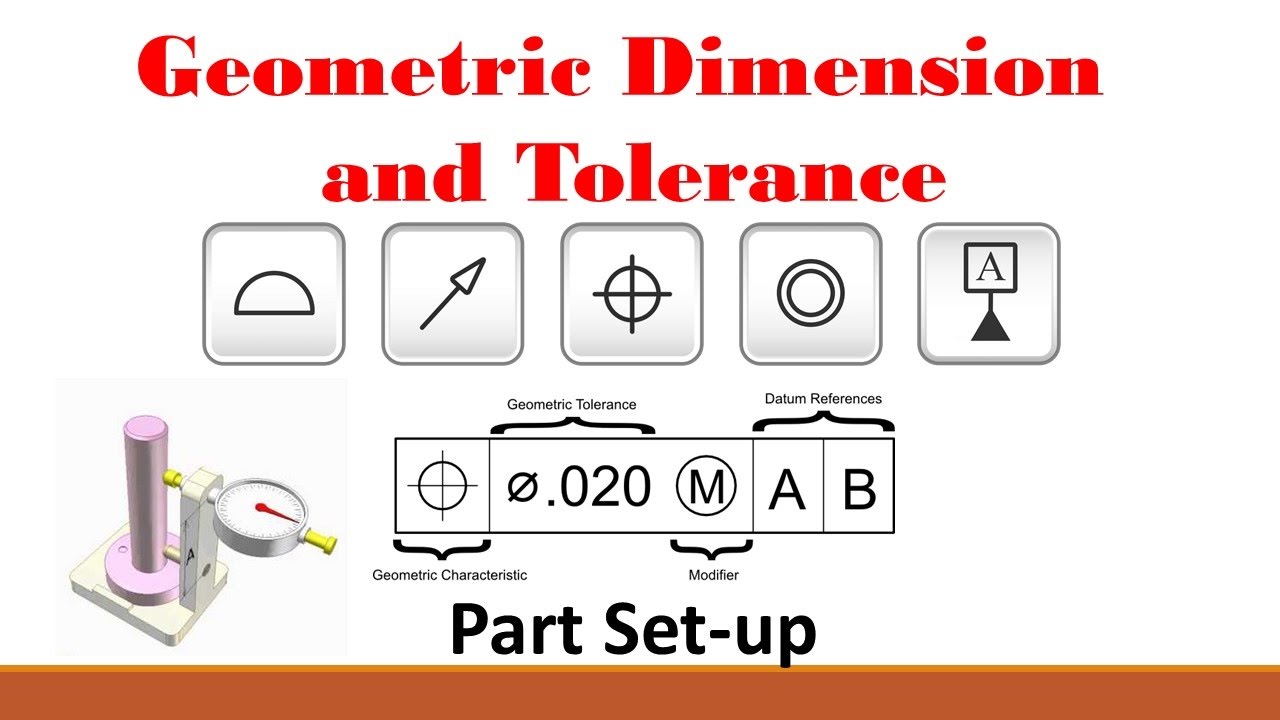 GD&T
_010624042503673050.png) AutoCAD फंडामेंटल
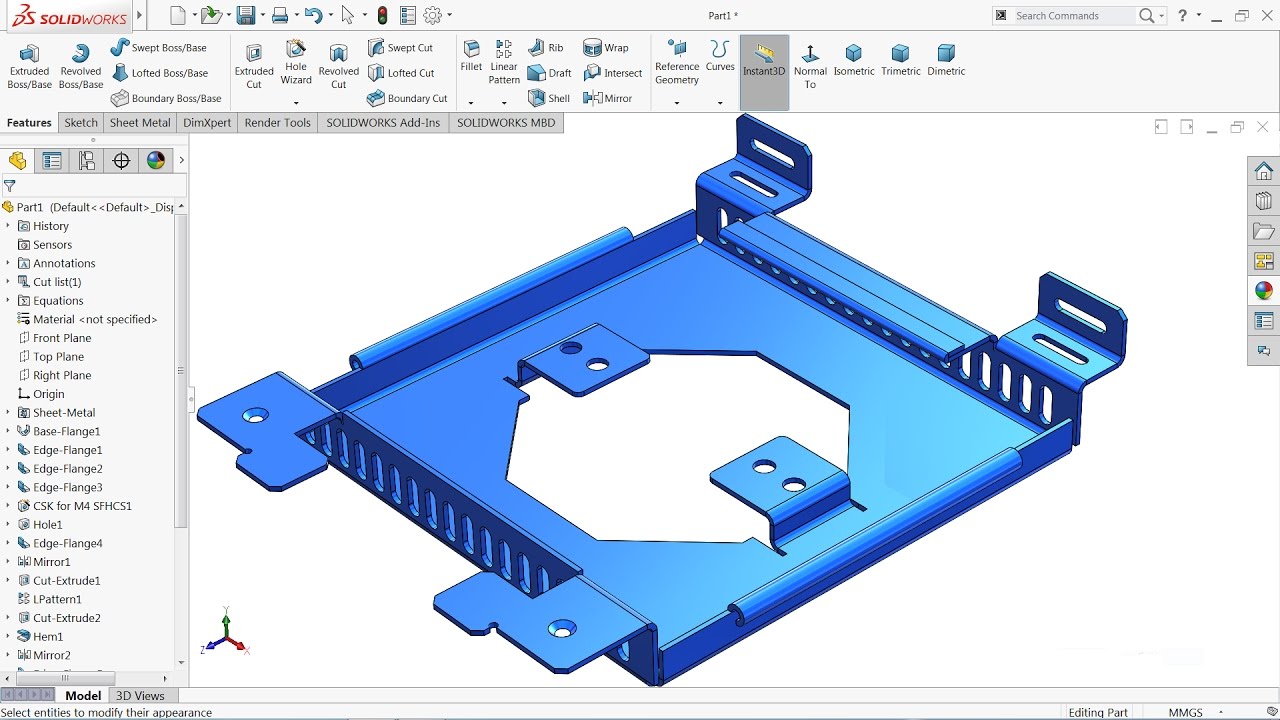 शीटमेटल डिज़ाइन के लिए Solidworks
_130319084746268267.jpg) वेल्डमेंट के लिए SolidWorks
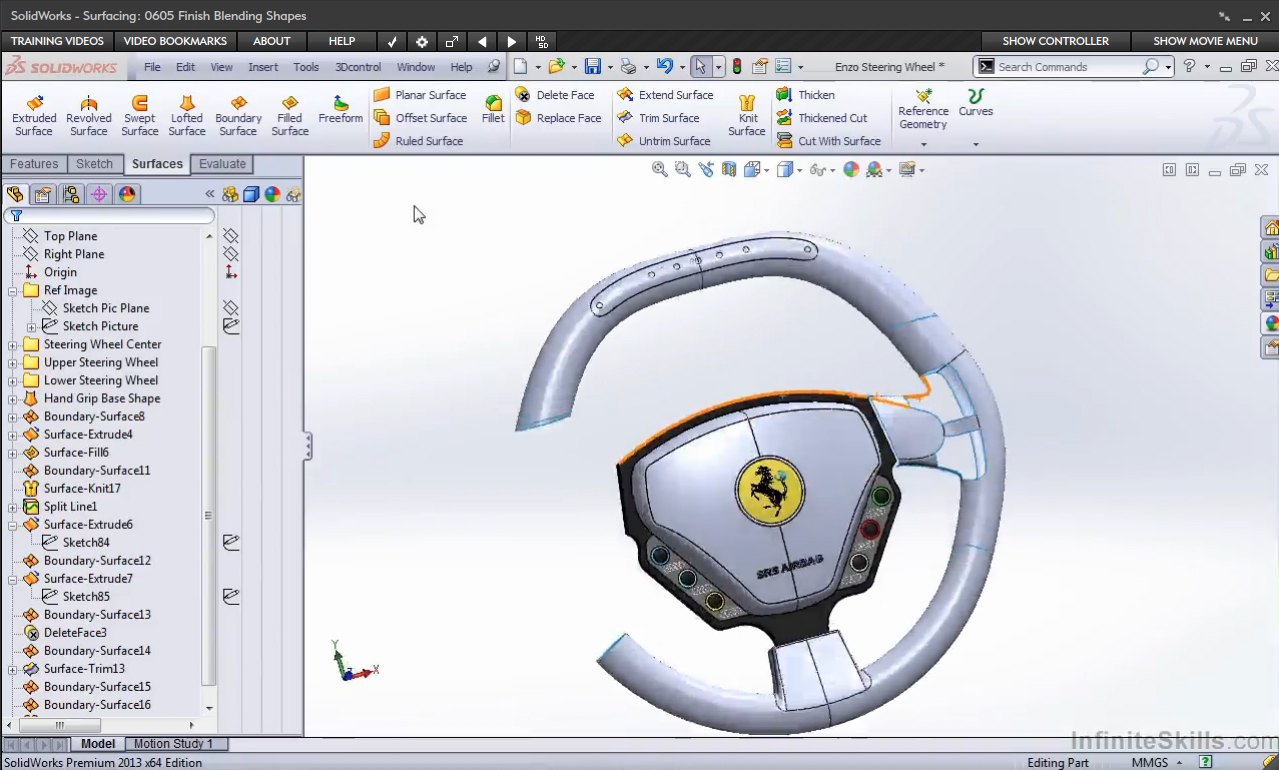 सरफेसिंग के लिए Solidworks
_130319085310221369.jpg) मोल्ड डिज़ाइन के लिए Solidworks
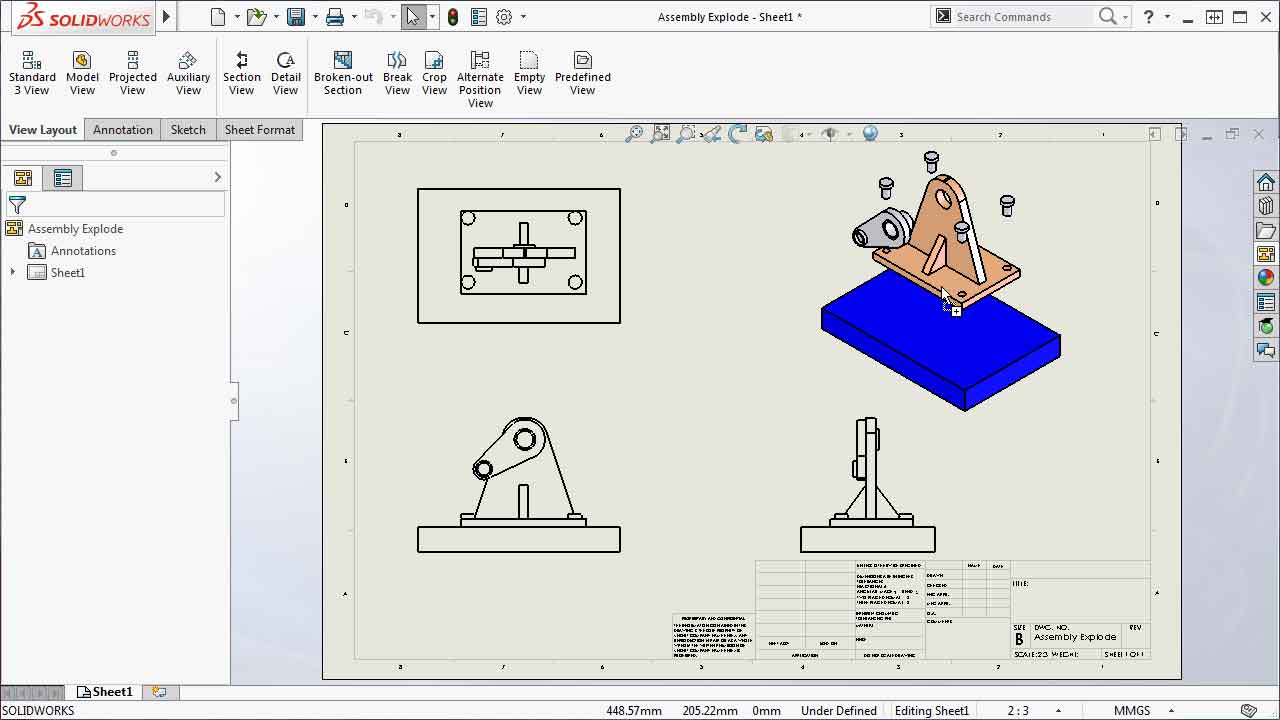 ड्रॉइंग टूल्स के लिए Solidworks
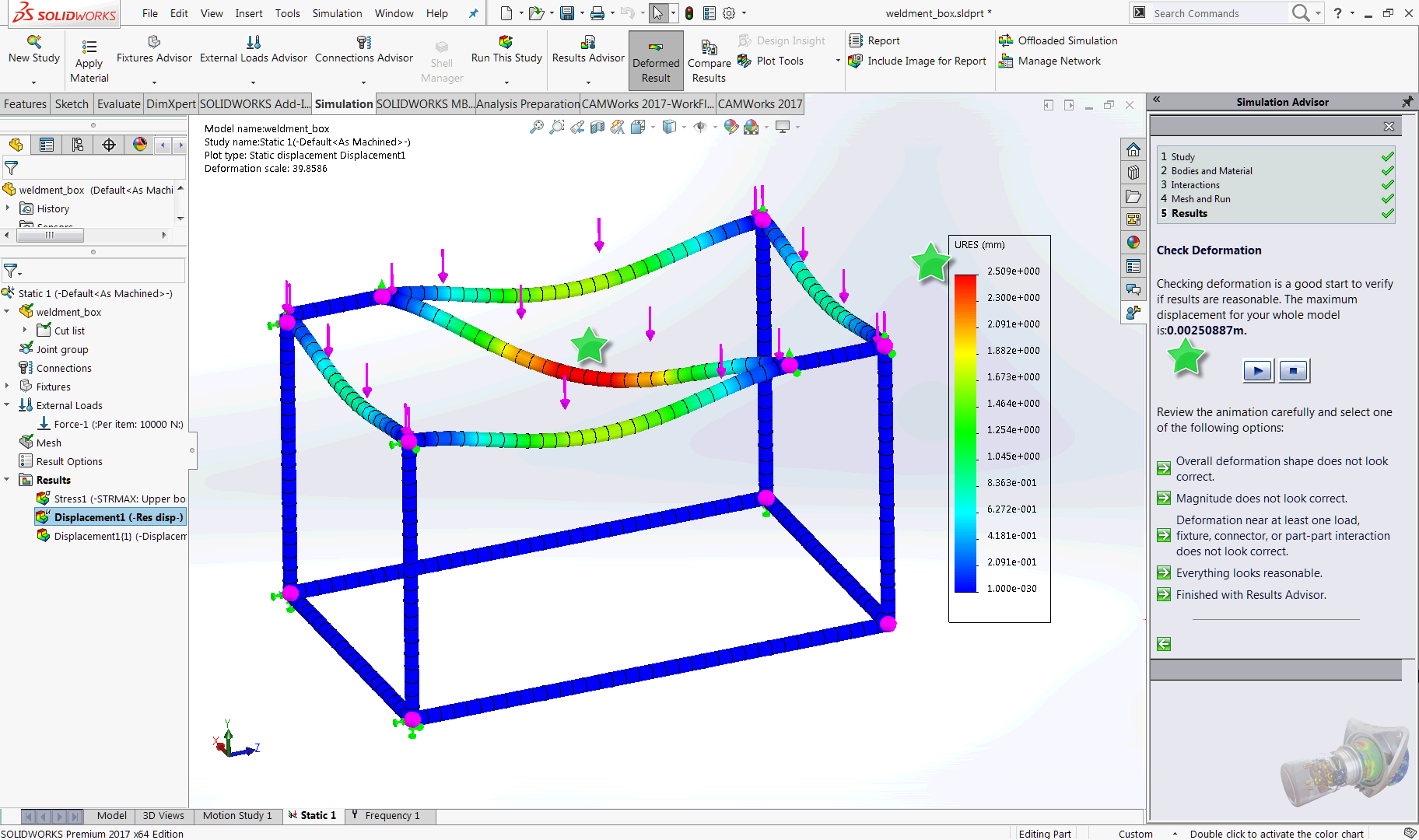 सिमुलेशन के लिए Solidworks
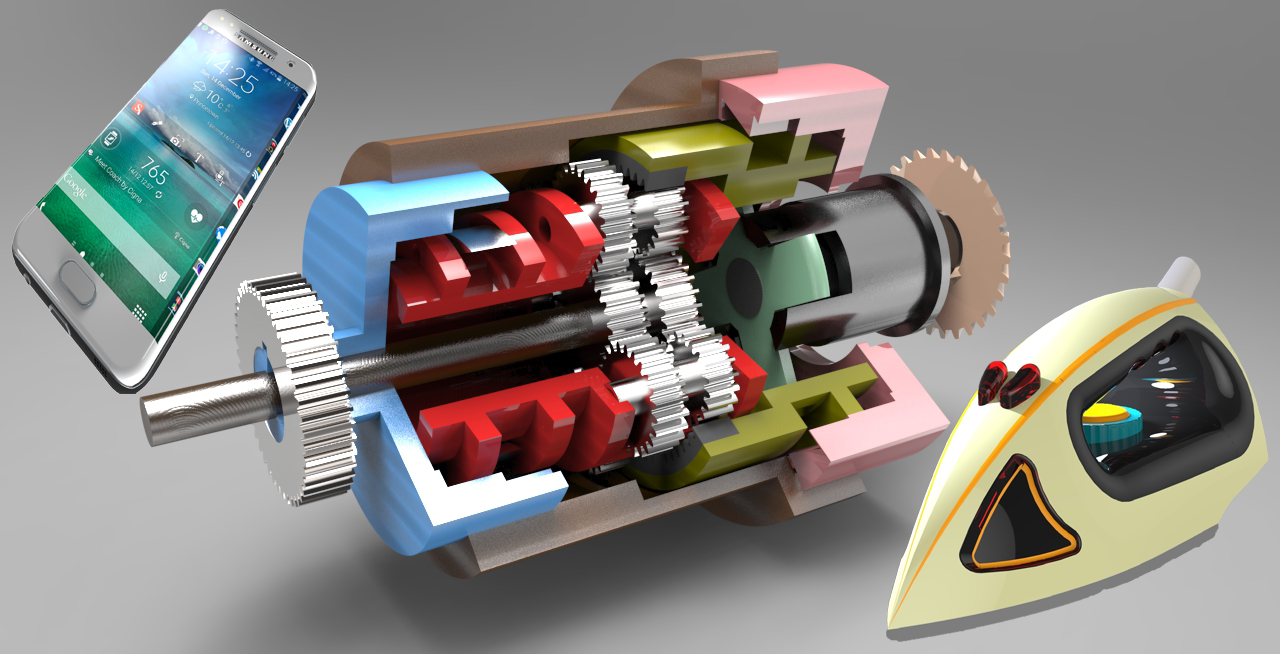 Keyshot
 AutoCAD 2D
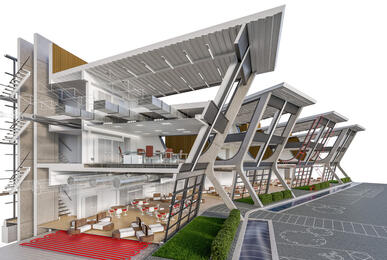 AutoCAD 3D
 AutoCAD यूज़र (2D+3D)
 AutoCAD एसोसिएट (2D+3D)
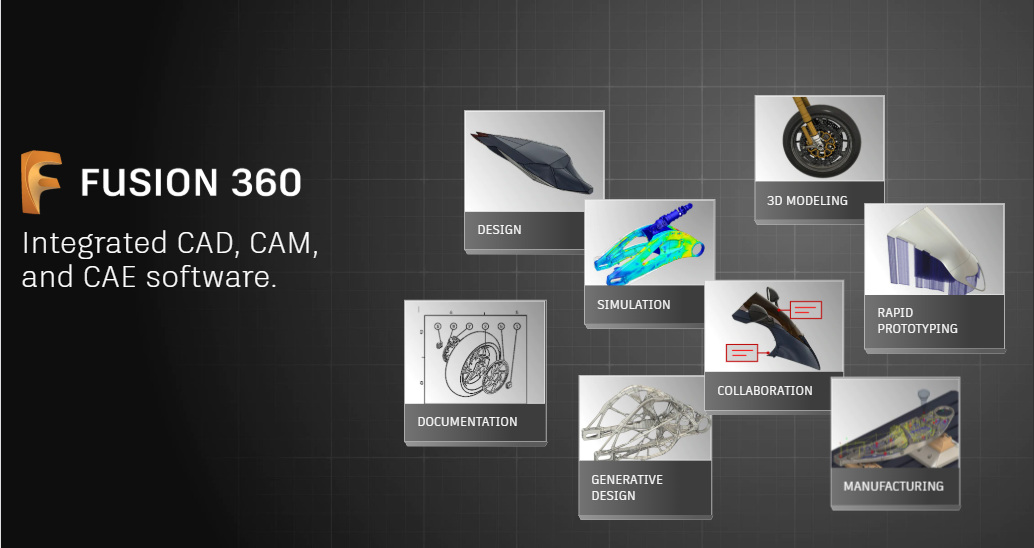 Fusion 360 यूज़र
 MATLAB फंडामेंटल्स
 Python
 CIMCO Edit
 Mastercam एसोसिएट
 CNC टर्निंग और मिलिंग एसोसिएट
 Primavera P6 Professional फंडामेंटल्स
 AutoCAD प्रोफेशनल (2D+3D)
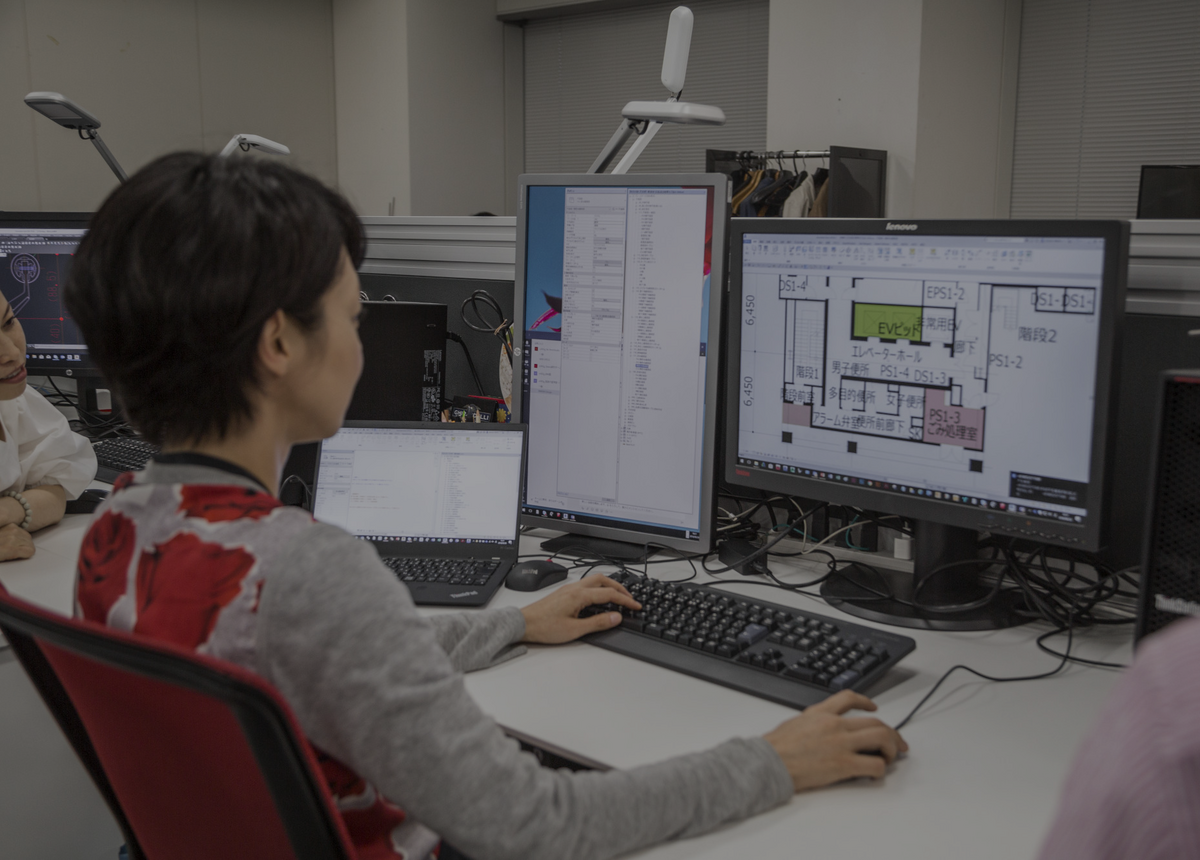 Autodesk Certified Professional: AutoCAD परीक्षा की तैयारी
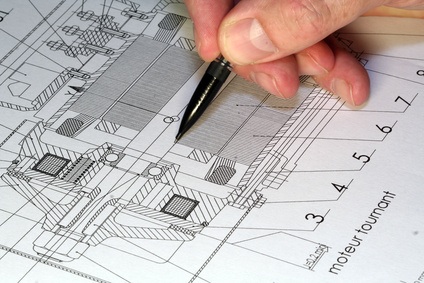 AutoCAD Mechanical
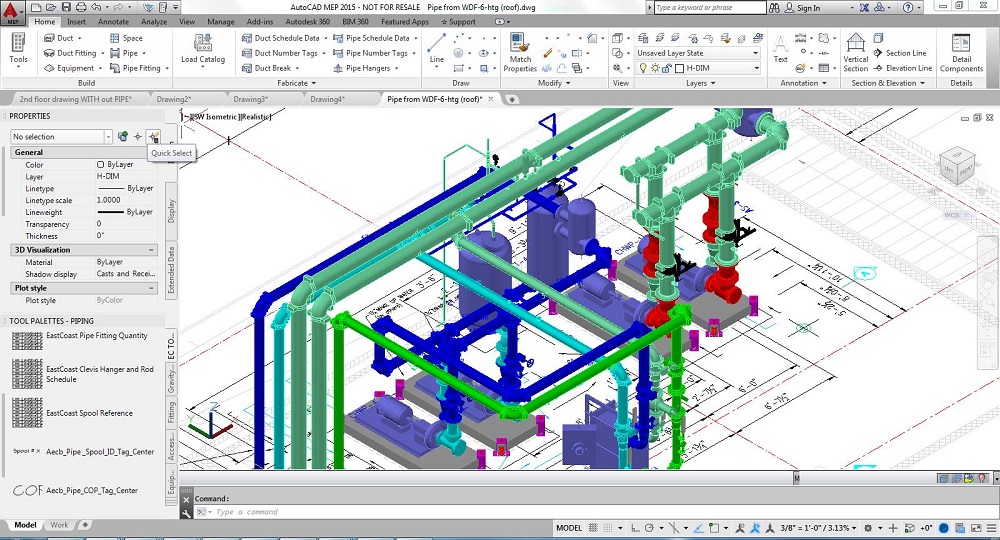 AutoCAD MEP
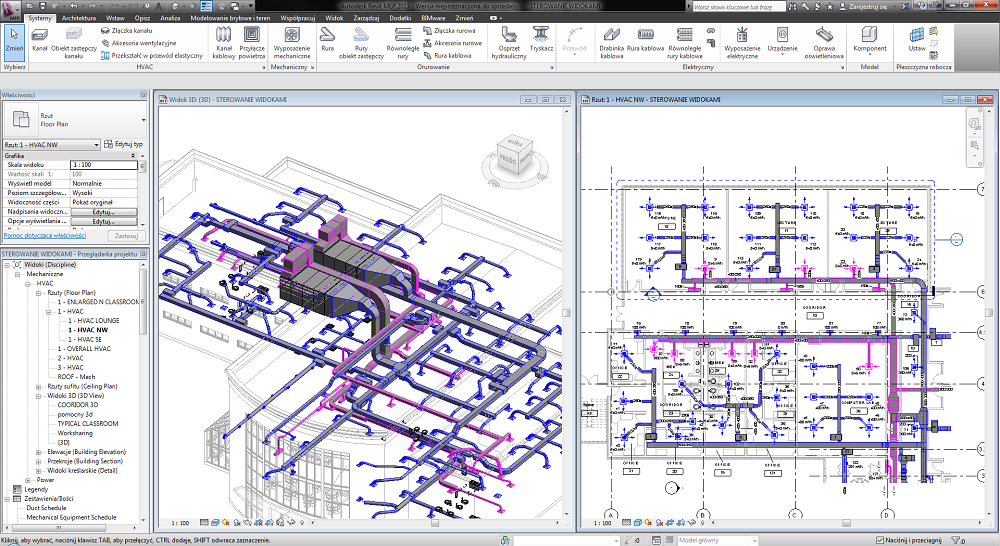 Revit MEP
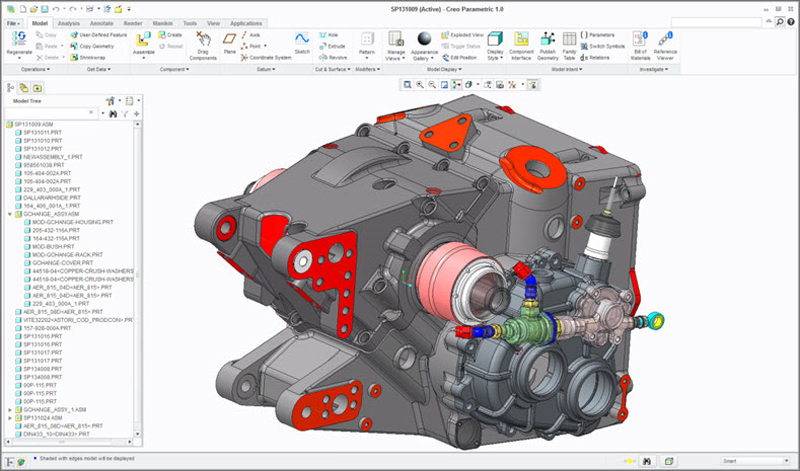 डिज़ाइन इंजीनियर के लिए Creo
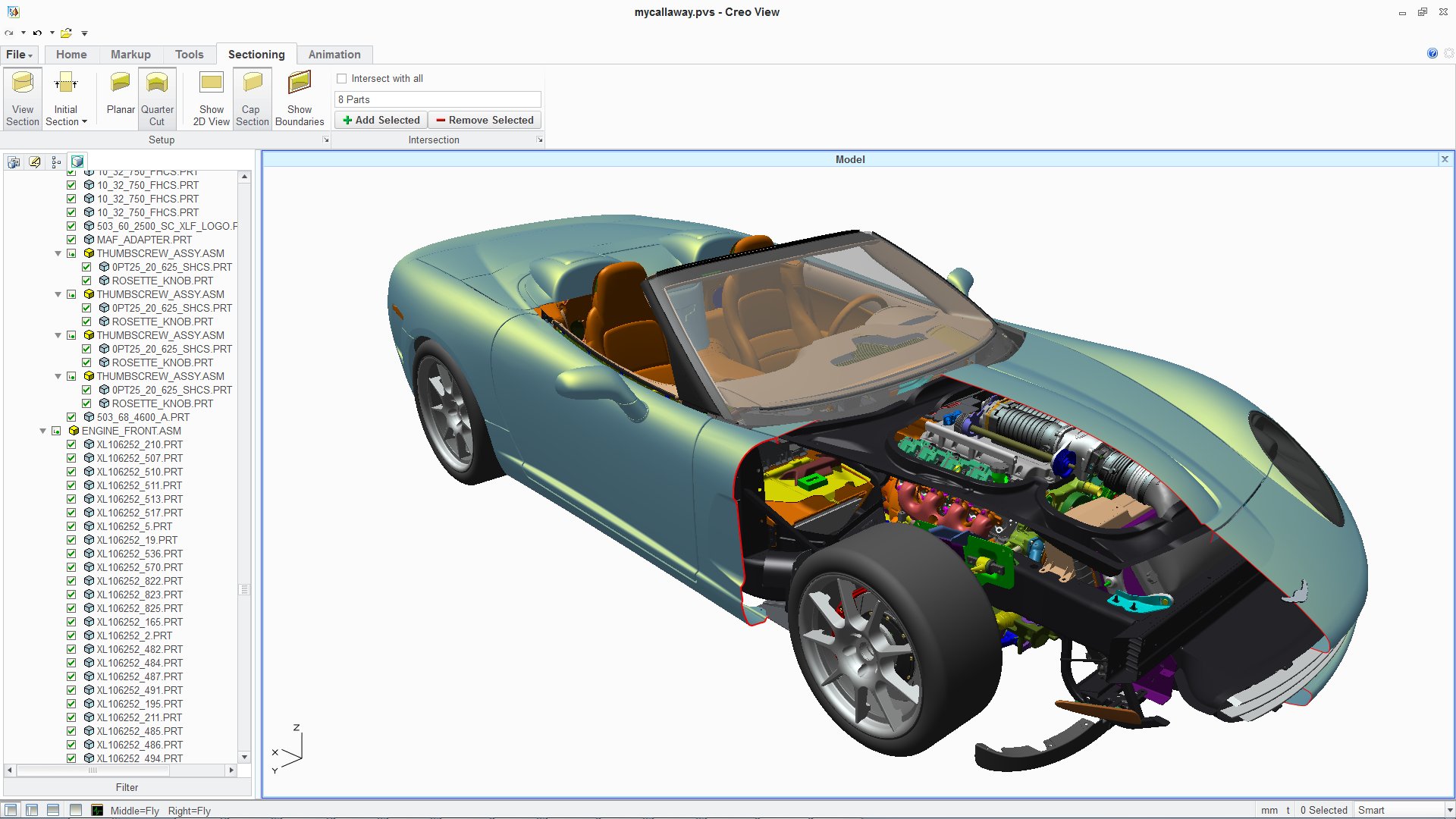 इंडस्ट्रियल डिज़ाइनर के लिए Creo
 Creo for Production Engineering
 डिज़ाइन इंजीनियर के लिए CATIA
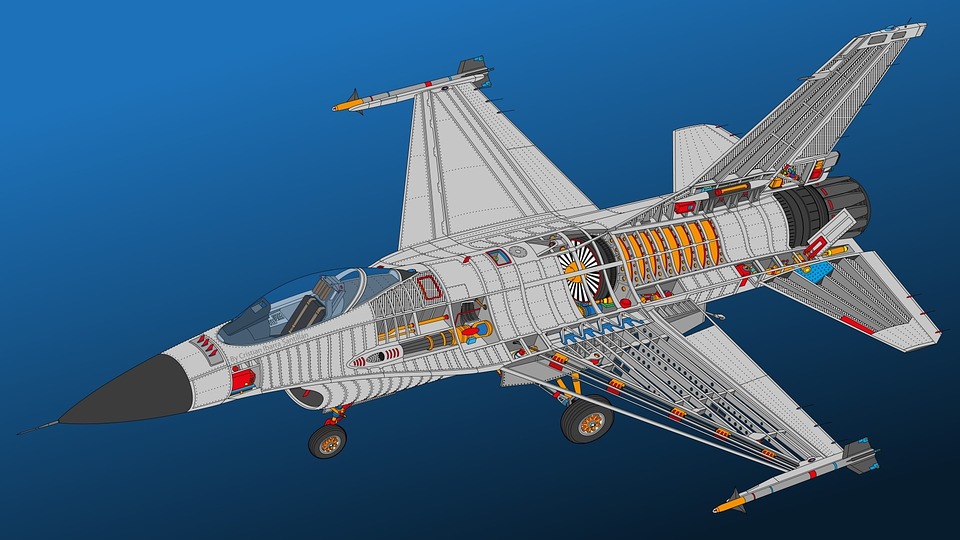 इंडस्ट्रियल डिज़ाइनर के लिए CATIA
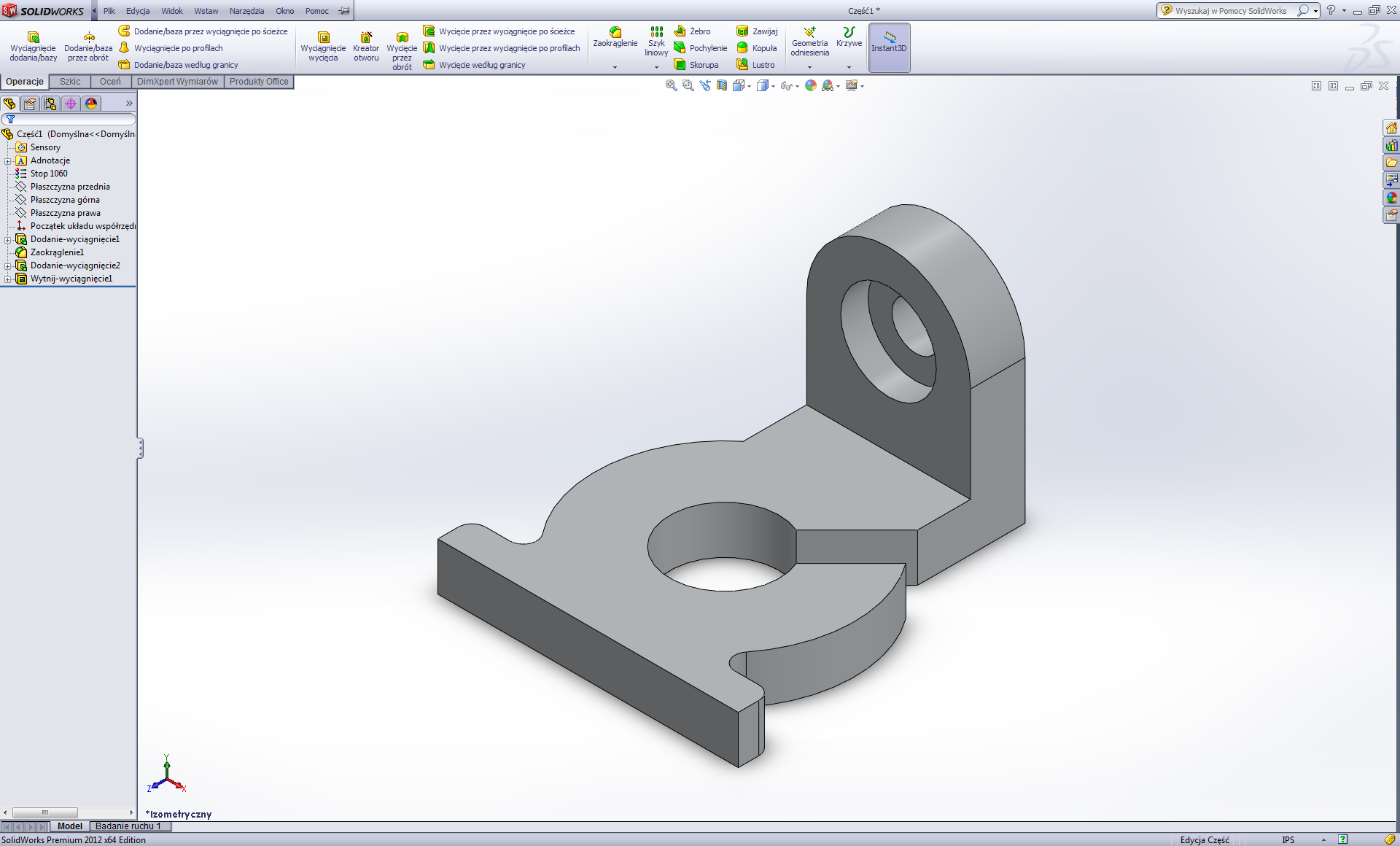 डिज़ाइन इंजीनियर के लिए NX
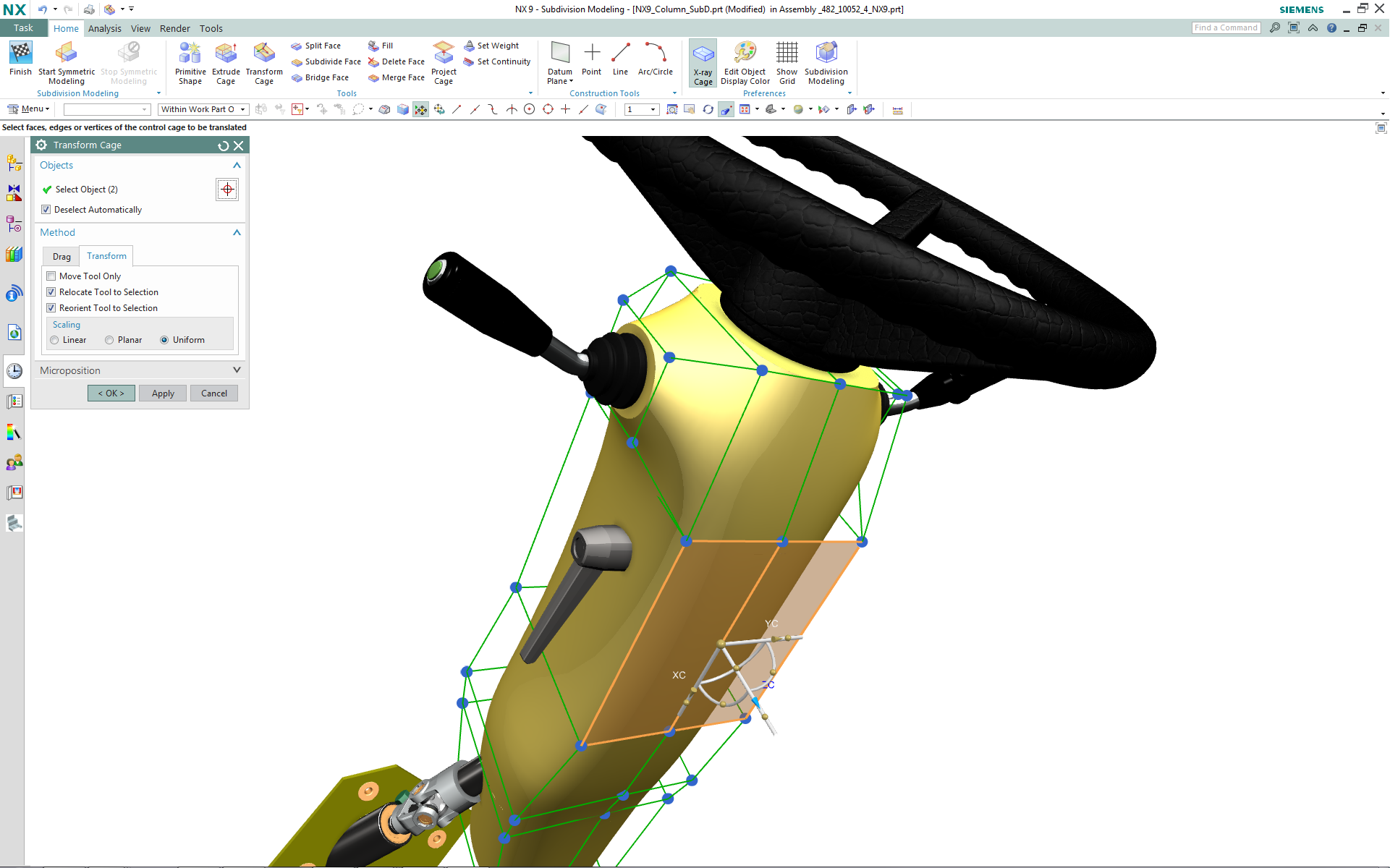 इंडस्ट्रियल डिज़ाइनर के लिए NX
 डिज़ाइन इंजीनियर के लिए Solidworks
 इंडस्ट्रियल डिज़ाइनर के लिए Solidworks
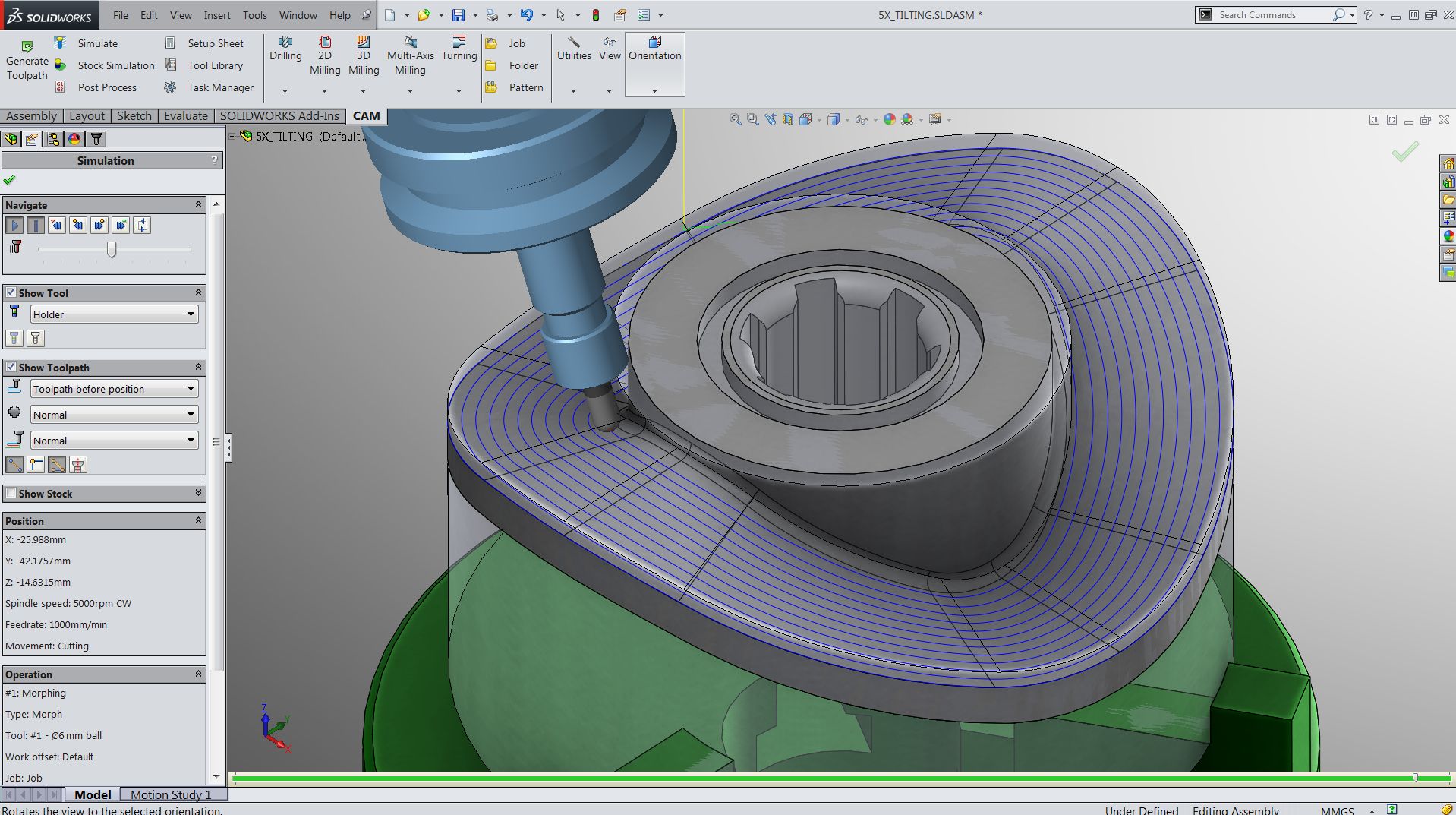 Solidworks for Production Engineer
 Solid Edge
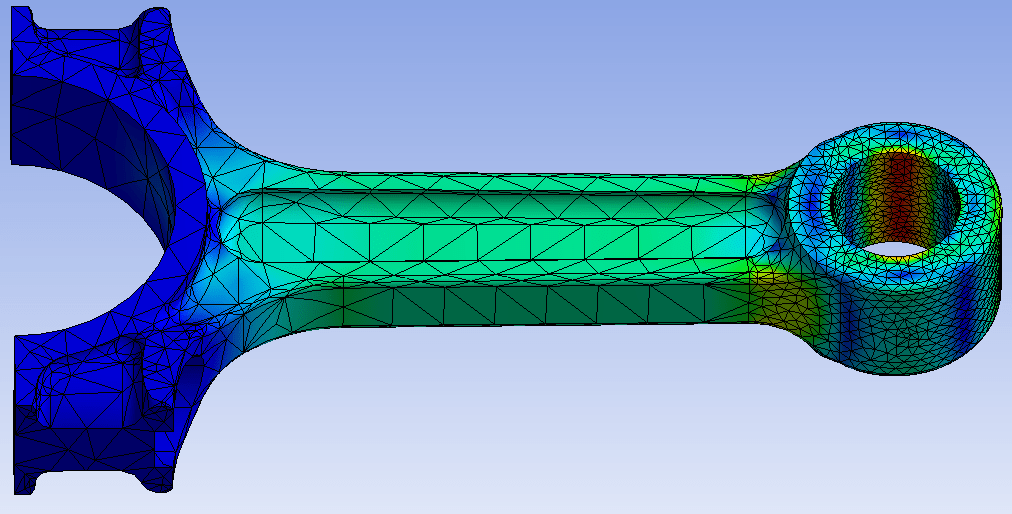 स्ट्रक्चरल एनालिसिस के लिए Ansys
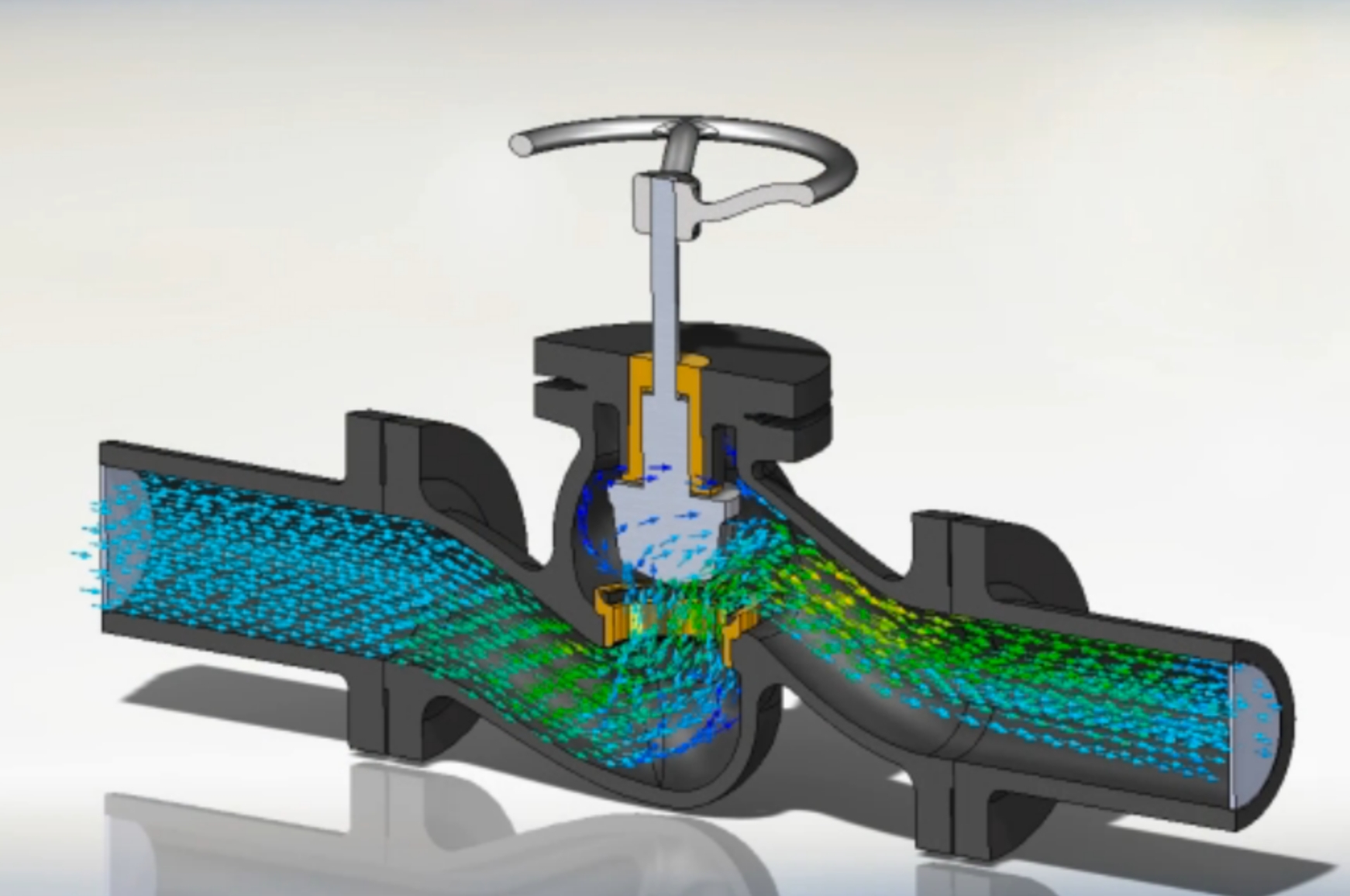 CFD के लिए Ansys
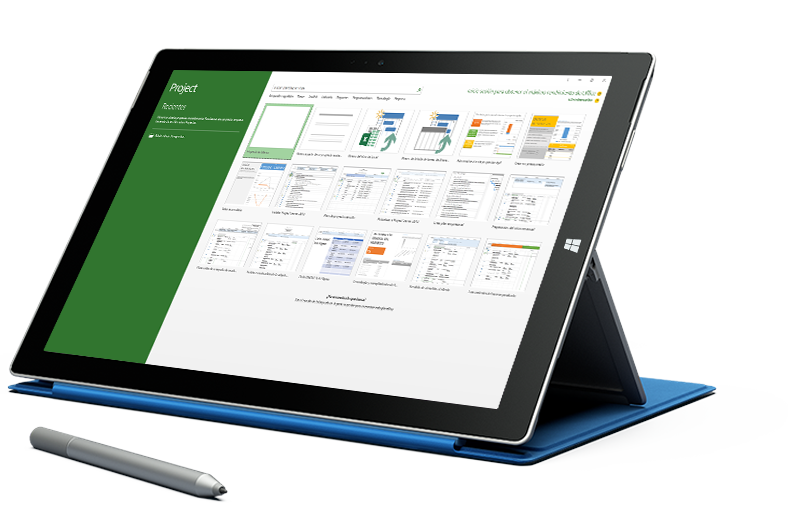 Microsoft Project
 Primavera P6
 Mastercam
 ARTCAM
 CNC टर्निंग और मिलिंग प्रोफेशनल
 Primavera P6 Professional एडवांस्ड
 ZWCAD प्रोफेशनल
 AutoCAD Plant 3D
 Carrier HAP के साथ HVAC डिज़ाइन
 AutoLISP & CAD Automation
_010624043919987427.png) AutoCAD मास्टर