Classroom & live online 40 Hours Verifiable certificate Syllabus ↓

Proteus Course

Learn Proteus schematic capture, circuit and microcontroller simulation and PCB layout to Gerber output.

Your roadmap — from admission to certificate

  1. Free counselling

    Talk to our counsellor — choose the right course, batch time and mode.

  2. Admission

    Join at a CADD centre near you or online. You get your student login and ID card.

  3. Learn step by step

    40 Hours of hands-on Proteus classes — in the classroom or live online.

    Introduction to Proteus Design SuiteSchematic CaptureAnalog and Digital Circuit SimulationMicrocontroller SimulationCustom Components and FootprintsPCB LayoutPCB Output and Manufacturing FilesProject Work
  4. Practice & project

    Exercises in every class and a final project, checked by your trainer.

  5. Course completion certificate + completion badge

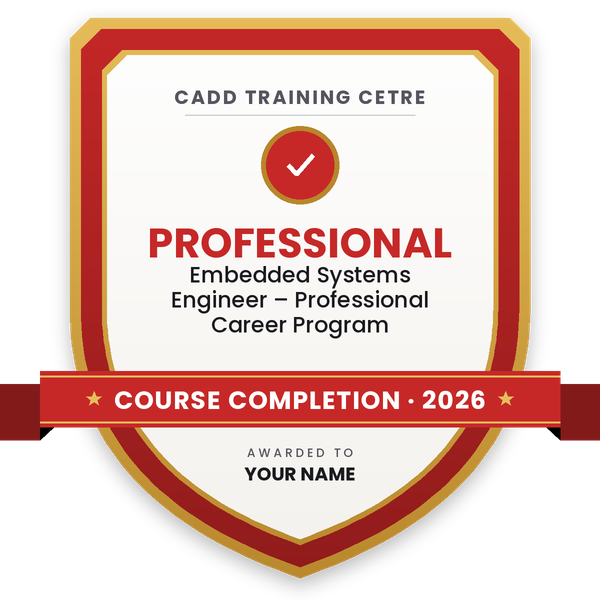
    Finish the course and get your course-completion certificate and a digital completion badge with your name.
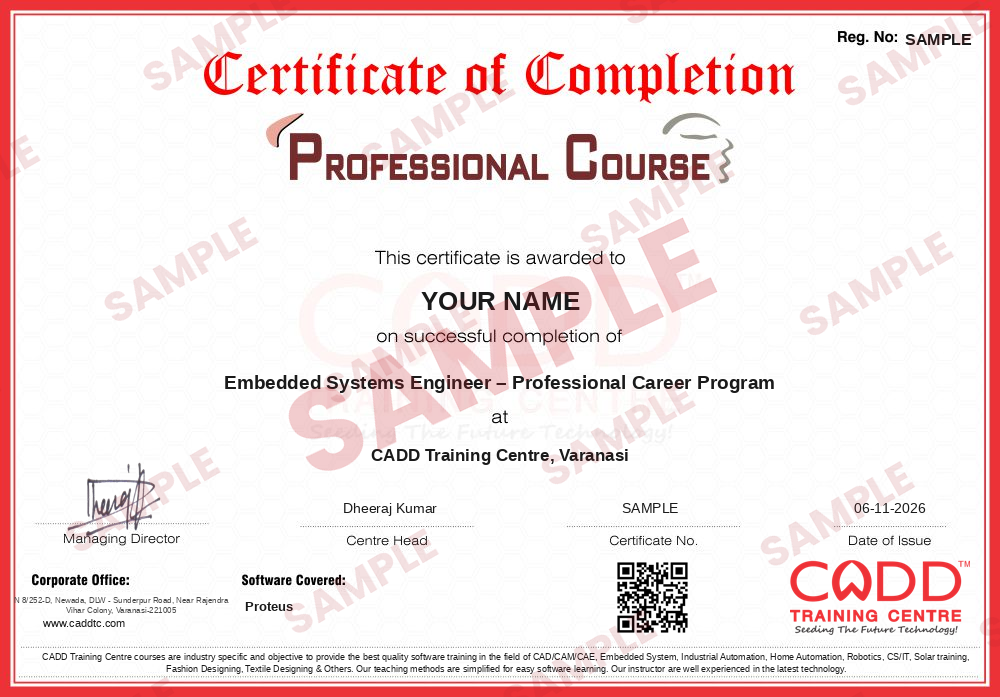
    Sample course-completion certificate — Embedded Systems Engineer – Professional Career Program
    Course-completion certificate (sample) — Embedded Systems Engineer – Professional Career Program · verifiable online
    Course-completion badge — Embedded Systems Engineer – Professional Career Program
    Course-completion badge
    Course
    Embedded Systems Engineer – Professional Career Program
    Issued by
    CADD Training Cetre
    Training
    Classroom or live online
    How to earn
    Complete the course and its project
    With your name and year · its own verify link · “Add to profile” on LinkedIn
  6. Certification exam

    Take the certification exam: a theory test and a practical task — at the centre or online.

  7. Certified certificate + marksheet

    Pass the exam and get the certified certificate with your marksheet. Anyone can check it online with its QR code.

  8. Certified badge

    Your certified badge — add it to LinkedIn and share it anywhere; it opens its own verify page.

    Certified badge — Embedded Systems Engineer – Professional Career Program
    Certified badge
    Course
    Embedded Systems Engineer – Professional Career Program
    Issued by
    CADD Training Cetre
    Training
    Classroom or live online
    How to earn
    Pass the certification exam
    You also get
    Certified certificate + marksheet
    With your name and year · its own verify link · “Add to profile” on LinkedIn
  9. Make your CV & apply for jobs

    Make your CV in your student panel (Career → My CV) — your course, certificates and projects are added for you. Send it as a link with a preview picture, and apply to jobs and Hire Me requests from companies.

About the Proteus course

Proteus Design Suite, from Labcenter Electronics, is software for drawing electronic circuits, simulating them and designing printed circuit boards (PCBs). Its strength is microcontroller simulation: you can run firmware for chips such as 8051, PIC, AVR and Arduino boards inside the simulated circuit, so electronics students and embedded engineers can test designs before building hardware.

This 40-hour Proteus course teaches the full design flow. You draw schematics with parts from the library, use virtual instruments such as the oscilloscope, voltmeter and logic analyser, simulate analog, digital and microcontroller circuits, and then move to PCB layout: footprints, board outline, placement, routing, design rule checks, 3D view and Gerber files for manufacturing. Learning is hands-on on the software with practical circuits, in the classroom at a CADD centre or in live online classes.

Proteus skills help in roles such as PCB design trainee, embedded systems trainee and electronics design assistant, and pair naturally with the Arduino course.

You will be able to

  • Draw clear schematics with components, wires, buses and labels in Proteus
  • Simulate analog and digital circuits with virtual instruments and graphs
  • Load firmware into microcontroller models and debug the simulated circuit
  • Create custom components and PCB footprints
  • Lay out and route a single- or double-sided PCB with design rule checks
  • Generate a bill of materials, 3D board view and Gerber output files

Who it is for

  • Electronics, electrical, instrumentation and communication engineering students
  • Diploma students in electronics
  • Embedded systems learners who want to test code before building hardware
  • Hobbyists and technicians who want to design their own PCBs

What you need

  • Basic knowledge of electronic components and circuits
  • Basic C programming helps for microcontroller simulation topics
  • For live online classes: a Windows PC or laptop with at least 8 GB RAM

Courses that include Proteus

Embedded Systems Engineer – Professional Career ProgramProfessional Career Program · 320 Hours · 5 software
Enquire →

Proteus Syllabus

8 chapters · 31 topics
01 Introduction to Proteus Design Suite 4 topics
  1. Proteus modules: schematic capture, simulation, PCB layout
  2. Interface, projects and templates
  3. Component library and pick devices
  4. Design workflow overview
02 Schematic Capture 4 topics
  1. Placing and editing components
  2. Wiring, buses, junctions and net labels
  3. Power and ground terminals
  4. Annotation and electrical rule check
03 Analog and Digital Circuit Simulation 4 topics
  1. Interactive simulation controls
  2. Virtual instruments: oscilloscope, voltmeter, signal generator
  3. Logic analyser and digital circuits
  4. Graph-based simulation and analysis
04 Microcontroller Simulation 4 topics
  1. Microcontroller models (8051, PIC, AVR, Arduino)
  2. Loading HEX files and source code
  3. Interfacing LEDs, LCDs, keypads and motors
  4. Debugging with watch window and breakpoints
05 Custom Components and Footprints 4 topics
  1. Creating schematic symbols
  2. Creating PCB footprints (packages)
  3. Linking symbols with footprints
  4. Managing libraries
06 PCB Layout 4 topics
  1. Board outline and layer stack
  2. Component placement
  3. Manual routing and auto-routing
  4. Copper pours, vias and design rules
07 PCB Output and Manufacturing Files 4 topics
  1. Design rule check (DRC)
  2. 3D visualisation of the board
  3. Bill of materials
  4. Gerber and drill file generation
08 Project Work 3 topics
  1. Microcontroller-based circuit from schematic to PCB
  2. Simulation and testing
  3. Final Gerber set and project review

Ratings & reviews

Students rate the course after they finish it — their ratings appear here.

Proteus course — FAQ

What is Proteus software used for?

Proteus is used to draw electronic circuit schematics, simulate analog, digital and microcontroller circuits, and design PCBs ready for manufacturing. It is popular for testing embedded designs before building them.

Who can learn Proteus?

Electronics, electrical and communication engineering students, diploma learners, embedded systems learners and hobbyists can join. Basic knowledge of electronic components is the main requirement.

How many hours is the Proteus course?

The Proteus course is 40 hours, split between schematic capture and simulation, microcontroller circuits and PCB layout with manufacturing outputs.

Is the Proteus course available in online mode?

Yes. Besides classroom training at CADD centres, Proteus runs as live online classes in which the trainer simulates and lays out each circuit along with you on your PC.

Do I get a certificate after completing Proteus training?

Yes. A CADD Training Centre certificate is issued when you finish the Proteus course, and an electronics design firm can check it online by scanning its QR code.

What jobs can I get after learning Proteus?

Proteus supports roles such as PCB design trainee, embedded systems trainee, electronics design assistant and hardware testing technician, and is very useful for academic projects.

Can Proteus simulate Arduino?

Yes. Proteus includes Arduino and other microcontroller models. You can load the compiled program into the model and see the circuit respond, which helps you test code without hardware.

Is Proteus good for PCB design?

Yes. Proteus PCB layout covers footprints, placement, routing, design rule checks, 3D view and Gerber output, which is enough for most student and small product boards.

More questions? Ask our counsellor or read the general FAQ.

Proteus40 Hours
Enquire now