Learn AVEVA (Wonderware) InTouch SCADA/HMI: tags, graphics, alarms, trends, scripts and PLC links.
Talk to our counsellor — choose the right course, batch time and mode.
Join at a CADD centre near you or online. You get your student login and ID card.
40 Hours of hands-on SCADA - InTouch classes — in the classroom or live online.
Exercises in every class and a final project, checked by your trainer.
Finish the course and get your course-completion certificate and a digital completion badge with your name.
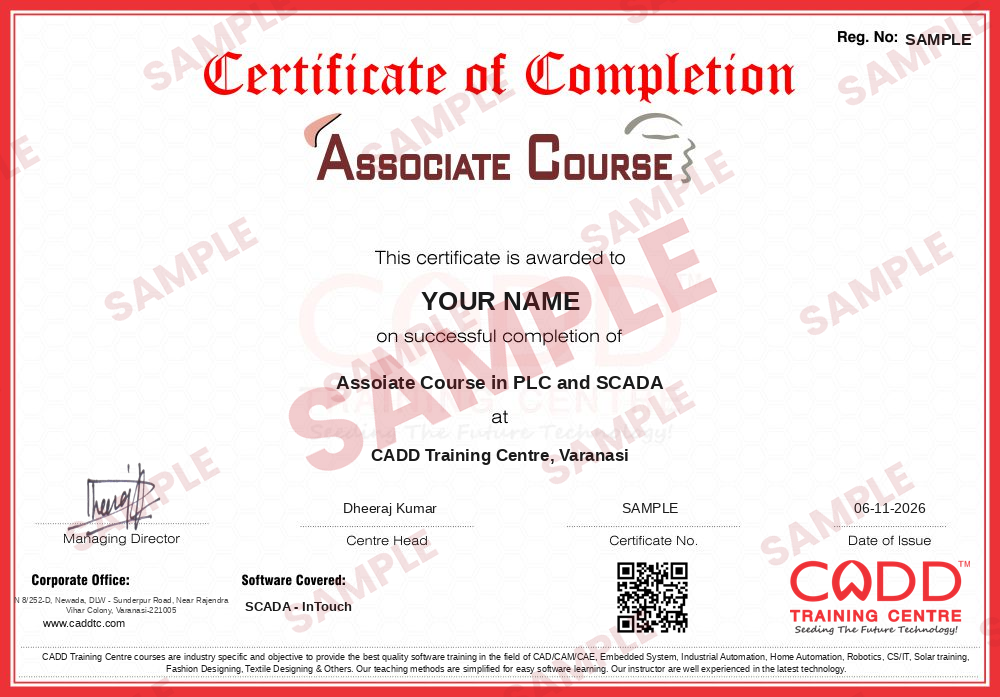
Take the certification exam: a theory test and a practical task — at the centre or online.
Pass the exam and get the certified certificate with your marksheet. Anyone can check it online with its QR code.
Your certified badge — add it to LinkedIn and share it anywhere; it opens its own verify page.
Make your CV in your student panel (Career → My CV) — your course, certificates and projects are added for you. Send it as a link with a preview picture, and apply to jobs and Hire Me requests from companies.
AVEVA InTouch HMI, long known as Wonderware InTouch, is SCADA and HMI software that gives operators a live window into an industrial process. Plant screens built in InTouch show tank levels, motor status, pressures and flows, raise alarms when something goes wrong and record trends for later analysis. Water treatment plants, power utilities, pharmaceutical units, food processing lines and system integrators use it alongside PLCs from many manufacturers.
This 40-hour SCADA InTouch course takes you through building a working operator application from an empty project. You begin with SCADA architecture and the tag database, then design process graphics with symbols and wizards, add animation links for fill, colour, movement and visibility, configure alarms, events and historical trends, and write scripts that respond to application, window and condition events. The final stage connects your screens to a PLC through an I/O server or OPC so you can test them against real signals. Classes are practical and run in the classroom at CADD centres or as live online sessions.
The course suits roles such as HMI developer, SCADA engineer, commissioning engineer and control room engineer. Pairing it with a PLC course, such as Allen-Bradley or Siemens programming, gives you a complete automation skill set.
Students rate the course after they finish it — their ratings appear here.
InTouch is HMI/SCADA software used to monitor and control industrial processes on a screen. Operators see live values, animated process graphics, alarms and trends, and can start, stop or adjust equipment connected through PLCs.
Yes. Wonderware InTouch is now sold under the AVEVA name as AVEVA InTouch HMI. The software concepts, such as tags, windows, animation links and scripts, remain the same.
Electrical, electronics and instrumentation students, diploma and ITI holders, PLC programmers and plant engineers can join. Basic PLC knowledge is recommended before starting.
The SCADA InTouch course is 40 hours. It covers application set-up, tags, graphics, animation, alarms, trends, scripting and communication with PLCs.
Yes. Pick a classroom batch at a CADD centre or join live online SCADA InTouch classes; online, you build an InTouch application on your PC with the trainer sharing the screen.
A CADD Training Centre certificate is given after SCADA InTouch. Each one carries a QR code and a unique number, letting a system integrator verify it online.
SCADA skills support roles such as SCADA engineer, HMI developer, automation engineer, commissioning engineer and control room engineer in process plants, utilities and system integrators.
More questions? Ask our counsellor or read the general FAQ.