Hands-on 2.REVIT MEP training with real projects and an online-verifiable certificate.
Talk to our counsellor — choose the right course, batch time and mode.
Join at a CADD centre near you or online. You get your student login and ID card.
hands-on 2.REVIT MEP classes — in the classroom or live online.
Exercises in every class and a final project, checked by your trainer.
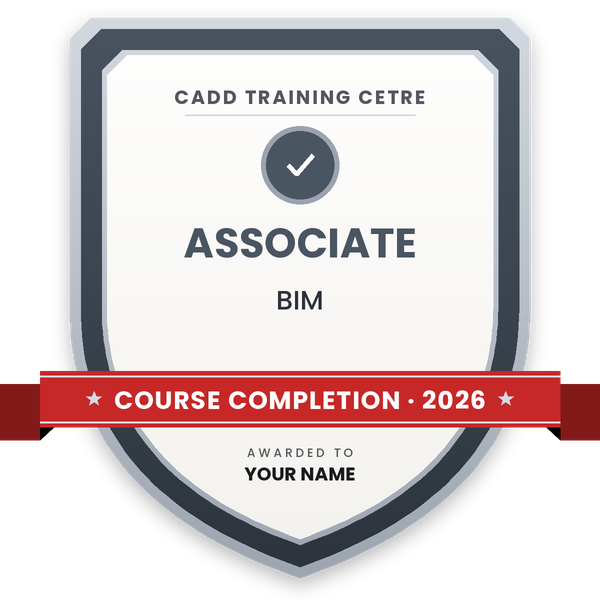
Finish the course and get your course-completion certificate and a digital completion badge with your name.
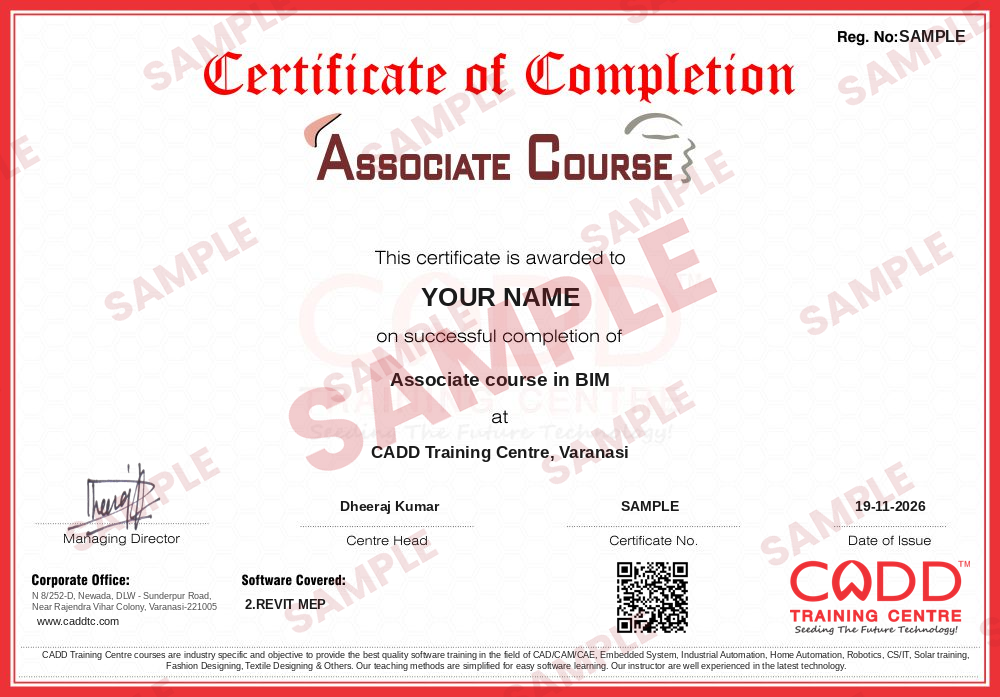
Take the certification exam: a theory test and a practical task — at the centre or online.
Pass the exam and get the certified certificate with your marksheet. Anyone can check it online with its QR code.
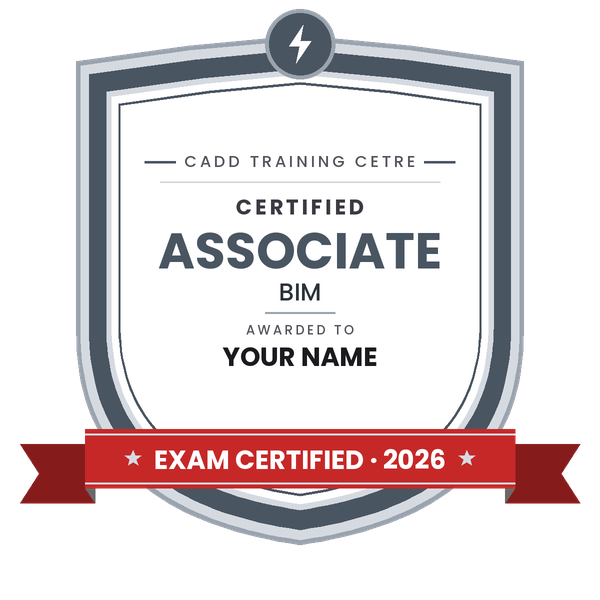
Your certified badge — add it to LinkedIn and share it anywhere; it opens its own verify page.
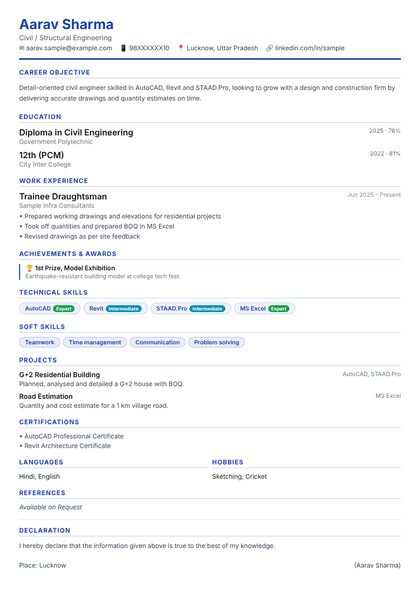
Make your CV in your student panel (Career → My CV) — your course, certificates and projects are added for you. Send it as a link with a preview picture, and apply to jobs and Hire Me requests from companies.
Hands-on 2.REVIT MEP training with real projects and an online-verifiable certificate.
The detailed chapter-wise syllabus of 2.REVIT MEP is being prepared. Send a quick enquiry and our counsellor will share the course plan, fees and batch timings with you.
Enquire for the syllabusStudents rate the course after they finish it — their ratings appear here.
Students, graduates and working professionals who want to learn 2.REVIT MEP. Basic computer knowledge is enough to start.
It depends on the course you choose — the counsellor will share the plan and batch timings.
Yes. You can learn in the classroom at a CADD centre or in live online classes with the same trainer support.
Yes — a CADD Training Centre certificate that anyone can verify online with its QR code / verification code.
More questions? Ask our counsellor or read the general FAQ.




_010624042503673050.png)