Learn CorelDRAW for textile design: vector motifs, borders, repeats and colour separation.
Talk to our counsellor — choose the right course, batch time and mode.
Join at a CADD centre near you or online. You get your student login and ID card.
60 Hours of hands-on CorelDRAW For Textile Design classes — in the classroom or live online.
Exercises in every class and a final project, checked by your trainer.
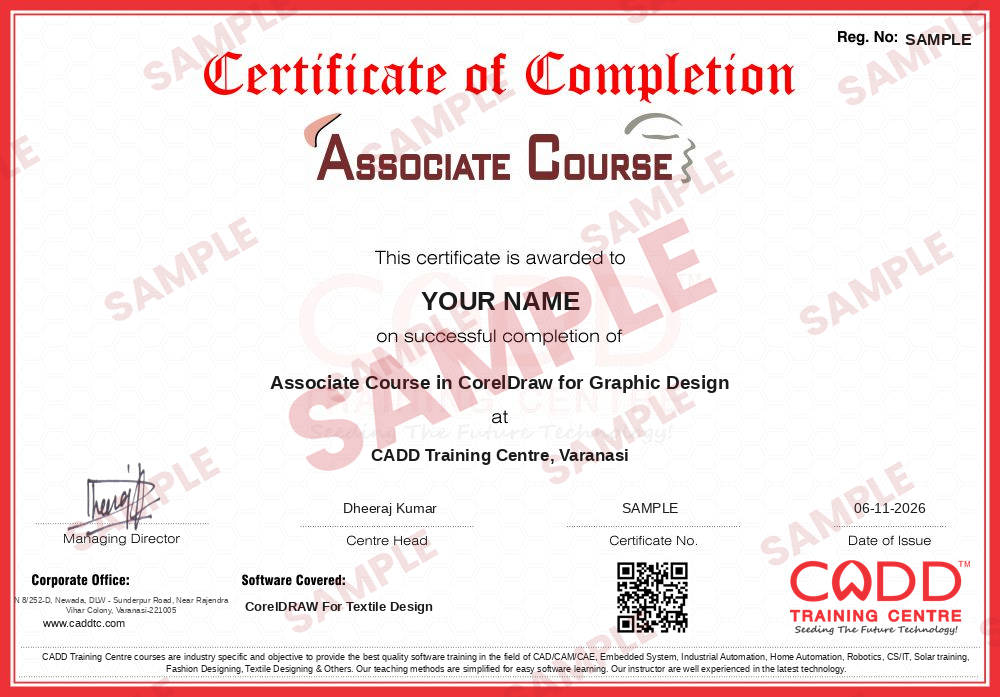
Finish the course and get your course-completion certificate and a digital completion badge with your name.
Take the certification exam: a theory test and a practical task — at the centre or online.
Pass the exam and get the certified certificate with your marksheet. Anyone can check it online with its QR code.
Your certified badge — add it to LinkedIn and share it anywhere; it opens its own verify page.

Make your CV in your student panel (Career → My CV) — your course, certificates and projects are added for you. Send it as a link with a preview picture, and apply to jobs and Hire Me requests from companies.
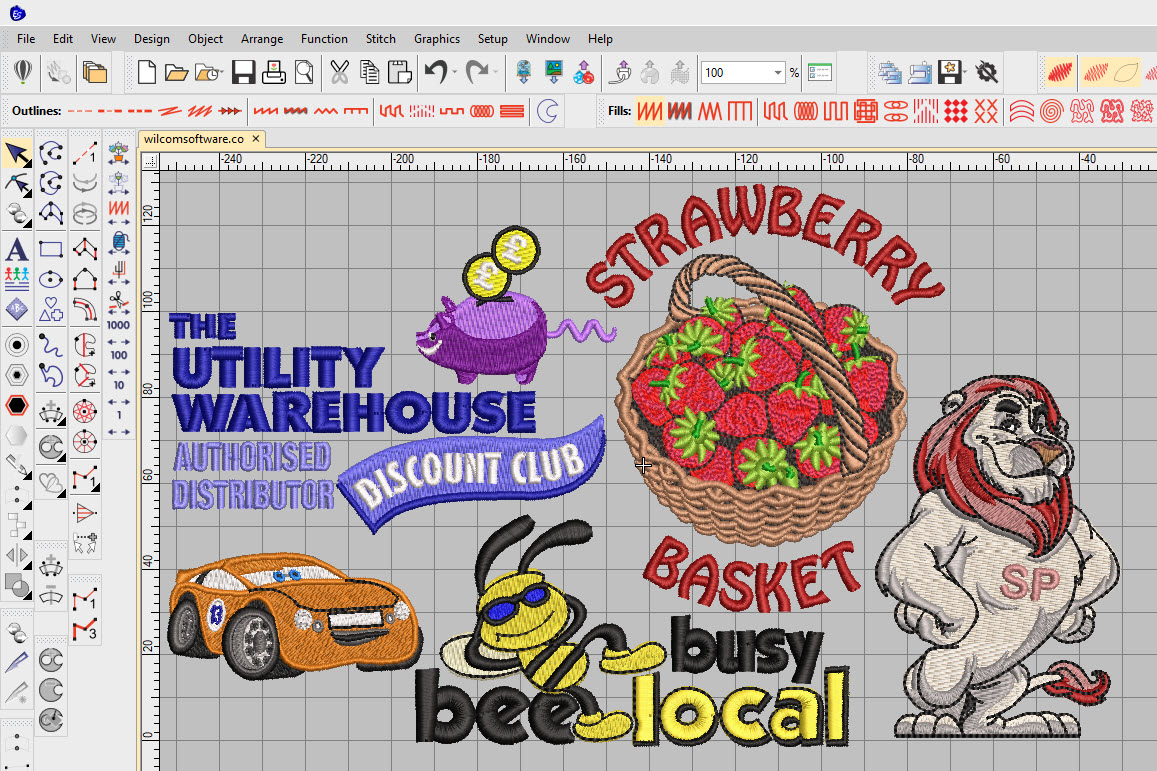
CorelDRAW is a vector graphics program that many textile and garment businesses in India use for motif and layout work. Because vector artwork stays sharp at any size and is easy to recolour, designers in saree and dress-material units, printing houses, embroidery workshops and home furnishing companies use it to draw butis, borders, pallus, allover layouts and placement prints that go to screen, digital or embroidery production.
This 60-hour CorelDRAW for Textile Design course covers drawing with the Pen, Bezier and B-Spline tools, node editing with the Shape tool, shaping with Weld, Trim and Combine, and the Transformations docker for rotating and mirroring motifs. You then build repeats with Step and Repeat and PowerClip, create borders and corner designs, work with colour palettes and spot colours, prepare colourways, trace hand sketches with PowerTRACE and output separations and print-ready files. All work is hands-on, in the classroom at CADD centres or in live online classes, with a complete textile design collection as the final project.
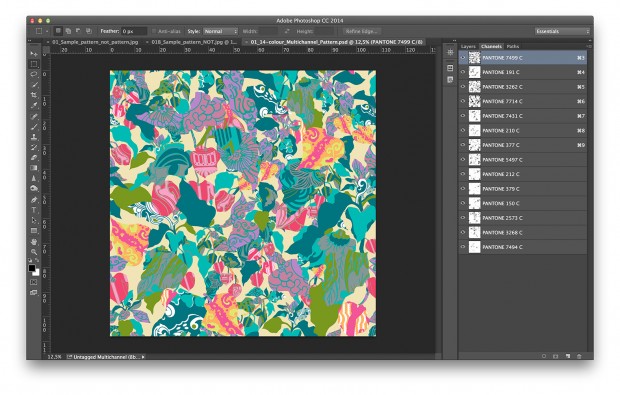
Graduates of this course can work as textile designers, CAD designers or print artwork executives. Photoshop for Textile Design pairs well with it for texture and photo-based prints.
Students rate the course after they finish it — their ratings appear here.
Yes. CorelDRAW is widely used for textile motifs, borders and placement prints because vector designs scale cleanly, recolour quickly and export easily to printing and many embroidery workflows.
Textile and fashion students, designers in textile units, embroidery and printing workshop staff, and weavers who want to create their own designs. You only need basic computer skills.
The course lasts 60 hours. It moves from basic drawing tools to repeats, borders, colourways and print files, ending with a design collection project.
Yes. Pick a classroom batch at a CADD centre or join live online CorelDRAW for Textile Design classes; online, you draw motifs, borders and repeats on your PC following the same project plan.
A CADD Training Centre certificate is given after CorelDRAW for Textile Design. Each one carries a QR code and a unique number, letting a saree or textile unit verify it online.
You can work as a textile designer, CAD designer, print artwork executive or embroidery artwork designer, or take freelance design orders from saree, suit and home textile manufacturers.
CorelDRAW creates vector motifs and layouts that stay crisp at any size and are easy to separate by colour. Photoshop is better for painted, textured and photo-based prints. Many textile designers use both.
More questions? Ask our counsellor or read the general FAQ.