Classroom & live online120 HoursVerifiable certificateSyllabus ↓
Tally Expert Course
Become a Tally expert: full accounting, inventory, GST returns, TDS, payroll, MIS reports and audit in TallyPrime.
Your roadmap — from admission to certificate
1
Free counselling
Talk to our counsellor — choose the right course, batch time and mode.
2
Admission
Join at a CADD centre near you or online. You get your student login and ID card.
3
Learn step by step
120 Hours of hands-on Tally Expert classes — in the classroom or live online.
Fundamentals of Accounting – 2 hoursJournalising and Posting of Transaction – 8 hoursMaintaining Chart of Accounts in Tally.ERP 9 – 4 hoursFundamentals of Inventory Management – 4 hoursStock Keeping Units – 4 hoursRecording Day to Day Transactions – 16 hoursAccounts Receivable and Payable Management – 8 hoursBanking – 5 hoursAllocation and Tracking of Expenses and Incomes – 4 hoursMIS Reports – 4 hours
4
Practice & project
Exercises in every class and a final project, checked by your trainer.
5
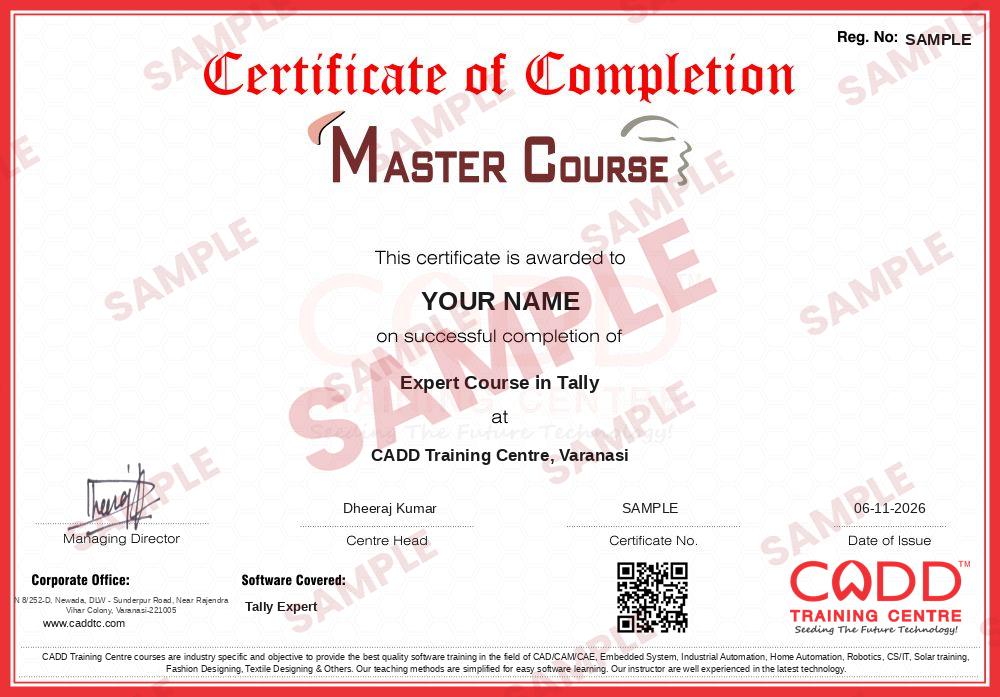
Course completion certificate + completion badge
Finish the course and get your course-completion certificate and a digital completion badge with your name.
With your name and year · its own verify link · “Add to profile” on LinkedIn
6
Certification exam
Take the certification exam: a theory test and a practical task — at the centre or online.
7
Certified certificate + marksheet
Pass the exam and get the certified certificate with your marksheet. Anyone can check it online with its QR code.
8
Certified badge
Your certified badge — add it to LinkedIn and share it anywhere; it opens its own verify page.
Certified badge
Course
Expert Course in Tally
Issued by
CADD Training Cetre
Training
Classroom or live online
How to earn
Pass the certification exam
You also get
Certified certificate + marksheet
With your name and year · its own verify link · “Add to profile” on LinkedIn
9
Make your CV & apply for jobs
Make your CV in your student panel (Career → My CV) — your course, certificates and projects are added for you. Send it as a link with a preview picture, and apply to jobs and Hire Me requests from companies.
Learning Tally is easy but becoming an Expert in Tally requires an effort. This is a complete and advanced course of Tally covering all the topics and options available in the Tally. This course is designed to handle accounts independently. Whether you are a fresh or experienced holder in the field of accounts or you are a businessman who wants to maintain their accounts. you are in the right place because tally is a very nice and easy software to use for complete business solutions and also easy to learn and use as well.
You will be able to
Handle the complete accounts of a business independently in TallyPrime
Manage advanced inventory, manufacturing, job work and order processing
Prepare GST invoices, e-way bills and e-invoices and reconcile GST returns
Account for TDS and TCS and produce statutory reports
Run payroll with statutory deductions and payroll reports
Analyse the business with MIS reports, ratio analysis, budgets and cash flow
Use security, audit, multi-currency and data management features
Who it is for
Commerce graduates who want to work as independent accountants
Accountants who want to handle complete accounting operations
Business owners and entrepreneurs managing their own accounts
Students who have finished Tally Associate or Professional
What you need
Basic computer skills and knowledge of accounting principles
Earlier Tally learning is helpful but not compulsory
A PC or laptop with TallyPrime installed for live online classes
09Allocation and Tracking of Expenses and Incomes – 4 hours0 topics+
Topics for this chapter will be added soon.
10MIS Reports – 4 hours0 topics+
Topics for this chapter will be added soon.
11Storage and Classification of Inventory – 4 hours0 topics+
Topics for this chapter will be added soon.
12Management of Purchase and Sales Cycles – 4 hours0 topics+
Topics for this chapter will be added soon.
13Price Levels and Price Lists – 5 hours0 topics+
Topics for this chapter will be added soon.
14Manufacturing Process – 5 hours0 topics+
Topics for this chapter will be added soon.
15Goods and Services Tax – 25 hours0 topics+
Topics for this chapter will be added soon.
16Tax Deducted at Source (TDS) – 5 hours0 topics+
Topics for this chapter will be added soon.
17Securing Financial Information – 3 hours0 topics+
Topics for this chapter will be added soon.
18Data Management and Financial Year End Process – 5 hours0 topics+
Topics for this chapter will be added soon.
19Filing of TDS Returns – 1 hours0 topics+
Topics for this chapter will be added soon.
20Tax Collected at Source – 2 hours0 topics+
Topics for this chapter will be added soon.
21Job Costing – 2 hours0 topics+
Topics for this chapter will be added soon.
22Job Work – 2 hours0 topics+
Topics for this chapter will be added soon.
23Tally Audit – 1 hours0 topics+
Topics for this chapter will be added soon.
24Interest Calculations – 2 hours0 topics+
Topics for this chapter will be added soon.
25Synchronization – 2 hours0 topics+
Topics for this chapter will be added soon.
26Multi-Lingual – 1 hours0 topics+
Topics for this chapter will be added soon.
27Control Centre – 0.5 hours0 topics+
Topics for this chapter will be added soon.
28SMS Query – 0.5 hours0 topics+
Topics for this chapter will be added soon.
29Web Publishing – 0.5 hours0 topics+
Topics for this chapter will be added soon.
30Group Company – 0.5 hours0 topics+
Topics for this chapter will be added soon.
31Payroll – 10 hours0 topics+
Topics for this chapter will be added soon.
Ratings & reviews
Students rate the course after they finish it — their ratings appear here.
Tally Expert course — FAQ
What is the Tally Expert course?
Tally Expert is our most complete Tally programme. It covers every major TallyPrime area: accounting, inventory, GST, TDS, payroll, MIS reporting, audit and data management, so you can handle accounts independently.
Who should join the Tally Expert course?
Commerce graduates, working accountants, business owners and students who want a full accounting career should join. Basic accounting understanding helps you move faster.
How long does the Tally Expert course take?
The Tally Expert course is 120 Hours long, giving time for detailed practice with real business scenarios and complete year-end accounts.
Is Tally Expert training available online?
Yes. You can learn in the classroom at CADD Training Centre branches or through live online classes with the same practice data and trainer support.
Will I get a certificate for Tally Expert?
Yes. Tally Expert learners get a CADD Training Centre certificate on completion, and it can be validated online at any time using its QR code or verification code.
What jobs can I get after the Tally Expert course?
You can work as an accountant, senior accounts executive, GST practitioner assistant, accounts manager in small firms, or offer freelance bookkeeping services.
What is the difference between Tally Professional and Tally Expert?
Tally Professional covers core and intermediate TallyPrime work. Tally Expert goes further with e-way bills, e-invoicing, TCS, job work, MIS reports, audit features and handling accounts end to end.